Choose the Response You Need
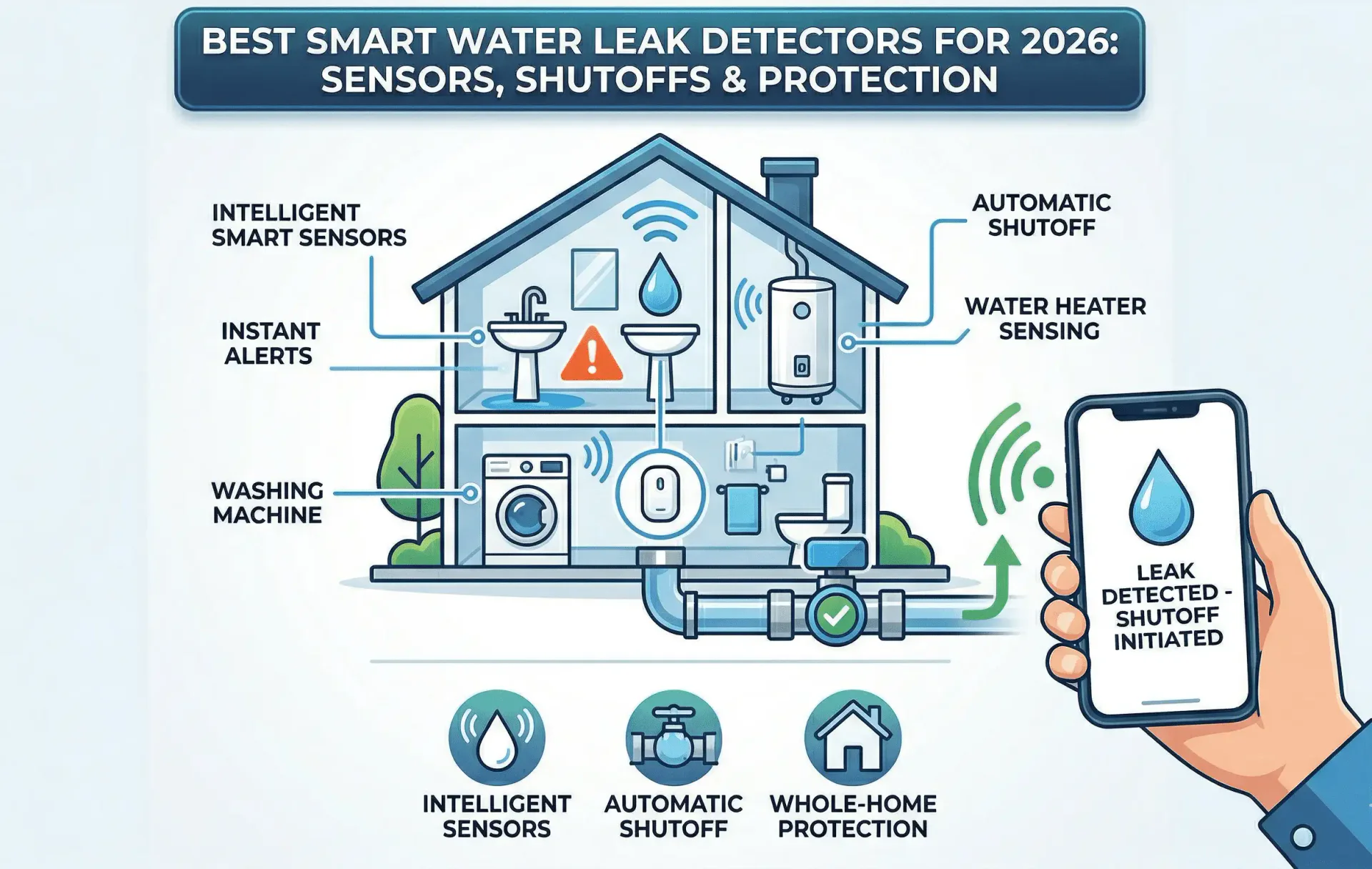
A point sensor, a sensing cable and a water shutoff system answer different questions. Start with the places you want to monitor and who will respond, then compare the exact equipment.
Decide whether you need a local alert, an app notification or valve operation. Check the exact devices and any supported pairing before relying on an automatic response.
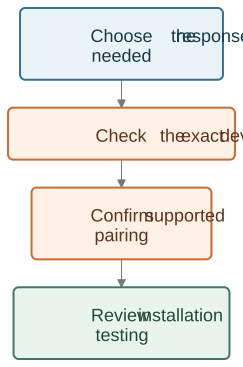
An alert does not close a pipe. A valve does not establish that a leak has been repaired. Even a supported automatic setup cannot guarantee that a flood or damage will be prevented.
Compare Detection and Valve Roles
| Product role | Useful question |
|---|---|
| Point detection | Where could water first reach a sensor? |
| Cable detection | Which accessible area needs sensing along a cable? |
| Valve control | Which water connection or existing valve is compatible? |
| Combined kit | Which components and supported response are included? |
| Remote awareness | Who receives the alert and can arrange a check? |
AquaNet-LD is the cable-based detector, while AquaNet-M provides water detection and app alerts. Cable sensing does not imply the absence of app connectivity.
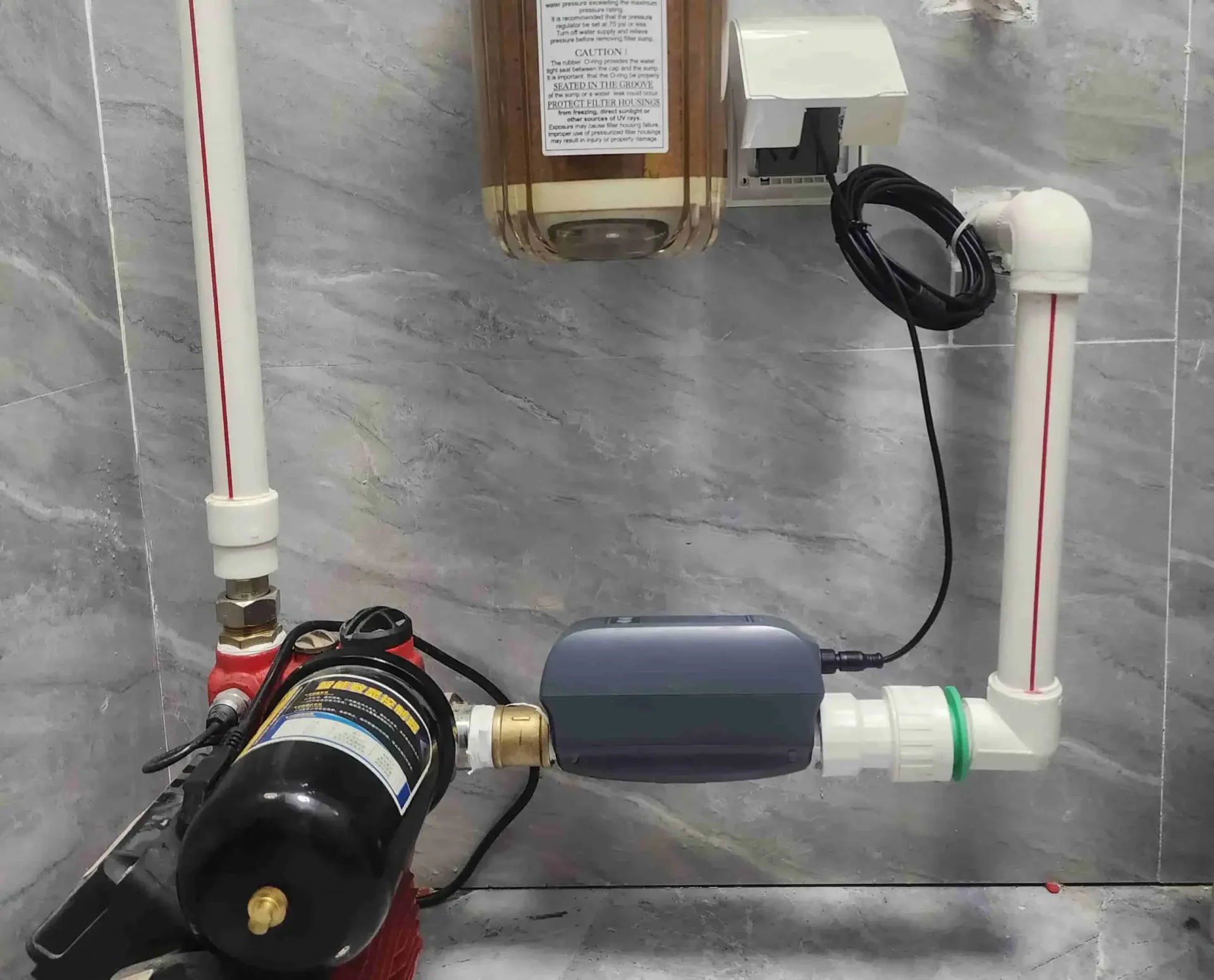
AquaNet-VM provides valve control. For a combined option, review AquaNet-BD and its included components. Check pairing, power and installation requirements for the exact products rather than assuming they all work together automatically.
Map the Locations Once
| Location | Reason for Risk |
|---|---|
| Kitchen | Sink or dishwasher overflows |
| Bathroom | Leaking pipes, toilet failures |
| Laundry Room | Hose bursts, overflowing machines |
| Basement | Sump pump failure, heater leaks |
| HVAC Closet | Clogged condensation drain pans |
Use the room list to discuss coverage, not to claim every leak in that room will be detected. Water must reach the relevant sensing area. Consider accessibility for testing, cleaning and replacement.
For more context, read what a smart water valve does or when a shutoff setup makes sense.
Plan Installation for the Product
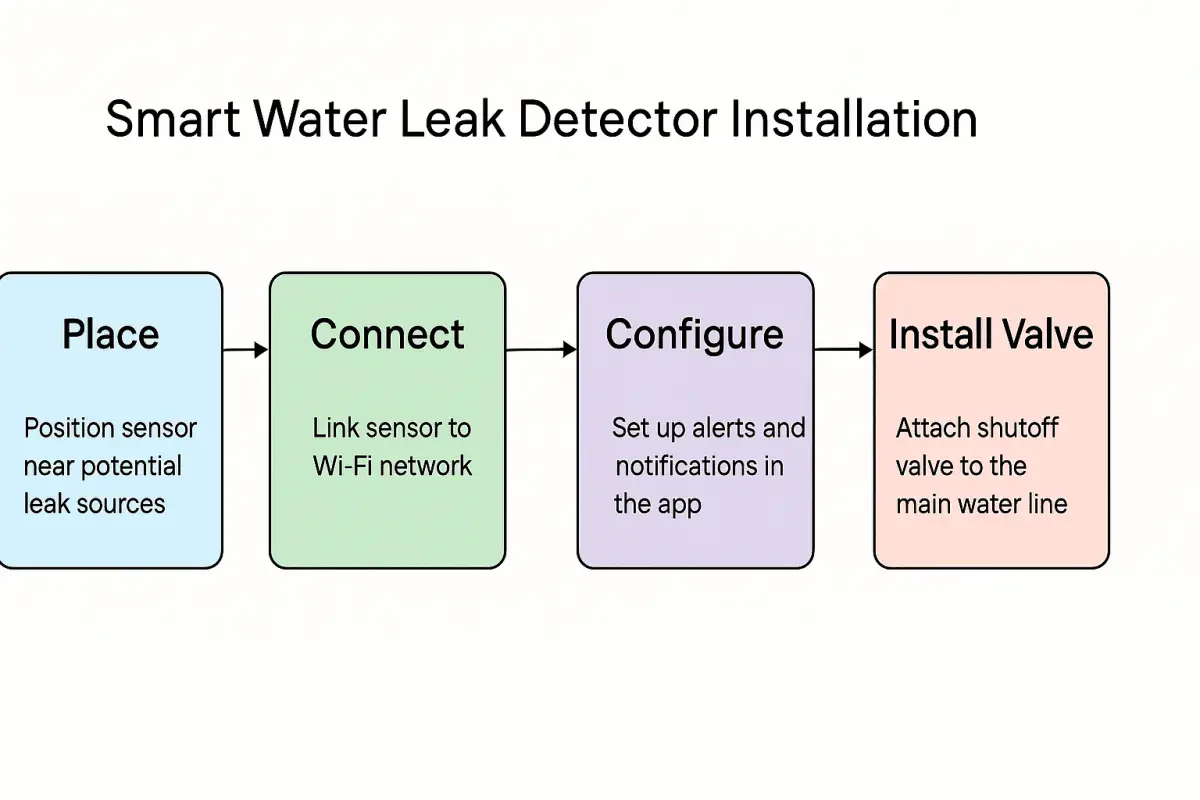
A freestanding detector, sensing cable, valve actuator and inline valve have different installation requirements. Do not apply one cutting, sealing, mounting or pairing procedure to all of them.
Have plumbing or fixed installation work reviewed by a qualified installer. Follow the exact product’s setup and test instructions; do not deliberately cause a leak or assume a wet-towel test is appropriate for every device. Support can help locate the relevant information.
Compare Features With Evidence
Check the exact model for local alerts, app notifications, power requirements and supported commands. For an integration, confirm the named platform, connection method and the action it can actually perform. Shared branding does not establish automatic interaction with a thermostat or energy monitor.
Compare current prices and installation costs. Do not assume a fixed product lifespan, battery-backup capability, insurance discount or damage-prevention result. Ask the insurer directly about any applicable policy terms.
Common Questions
Should I choose a sensor or a valve?
A sensor is useful for detection at its monitored location. A valve provides a separate water-control action. Decide whether you need one or both, then verify the specific combination.
Can automatic shutoff guarantee there will be no damage?
No. Detection coverage, installation, timing and the actual fault matter. An alert or completed valve action still needs an appropriate response and investigation.
What happens without Wi-Fi or power?
Check the exact product manual. Local alarming, remote notifications and valve operation may have different requirements; do not assume a universal fallback behavior.
How many sensors do I need?
Map the locations and sensing coverage first. Use the product’s documented limits rather than a fixed sensor count for every home.
Review Your Options
Explore AquaNet Devices for product details or explore the water-protection approach to plan detection, response and installation together.