
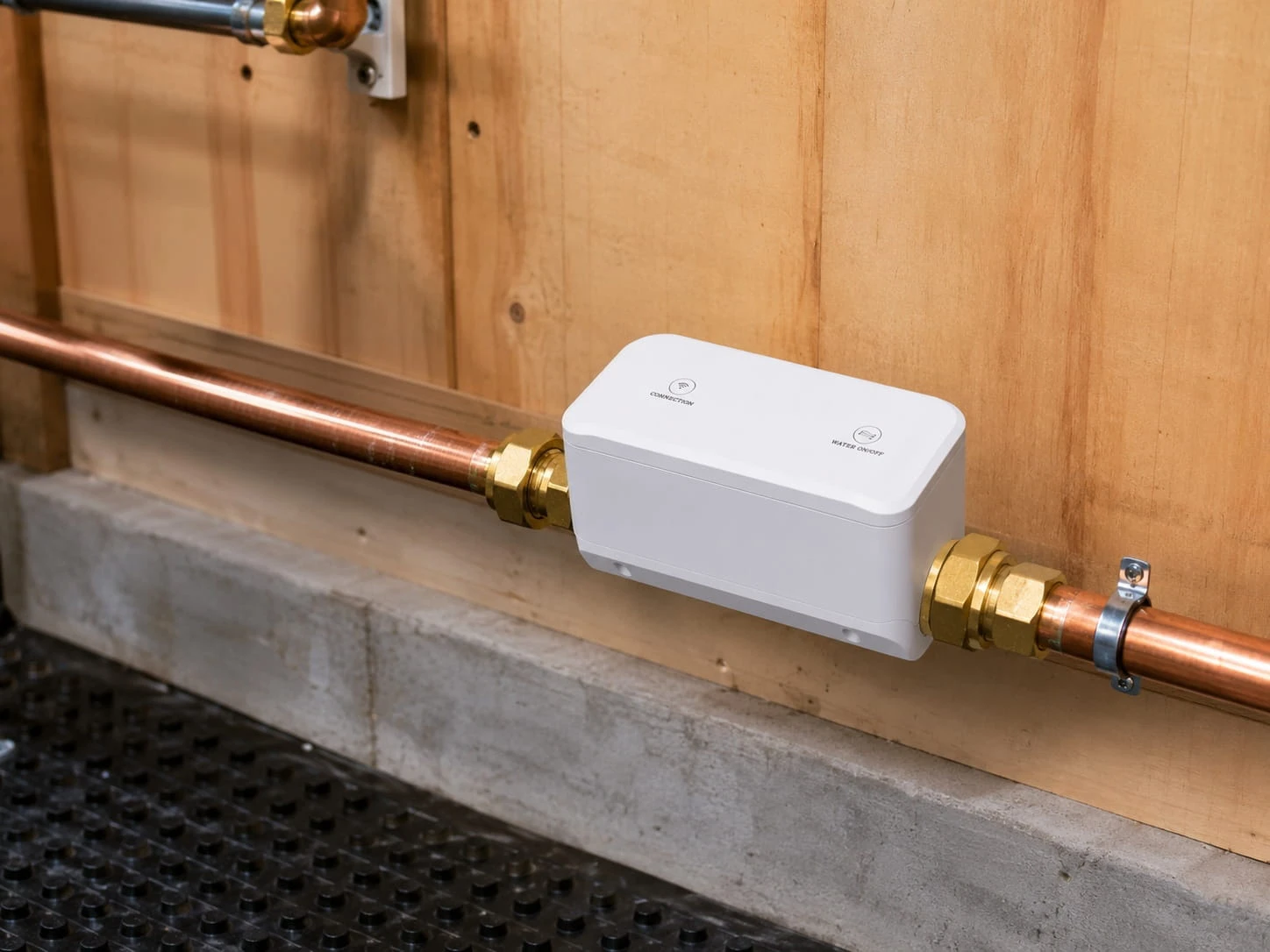
AquaNet-VM | Water Component

Smart Valve Actuator

Review valve fit, mounting clearance, sensor pairing, and installation conditions before choosing a water shutoff path.
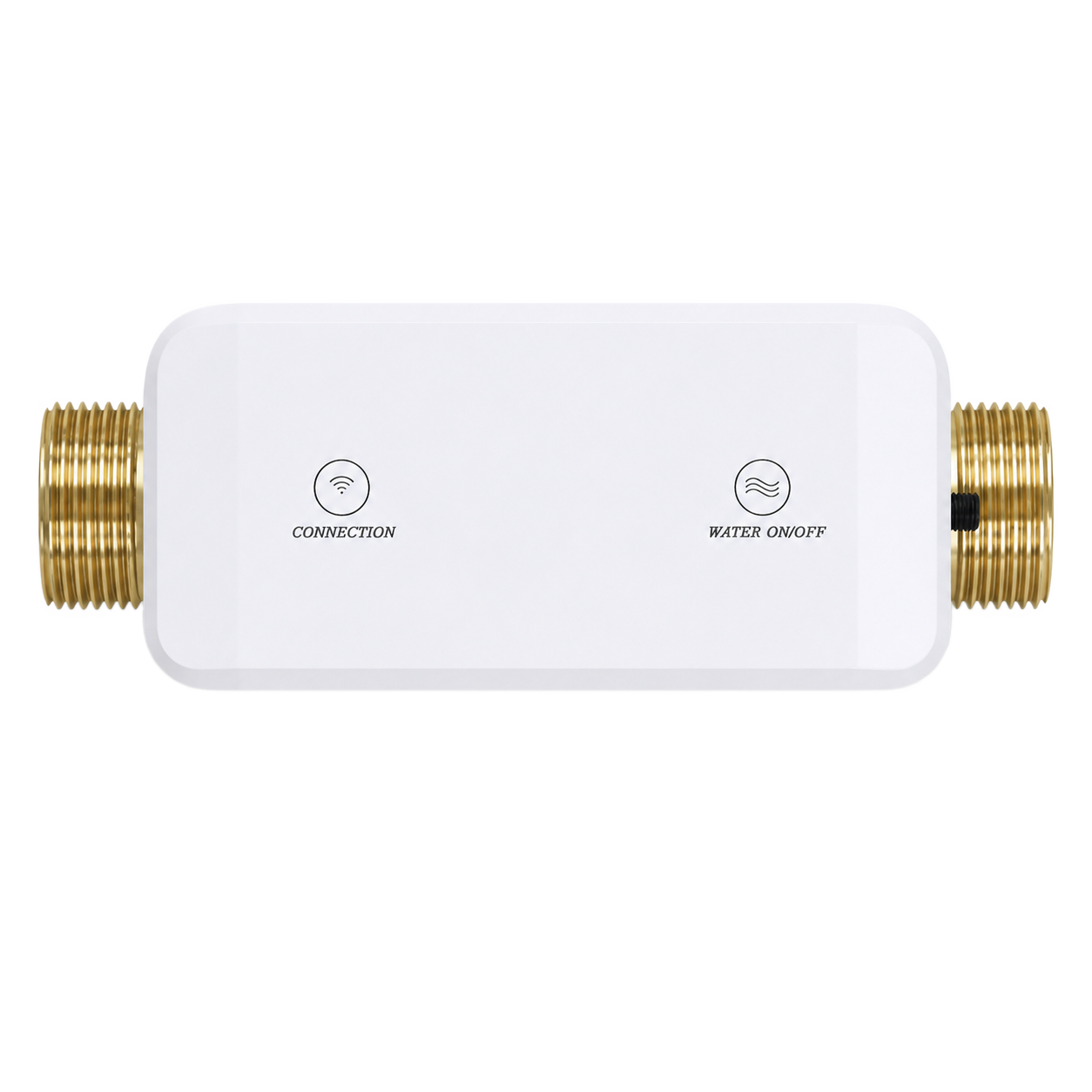
Before you order Available to order after a fit check.

Choose an available option only after confirming the system and installation conditions.

  • Valve fit
  • Sensor pairing
  • Fit guidance
Path Direct purchase
Valve fit Plan
Kit role Component
Next step Choose variant
Buying decision

Pick the actuator path in three checks.

Match the product to the job, installation conditions, and available buying option.

  1. 01

    Confirm the valve

    Review valve type, handle orientation, pipe direction, and clearance.

  2. 02

    Plan sensor linkage

    Pair actuator planning with leak sensors, gateway connection, and app alert handling.

  3. 03

    Resolve open questions

    Use support when mounting, plumbing access, or response ownership is unclear.
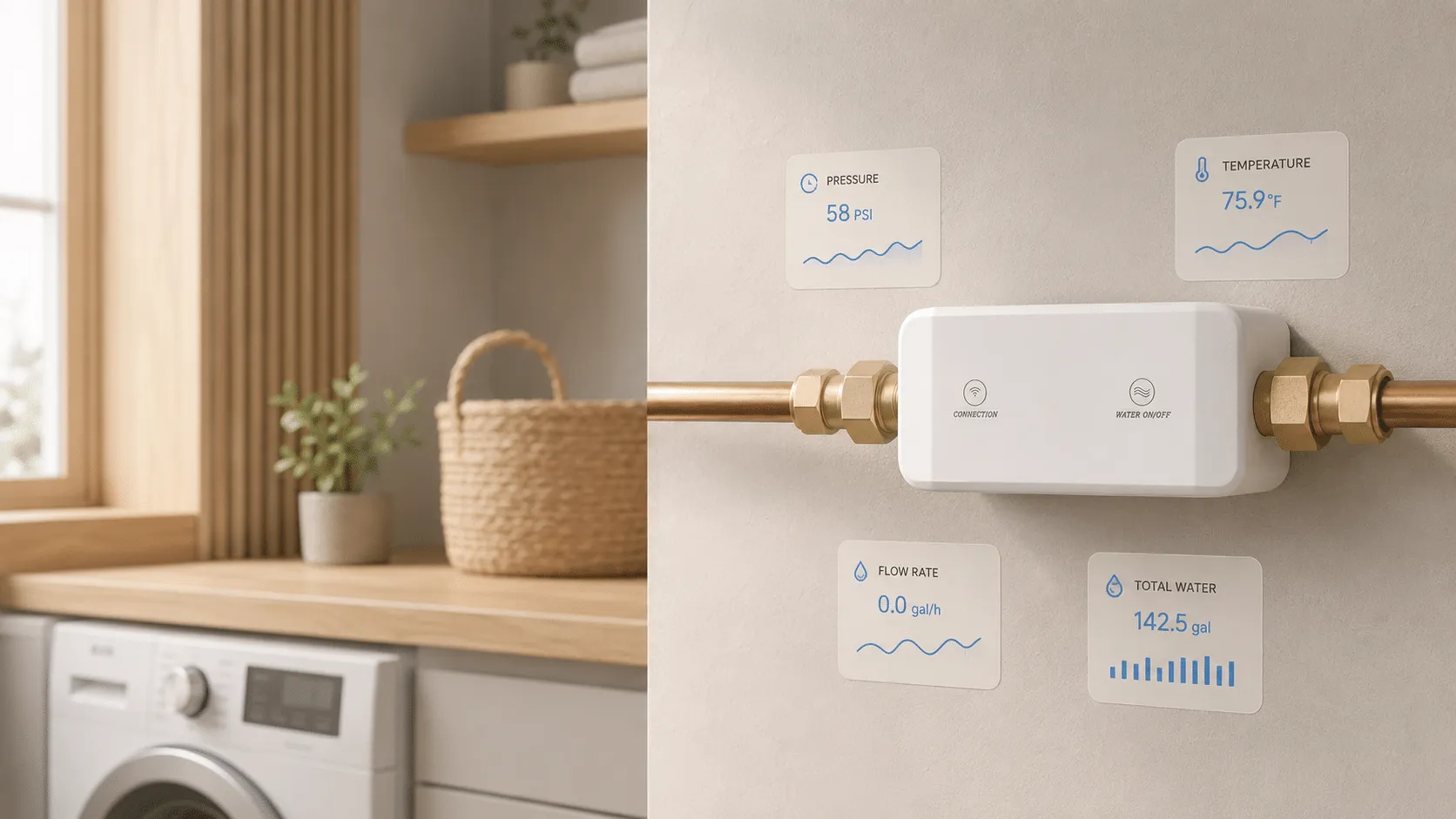
AquaNet-VM smart valve actuator product scene
Built for reviewed water setups

The purchase question starts with the valve.

A valve actuator is not universal hardware. Fit depends on valve type, clearance, mounting space, gateway setup, and sensor plan.

Valve compatibility
Valve style, handle movement, clearance, and mounting conditions need review.
Sensor pairing
Leak sensors and alert handling should be planned with the actuator.
Support path
Use product support when fit is unclear.
Boundary
Not a substitute for valve replacement, plumbing review, or emergency response.
Hardware and use

See the product from three useful angles.

Hardware views identify the device, setup images clarify installation context, and app scenes show the supported experience.

AquaNet-VM smart valve actuator home use context
Real-use context

Valve control starts with real pipe context.

Review pipe context, valve fit, app control, and sensor linkage before choosing the actuator.
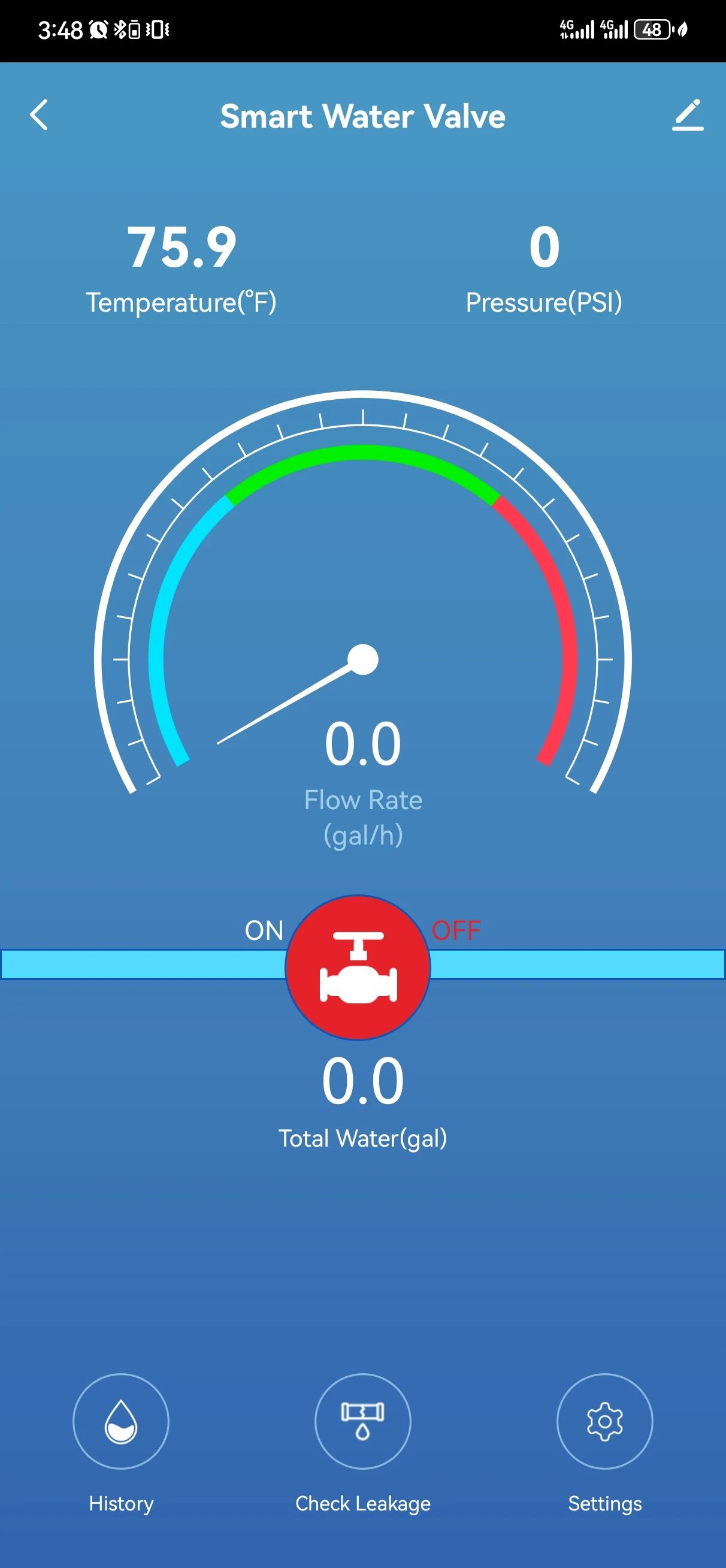
AquaNet-VM smart valve actuator app screen
App insight

Use app control after valve fit is clear.

Valve app screens explain supported open, close, and status review after compatibility and setup are clear.
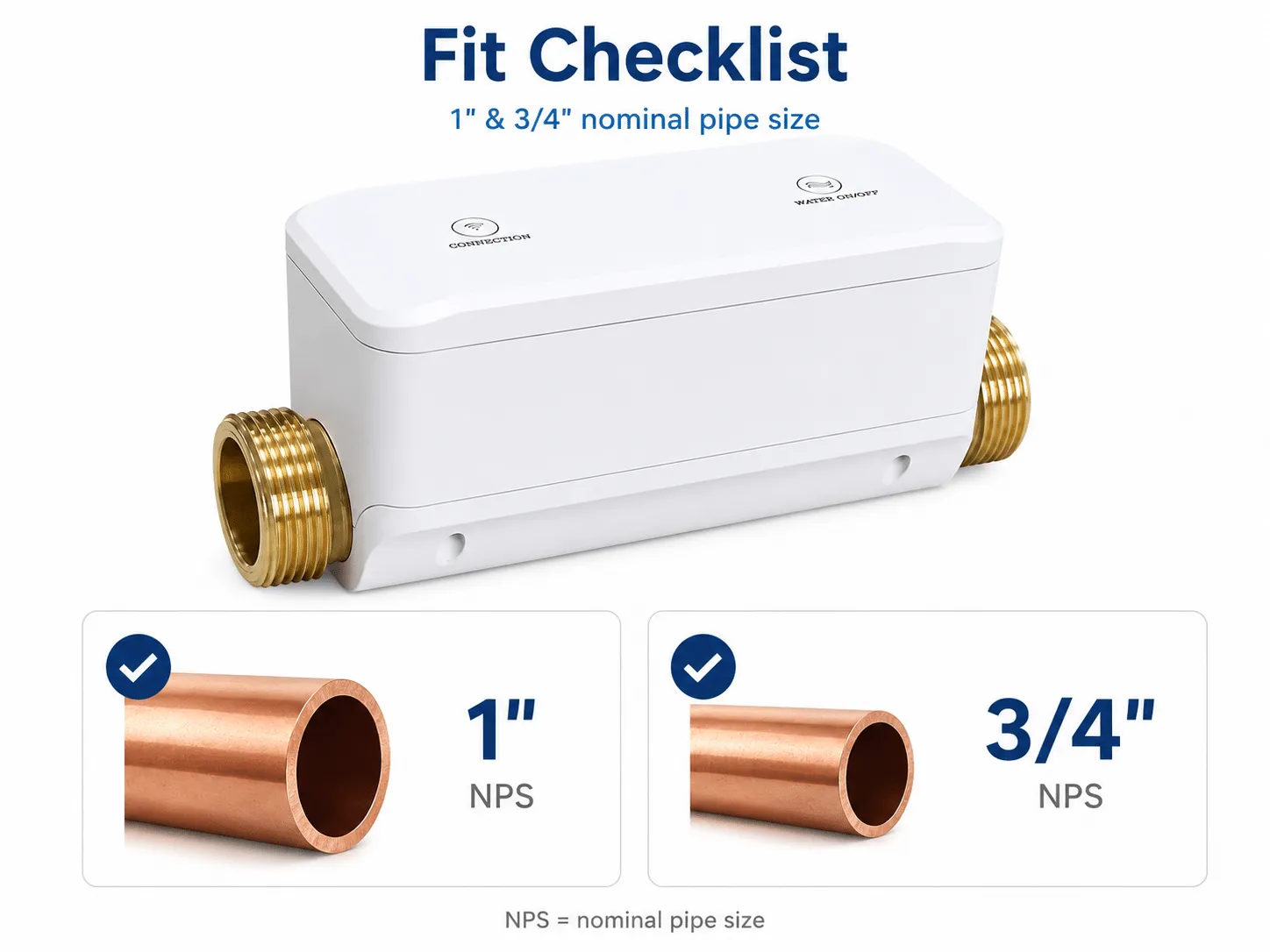
AquaNet-VM smart valve actuator compatibility detail
Compatibility review

Check valve fit before planning shutoff control.

Use compatibility review when valve type, handle movement, clearance, indoor environment, gateway location, or response owner is uncertain.

  • Compatible lever-style shutoff valve path.
  • Clearance for actuator mounting and handle movement.
  • Dry indoor placement with practical access after installation.
  • Gateway, app, and notification path for the intended setup.
Component scope
Primary use
Smart valve actuator for compatible water shutoff projects
Best next step
Confirm fit, then choose an available option
Kit relationship
Works as part of the Water Protection Starter Kit
Not a substitute for
Valve replacement, local plumbing review, or emergency response
Review points
Valve compatibility
Valve style, handle movement, clearance, and mounting conditions need review
Sensor pairing
Leak sensors and alert handling should be planned with the actuator
Support path
Contact product support when fit is unclear
Guides and answers

Find the detail you need before ordering.

Use the compatibility guide for known checks, or contact support when the product or installation conditions remain unclear.

Will the Smart Valve Actuator fit every shutoff valve?

No. Fit depends on the valve type, handle shape, clearance, mounting position, and installation conditions. Review compatibility before planning an order.

Does the actuator work by itself?

The actuator is most useful as part of a reviewed setup with leak sensors, gateway connection, app alerts, and a response plan.

Are installation instructions included here?

No. Use the product manual for installation requirements. Local conditions, access, mounting, and plumbing considerations may require qualified help.
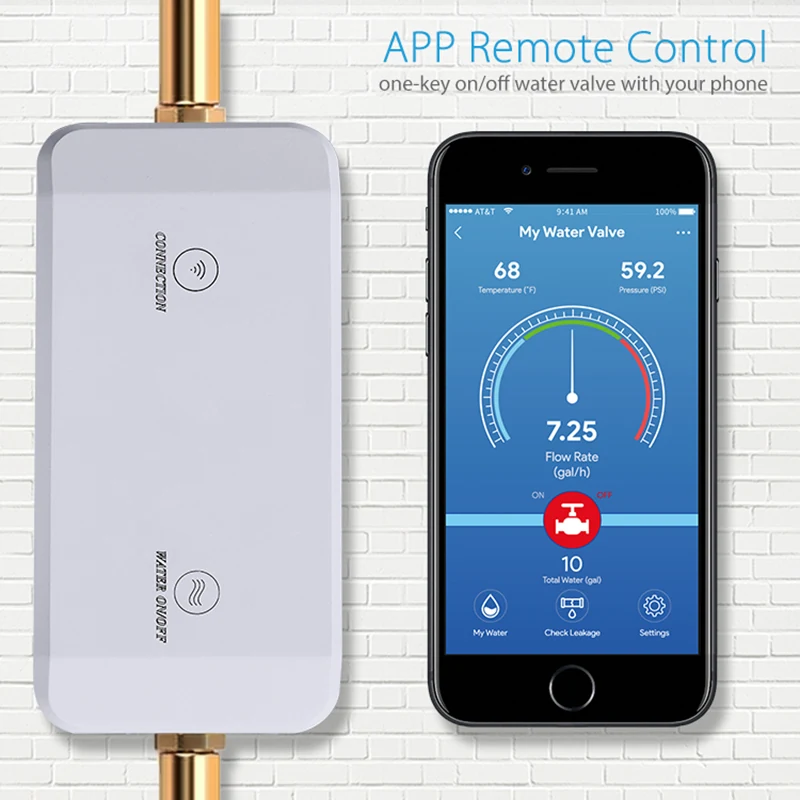
AquaNet-VM smart valve actuator feature visual
Next step

Move forward only after the fit is clear.

Confirm the physical fit and selected option before adding this component to cart. Use support when installation conditions remain unclear.