
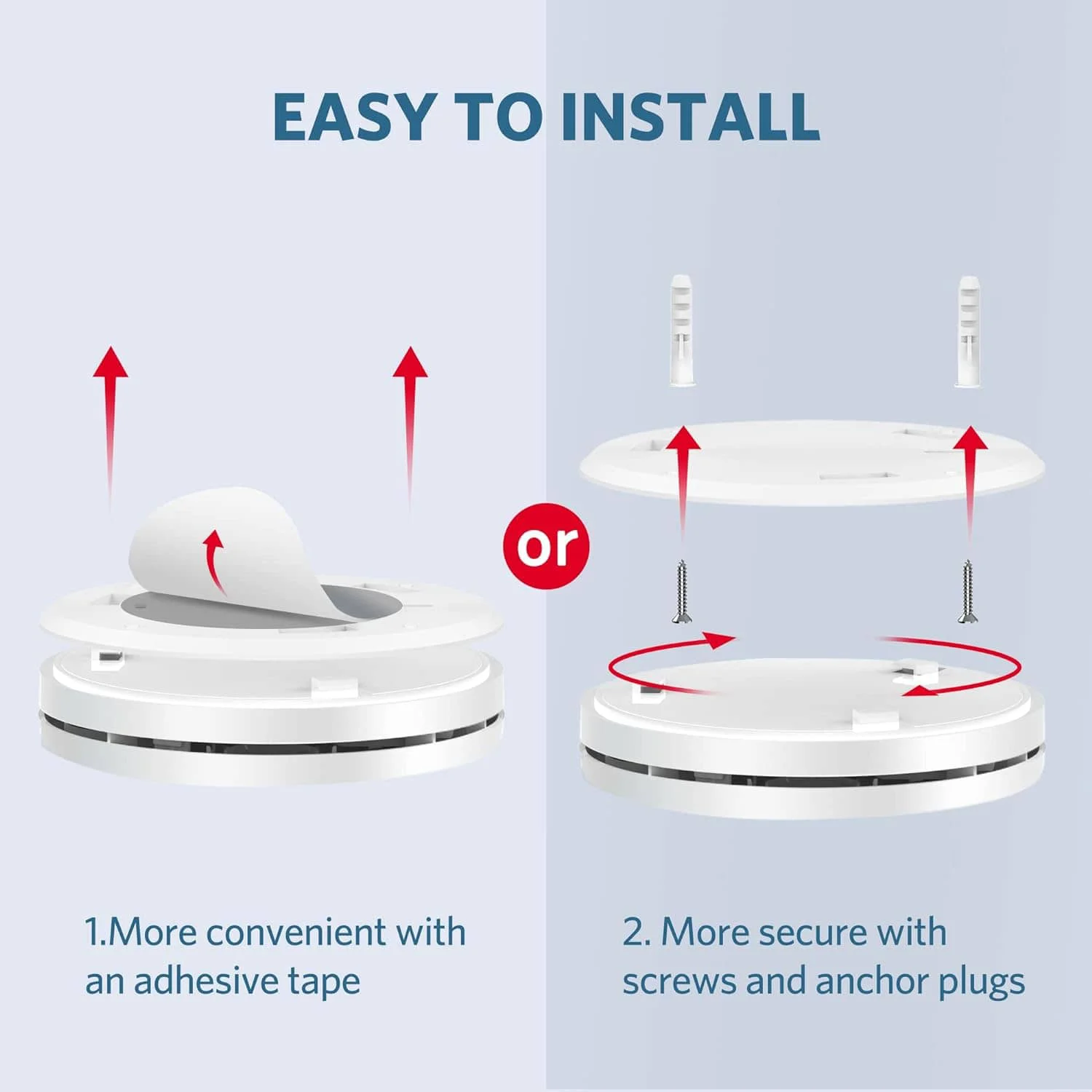
Step 01
Review placement
Check room placement, mounting surface, battery access, and local safety requirements.
Smoke and carbon monoxide detection for a location selected according to product instructions and local safety requirements.
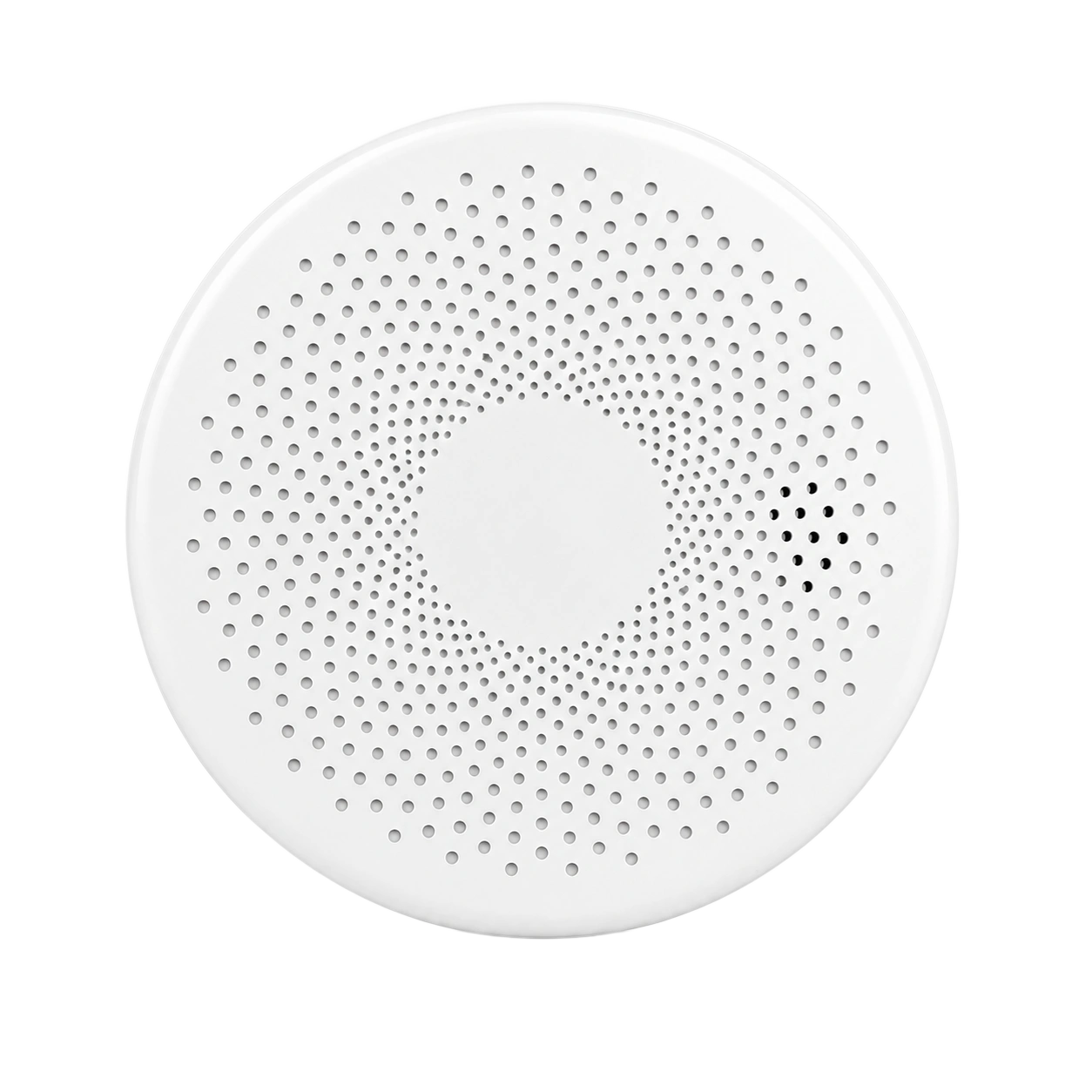
Review the system and installation requirements before ordering. Guides and support can help you prepare; they do not approve an installation.
GasNet-CM detects smoke and carbon monoxide. Those hazards are different from a combustible-gas leak. Select alarms for the hazards and placement required in your home, and follow local emergency guidance when an alarm sounds.
room placement, mounting surface, battery access, and local safety requirements
Safety detectors support alerts but do not replace local safety codes, emergency response, or professional advice.
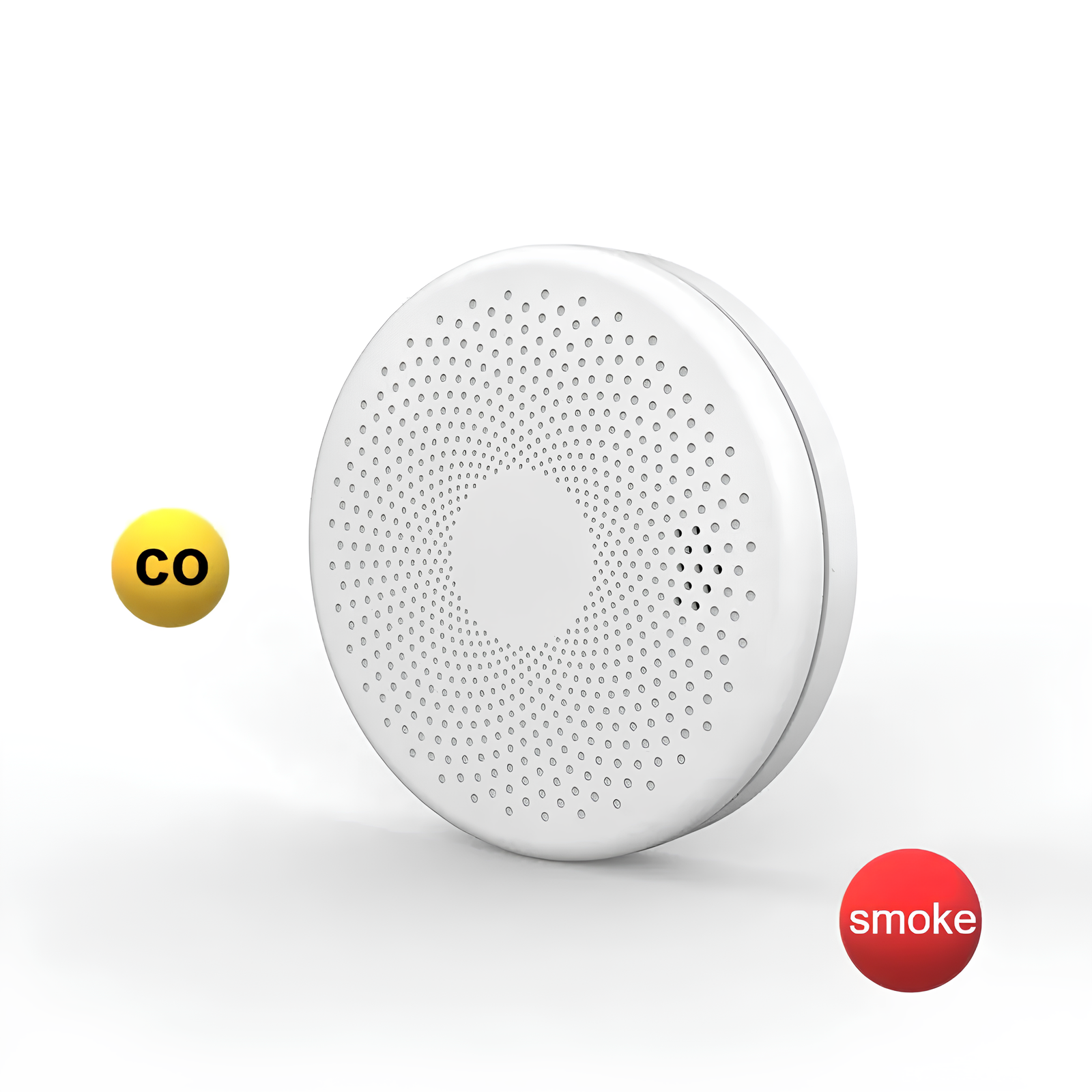
Available readings and controls: local alarm and device status.
Hardware views identify the device, setup images clarify installation context, and app scenes show the supported experience.
Check room placement, mounting surface, battery access, and local safety requirements.
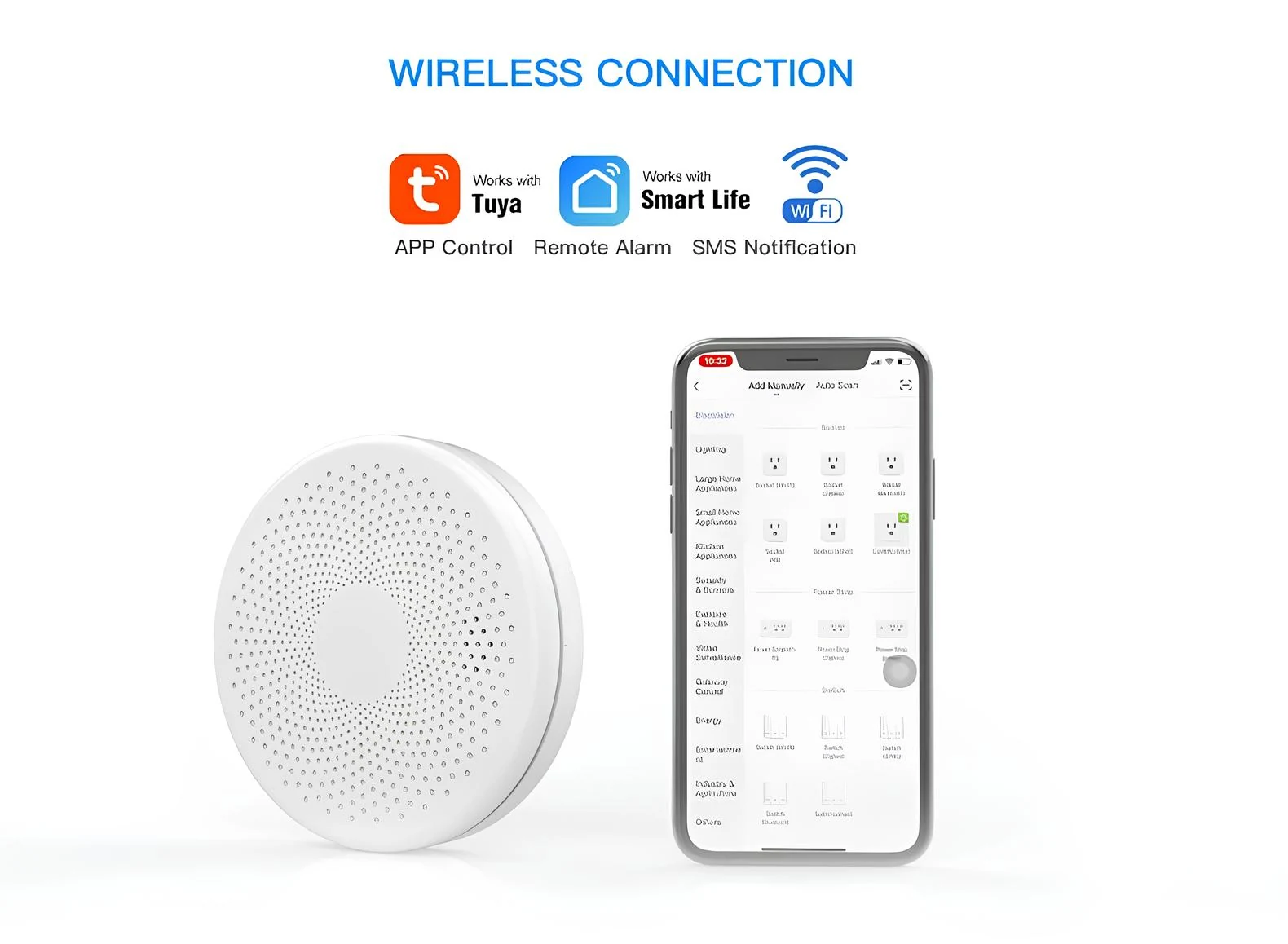
The available app and status views support local alarm and device status.
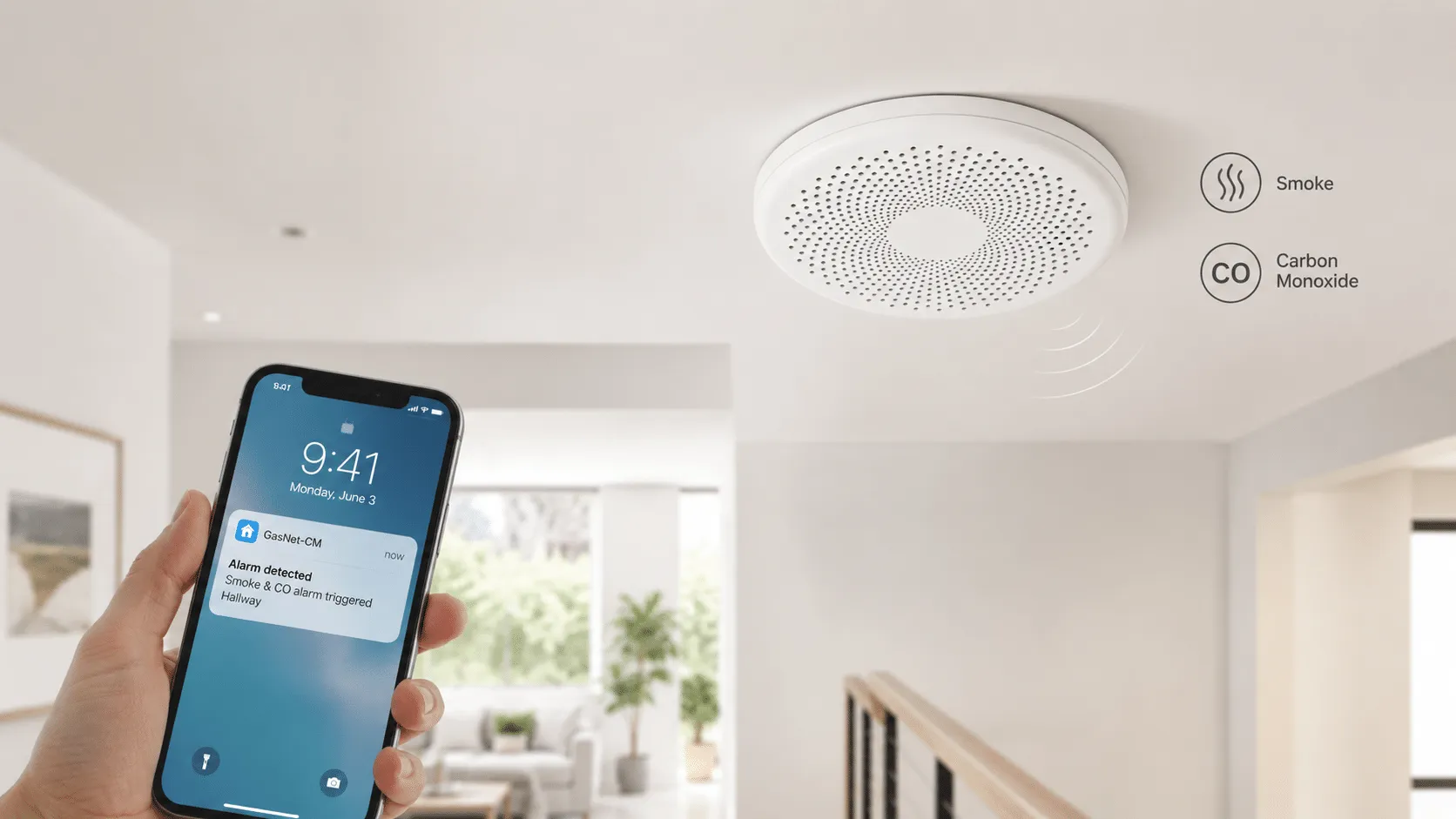
Use the scene to understand placement and everyday interaction, not as proof of compatibility.
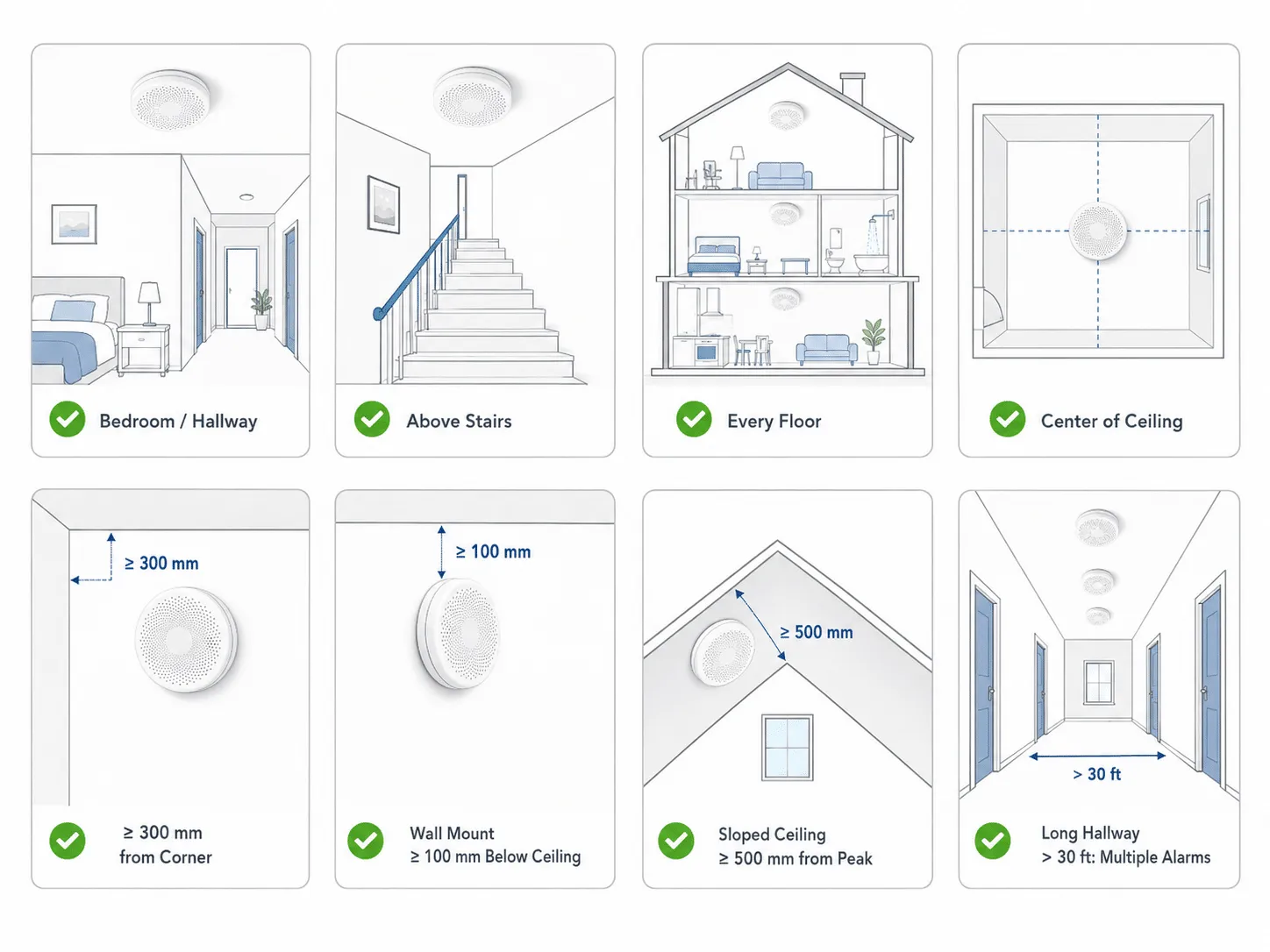
Installation: placement according to product and local safety guidance.
Include the equipment model and these site details: room placement, mounting surface, battery access, and local safety requirements. Use existing records and safely accessible labels; do not open electrical equipment to prepare a request.
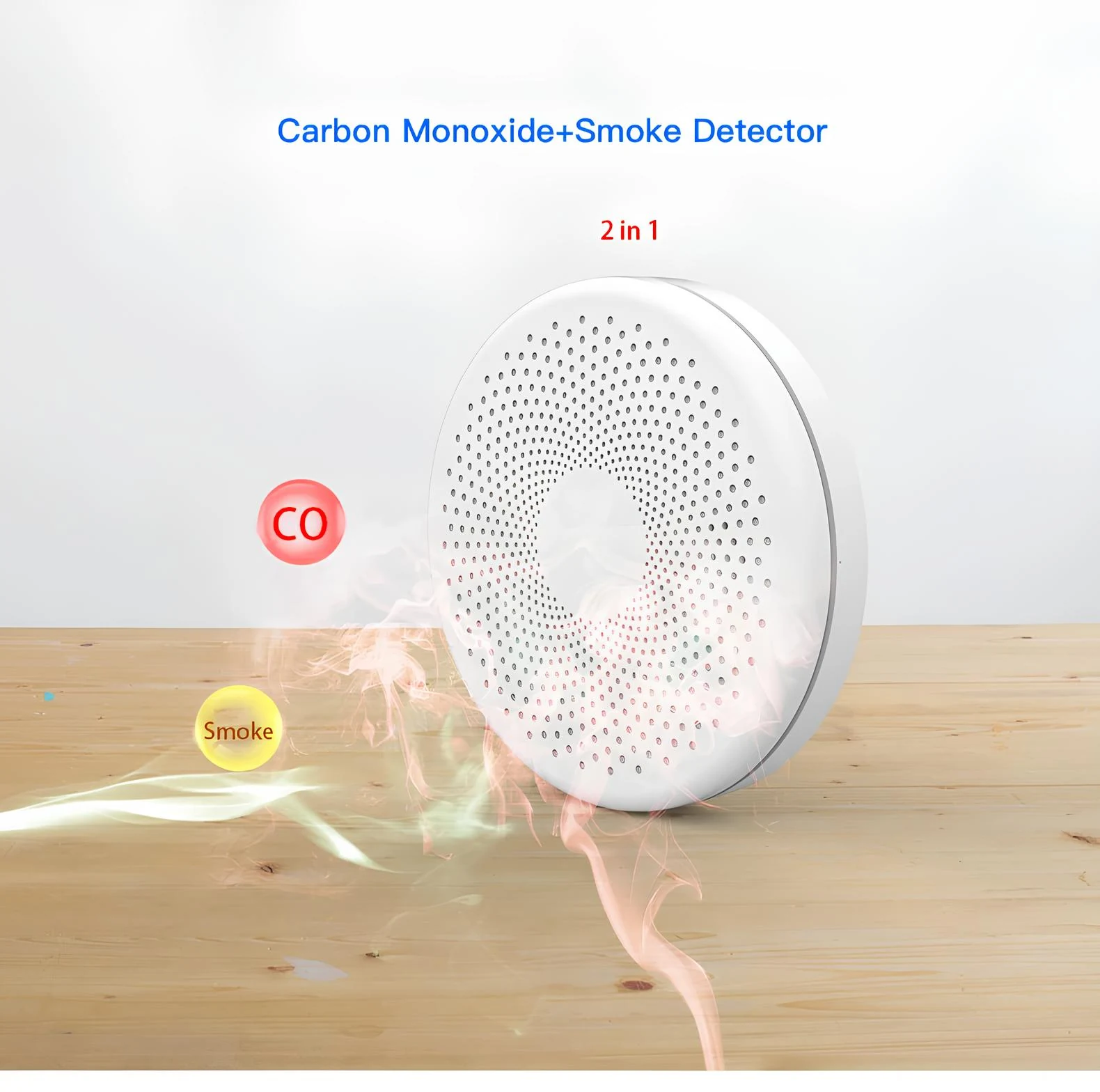
For smoke and carbon monoxide detection. View the available options above or send the installation details to product support.