CamNet-DR | Home Cameras

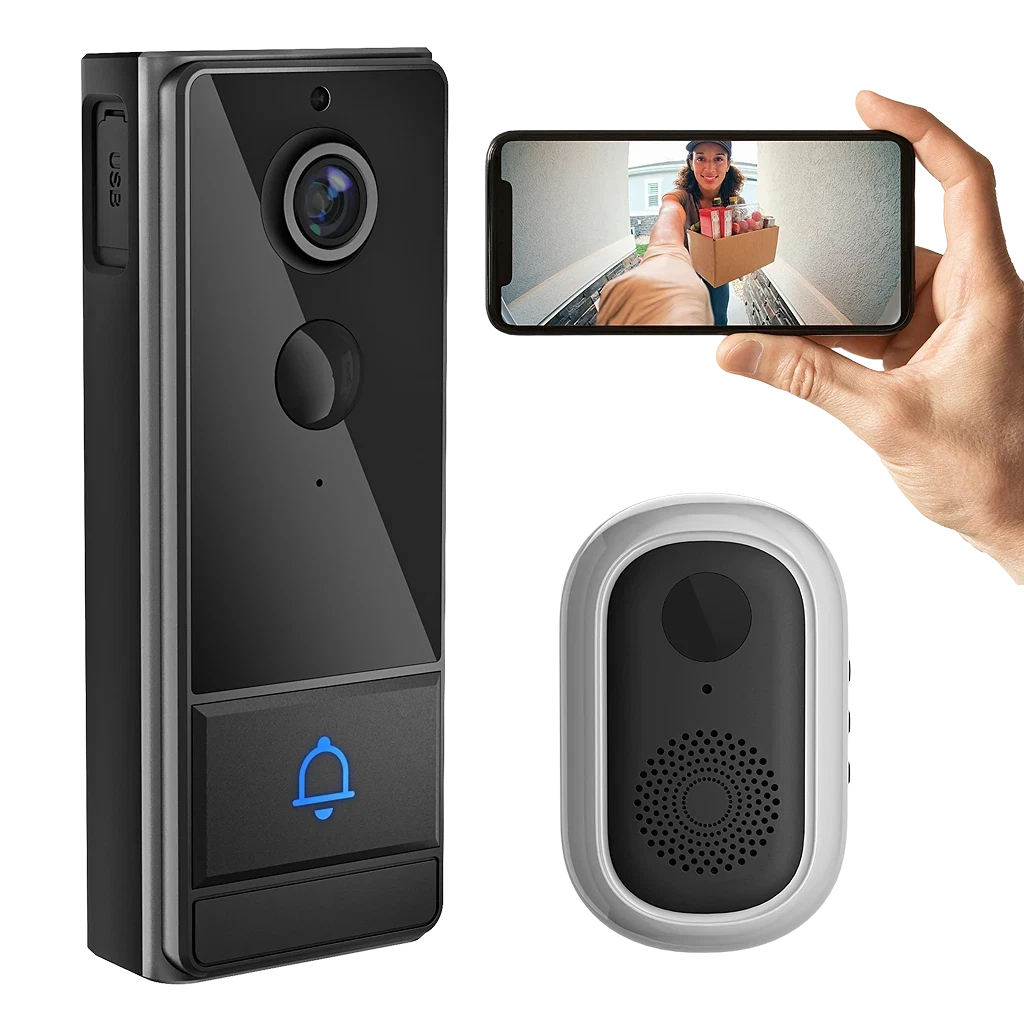
CamNet-DR Smart Wireless Video Doorbell

Front-door video with motion alerts, two-way audio, notifications, and app access for a suitable mounting and network location.
Before you order Available to order after a fit check.

Choose an available option only after confirming the system and installation conditions.

  • front-door video
  • mounting surface
  • App experience
Video 1080p
Audio Two-way
Alerts Motion
Use Entry
Buying decision

Decide whether this video doorbell matches the job.

Match the product to the job, installation conditions, and available buying option.

  1. 01

    Match the job

    Start with front-door video monitoring, visitor alerts, and two-way communication and the problem this product is designed to address.

  2. 02

    Verify the installation context

    Confirm mounting surface, viewing angle, power plan, WiFi coverage, app permissions, storage, and privacy settings before ordering or installing the product.

  3. 03

    Choose the next action

    Order when the required facts are clear. Otherwise, use the relevant guide or contact support with the missing product and installation details.

CamNet-DR video doorbell feature visual
Product role

Understand what CamNet-DR does in the system.

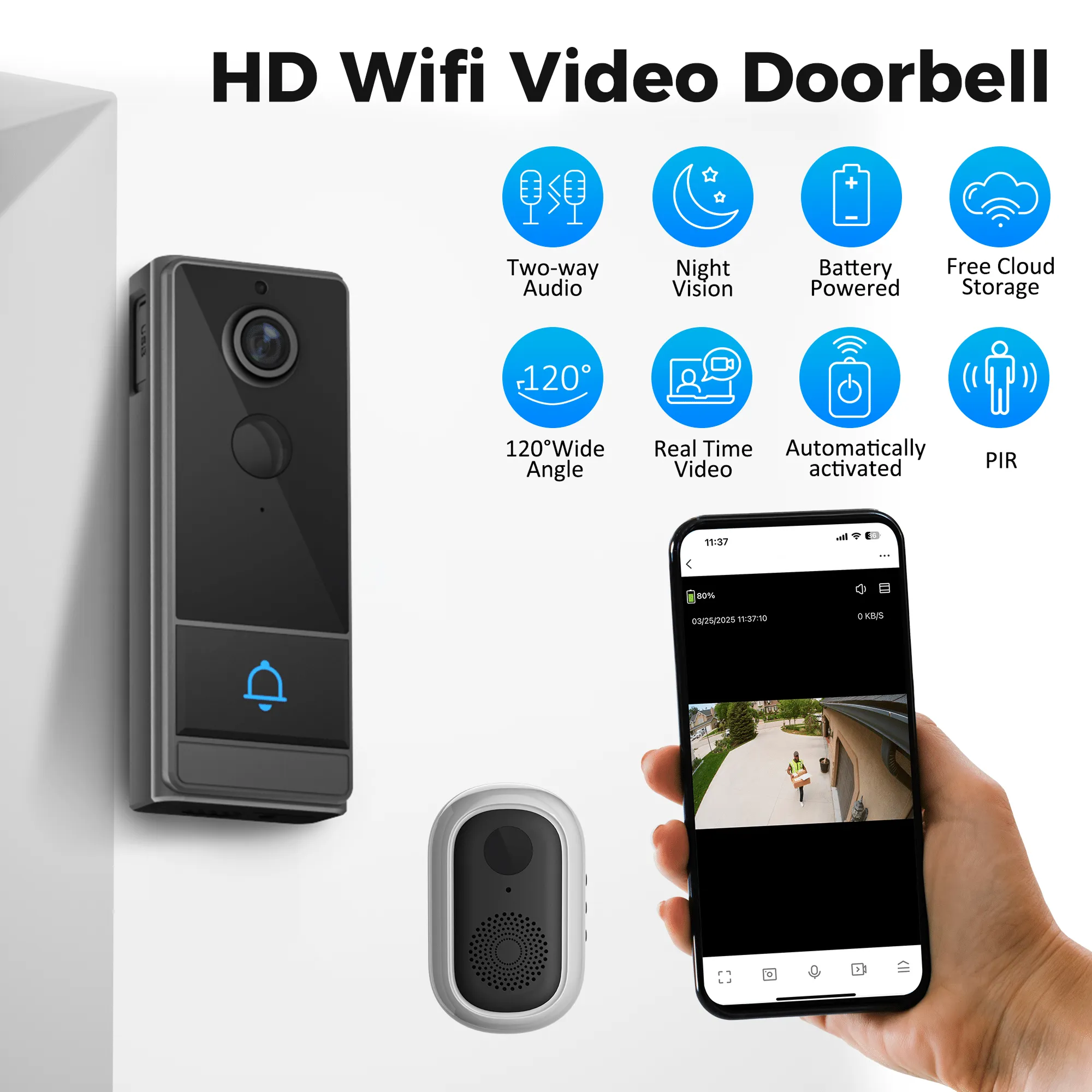
CamNet-DR is designed for front-door video monitoring, visitor alerts, and two-way communication. Its connected experience covers live view, motion notifications, visitor communication, and device status.

Primary function
front-door video monitoring, visitor alerts, and two-way communication
App or status
live view, motion notifications, visitor communication, and device status
Installation context
doorway mounting, power, network, account, and notification setup
Important limit
Doorbell monitoring depends on mounting, power, network availability, app configuration, storage settings, and responsible use under applicable privacy rules.
Hardware and use

See the product from three useful angles.

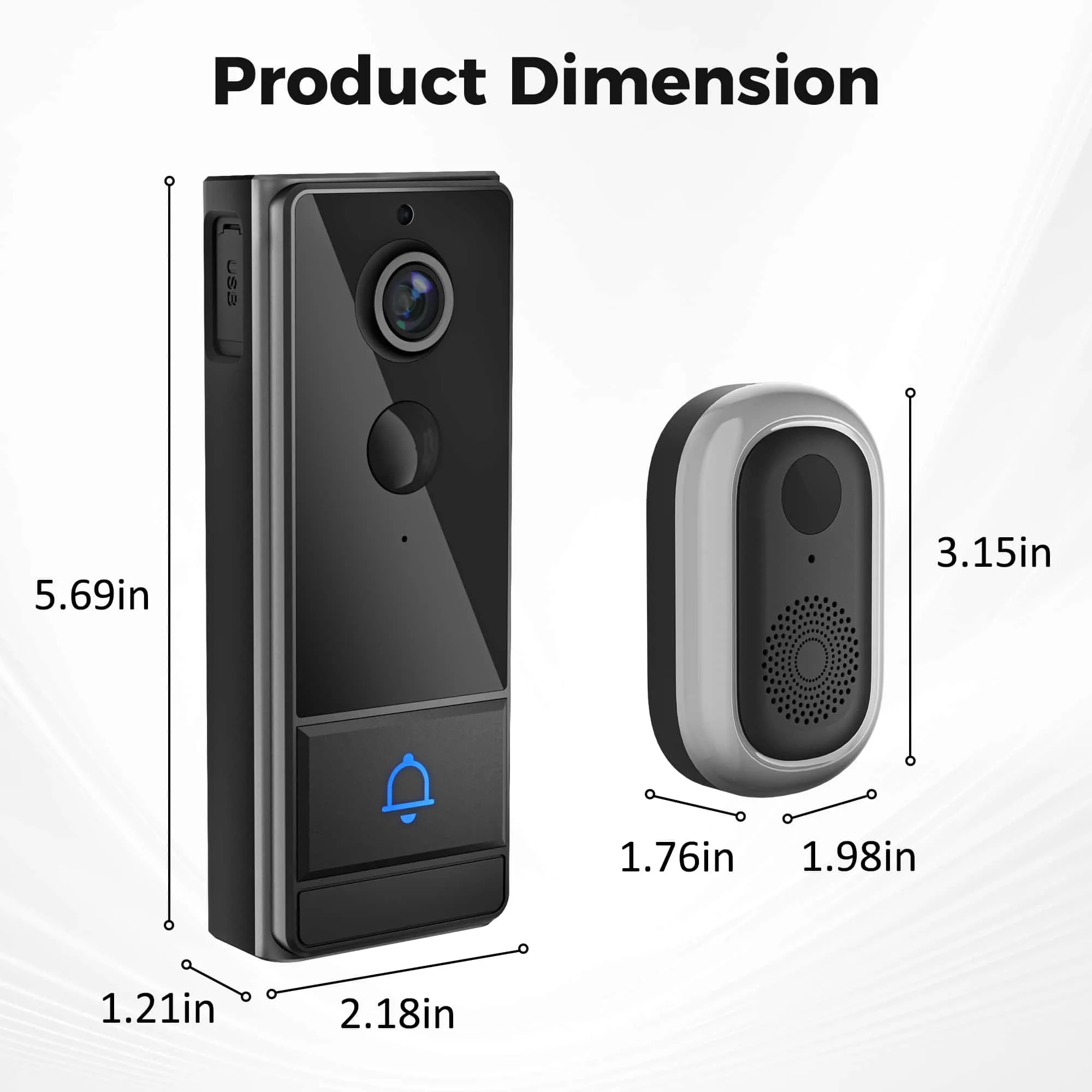
Hardware views identify the device, setup images clarify installation context, and app scenes show the supported experience.

CamNet-DR video doorbell compatibility detail
Step 01

Review placement

Check mounting surface, viewing angle, power plan, WiFi coverage, app permissions, storage, and privacy settings.
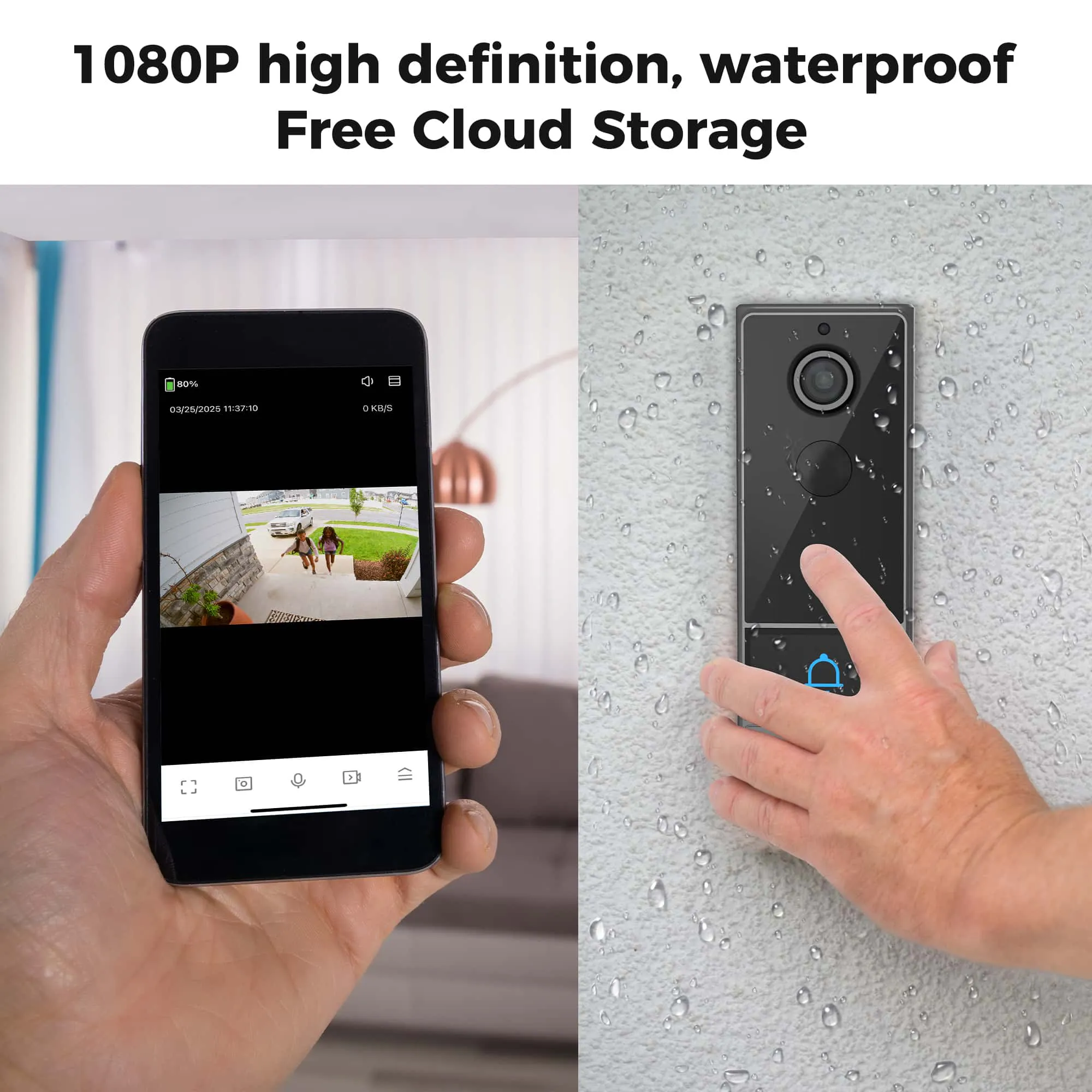
CamNet-DR video doorbell feature visual
App insight

See how CamNet-DR appears in the connected experience.

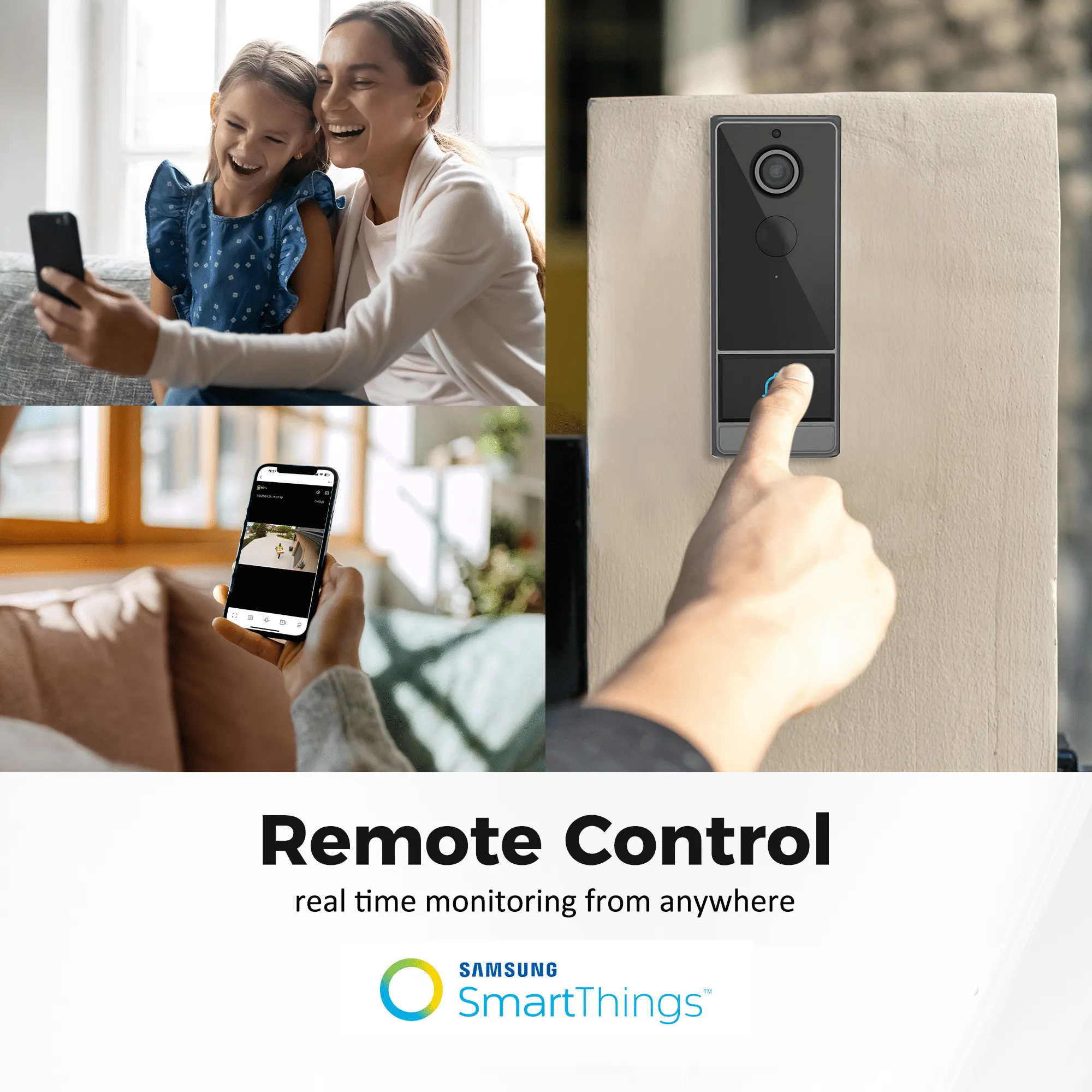
The available app and status views support live view, motion notifications, visitor communication, and device status.
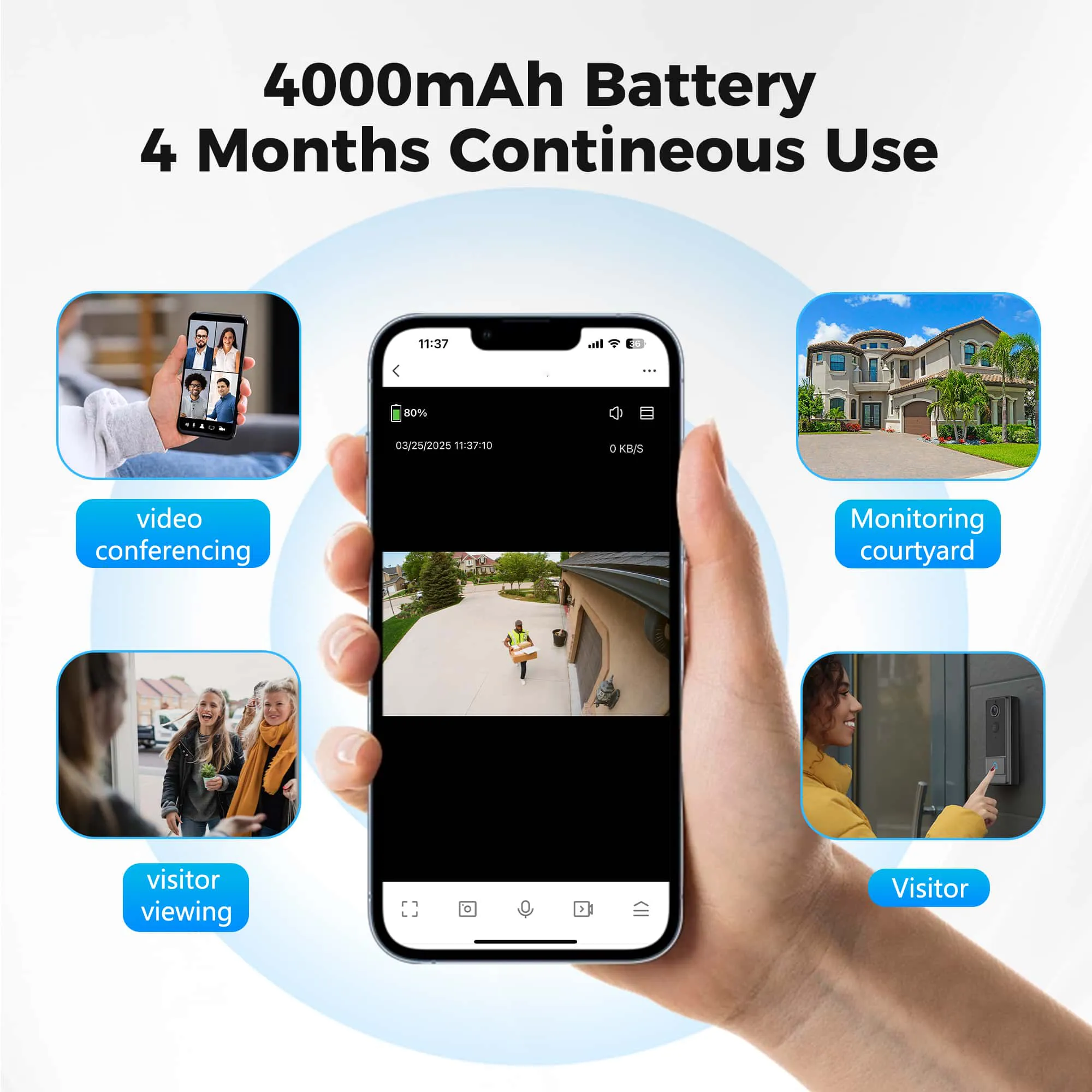
CamNet-DR video doorbell feature visual
Real-use context

See CamNet-DR in its intended context.

Use the scene to understand placement and everyday interaction, not as proof of compatibility.
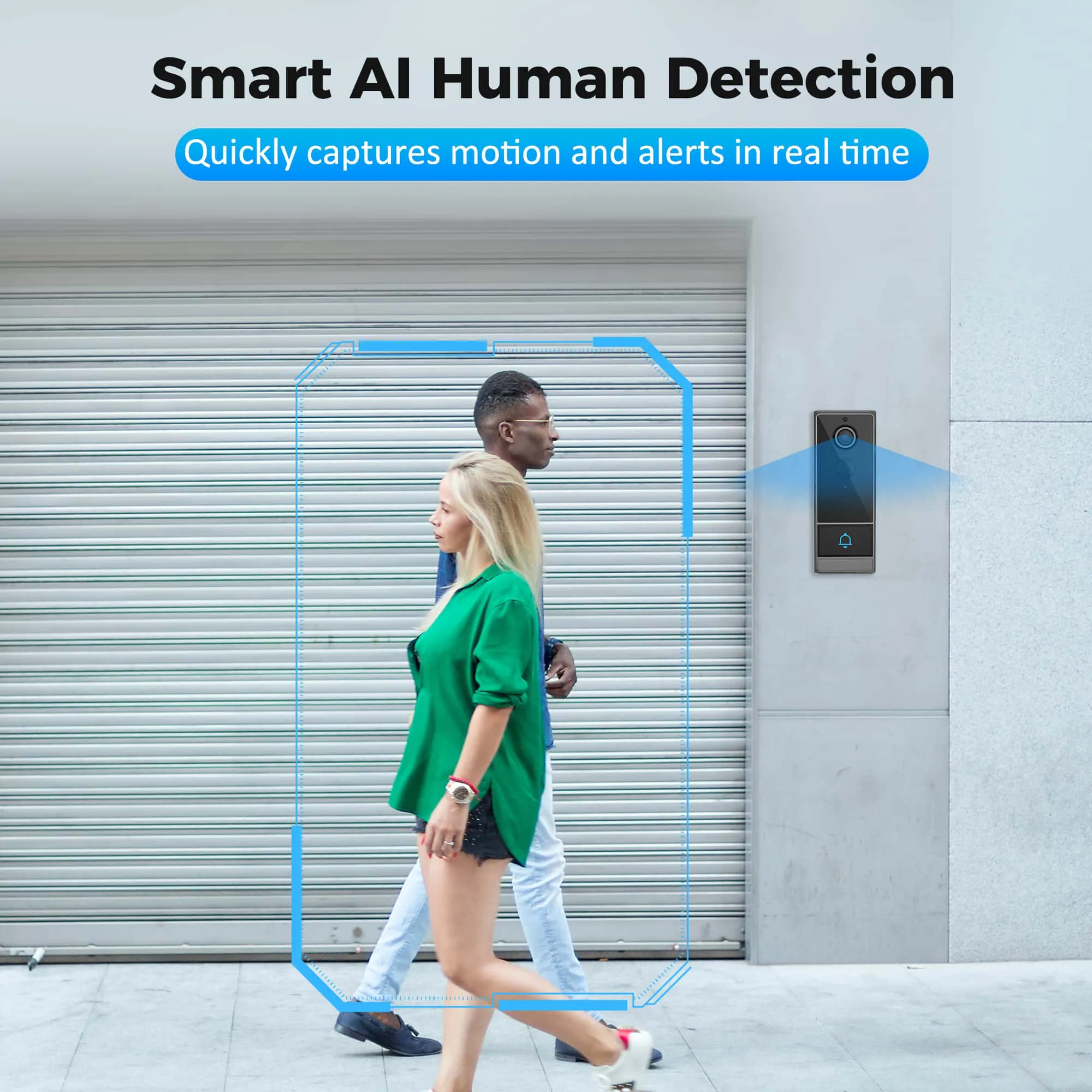
CamNet-DR video doorbell feature visual
Before you choose

Check the conditions that determine CamNet-DR fit.

Confirm these product and installation details before choosing an option.

  • Confirm mounting surface, viewing angle, power plan, WiFi coverage, app permissions, storage, and privacy settings.
  • Review doorway mounting, power, network, account, and notification setup.
  • Use product documentation and support when the setup is unclear.
  • Do not treat product images as installation instructions or universal compatibility proof.
Product scope
Model
CamNet-DR
Primary use
front-door video monitoring, visitor alerts, and two-way communication
App experience
live view, motion notifications, visitor communication, and device status
Fit to confirm
mounting surface, viewing angle, power plan, WiFi coverage, app permissions, storage, and privacy settings
Before choosing
Installation
doorway mounting, power, network, account, and notification setup
Support boundary
Doorbell monitoring depends on mounting, power, network availability, app configuration, storage settings, and responsible use under applicable privacy rules.
Next step
Choose an available option after confirming compatibility, or ask support
Guides and answers

Find the detail you need before ordering.

Use the compatibility guide for known checks, or contact support when the product or installation conditions remain unclear.

What should I check before choosing CamNet-DR?

Confirm mounting surface, viewing angle, power plan, WiFi coverage, app permissions, storage, and privacy settings. Doorbell monitoring depends on mounting, power, network availability, app configuration, storage settings, and responsible use under applicable privacy rules.

What is CamNet-DR for?

CamNet-DR is positioned for front-door video monitoring, visitor alerts, and two-way communication.

Are installation instructions included here?

No. Use this information to evaluate the product and compatibility. Confirm doorway mounting, power, network, account, and notification setup with the product documentation and support.

What should I do if compatibility is unclear?

Use the relevant compatibility guide or send a support request before ordering or arranging installation.

CamNet-DR video doorbell feature visual
Next step

Choose an option or get the missing answer.

Order CamNet-DR when the product and installation details are clear, or use the compatibility guide for the remaining question.