
Consumed, produced, and grid-flow energy
Review household usage, solar production context, and import/export patterns without treating the data as a utility meter.
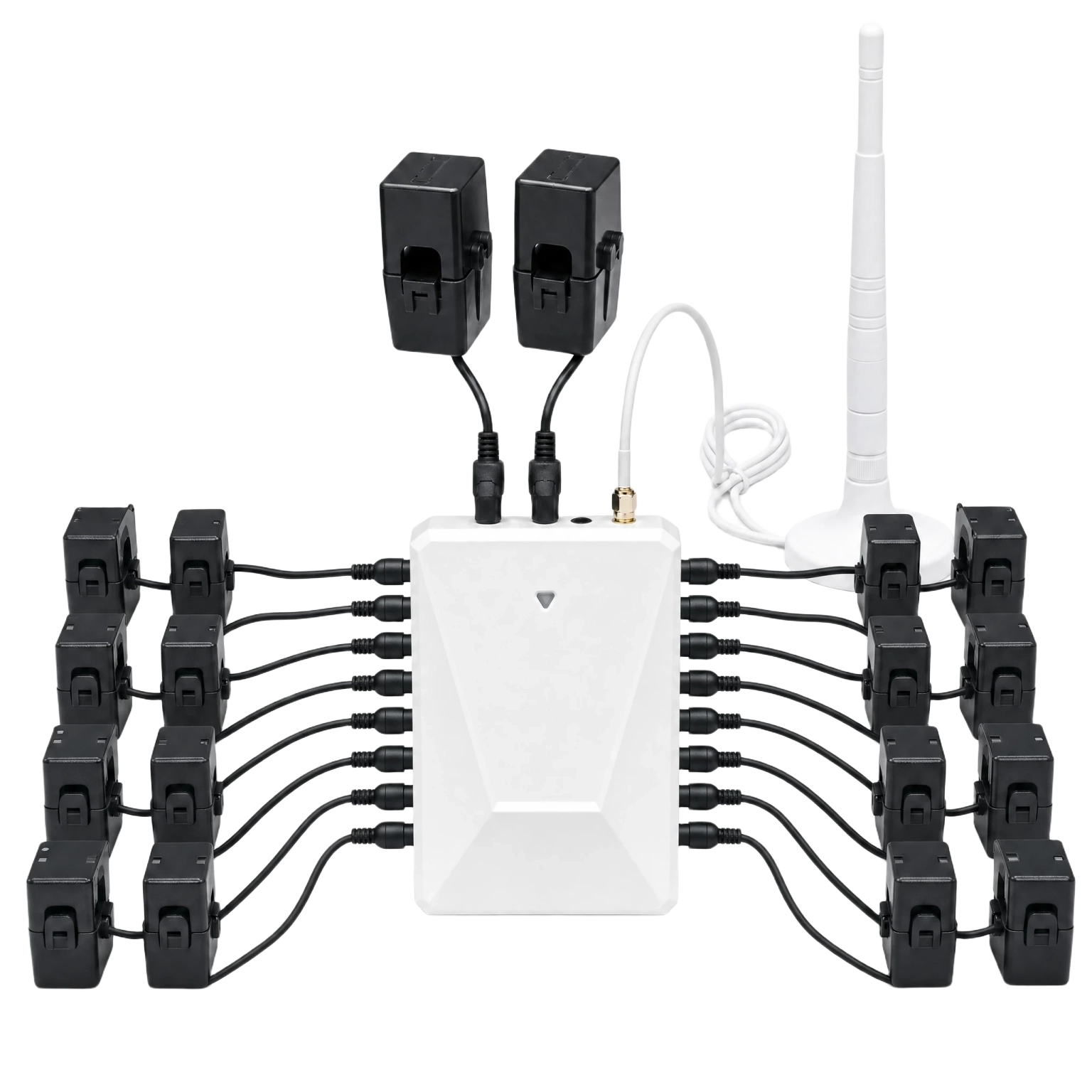
See whole-home, selected-circuit, solar, and grid import/export context from a 120/240V split-phase panel monitor.
WattPanel-2X helps homeowners understand energy use at the panel level, including consumption, production, and selected circuit context where the chosen CT bundle supports it.
Review household usage, solar production context, and import/export patterns without treating the data as a utility meter.
Use two main CTs for L1/L2 whole-home visibility and optional 50A Sub CTs for selected hot conductors.
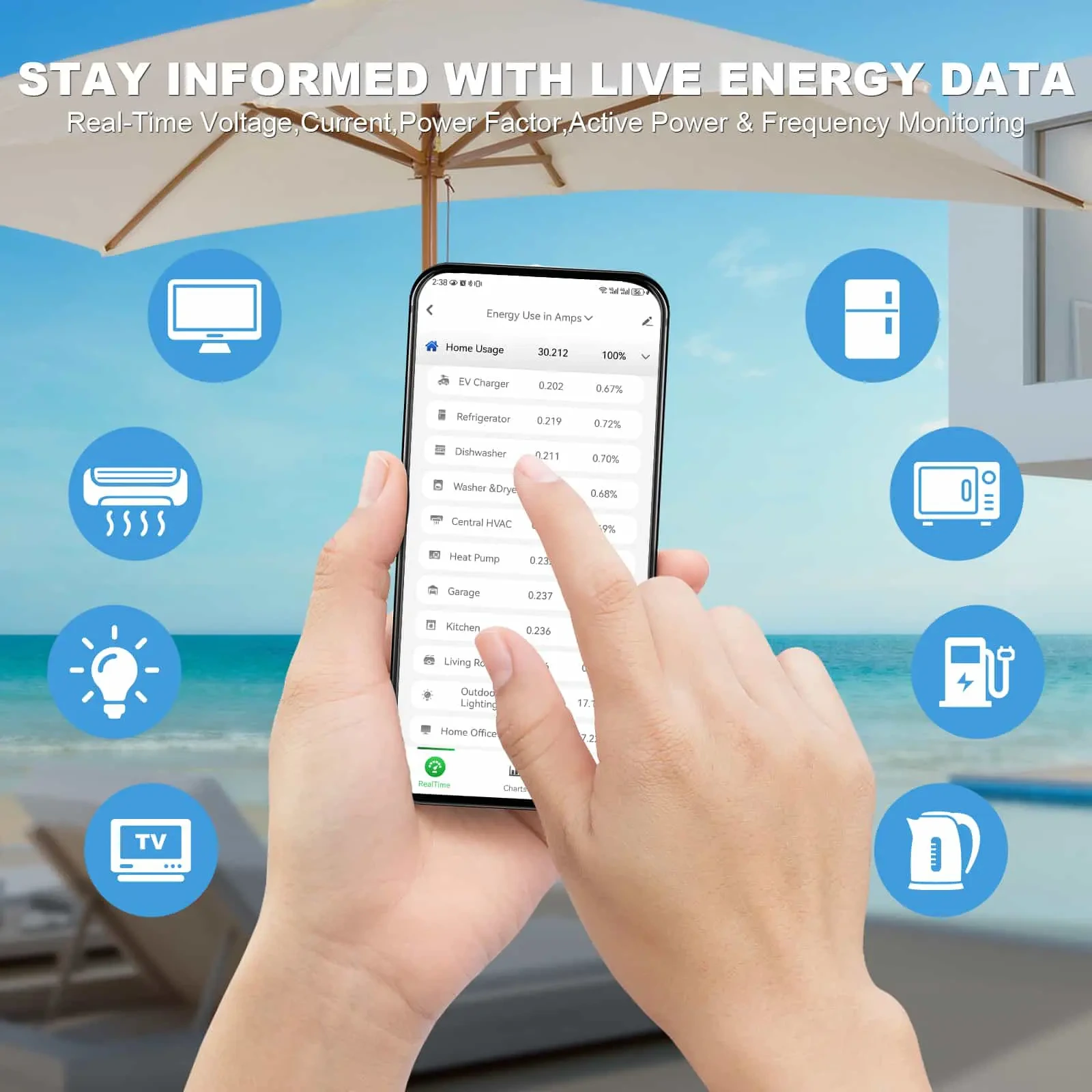
Use app views to compare configured channels, daily history, solar context, and major-load patterns before deciding what to investigate next.
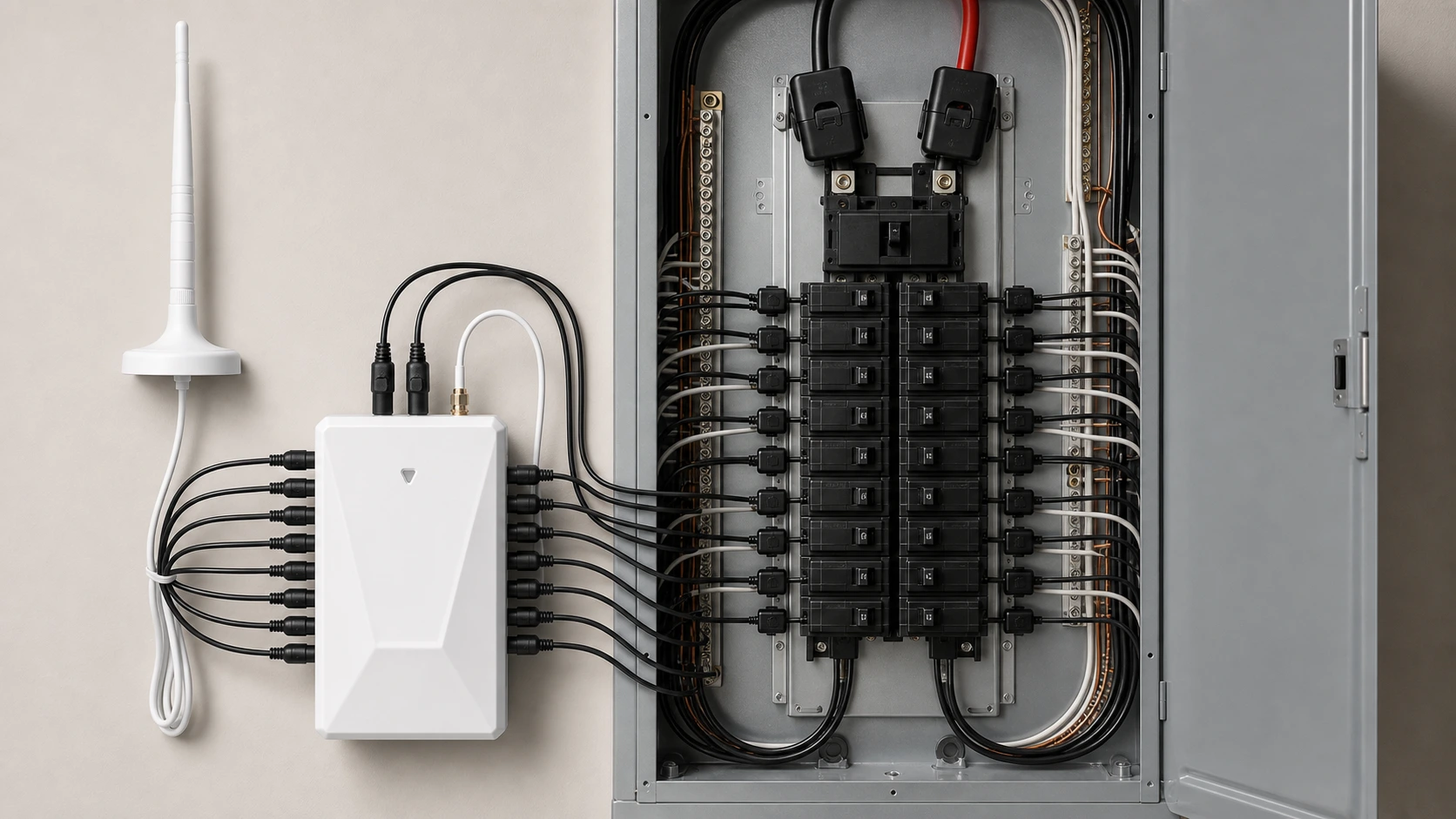
Split-phase monitoring depends on service type, CT clamp clearance, panel access, antenna placement, and local electrical requirements. Electrical panel work should be handled by qualified personnel.
Use these visuals to discuss the installation context; they are not a substitute for the product manual or local electrical requirements.
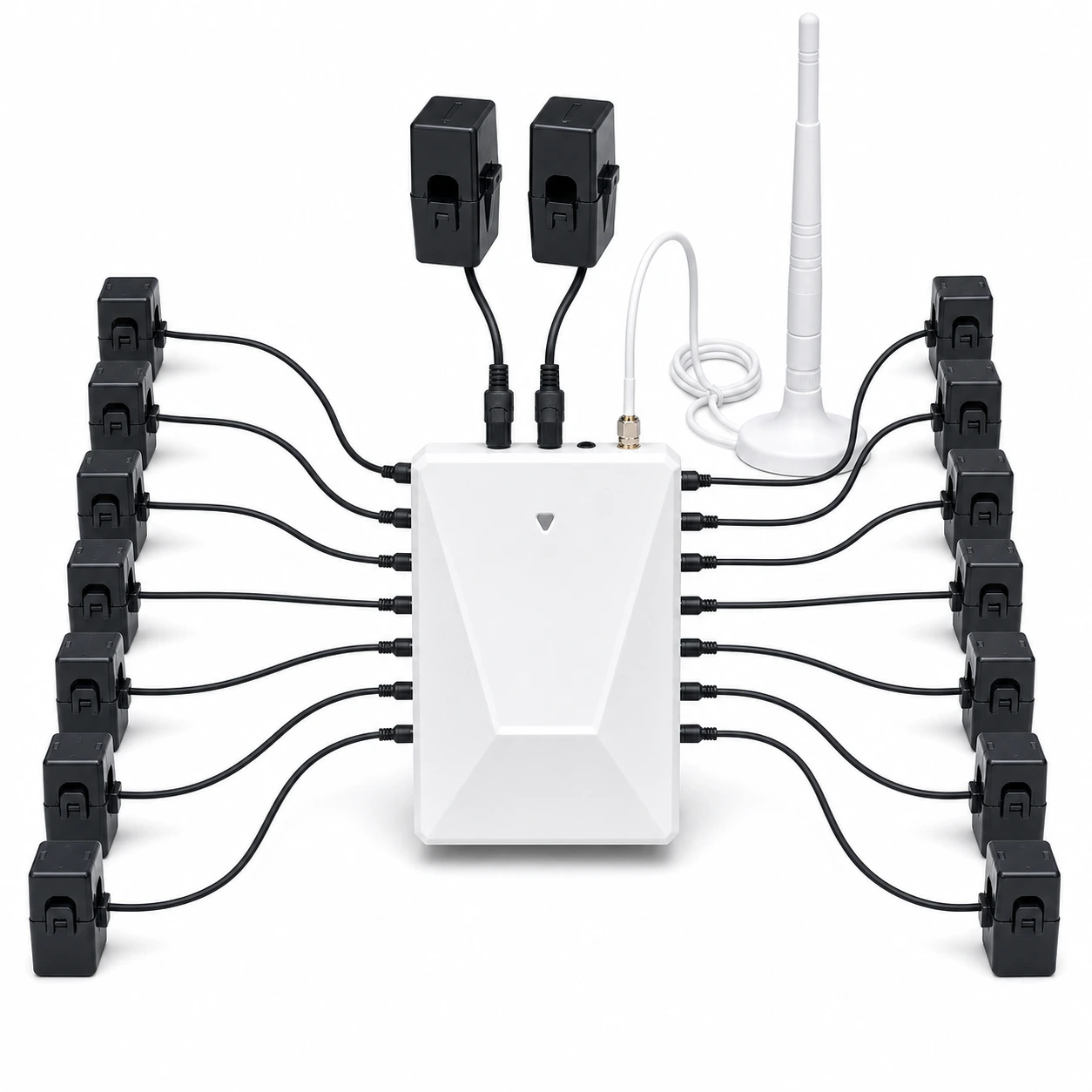
Review the split-phase service, L1/L2 main CT placement, selected Sub CT conductors, and routing space before work starts.
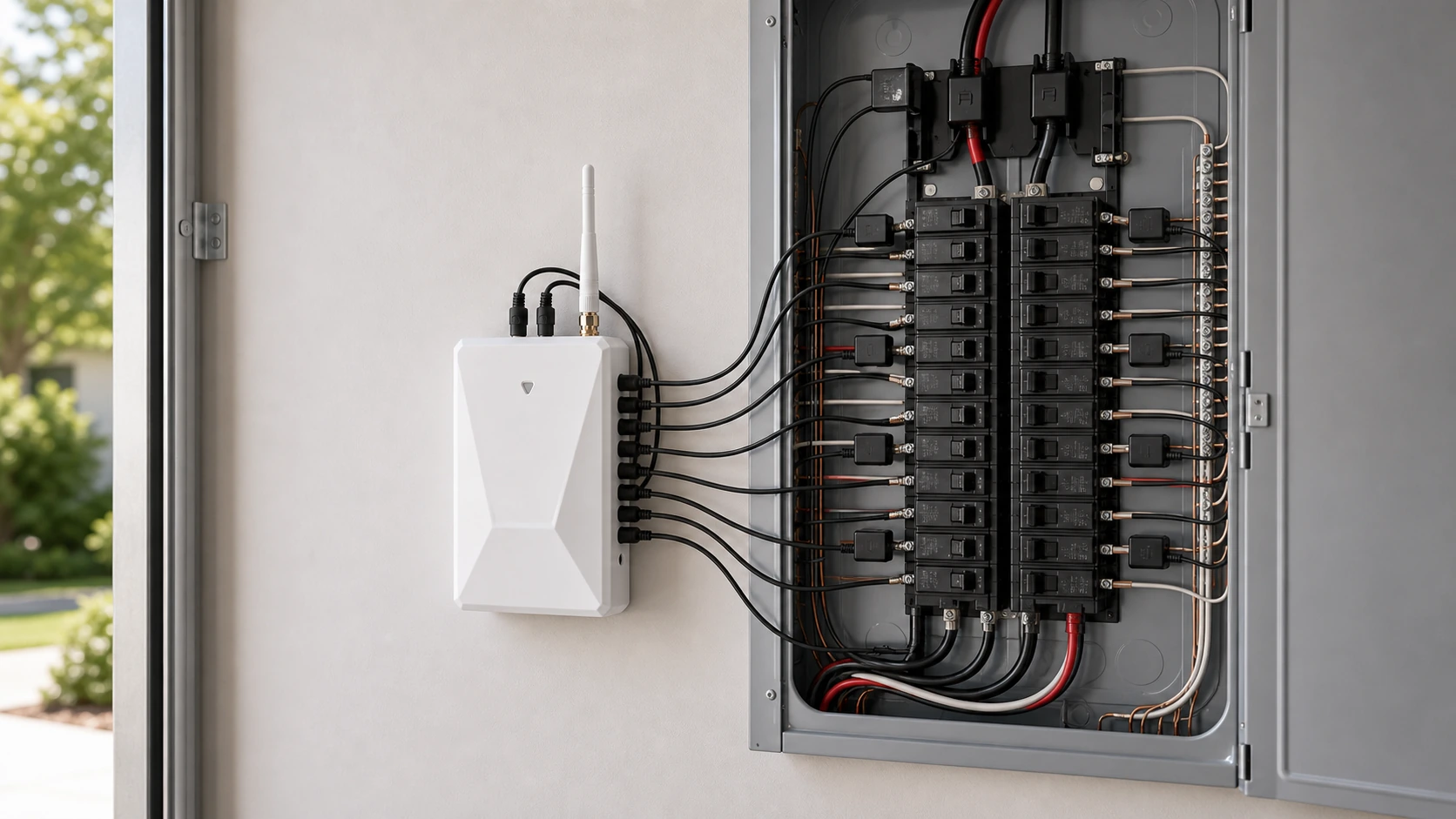
Plan the compact monitor position and place the external cabled antenna outside or beside metal panel enclosures when needed.
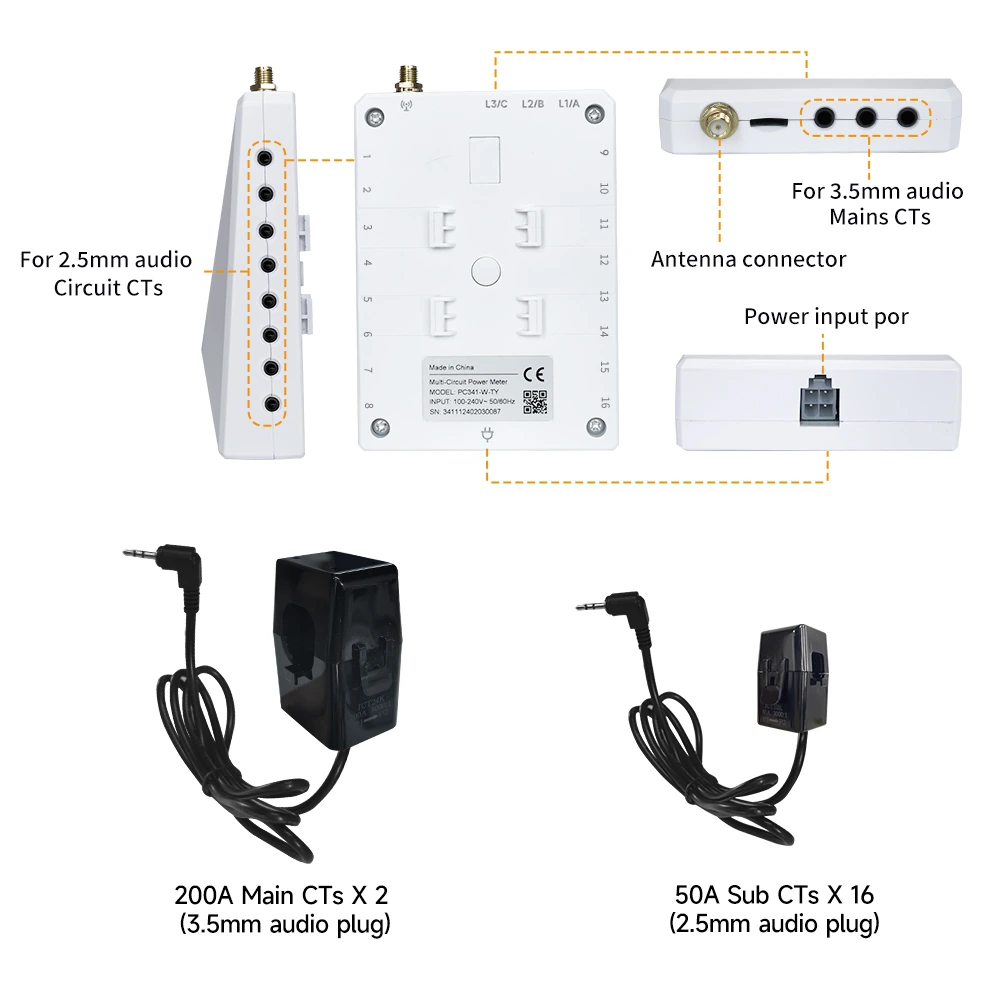
Confirm that main CT leads use the top ports and each Sub CT lead returns independently to a side port.
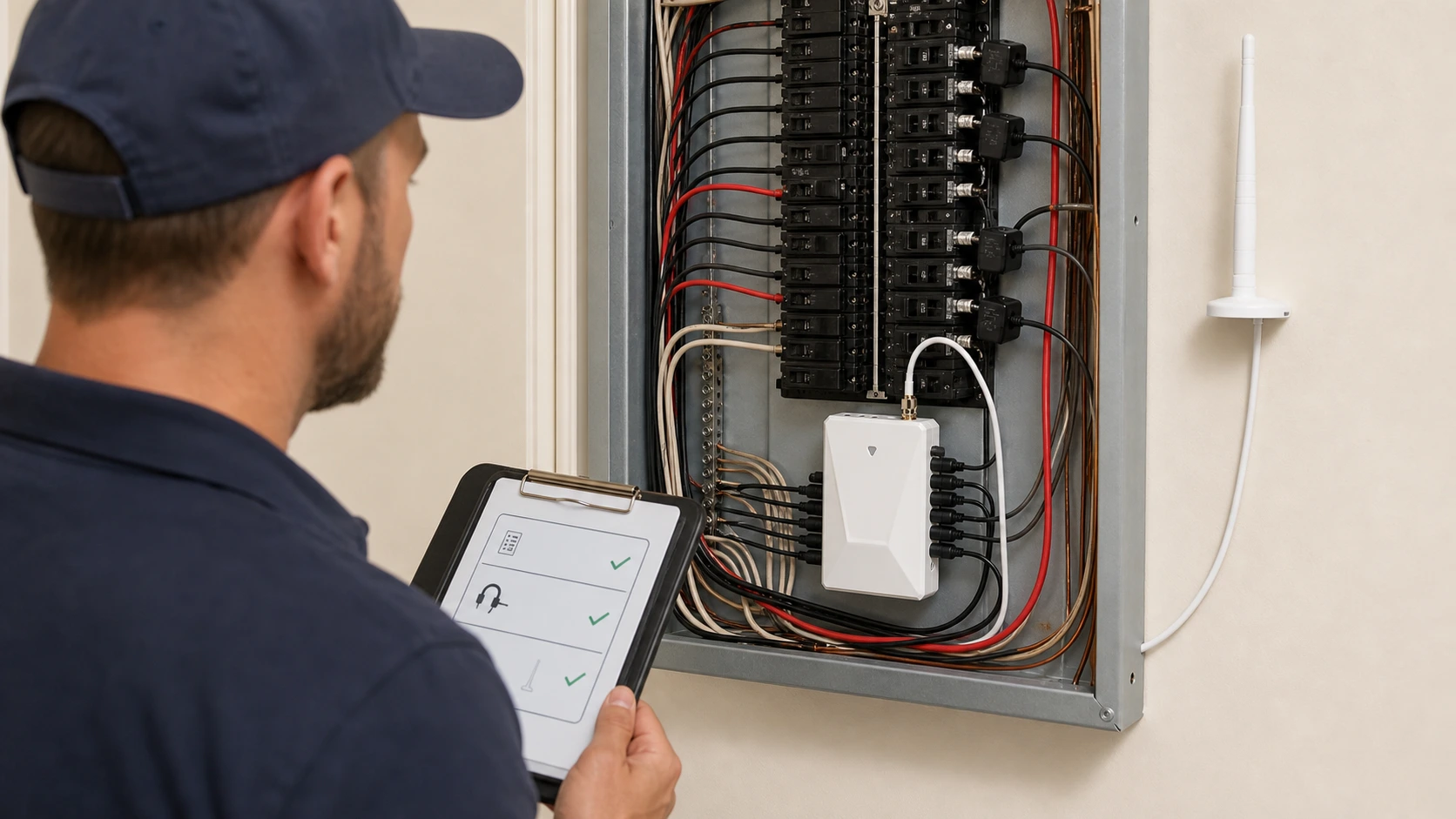
Choose the CT path by the level of visibility the home needs. Start with whole-home monitoring, then add circuit context only when the panel and install plan support it.
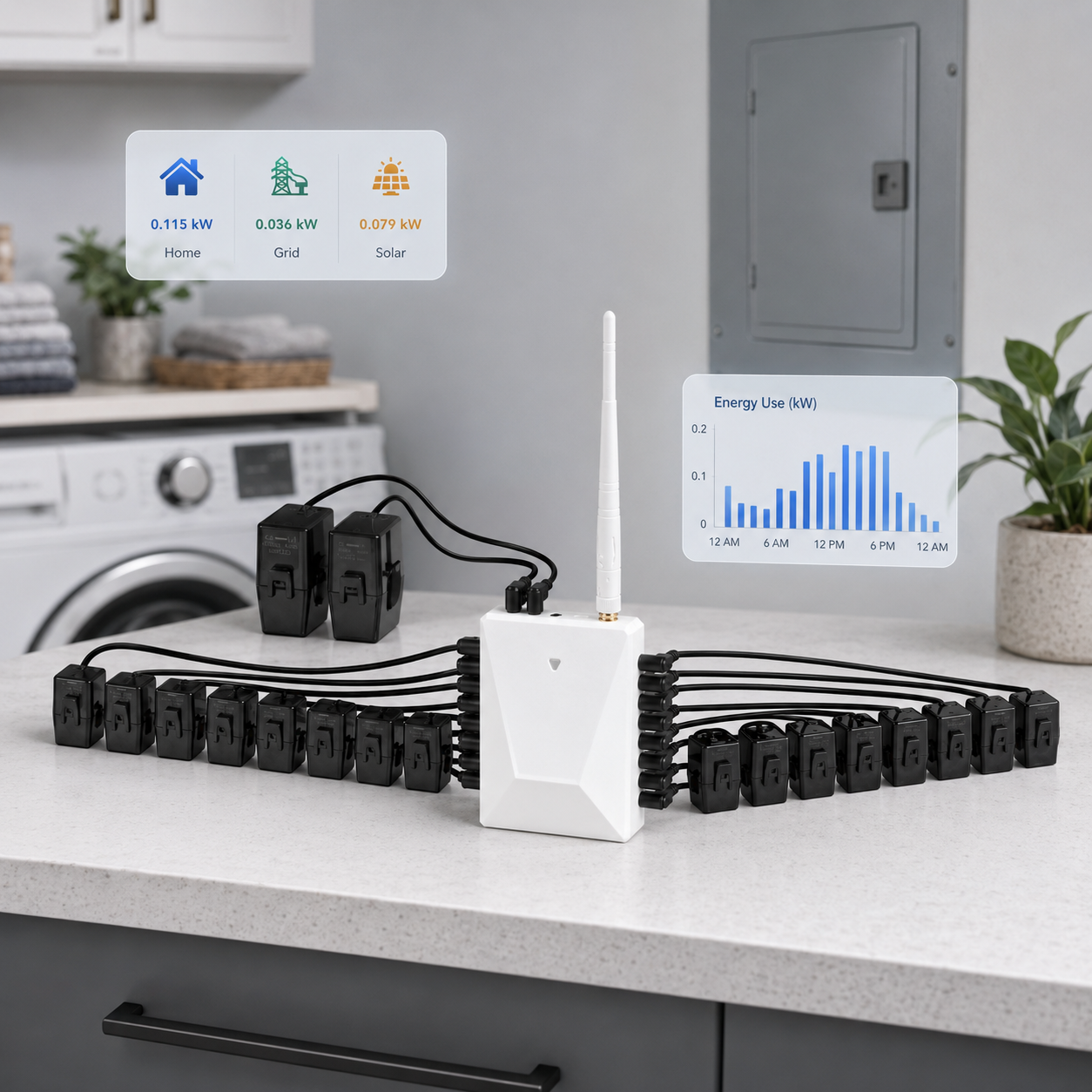
Confirm the exact CT count, antenna placement, panel access, and selected option before ordering.
The main device for the configured split-phase monitoring setup.
Used around the L1 and L2 service conductors for whole-home visibility on supported split-phase service.
Depends on the selected bundle and the individual hot conductors the panel can support for monitoring.
Confirm WiFi reach, antenna placement, panel access, and qualified electrical review.
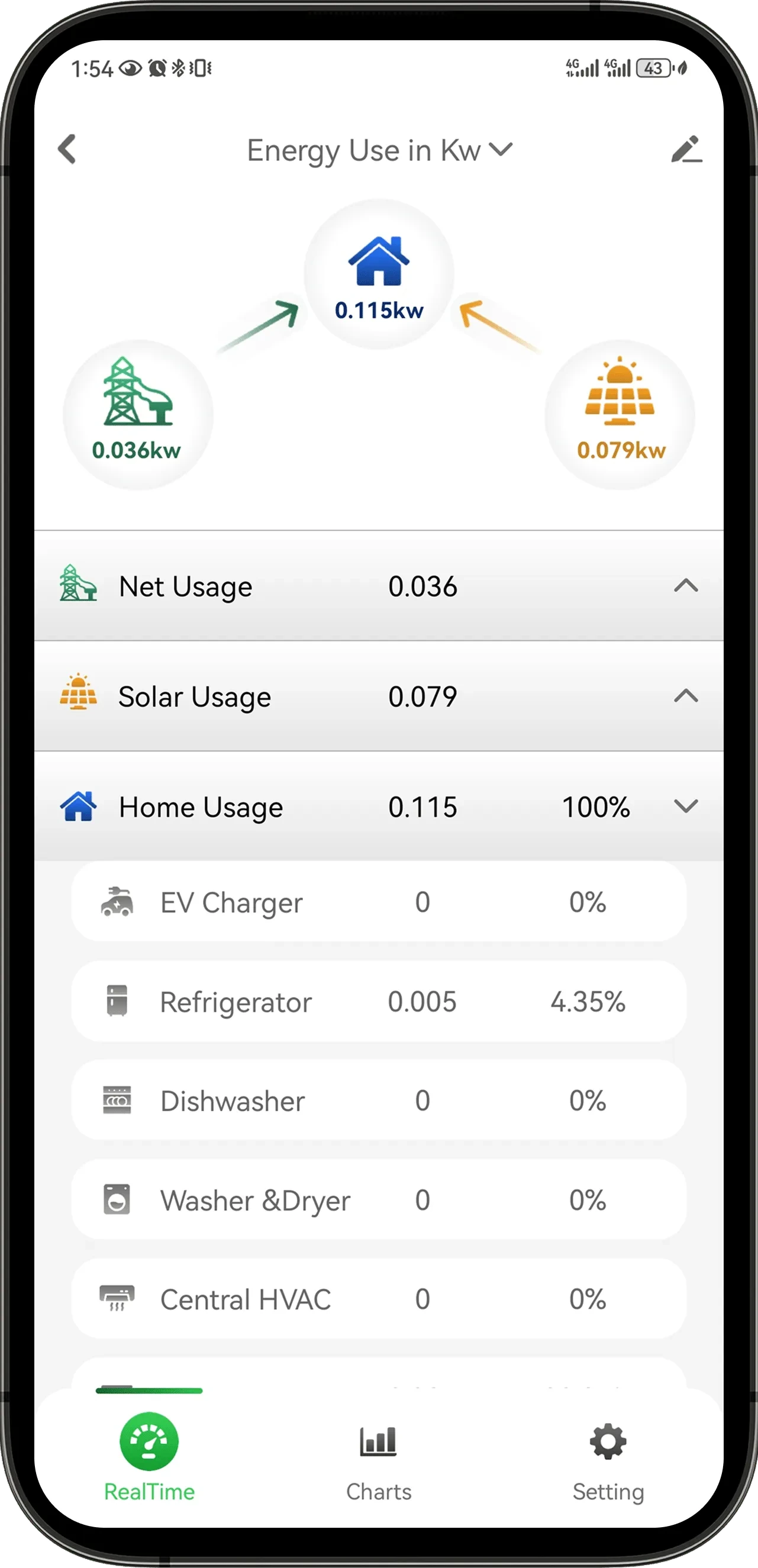
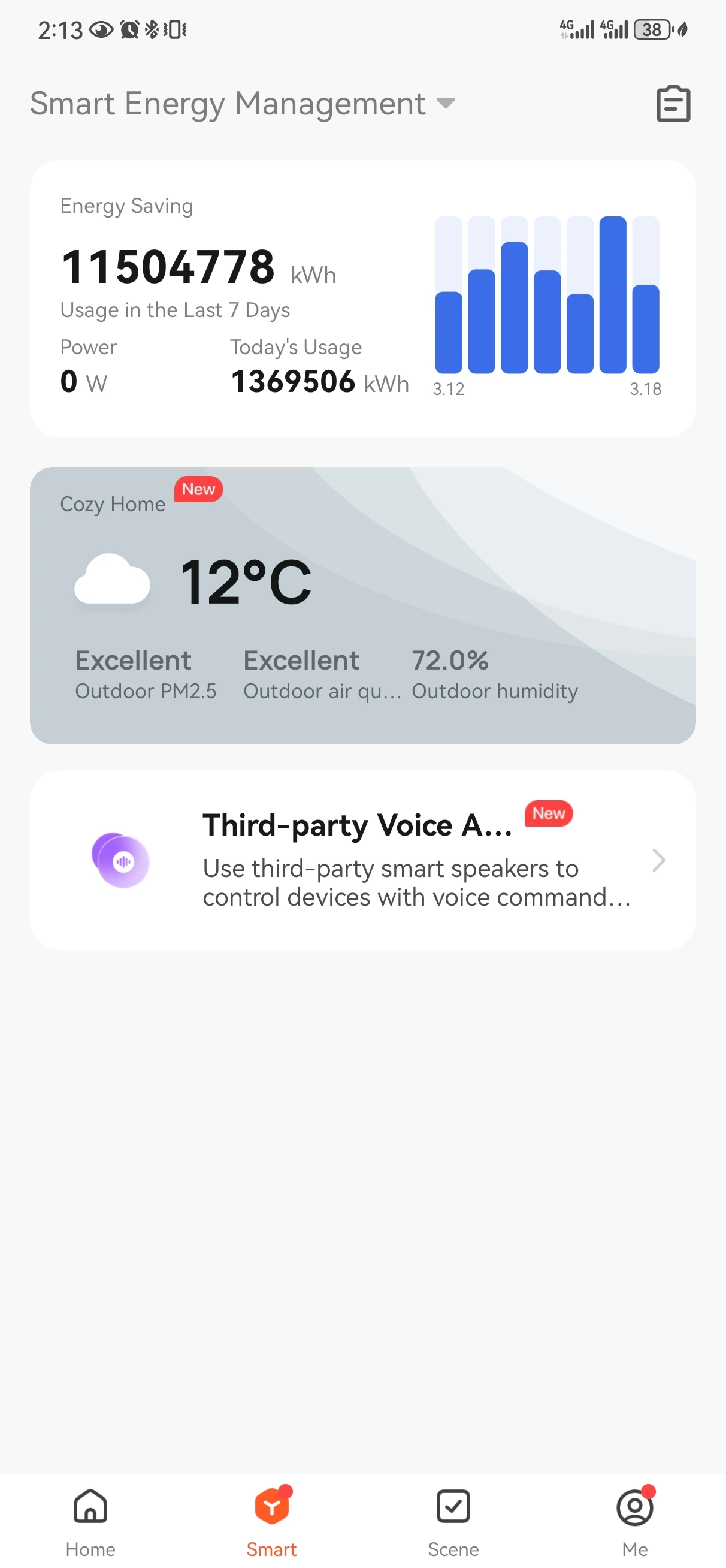
Energy data can help people compare usage moments, review configured channels, and understand solar or grid-flow context. It is designed for usage insight and should not be treated as a billing meter.
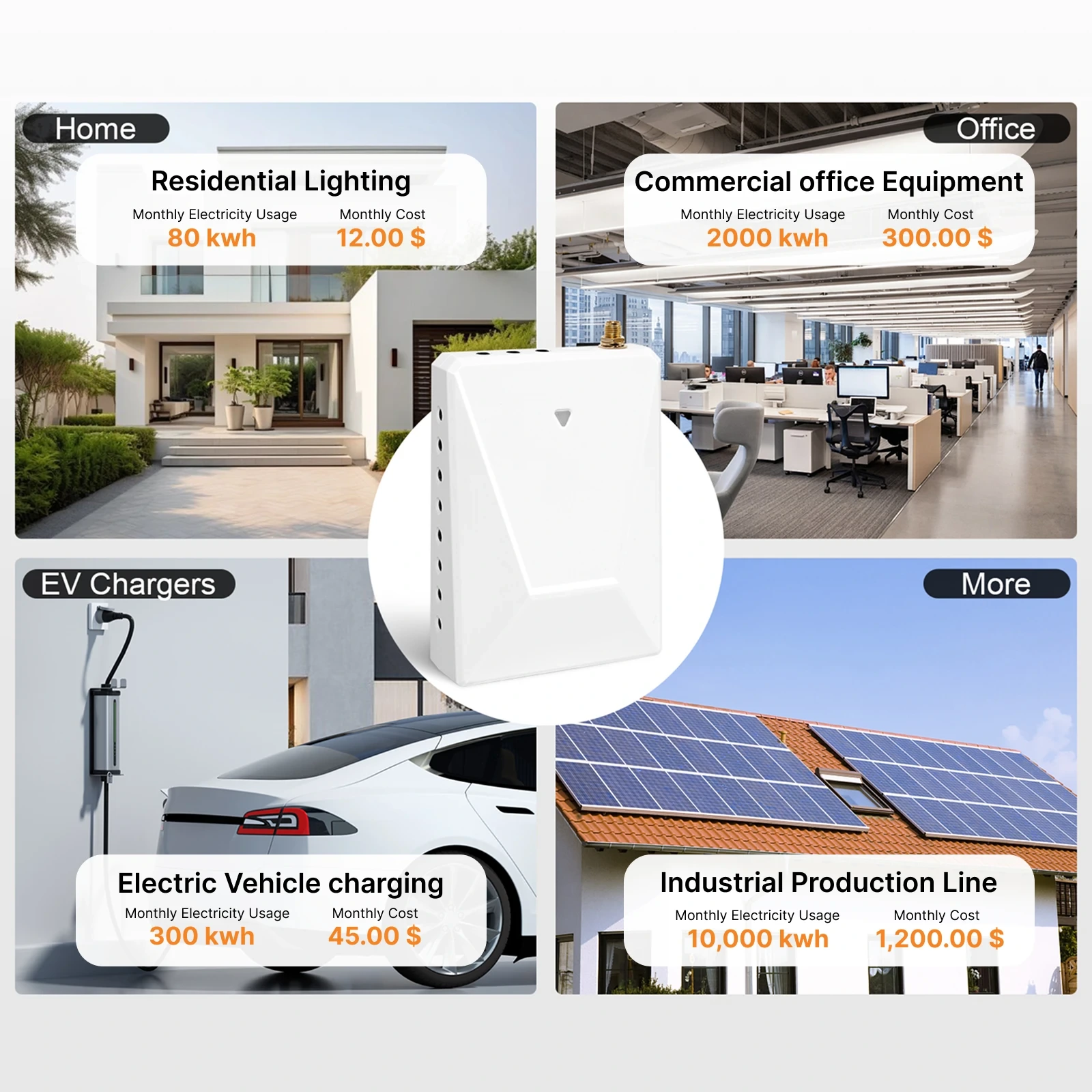
Review the service, CT scope, measurement, connectivity, and installation facts before selecting a bundle.
Product documents, certification records, and store policies are available for review. Electrical panel work should still follow qualified personnel and local requirements.
Use the product guide for setup and product-specific documentation before planning an order.
Certification evidence WattPanel-2X CE EMC ReportCertification evidence is provided as a document reference, not as installation approval.
Store policy Shipping, Returns & WarrantyReview store policy terms for direct Grus.io purchases.
Use these answers to decide whether the monitor setup fits the home, which CT scope to review, and when support should step in before an order.
WattPanel-2X is built around 120/240V split-phase home panels. Before choosing a bundle, confirm the service type, panel access, CT clamp clearance around the relevant hot conductors, antenna position, and 2.4GHz WiFi reach.
Choose mains-only when you mainly need whole-home visibility. Choose an 8 circuit or 16 circuit bundle only when the panel layout, CT routing, and install plan support the extra circuit CTs.
It measures the mains and selected circuits where CT clamps are placed around the appropriate conductors. It should not be treated as a universal appliance detector for every device in the home.
Do not assume that. Electrical panel work can require qualified electrical personnel and local code review. This product page is for buying and fit review, not installation instructions.
No. The app views are for home energy insight and configured channel review. They should not be treated as a billing meter or a replacement for utility metering.
It can help reveal usage patterns, but lower bills depend on home behavior, utility rates, equipment, installed loads, and how the information is used.
Share the service type if known, the monitoring scope you want, the number of circuits you care about, panel access constraints, and any questions about WiFi or antenna placement.
Review the CT path, check the split-phase requirements, and contact support when panel access, service type, or installation responsibility is not clear.
Mains-only, 8 circuit, or 16 circuit depending on the visibility the home needs.
Confirm split-phase service, panel space, CT placement, and 2.4GHz WiFi reach.