
EcoNet-HP | Smart Thermostats

EcoNet-HP Smart Heat Pump Thermostat

Room and app control for a compatible heat pump system with confirmed wiring, functions, and installation responsibility.
Before you order Available to order.

Review the system and installation requirements before ordering. Guides and support can help you prepare; they do not approve an installation.

  • heat pump
  • system compatibility
  • App experience
System Heat pump
Control App
Room Comfort
Fit Check
EcoNet-HP

What makes a thermostat fit a heat pump?

  1. 01

    What it measures or controls

    EcoNet-HP is for heat-pump temperature control. The heat pump's control requirements and existing wiring determine suitability, not the display or WiFi connection. Use the equipment model and thermostat manual when discussing replacement with your installer.

  2. 02

    EcoNet-HP installation requirements

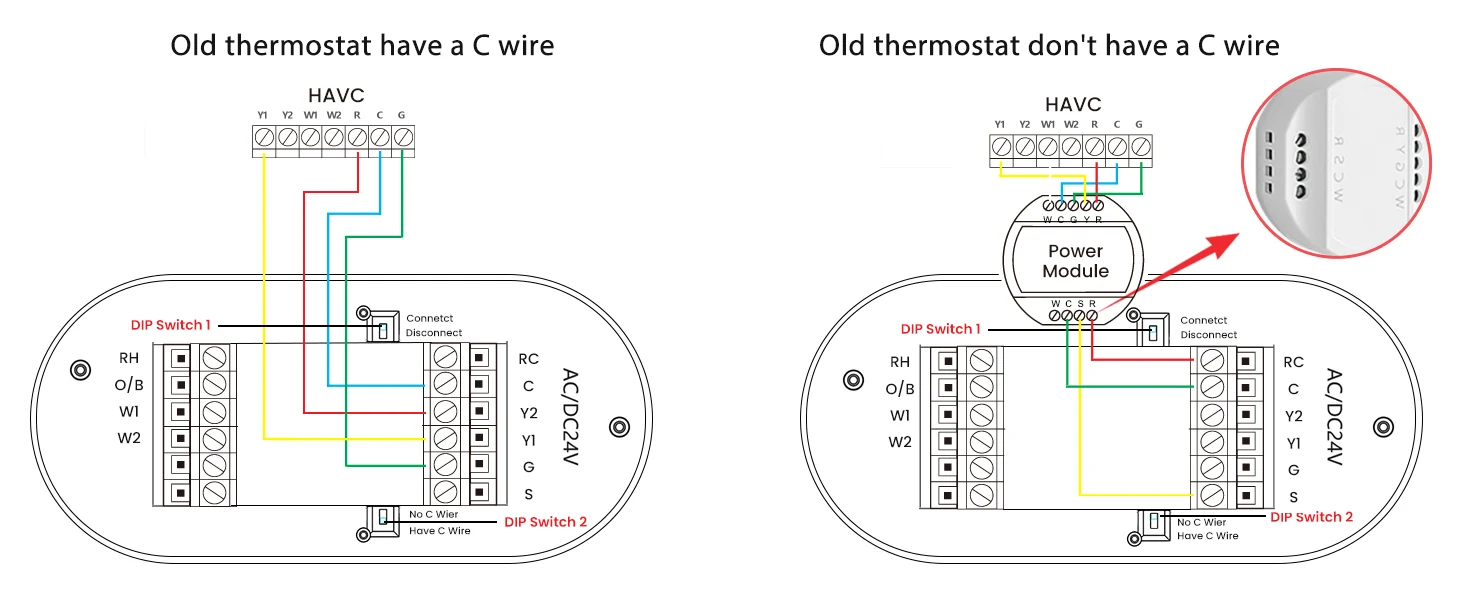
    system compatibility, wiring, voltage, load, and installer responsibility

  3. 03

    Operating limits

    Thermostat compatibility must be confirmed before relying on app or room-control features.
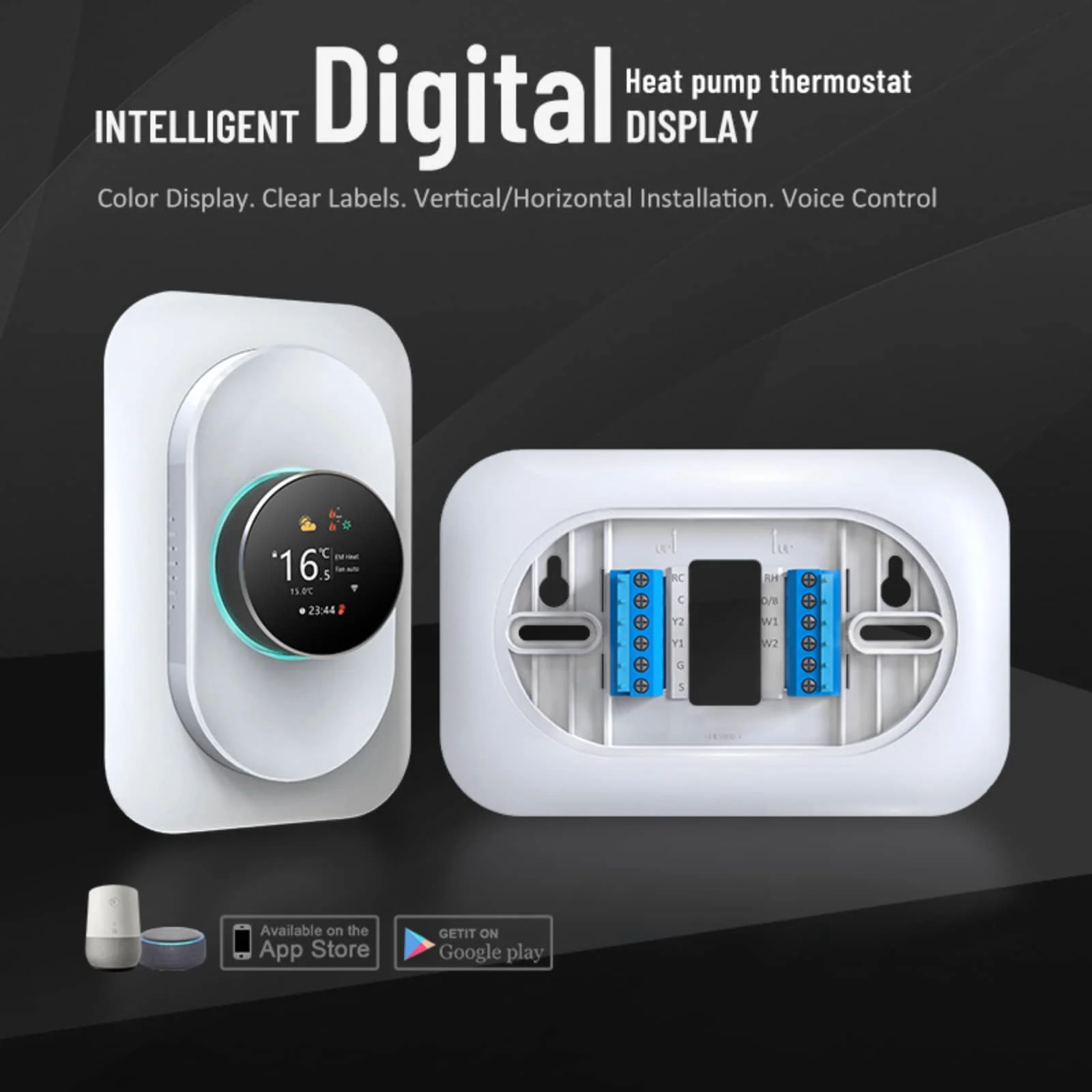
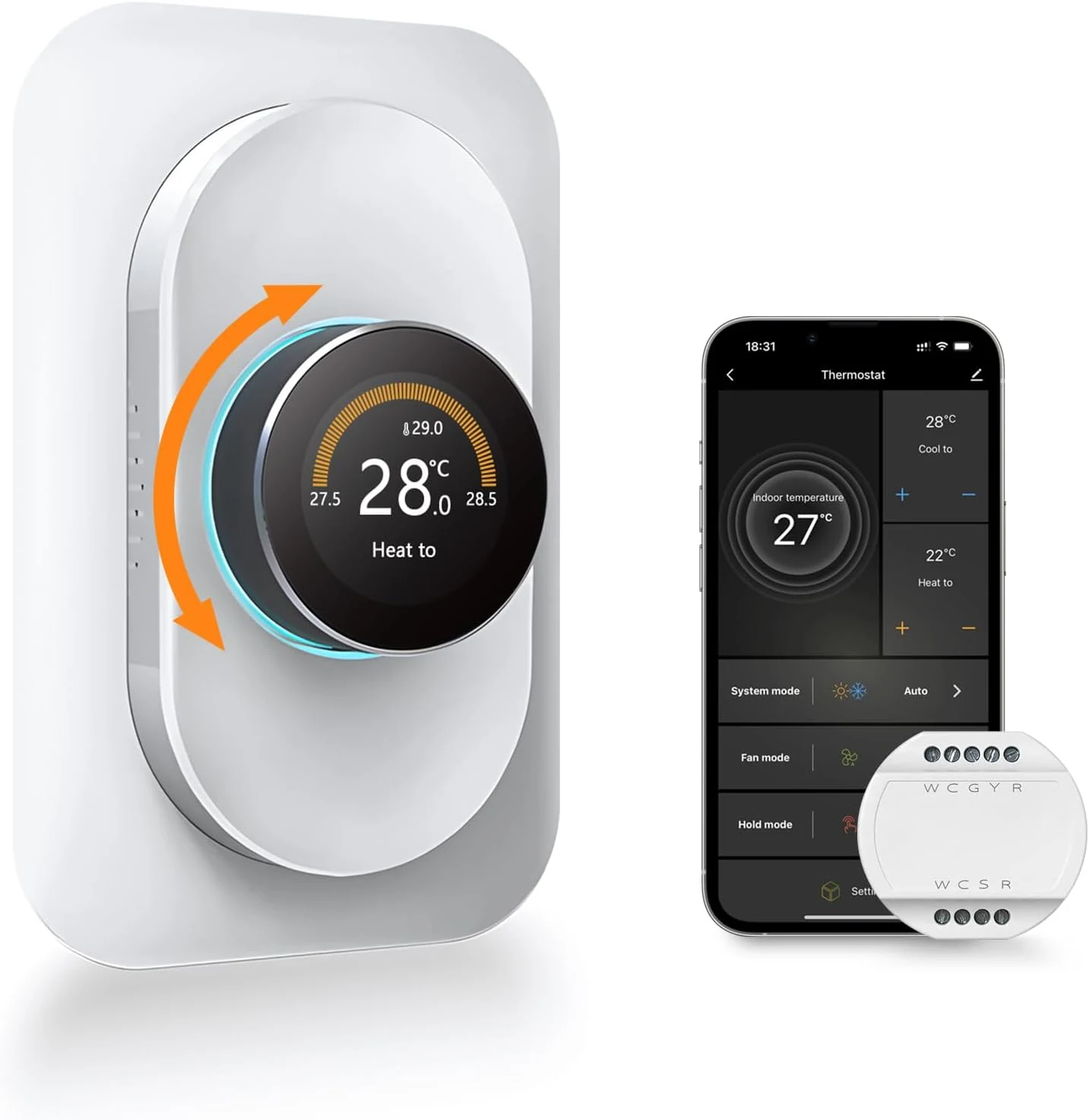
EcoNet-HP heat pump thermostat feature visual
Product role

EcoNet-HP: heat pump room temperature control

Available readings and controls: thermostat dashboard and remote control.

Primary function
heat pump room temperature control
App or status
thermostat dashboard and remote control
Installation context
qualified HVAC or electrical installation
Important limit
Thermostat compatibility must be confirmed before relying on app or room-control features.
Hardware and use

See the product from three useful angles.

Hardware views identify the device, setup images clarify installation context, and app scenes show the supported experience.

EcoNet-HP heat pump thermostat fit check visual
Step 01

Review placement

Check system compatibility, wiring, voltage, load, and installer responsibility.
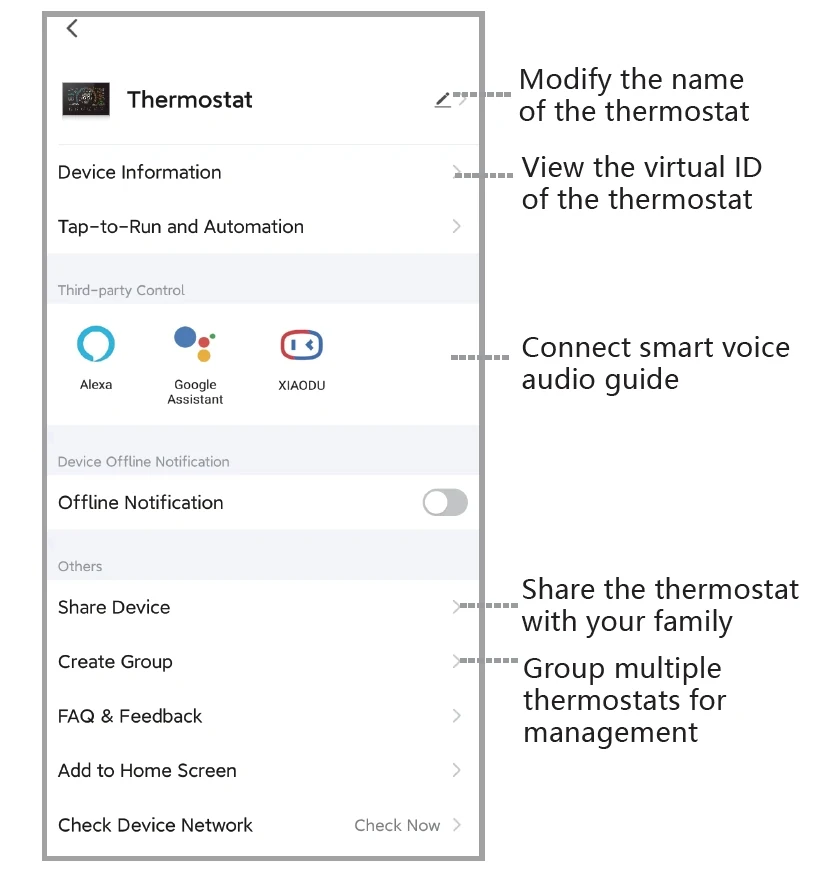
EcoNet-HP heat pump thermostat app screen
App insight

See how EcoNet-HP appears in the connected experience.

The available app and status views support thermostat dashboard and remote control.
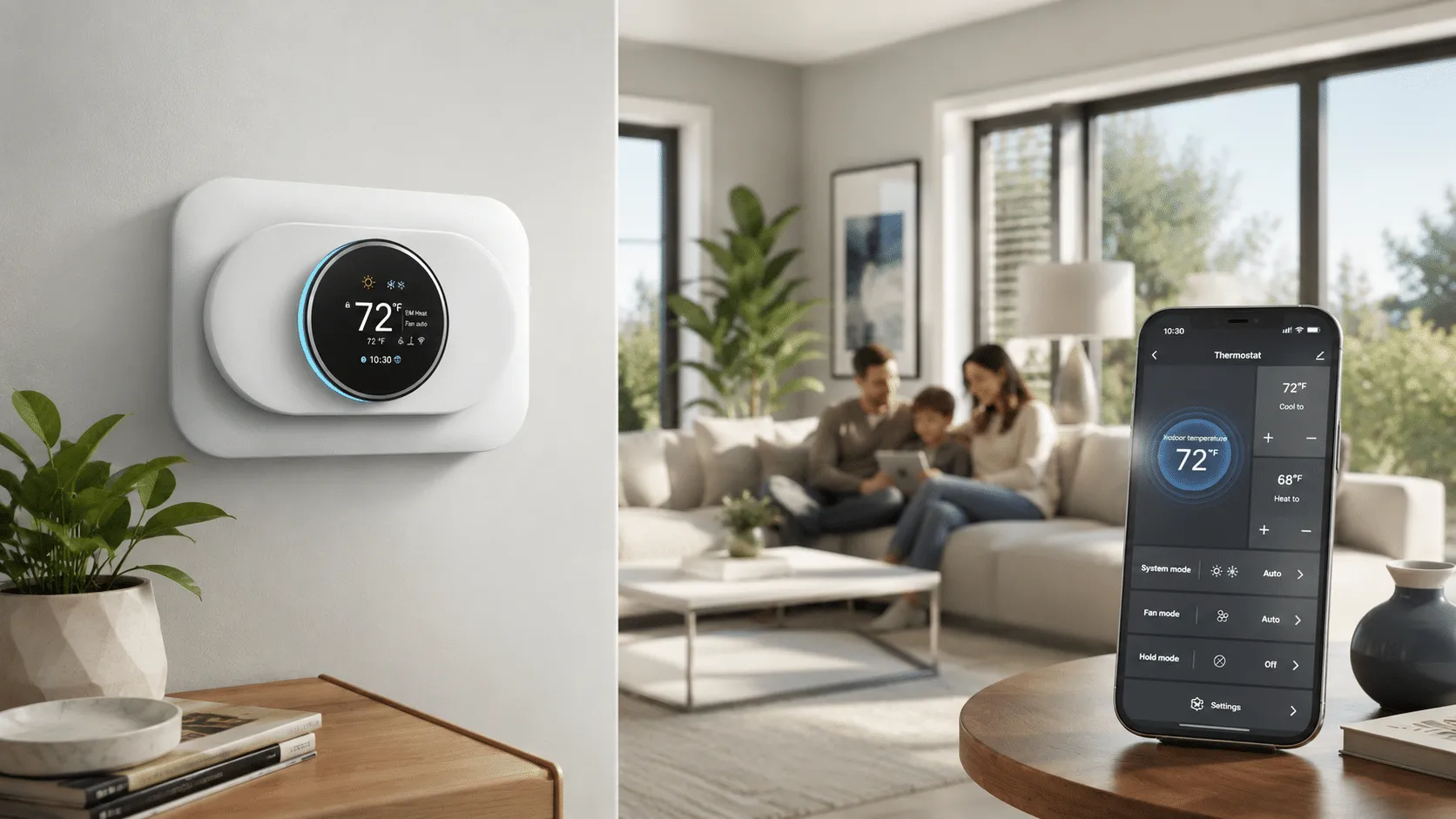
EcoNet-HP heat pump thermostat product scene
Real-use context

See EcoNet-HP in its intended context.

Use the scene to understand placement and everyday interaction, not as proof of compatibility.
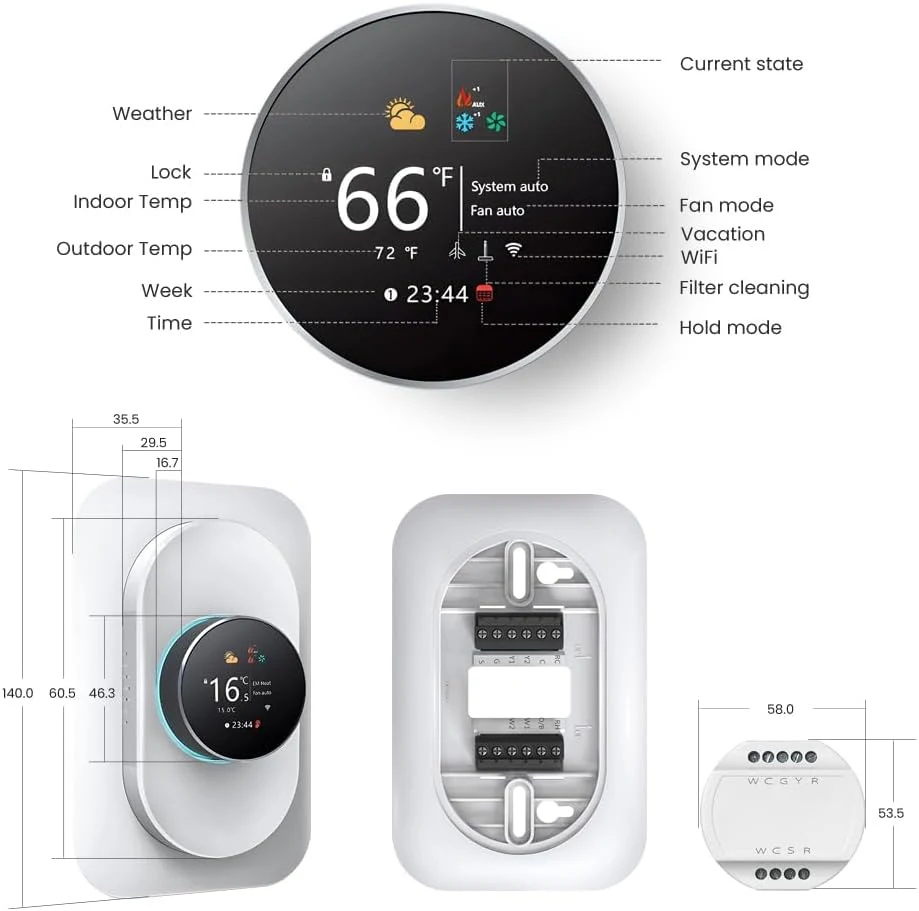
EcoNet-HP heat pump thermostat compatibility detail
Before you choose

Check the conditions that determine EcoNet-HP fit.

Installation: qualified HVAC or electrical installation.

  • system compatibility
  • wiring
  • voltage
  • load
  • and installer responsibility
Product scope
Model
EcoNet-HP
Primary use
heat pump room temperature control
App experience
thermostat dashboard and remote control
Fit to confirm
system compatibility, wiring, voltage, load, and installer responsibility
Before choosing
Installation
qualified HVAC or electrical installation
Support boundary
Thermostat compatibility must be confirmed before relying on app or room-control features.
Guides and answers

Find the detail you need before ordering.

Which details should I send about my EcoNet-HP installation?

Include the equipment model and these site details: system compatibility, wiring, voltage, load, and installer responsibility. Use existing records and safely accessible labels; do not open electrical equipment to prepare a request.
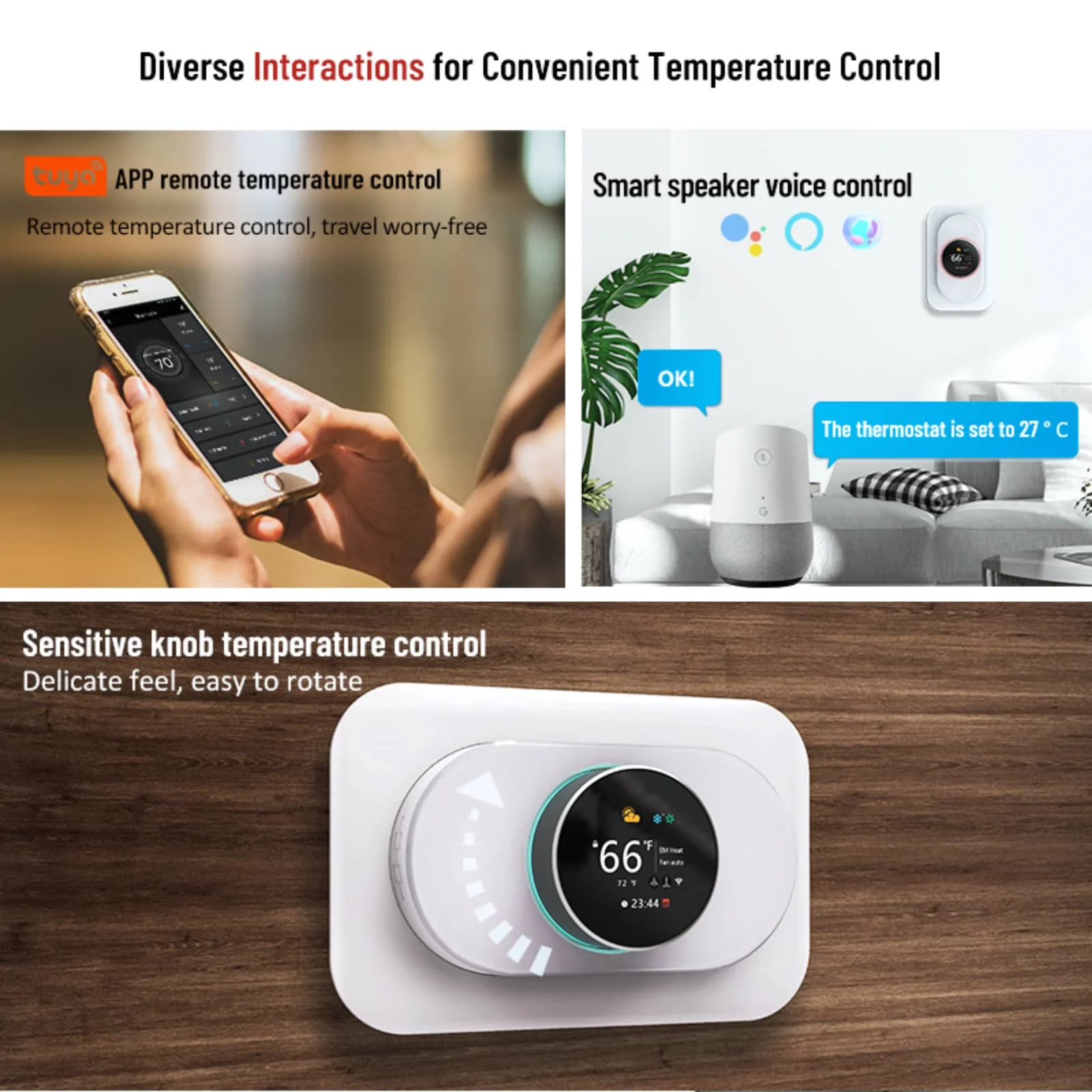
EcoNet-HP heat pump thermostat feature visual
Next step

Explore EcoNet-HP options.

For heat pump room temperature control. View the available options above or send the installation details to product support.