
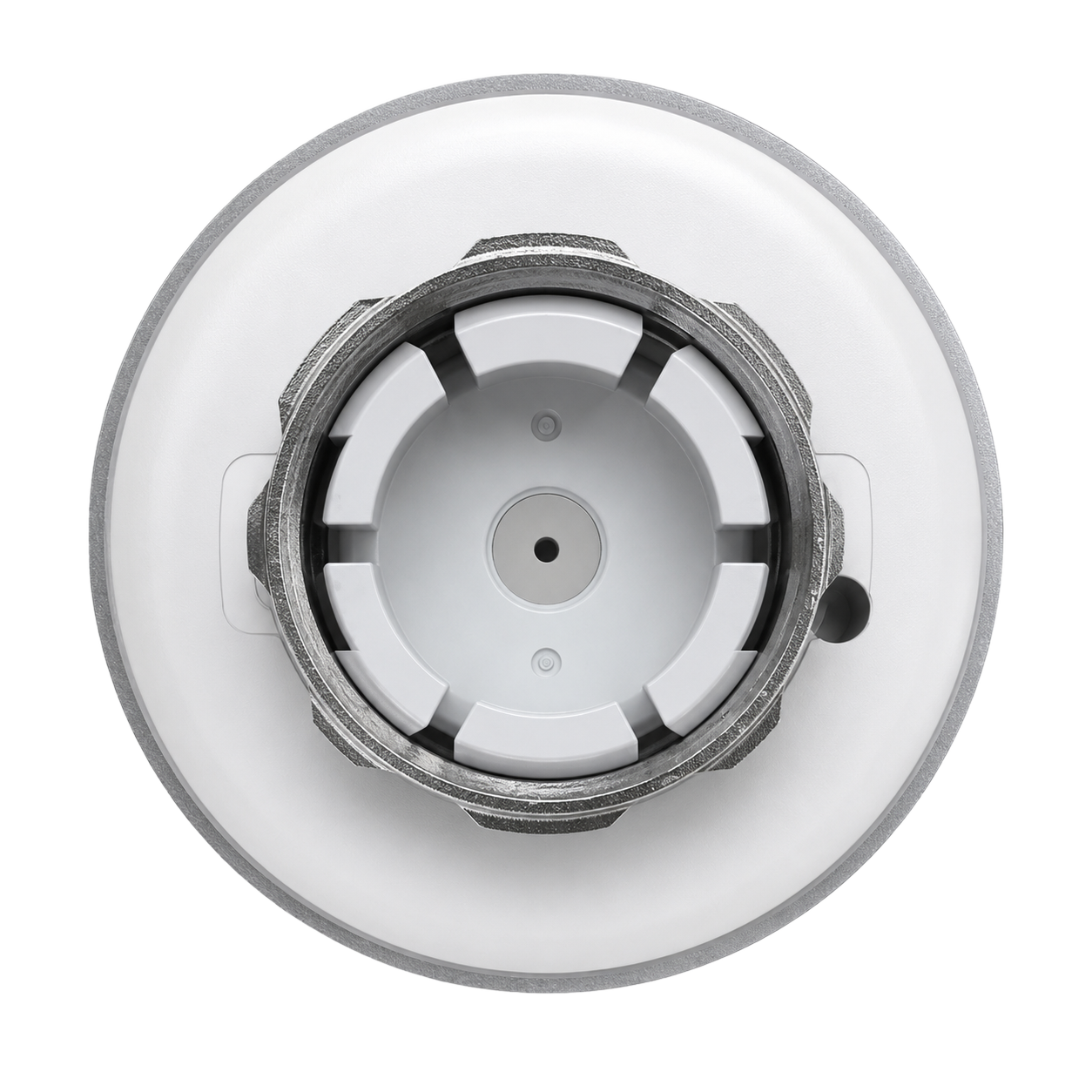
Product detail 1
Radiator valve connection
Use the connection and adapter list above rather than choosing by the shape of the display. Ask Product Help when the existing valve model is not identified.
Battery-powered radiator temperature control with Smart Life scheduling. Match the M30 × 1.5 mm connection or the appropriate listed adapter to your valve body.
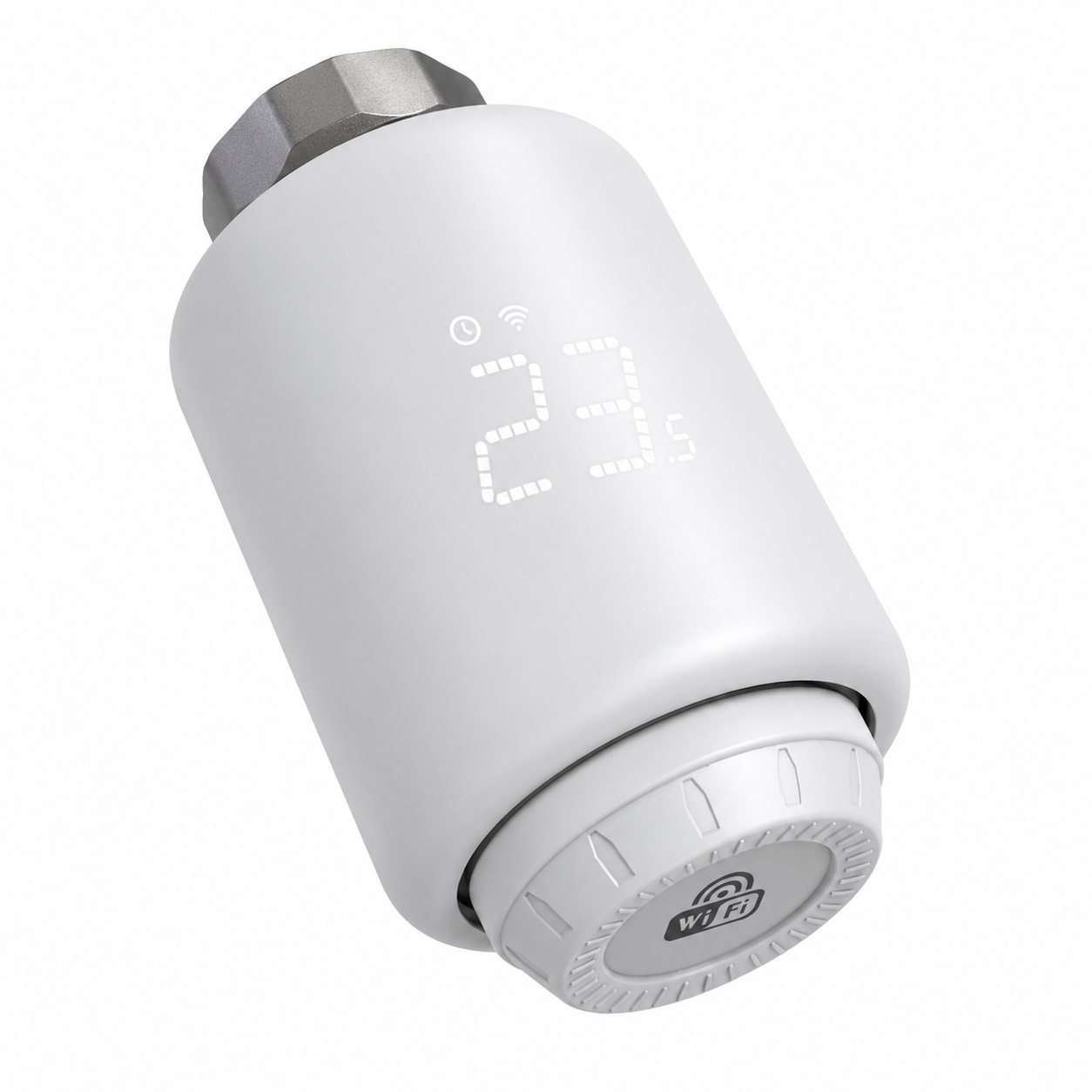
Review the system and installation requirements before ordering. Guides and support can help you prepare; they do not approve an installation.
The manual lists included adapters for Danfoss RA / RAV / RAVL, Caleffi, Giacomini and M28 valves. If the connector is not M30 × 1.5 mm, an adapter is required; the exact valve body still needs a matching adapter.
These specifications identify the battery-powered radiator control head, not a hardwired thermostat or central HVAC controller. A listed brand does not mean every valve from that brand will fit.
Use the model-specific documentation for installation and adapter selection. The product page does not establish a reduction in energy use or heating bills.
EcoNet-RV provides room-level control at a radiator valve. The valve body and adapter must match. Room control at the radiator does not by itself establish how the boiler or other heating zones are controlled.
Available readings and controls: remote radiator control and scheduling.
Use the connection view to identify the hardware, not to approve a valve match. The schedule image is a reference, not a live app capture.
Use the connection and adapter list above rather than choosing by the shape of the display. Ask Product Help when the existing valve model is not identified.
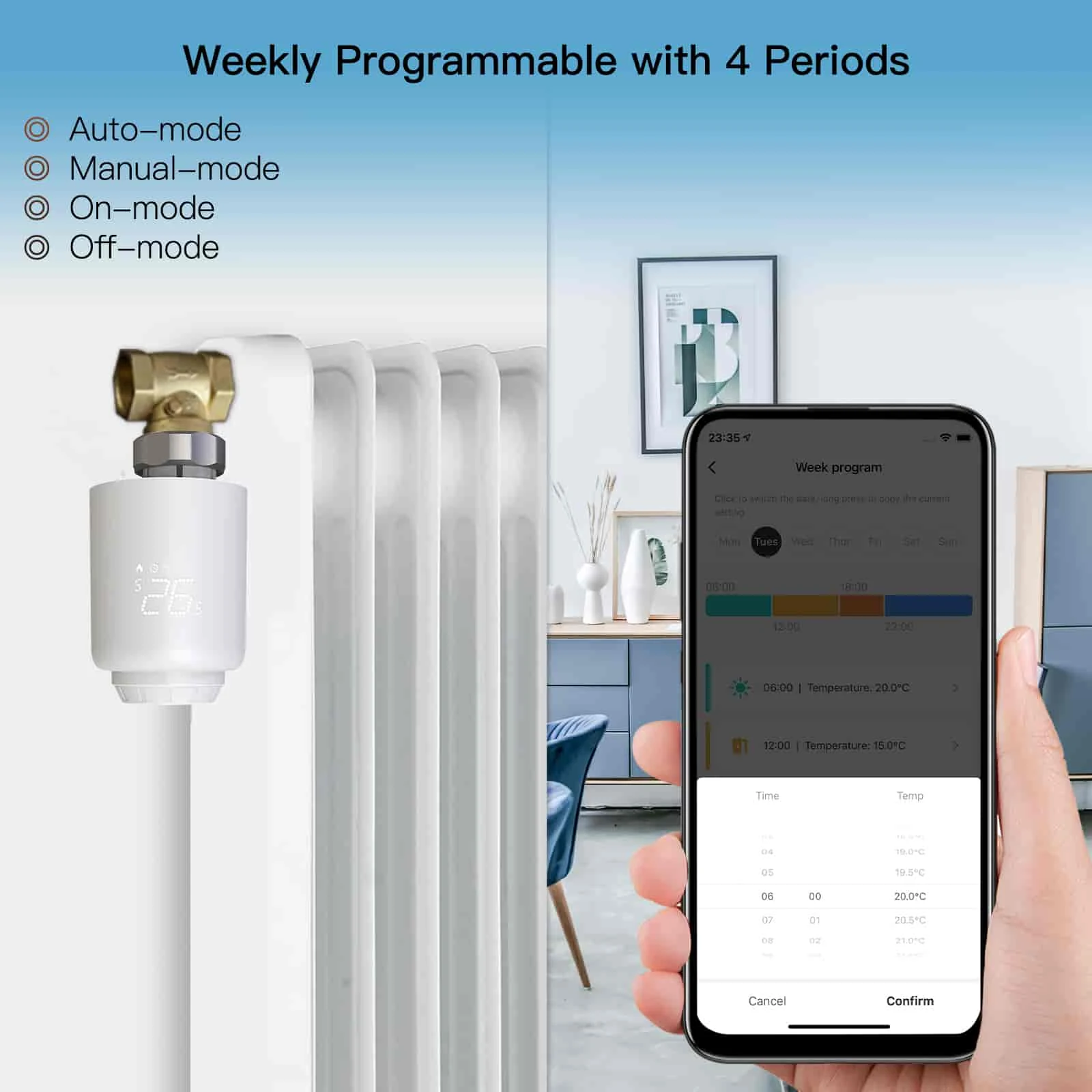
This product-material reference shows Auto, Manual, ON and OFF modes and a four-period schedule. Shown settings are examples, not customer results or energy savings. Interface appearance can vary with the software version.
Use the radiator and valve information you already have. The control head does not establish how your boiler or other heating zones are controlled.
Send Product Help an existing valve model reference or a safely accessible label or photo. Ask for the EcoNet-RV documentation and adapter match; do not dismantle the radiator or pipework to prepare a support request.
For room-level radiator valve control. View the available options above or send the installation details to product support.