
Energy monitor buying guide
Choose an Energy Monitor Around the Question You Need Answered
Start with monitoring scope, then confirm panel fit, sensor coverage, app needs, and installation responsibility before choosing hardware.
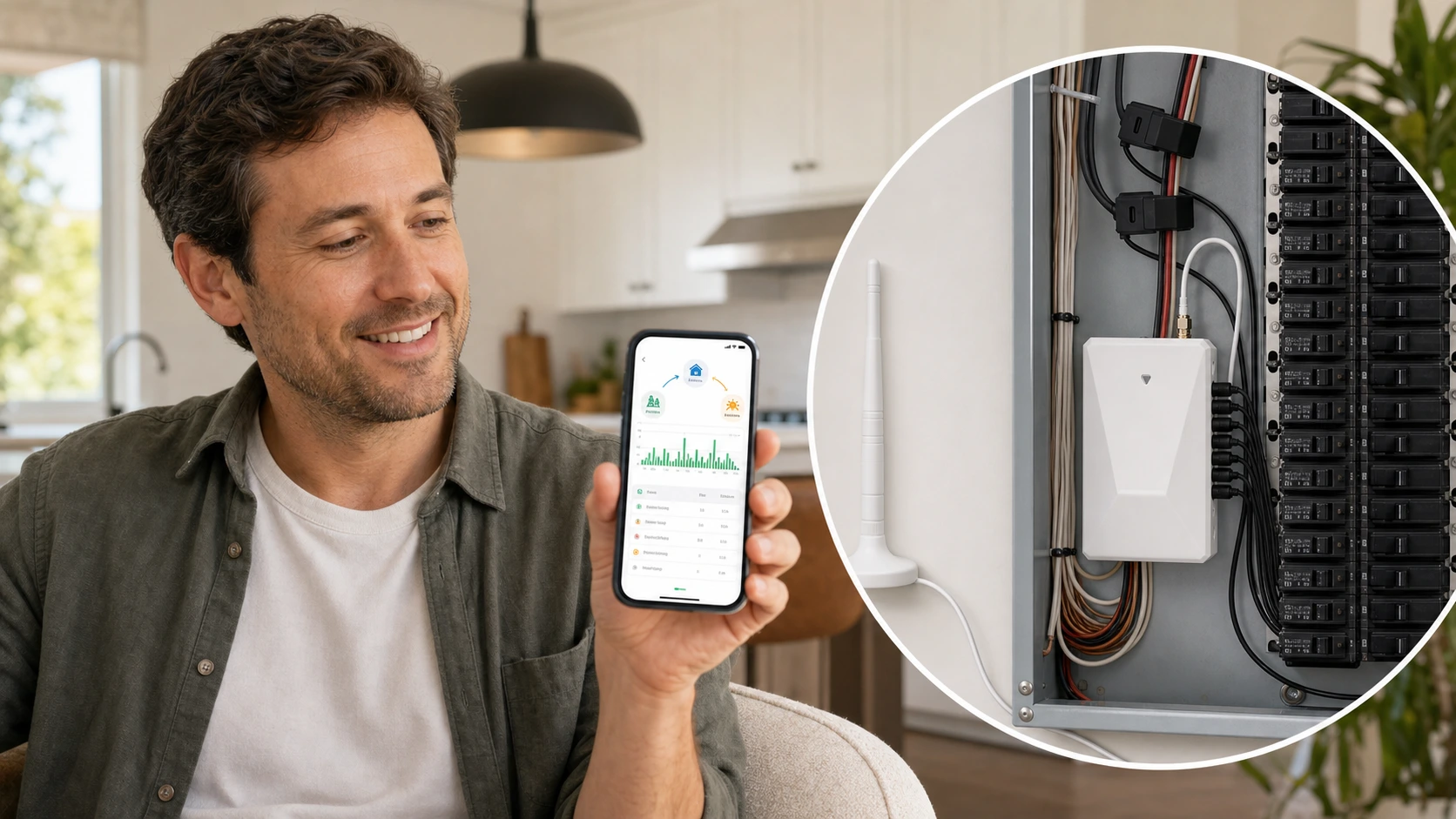
The decision in one minute
A useful energy monitor should match the level of visibility you need: a whole-home baseline, selected circuit detail, or individual plug-load data. Before buying, verify the electrical service, available panel space, CT scope, supported app experience, product documents, and who will complete the installation.
Check these four areas first.
Monitoring goal
Decide whether you need a whole-home trend, selected circuit context, or one appliance at a plug.
Electrical fit
Confirm service type, panel access, conductor clearance, and the product's documented CT options.
Data experience
Review what the app actually presents and whether that view answers the original question.
Installation owner
Clarify whether a qualified electrical professional is required under the product instructions and local rules.
01
Choose the measurement level before the device.
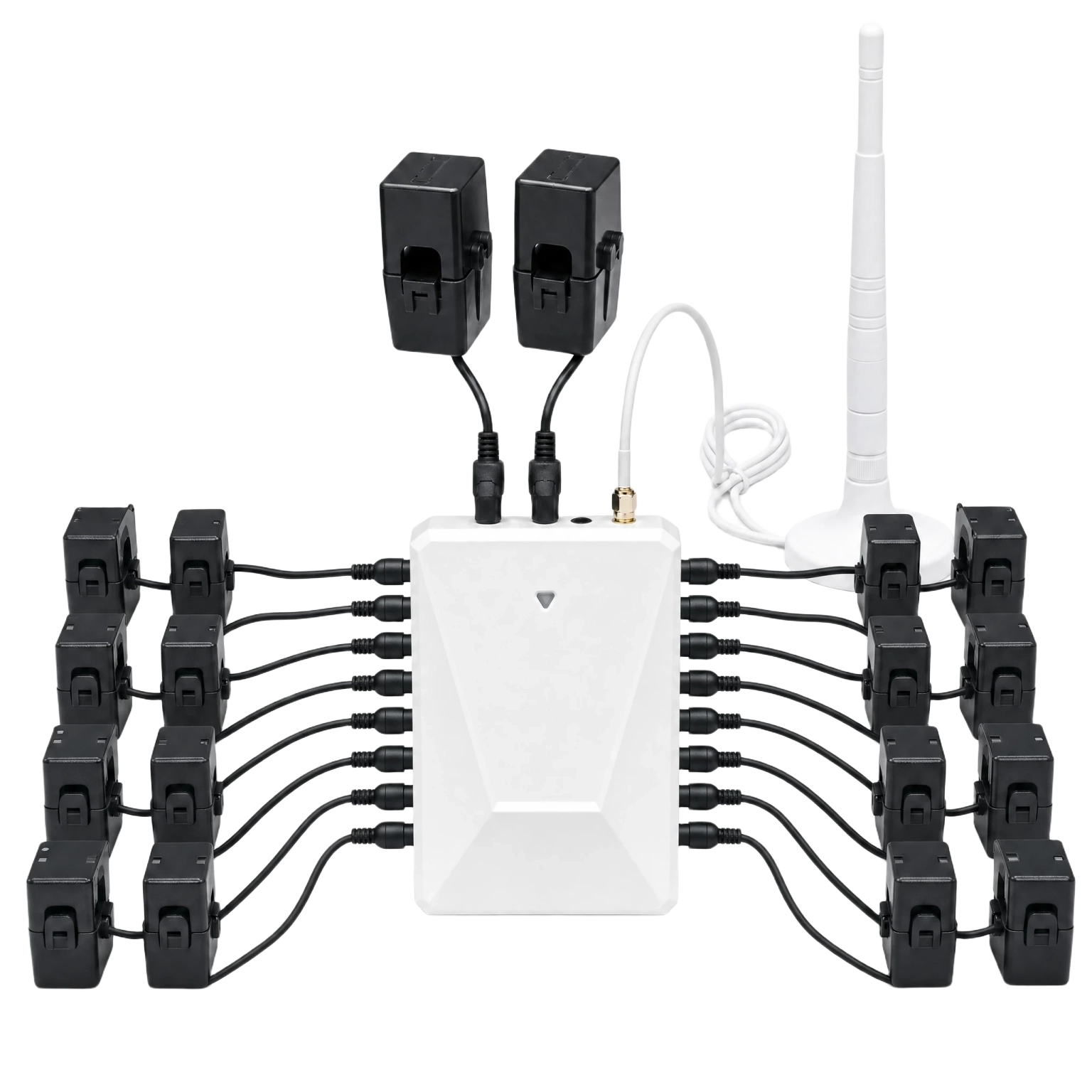
Energy monitors are easier to compare when the desired answer is clear. A broad household trend, selected circuit detail, and a single plug load are different jobs and may require different hardware.
More channels are not automatically better. The useful option is the one that fits the panel, can be installed responsibly, and produces a view the household can act on.
Whole-home baseline
Useful for seeing when total electricity demand rises, falls, or changes across a day.
Selected circuit context
Useful when a buyer already knows which circuits deserve separate attention.
Single plug load
Useful when the question is limited to one plug-connected appliance rather than the whole panel.
02
Compare fit, visibility, and support together.
A product photo cannot confirm electrical compatibility. Use the product manual and fit guidance to review the home context before treating a monitor as purchase-ready.
| Decision | What to verify | Why it matters |
|---|---|---|
| Service and panel | Service type, panel layout, access, and available space | The monitor and sensors need a documented physical and electrical fit |
| Measurement scope | Whole-home conductors, selected circuits, and intended CT coverage | The selected package should match the questions the buyer wants to answer |
| App experience | Current views, history, configured channels, and supported account flow | Useful hardware still needs a readable way to review data |
| Documents and support | Manual, fit guidance, policy source, and support route | Unknown installation or product facts need a safe fallback |
03
Treat the app view as part of the product decision.
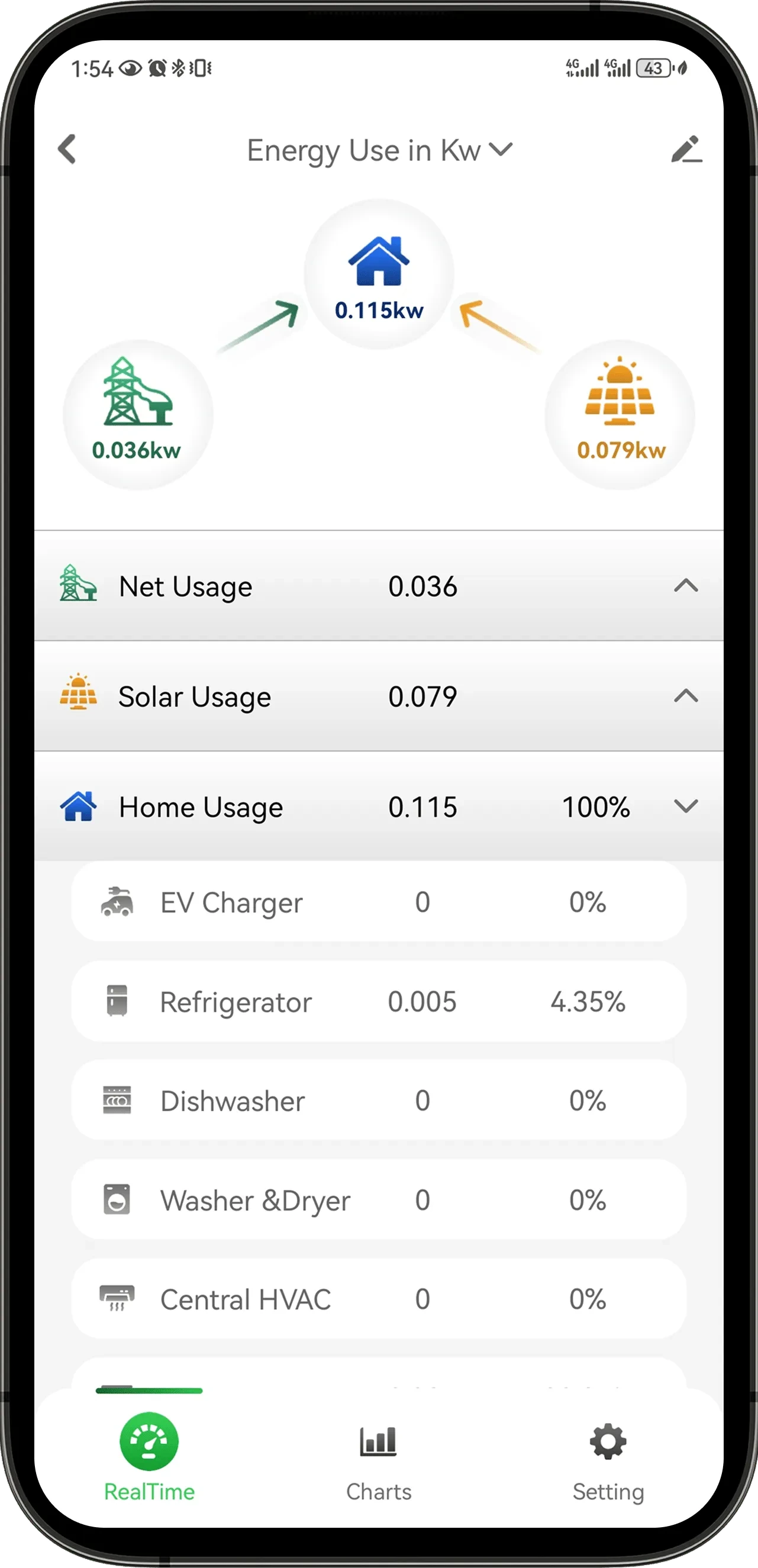
Review the app screens that correspond to the proposed monitoring scope. A daily summary, configured circuit list, and live values serve different decisions.
Do not assume an app can identify every appliance automatically. Use the documented product experience and the channels actually configured for the installation.
04
Stop when the installation facts are still unclear.
Panel access, conductor identification, CT placement, and electrical work are not resolved by an online guide. Review the product documentation and involve a qualified professional when the service or installation boundary is uncertain.
-
Define the question
Write down the whole-home, circuit, or plug-load decision the monitor should support.
-
Check the home context
Confirm the service and panel details required by the product fit guide.
-
Review the package
Match the intended CT scope and app view to the selected product option.
-
Confirm responsibility
Use the manual, local rules, and qualified installation guidance before ordering.
05
Questions people ask before the next step
What should I decide before buying an energy monitor?
Decide whether you need a whole-home trend, selected circuit detail, or one plug-load answer, then verify panel fit and installation responsibility.
Does a panel energy monitor identify every appliance?
Do not assume that it does. Review the documented app experience and the monitoring channels configured for the installation.
Can product photos confirm panel compatibility?
No. Service type, panel layout, conductor clearance, CT scope, product documentation, and installation requirements must be reviewed.
When should I ask an electrician?
Use a qualified electrical professional when panel access, conductor identification, CT placement, wiring, or local installation requirements are uncertain.
Choose a product only after the fit questions are clear.
Open the relevant product page when the fit is clear, or contact support with the model and installation details that still need an answer.