
Valve compatibility checklist
Check the Main Shutoff Before Planning Smart Water Control
Use front and side photos, measurements, condition notes, and utility context to prepare a credible installer review.
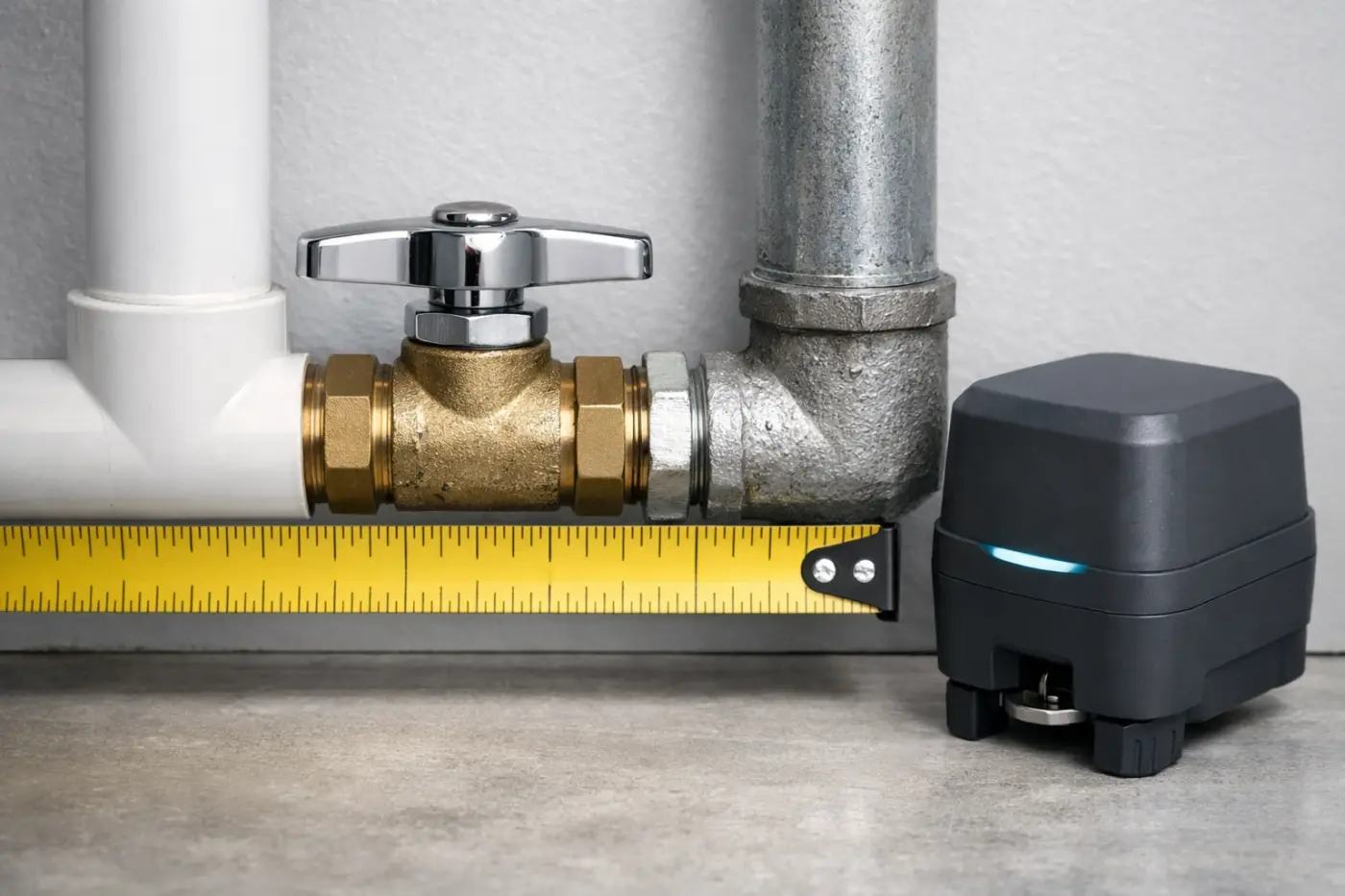
A product photo cannot confirm valve fit
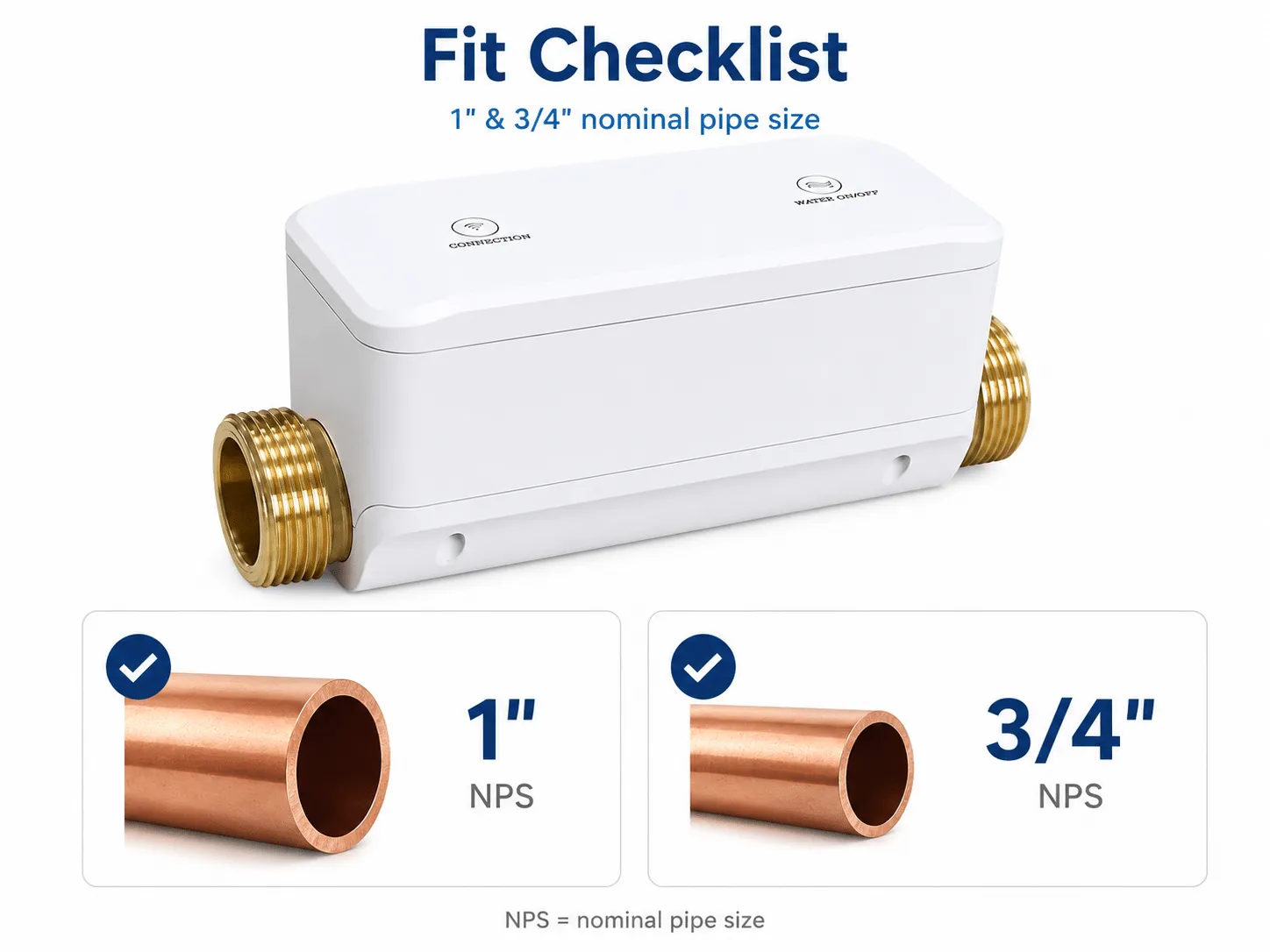
Compatibility depends on the installed valve and the proposed control method. Record the valve type and condition, handle movement, pipe arrangement, clearance, access, utilities, installation responsibility, and response plan. A qualified partner must make the site-specific fit decision.
Collect these four evidence groups before inquiry.
Valve identity
Capture valve style, handle, visible markings, pipe direction, and whether the valve is the intended main shutoff.
Condition and movement
Record leaks, corrosion, stiffness, obstruction, and whether the valve fully opens and closes manually.
Space and utilities
Measure clearance and document access, power or battery expectations, network reach, and serviceability.
Project ownership
Name the installer, property responder, maintenance owner, and person authorized to restore water.
01
Take photos that show the complete installation context.
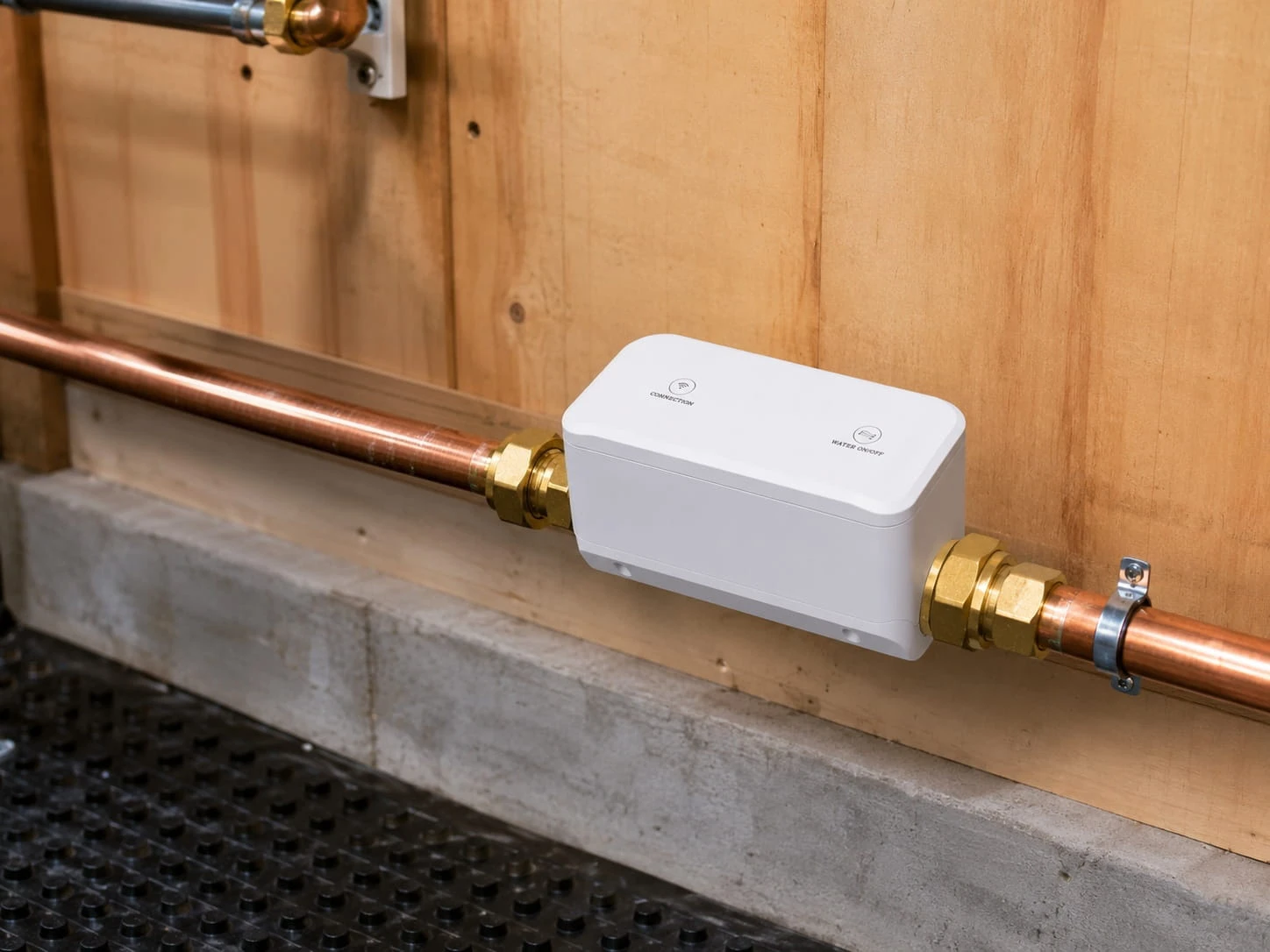
Provide a straight-on photo and a side photo with enough distance to show the full valve, nearby pipe, wall, floor, cabinet, meter, filter, regulator, and anything that could obstruct installation or service.
Front view
Show the valve body, handle, joints, pipe direction, and surrounding equipment.
Side view
Show depth, wall clearance, handle travel, service space, and nearby obstructions.
Measurement view
Include the dimensions requested by the installer without relying on image scale alone.
02
Separate observable facts from the final installer decision.
The customer can collect site facts. The partner evaluates the selected product, installation method, local work, and commissioning requirements against those facts.
| Area | Collect | Escalate when |
|---|---|---|
| Valve | Type, handle, condition, movement, markings, and shutoff role | The valve is stiff, leaking, corroded, damaged, inaccessible, or uncertain |
| Pipe and space | Arrangement, dimensions, joints, clearance, access, and nearby equipment | The selected component or service path cannot be confirmed from documented requirements |
| Utilities | Power or battery plan, network and gateway location, account owner | The supported communication or recovery path is unclear |
| Operations | Installer, responder, maintenance owner, testing, and restoration authority | No one owns onsite inspection, repair, or safe restoration |
03
Resolve mechanical or site problems before automation.
Do not use connected control to hide an unreliable shutoff. A local professional should address a valve or pipe condition that prevents normal manual operation, safe access, or a documented installation path.
-
Stop at valve condition
Pause when the valve leaks, binds, is corroded, damaged, or cannot fully open and close.
-
Stop at uncertain fit
Pause when valve identity, dimensions, clearance, pipe context, or installation method cannot be confirmed.
-
Stop at missing ownership
Pause when installation, commissioning, maintenance, response, or restoration has no named owner.
-
Resume with evidence
Continue only after the relevant professional or partner has reviewed the missing facts.
04
Send one complete compatibility packet instead of isolated product questions.
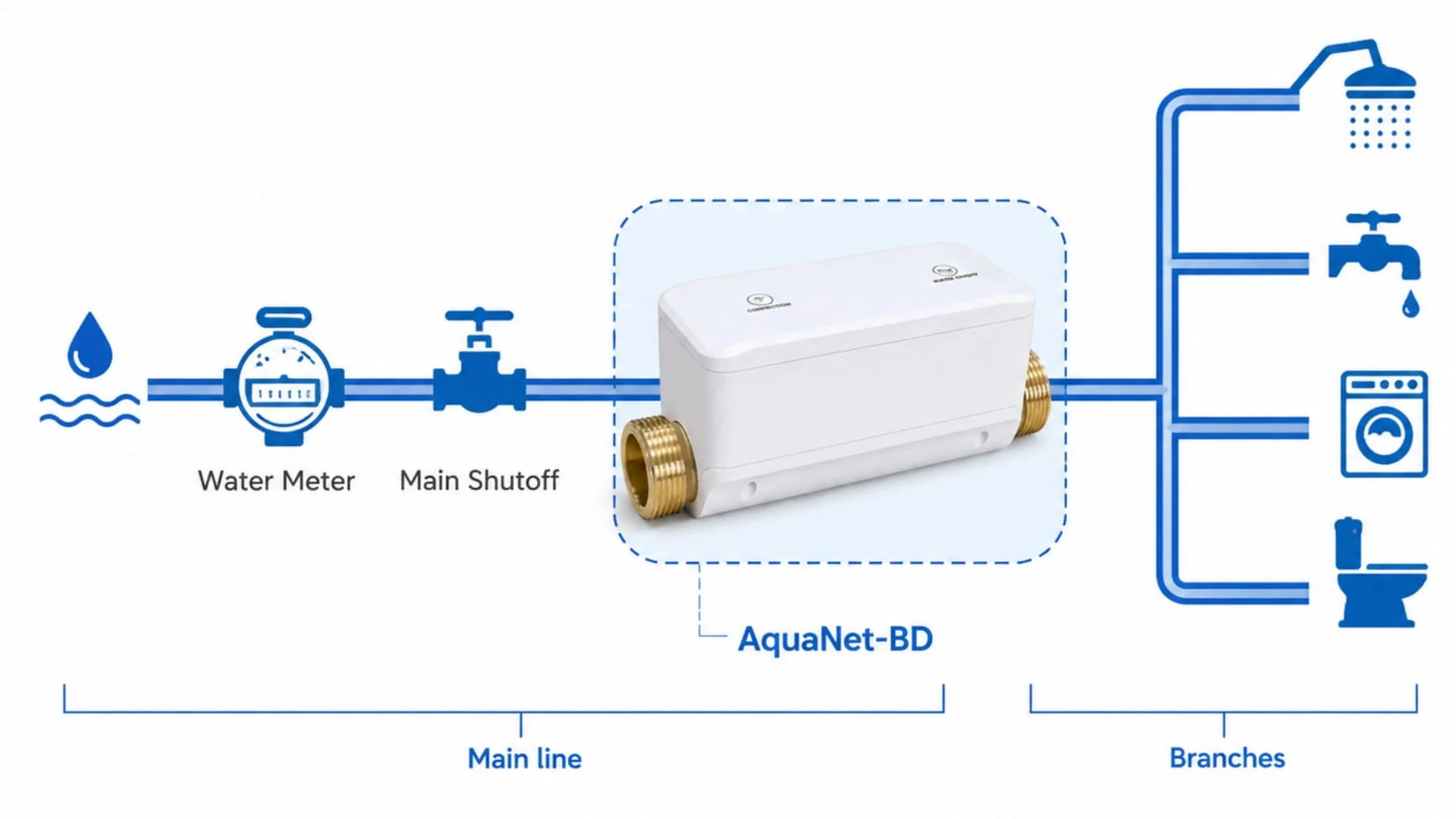
Include the photo set, measurements, valve condition, pipe and access notes, utility context, detector locations, desired event behavior, local installer, responder, maintenance plan, and project timing.
05
Questions people ask before the next step
Can I confirm fit from a valve photo alone?
No. Photos help, but the installer may also need dimensions, valve condition, pipe arrangement, access, utilities, product documentation, and the proposed installation method.
What if the valve is hard to turn?
Treat that as a local plumbing condition to resolve before automation. Do not use a connected actuator to hide an unreliable shutoff.
Does this checklist approve installation?
No. It organizes evidence for a qualified partner review; it is not a product approval, plumbing instruction, code decision, or commissioning record.
What should I send with a partner inquiry?
Send front and side photos, requested measurements, condition notes, pipe and clearance context, utilities, desired event behavior, and the people responsible for installation and response.
Bring a complete valve record to the installer-supported path.
Use the photo set, measurements, condition, utilities, ownership, and response plan to make the partner discussion specific and reviewable.