If a smart water system closes the supply while someone is taking a shower, doing laundry or using water for another expected purpose, save the exact alert and its timeline before calling it a false alarm. The system’s message, the activity underway and any onsite findings are separate pieces of evidence. Together they give support something to investigate; none alone proves the system was wrong or that it is safe to restore water.
This guide helps you prepare that record. It does not provide a reset sequence, recommend bypassing protection or tell you to reopen a valve. If there is visible leakage, damage or a possible hazard, use the property’s response plan and appropriate local professional or emergency assistance. Do not delay an urgent response to complete a checklist.
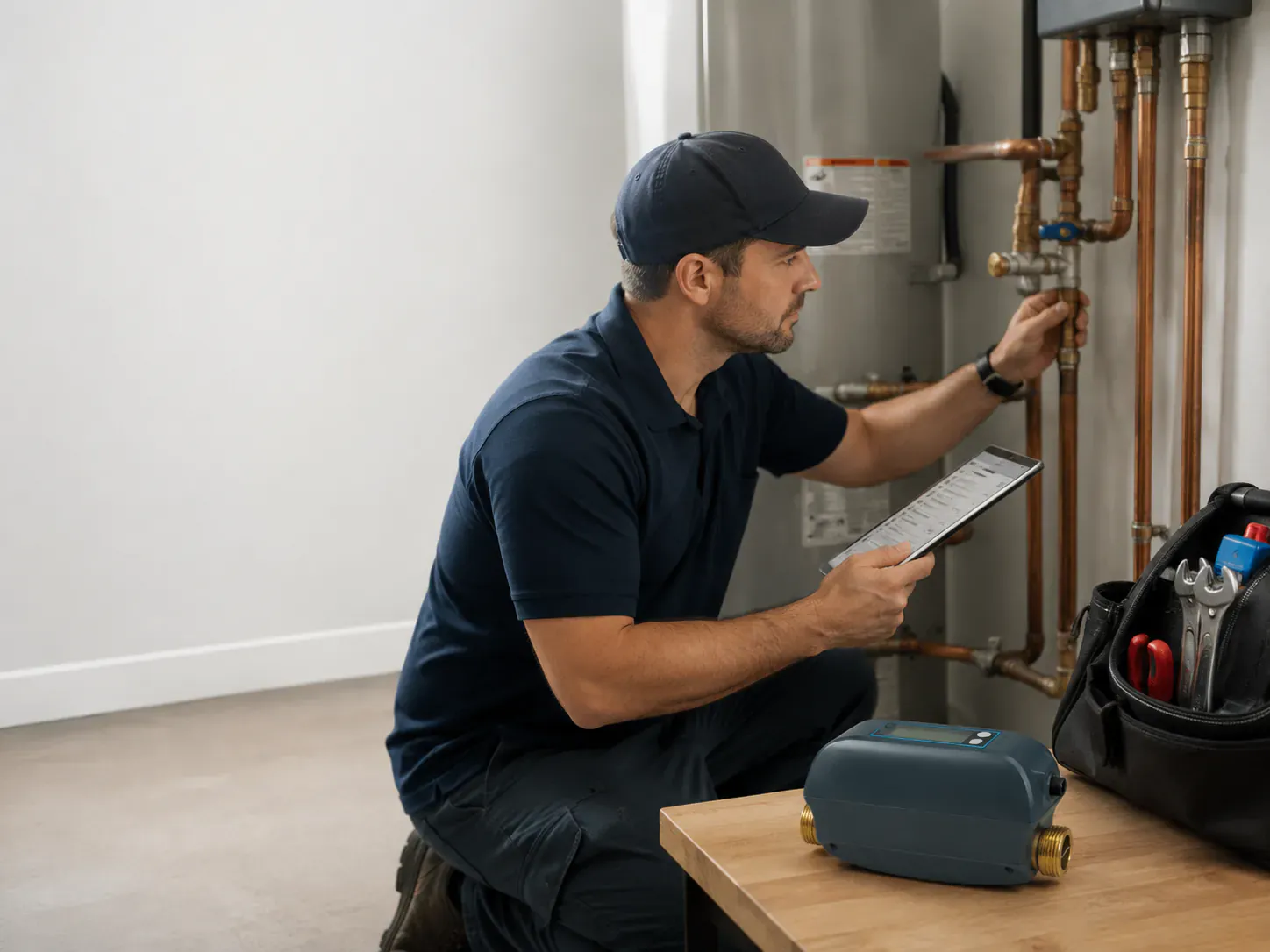
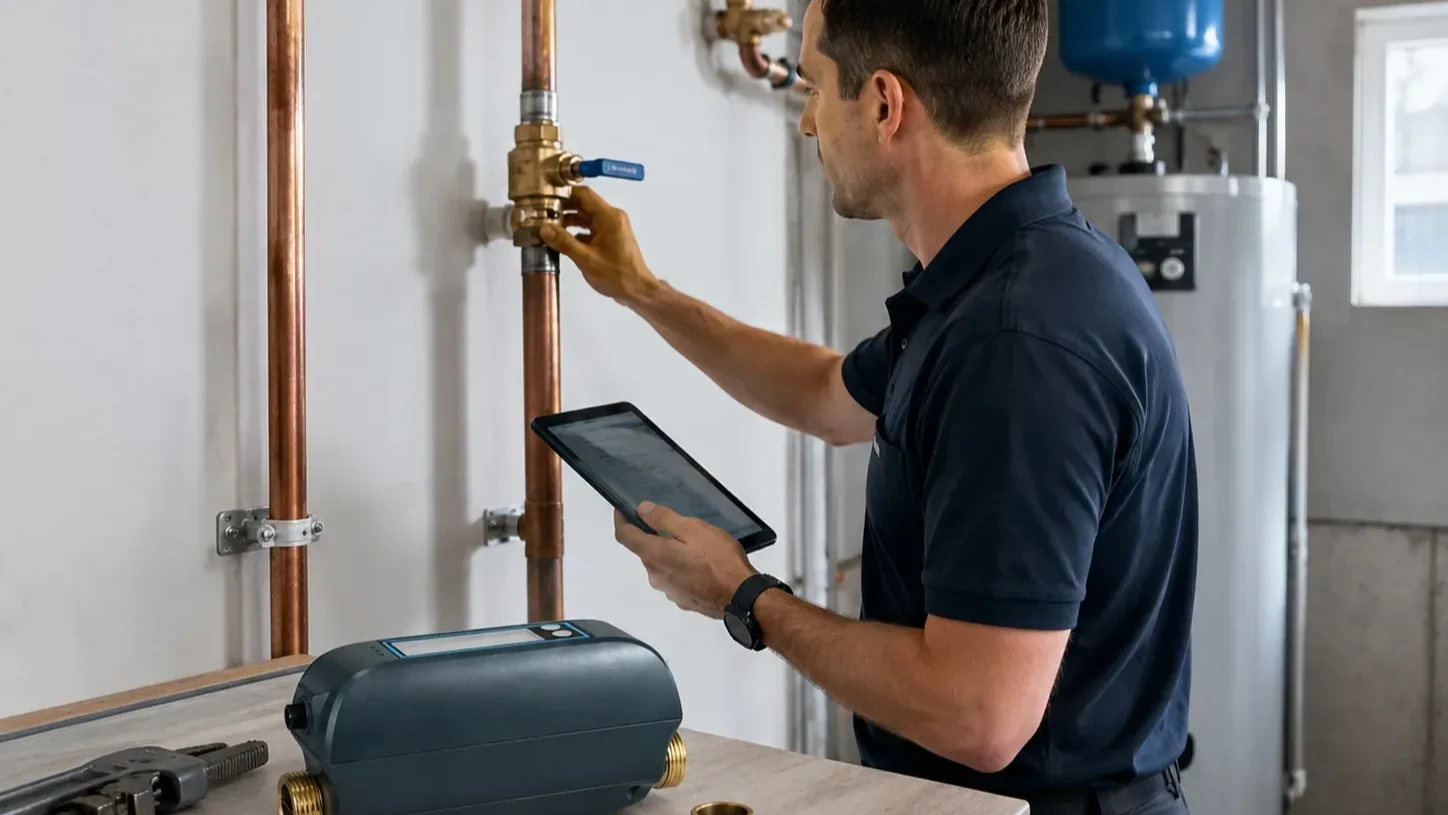
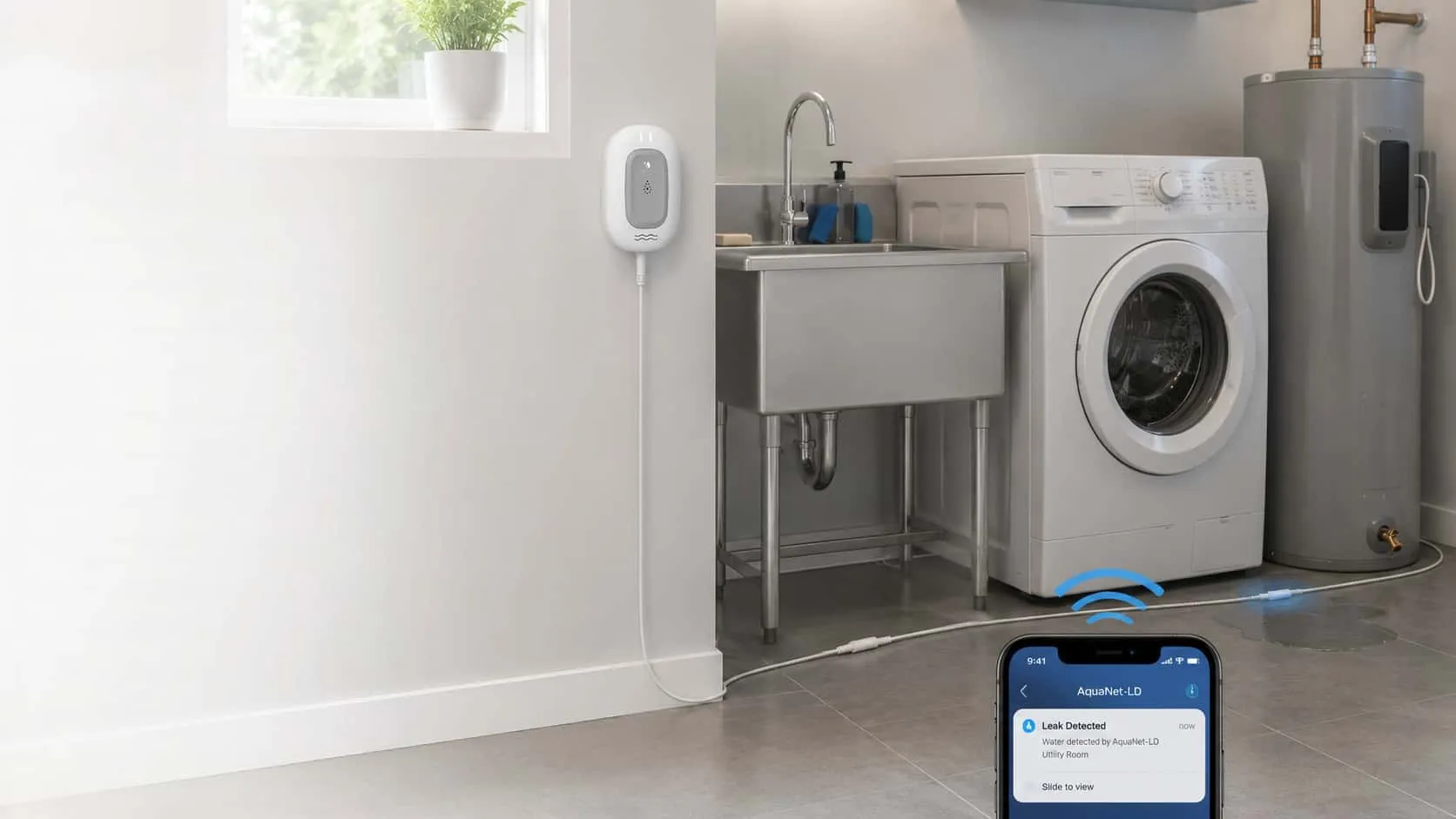
The header is an existing utility-room photograph used for context, not a record of this event or an installation recommendation.
Begin with the alert that came before the shutoff
“Water turned off” describes the result, not necessarily the event that triggered it. Look at the normal app history, notification or display available for your exact system. Record the original message rather than translating every warning into “leak detected.” If there is no accessible history, say that it is unavailable.
For a product-specific example, Moen’s official Water System Shutoff explanation describes a precautionary shutoff associated with underlying critical alerts, including unusual usage or event duration. That explanation applies to the named Moen system. It is not evidence that another brand uses the same detection logic, timing or response process.
Copy the exact model and alert wording into the request. If the record shows several events, keep their order: usage alert, notification received, any response shown, then valve status. Do not assume the most recent message was the original cause.
Distinguish a usage alert from water reaching a sensor
An alert about water use and an event from a moisture sensor are not interchangeable observations. One concerns reported use or a usage pattern; the other concerns water at a sensing location. A connected valve action adds another step. Support needs to know which path the installed system actually uses.
Moen’s High Water Usage guidance explicitly discusses both longer normal activities and a possible leak as contexts for that alert. The point is not to decide remotely which explanation is correct. It is to preserve the activity and the alert so the model-specific investigation can distinguish them.
For a Grus question, name the actual valve, detector and app involved, if known. Do not assume that a pictured water sensor learns household flow patterns, or that an app-linked valve has a direct sensor connection. The detector-versus-shutoff guide explains why those roles need to be separated before comparing systems.
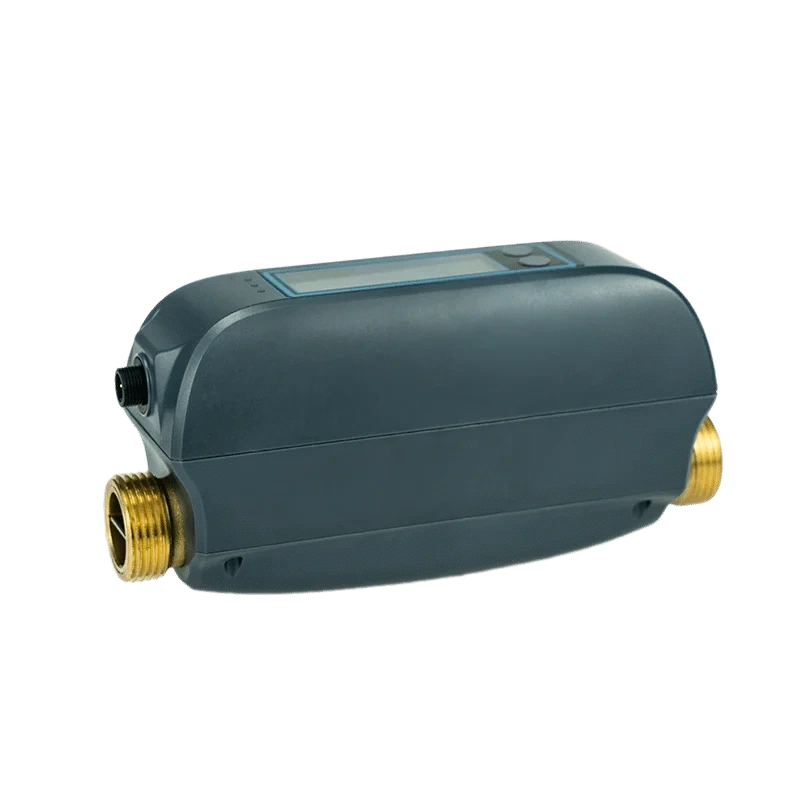
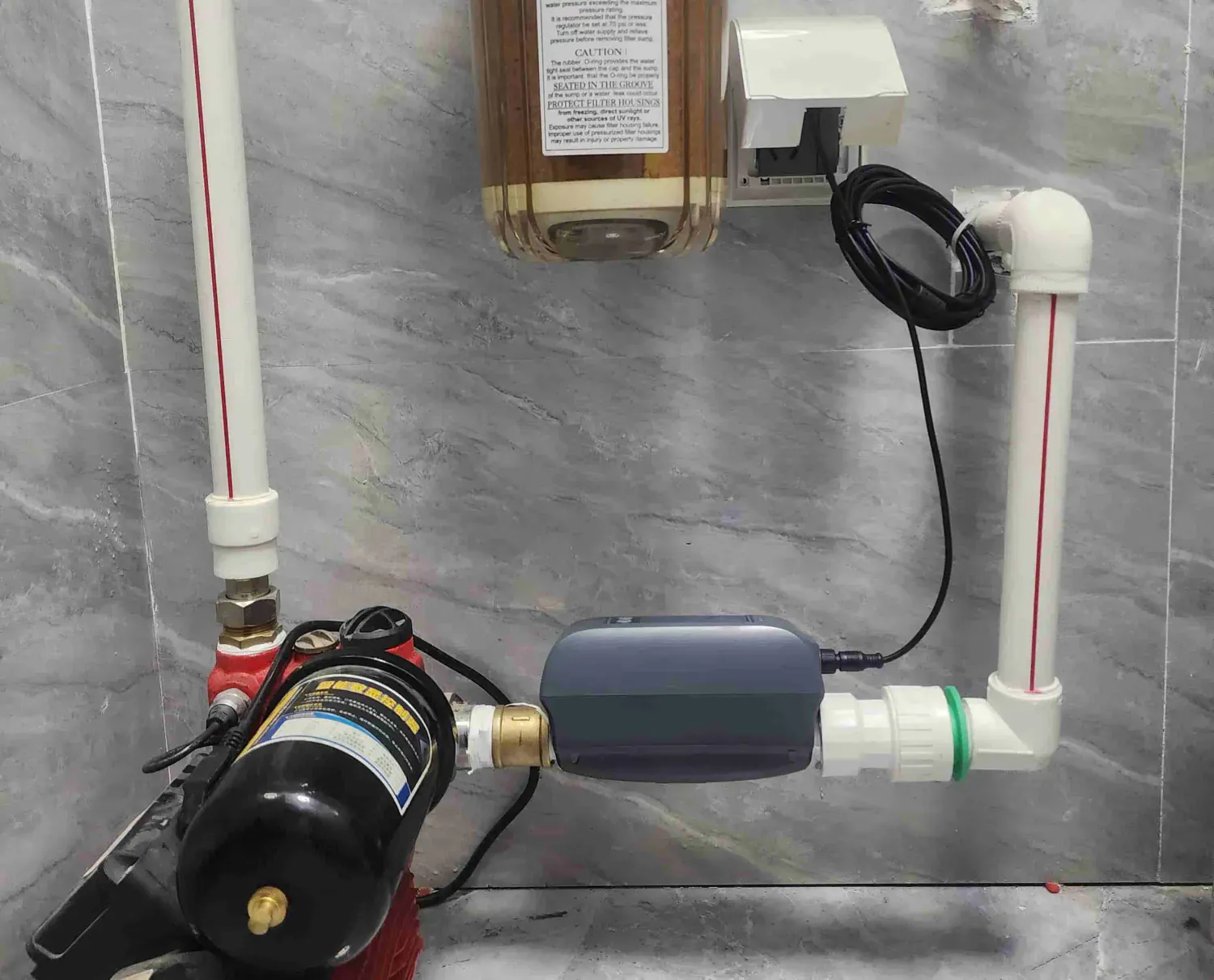
Grus product identification only, not a Moen product or proof of a trigger, an algorithm or a successful valve action.
Write down what was happening, without recreating it
Record the activity that people remember and the times they can establish. A useful note might say: “Laundry was running when the app reported high use; I do not know whether another fixture was in use.” That is more accurate than stating that the washing machine caused the closure.
Include a new appliance, a changed household routine or a recently changed system setting if someone actually knows about it. If a water softener, irrigation system or reverse-osmosis unit was operating, record that as context, not as a proven explanation. An unfamiliar label or an assumed schedule is not a confirmed event.
Do not reproduce a long water-use event, create a leak, wet a sensor, operate the valve or change protection settings to test a theory from this article. A deliberate interruption can create another incident without explaining the first. Ask the model’s support team or responsible professional whether a particular check is supported and who should perform it.
Keep one short timeline
Use the table as a record of what is known, not a scorecard proving a false alarm. Approximate times are acceptable when clearly marked; otherwise use “unknown.” Keep the app’s displayed time zone with its timestamps.
| Record | Useful detail |
|---|---|
| Equipment | Valve, monitor and sensor model names; which model is still unknown |
| Original alert | Exact wording, timestamp, units and device label, if shown |
| Household activity | What people actually remember using, with approximate start/end times |
| Notification | When a person received or noticed it; whether that time is uncertain |
| System status | What the app or display reported before and after the event |
| Onsite observation | Who observed the area, when, and what was or was not visible |
| Recent change | Known equipment, routine, account or settings changes; otherwise unknown |
If an app reports a rate or volume, keep its units and the period shown. Do not compare an instantaneous rate with a total volume as though they were the same measurement. Do not invent a flow rate from how long a shower seemed to last.
A valve position displayed in an app is also not a complete onsite assessment. “Closed shown in app” is a narrower observation than “every possible water source has stopped.” Likewise, no visible water in one accessible area does not establish that concealed spaces are dry.
Send observations, then ask for the applicable next step
Here is a sample support message, not a customer case or an operating instruction:
My system is [model, or unknown]. At [time and time zone], the app showed [exact alert], followed by [reported status]. The activity we know about was [activity]; other water use is [known/unknown]. The onsite observation at [time] was [observation or not yet checked]. The recent change we can confirm is [change or none known]. Which documented check applies to this model, and who should carry it out?
Keep screenshots limited to the relevant message and equipment identifier. Remove passwords, access codes, addresses, unrelated household history and other people’s contact details. If this is a managed property, use its authorized support channel rather than posting the incident publicly.
Ask support to distinguish the recorded trigger from a suspected cause and explain the next supported step. If the response requires site assessment or model-specific work, establish the responsible person. Do not treat a generic online reset suggestion as authorization to restore service.
Do not let repeated closures become an accepted mystery
If the event recurs, keep the new record alongside the earlier case reference. Note what actually changed after the previous advice and whether the same alert returned. Repeatedly clearing messages without a documented explanation loses information; it does not establish reliability.
Before considering a change to protection settings or a return to service, the responsible owner and appropriate professional need the exact product guidance and the actual property conditions. This article provides no universal sensitivity value, safe waiting period or reopening procedure.
For a Grus model or documentation question, contact Grus product support with the record above. For an actual leak, unsafe condition or onsite plumbing assessment, use the appropriate local service. The objective is to resolve the uncertainty without dismissing a real event or turning normal household use into a claim of misuse.