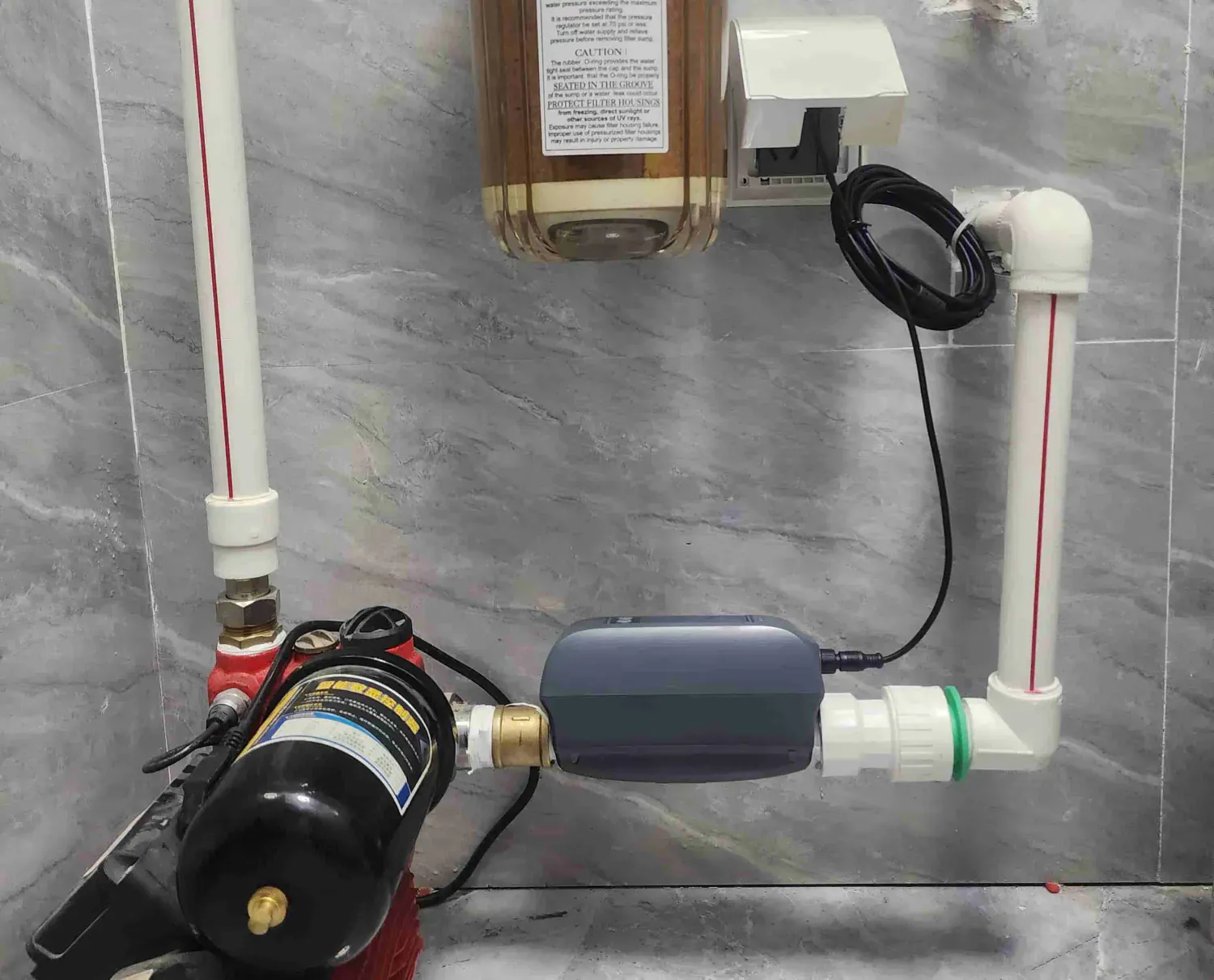
You can verify a smart water shutoff system without creating a leak by checking the system record, visible device condition, current account access, documented notification paths, named response owners, and only the model-specific checks authorized by current product documentation or a qualified professional. Record each observation with a date, owner, and limitation. Stop when a check would require operating a valve, opening plumbing, simulating water, changing automation, bypassing equipment, or restoring service without the right authority.
This is a verification plan, not a generalized operating procedure. A visible App state does not prove that a valve moved or sealed. A delivered notification does not prove that somebody acknowledged it. A dry floor does not prove that every sensing area is covered. And one successful observation does not guarantee that a future leak will be detected, isolated, or prevented from causing damage.
The guide follows Morgan, a hypothetical property manager, and Alex, a hypothetical water-service professional. They are not Grus customer cases. Their example keeps one property and one responsibility chain consistent while showing how to gather useful evidence without manufacturing an incident.
The short answer: verify six evidence layers, not one button
Morgan and Alex use six layers:
- Scope and identity: identify the property, controlled line, monitored areas, exclusions, device models, and current documentation.
- Visible condition: look for accessible damage, movement, corrosion, obstruction, missing power, or changed site conditions without touching or opening equipment.
- Account and communication: confirm the responsible account owner can see the intended current view and that named recipients still own the supported notification path.
- Documented product checks: use only the current model-specific procedure and the person authorized to perform it.
- Response ownership: confirm who acknowledges an event, enters the property, assesses the source, performs repairs, and authorizes return to service.
- Record and escalation: retain the observation, limitations, unresolved questions, owner, and next action.
The U.S. EPA WaterSense page on leak detection and flow monitoring devices separates moisture detection from flow monitoring because they answer different questions. Its 2026 guide also directs owners to follow model-specific maintenance procedures. Morgan preserves that distinction instead of treating every detector, flow monitor, valve, and App screen as one interchangeable system.
Start with the property and system record
Before looking at a screen, Morgan opens the latest project record. It should identify the property or unit, intended water line, known branches outside that boundary, detection locations, product models, account owner, current manuals, primary responder, backup responder, and the person authorized to approve any physical check.
| Record field | Useful evidence | What it does not establish |
|---|---|---|
| Property and service area | Address, unit, intended water-service boundary, date | Coverage of every fixture, branch, outdoor source, or shared line |
| Controlled line | The documented line associated with the installed valve | That every source passes through it or that the valve will seal under every condition |
| Detection map | Point or cable locations and accessible monitored paths | Detection of water that does not reach those paths |
| Device identity | Current model and documentation reference | Capabilities from a different model or a marketing family name |
| Connected account | Named role that owns supported access and notifications | Continuous network service, delivery, acknowledgement, or action |
| Response chain | Primary and backup contacts with current access rules | Immediate arrival, completed repair, or safe restoration |
If the record is missing, obsolete, or contradicted by the site, Morgan does not improvise a product test. She assigns the gap to the appropriate owner and updates the project brief first.
Inspect only what is safely visible
A visual review can reveal that the previous record is stale. Morgan and Alex check accessible areas for obvious changes: equipment has been replaced, stored items block access, a cable or point sensor is no longer where the record says it is, a valve area has new corrosion or damage, a power indicator is absent, network equipment has changed, or a renovation created a new water path.
They do not loosen fittings, move a valve, remove covers, disconnect power, change piping, reposition a sensor, or operate a control as part of that observation. Those are separate product- or site-specific actions that need current documentation and the right professional authority.
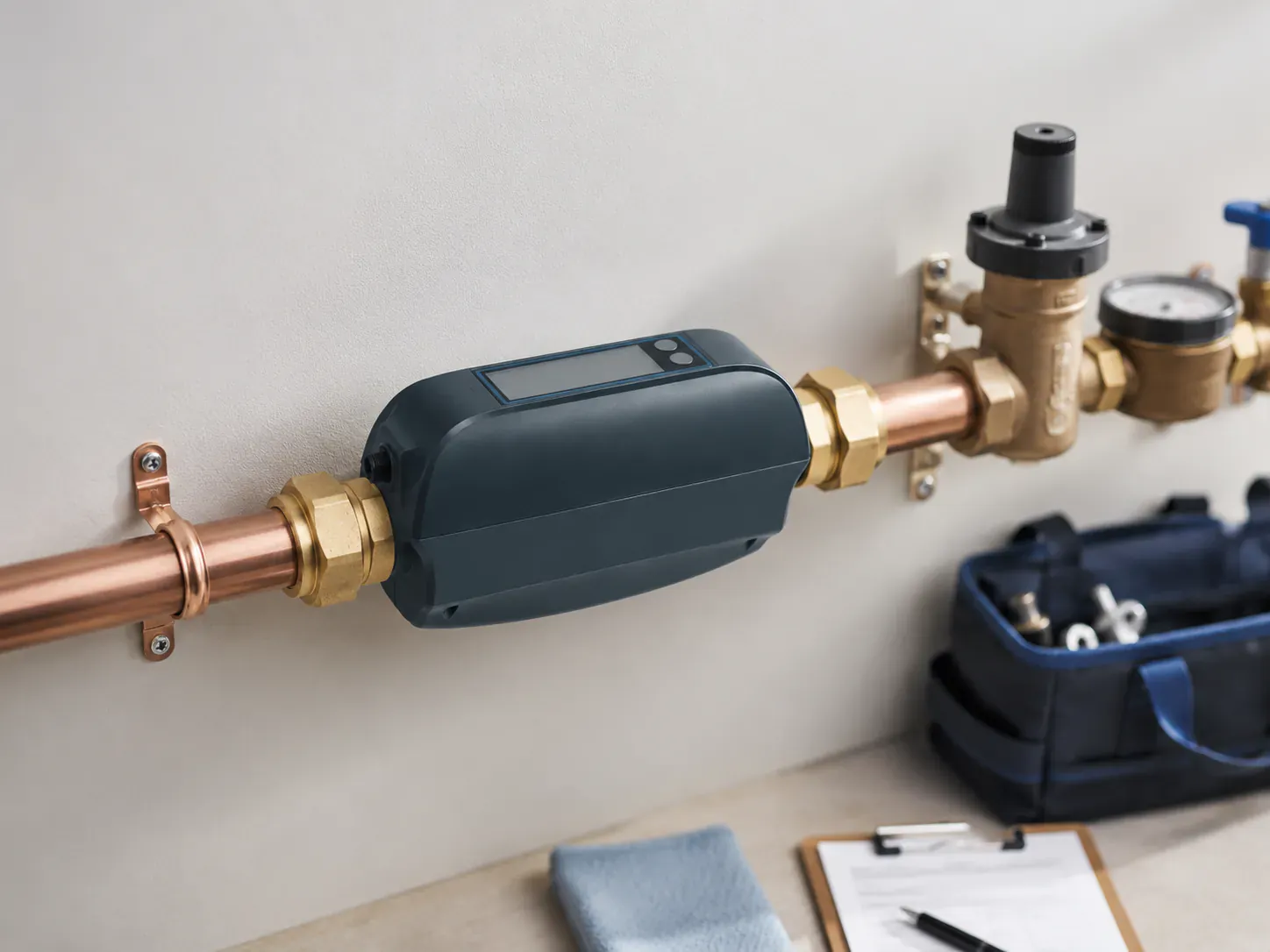
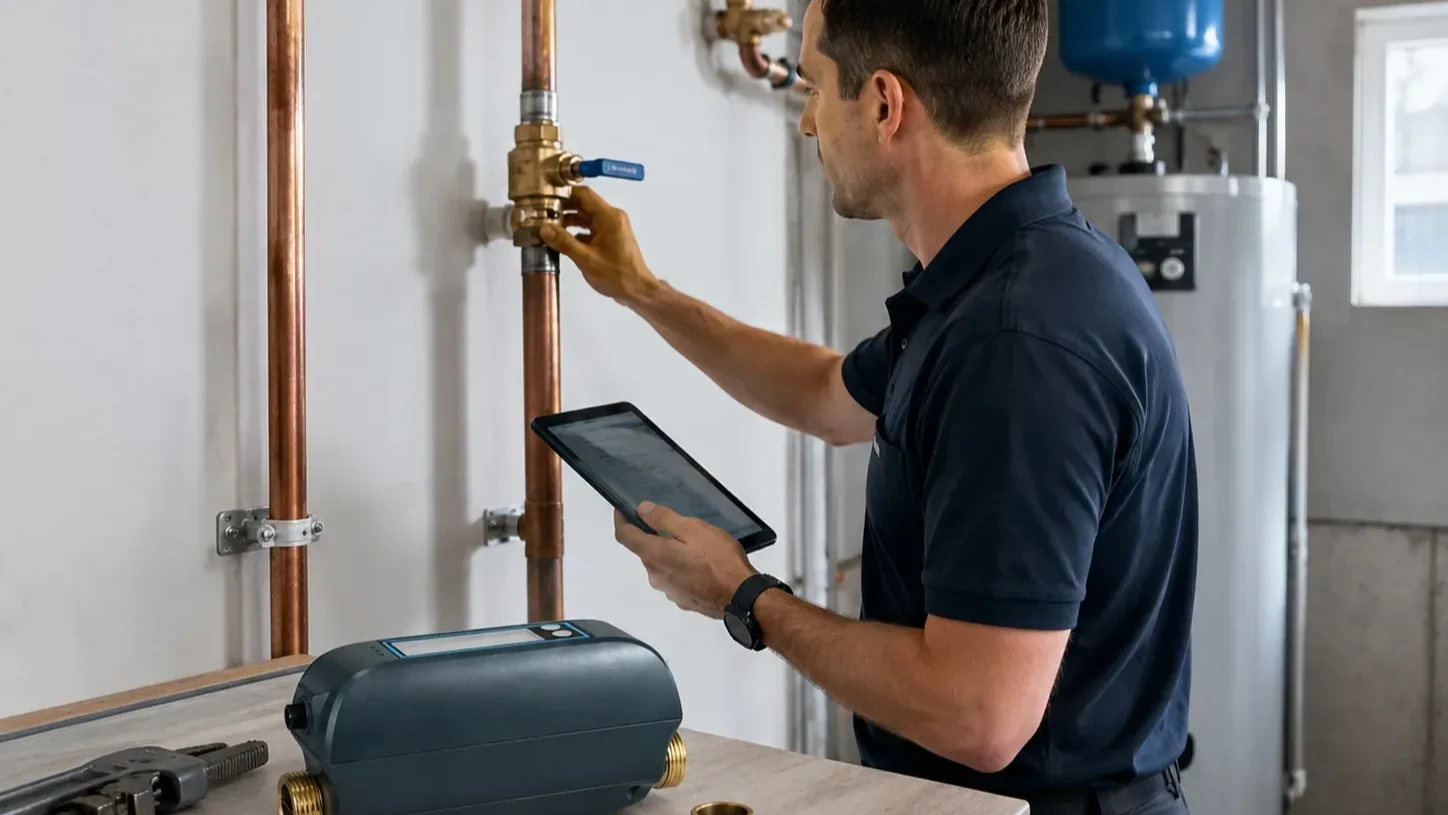
The image shows a professional context and a dry site record. It does not establish compatibility, successful installation, or permission to operate the equipment shown.
Treat App and device status as observations
Morgan confirms that the named account owner can access the intended supported view. She records the time, device identity, view observed, account role, and any warning or unavailable state. She does not store passwords, recovery codes, or unnecessary personal data in the maintenance record.
| Observation | Accurate record | Overclaim to avoid |
|---|---|---|
| A supported App view loads | “The named account displayed the documented view at 10:15.” | “Remote access will always work.” |
| A device reports an online state | “The interface reported online under the recorded conditions.” | “Every sensor and valve is operational.” |
| A valve state is displayed | “The supported interface reported this valve state.” | “The valve physically moved and sealed the line.” |
| A notification is visible | “The documented recipient received this notification.” | “All future alerts will reach and mobilize a responder.” |
| No active alert is shown | “No active alert was visible in this view at this time.” | “There is no leak anywhere on the property.” |
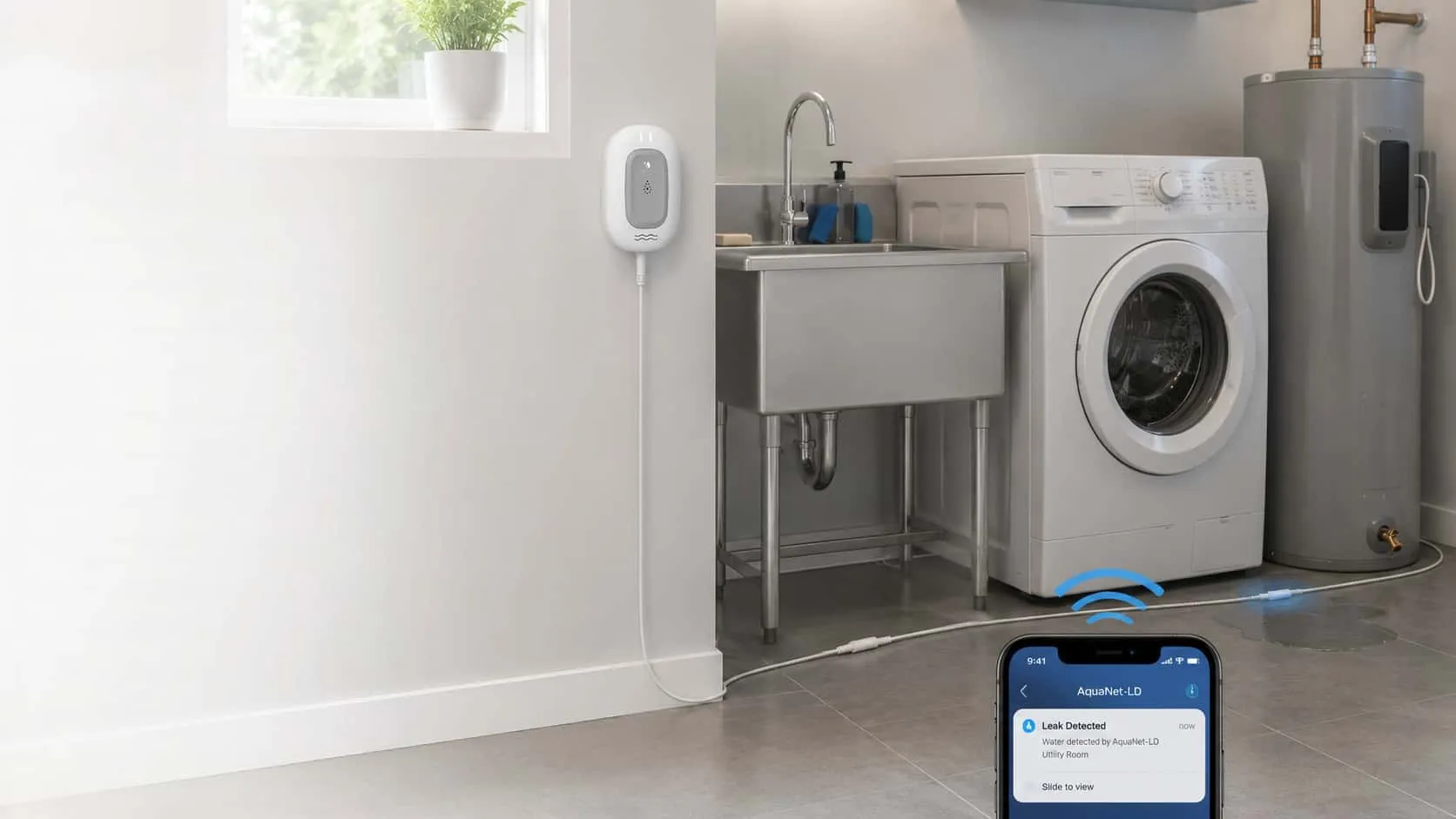
For the approved Grus AquaNet-BD boundary, configured leak-detector linkage must be described as Smart Life or Tuya App-based automation with compatible equipment. It is not proof of a direct hardware connection between every detector and valve. The approved power-outage boundary also matters: when external power is disconnected, Wi-Fi and App remote control are unavailable, while backup supports local valve control. This article does not turn those facts into a user test or an instruction to interrupt power.
Use only current model-specific supported checks
EPA WaterSense home maintenance guidance recommends checking installed leak-detection or flow-monitoring systems regularly. The WaterSense 2026 leak-detection and flow-monitoring guide adds an important boundary: owners should consult the device manual for model-specific maintenance procedures.
That means there is no universal “smart shutoff test.” Different systems may use moisture sensing, flow monitoring, a separate actuator, an inline valve, App-based automation, local controls, or several connected components. Their supported maintenance methods, dependencies, warnings, and professional requirements can differ.
Alex classifies each planned check before it happens:
- Owner-observable: current documentation explicitly permits the owner to observe a status or perform a named non-invasive check.
- Professional-only: current documentation, site conditions, or local responsibility assigns the action to a qualified professional.
- Unsupported or unclear: the record cannot prove that the action applies to this exact model and site.
Morgan proceeds only with the first class within its documented limits. Alex owns the second class under the applicable professional process. The third class stops and becomes an evidence request. Neither person creates a puddle, wets an area, operates a valve, interrupts utilities, or alters an automation just to produce a “pass.”
Follow a stop-or-advance decision flow
The flow below is a governance sequence, not an operating procedure. It keeps the right evidence and owner attached to every decision.

The important branch is “no or unclear.” Missing documentation does not become permission to guess, and a previous test does not automatically authorize the same action after a model replacement, renovation, account change, or service event.
Verify the human response chain separately
A device can report an event while the response plan fails. Morgan therefore reviews the people and permissions without producing a test alert:
| Responsibility | Primary owner | Backup owner | Evidence to keep current |
|---|---|---|---|
| Supported account and notifications | Named account administrator | Named backup administrator | Access role, recipient list, escalation method |
| Alert acknowledgement | On-call property contact | Secondary on-call contact | Acknowledgement rule and contact path |
| Property access | Authorized local responder | Approved backup responder | Current access process and restrictions |
| Source assessment | Appropriate qualified professional | Alternate qualified provider | Service contact and scope |
| Water-control decision | Authorized property representative and relevant professional | Defined escalation role | Controlled-line context and decision authority |
| Repair and affected-area work | Appropriate qualified professionals | Approved alternates | Work record and unresolved conditions |
| Return to service | Named restoration authority | Named substitute | Inspection basis and authorization record |
Morgan asks each role owner to confirm responsibility and current contact information. She does not send an artificial emergency message, misrepresent a routine review as an incident, or assume that delivery equals acknowledgement. If a response owner is unavailable, the system is operationally incomplete even when every screen looks normal.
Record a result that can survive handoff
A useful verification record includes the property and controlled-line reference, device identity, current documentation, check classification, responsible person, observation time and conditions, exact narrow result, limitations, account context, primary and backup responders, unresolved questions, and next scheduled review.
Avoid a single “PASS” field. A pass label hides which part was observed and which part remains unknown. “Account view observed; physical valve state not demonstrated; backup responder outdated” is more useful because it preserves the next action.
The record is not an insurance, certification, code, or damage-prevention document. An external program, insurer, authority, or customer may require different evidence. Obtain the current request from that decision-maker and keep its conclusion separate from the product and property record.
Review after changes, not only once a year
EPA WaterSense recommends an annual check of installed leak-detection or flow-monitoring systems. Morgan uses that as a minimum planning prompt, then schedules an additional record review whenever a device, valve, sensor, gateway, router, phone, account, notification recipient, access owner, appliance, plumbing context, or supported procedure changes.
She also reviews the record after a power or network event exposes a dependency, after any real water event or repair, and when a new blind spot or unresolved question appears. A routine review should remain routine. Do not create a leak, unsafe condition, unnecessary service interruption, or false emergency merely to satisfy a calendar entry.
Know when the verification must stop
Stop and route the next step to the responsible professional or product support when:
- the exact model or current documentation cannot be confirmed;
- the site differs from the recorded controlled line or detection map;
- visible damage, corrosion, leakage, obstruction, movement, or an unsafe condition is present;
- the proposed check would require touching plumbing, operating a valve, changing power, bypassing equipment, modifying automation, or creating water;
- a reported state conflicts with safe onsite evidence;
- the account owner, responder, access path, repair owner, or restoration authority is missing; or
- anyone asks the device record to prove compatibility, certification, insurance acceptance, damage prevention, or safe return to service.
The right result may be “not verified—professional review required.” That is a successful governance outcome because it prevents a weak observation from becoming a dangerous assumption.
Bring the verification record to the project conversation
Morgan’s final brief contains the property boundary, intended controlled line, monitored and excluded areas, device models, documentation references, visible site changes, account owner, power and network context, supported observations, unresolved questions, and every response owner. Alex can then discuss the actual project scope without treating a generic checklist as compatibility approval.
To review a scoped system, documentation boundary, and local responsibility model, plan an installer-supported water protection project with the facts and owners you can verify.