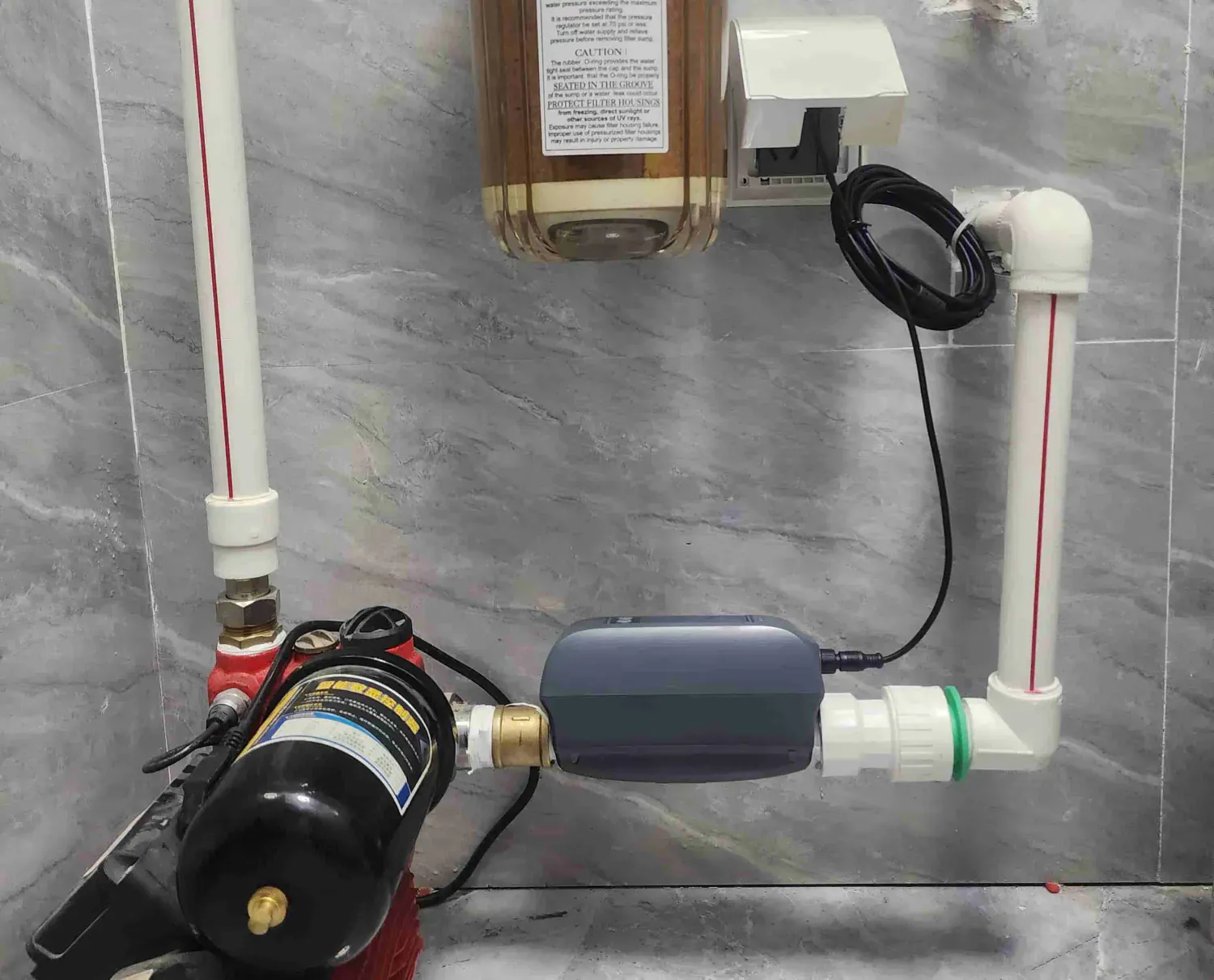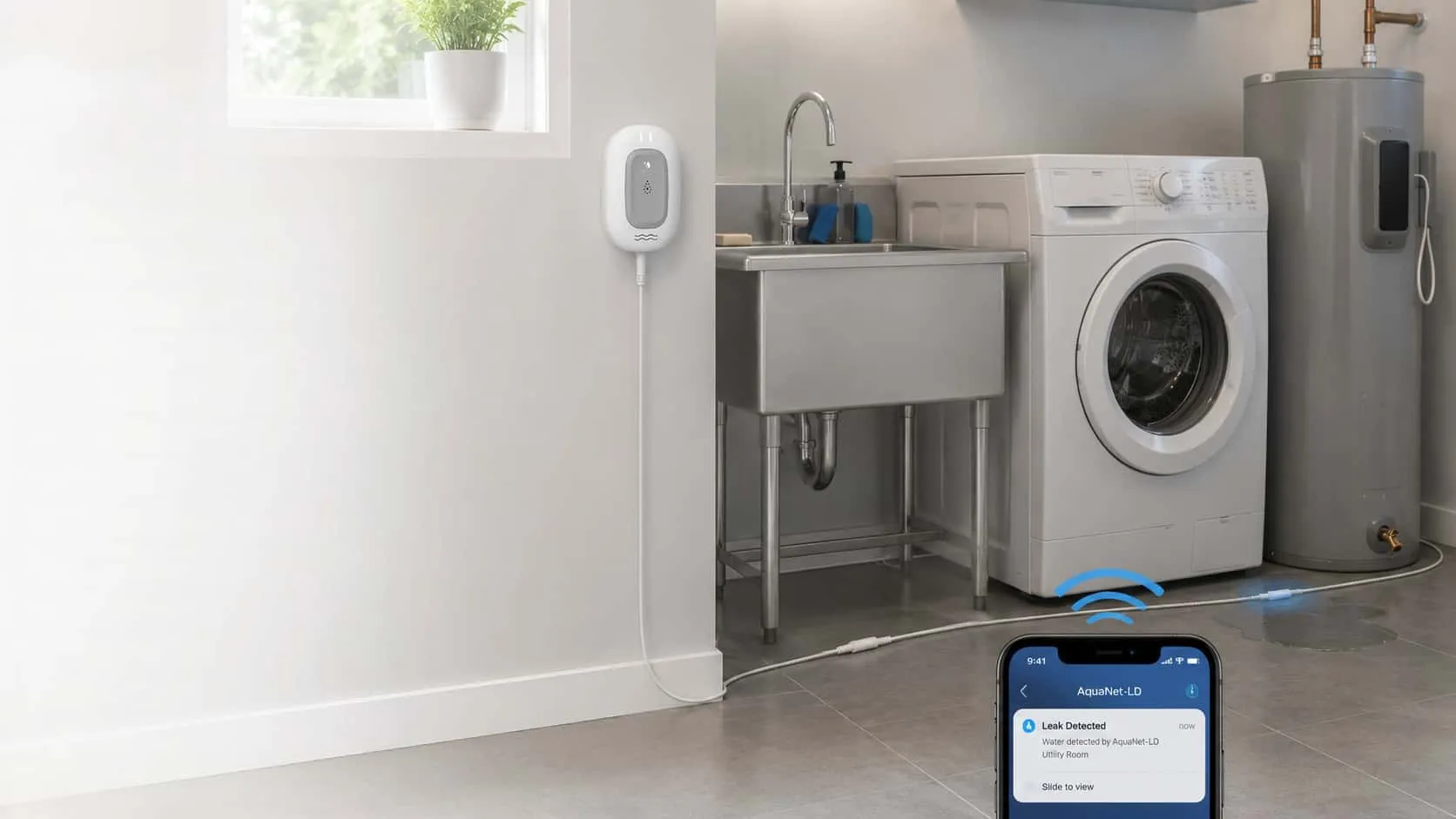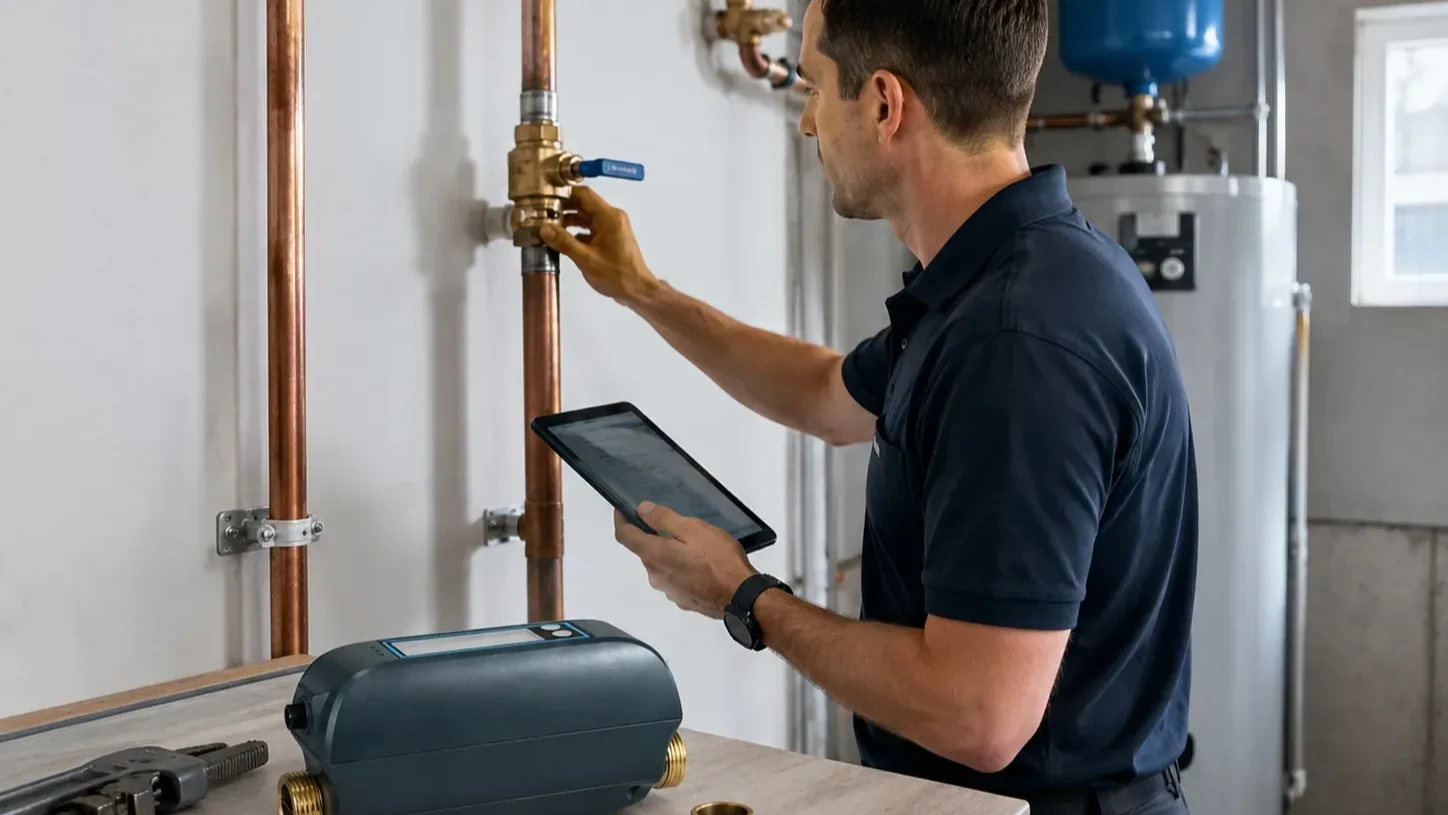
A smart water shutoff installation is not fully handed over when the hardware is present or an App screen shows a valve state. The property owner should receive a site-specific record that identifies what was installed, which water line is in scope, who owns the connected account, which supported checks were completed, what the system cannot establish, who responds to an alert, and who may authorize water service to return.
That record is operational evidence, not a guarantee. It does not prove that every leak will be detected, a valve will stop every water source, a building meets every requirement, an insurer will accept the installation, or a future loss will be prevented. Those questions belong to the relevant product documentation, qualified professionals, authorities, and insurers for the actual property.
This guide follows Jordan, a hypothetical installer, handing a project to Priya, a hypothetical property manager. They are not Grus customer cases. The scenario keeps one property and one responsibility chain consistent while showing what a useful handoff contains—without teaching anyone to open piping, install a valve, run a pressure test, bypass equipment, or restore water service.
The short answer: hand over eight records, not one success screen
Jordan gives Priya eight connected records:
- Property and site scope: the building, service area, intended use, and excluded areas.
- Controlled-line record: the water line the installed valve is intended to affect, plus known sources outside that boundary.
- Device identity: current model identifiers, locations, documentation references, and supported roles.
- Account ownership: the person or role responsible for the supported App account, notifications, and access changes.
- Supported check results: what was observed, when, by whom, and under which documented conditions.
- Known limitations: detection blind spots, power or network dependencies, and anything not demonstrated.
- Response ownership: primary and backup contacts for acknowledgement, access, assessment, repair, and escalation.
- Maintenance and change control: the review schedule and the events that require the record to be updated.
The U.S. EPA WaterSense overview of leak detection and flow monitoring devices separates moisture detection from flow monitoring because they answer different questions. A useful handoff keeps those functions separate from notifications, water control, onsite assessment, repair, and restoration authority.
Record the property boundary before the product list
Priya should be able to open the handoff and identify the exact property, unit or service area, occupancy pattern, responsible owner, and date of transfer. The record should also state the intended project outcome in plain language. “Provide visibility and a defined response path for this property” is more useful than “smart protection installed.”
Jordan then records the physical and operational boundary without turning the handoff into an installation tutorial:
| Handoff field | What Priya should be able to identify | What the field does not prove |
|---|---|---|
| Property and service area | The address, building or unit, and water service area in scope | Coverage of every structure, fixture, branch, or outdoor source |
| Intended controlled line | The documented line associated with the project | That every water source passes through it or that the valve will seal under every condition |
| Detection locations | The documented moisture or flow-monitoring areas | Detection of water that does not reach a monitored path |
| Exclusions | Irrigation, fire protection, detached structures, shared services, concealed areas, or other known boundaries | That an unlisted area is automatically covered |
| Operating assumptions | Occupancy, local access, power, network, and named responder availability | Continuous service or immediate human response |
This boundary matters because a whole-property label can hide real exceptions. A point sensor only answers whether water reached its monitored contact area. A sensing cable watches the path where that cable is placed. A flow-monitoring function interprets water behavior within its documented measurement boundary. A shutoff valve affects the line where it is correctly selected, installed, available, and controlled. None of those statements establishes what happened elsewhere.
Identify every device by role, not by a generic system name
“Water protection system” is too broad for a handoff record. Jordan lists each component separately with its model identity, documented location, supported role, current product-document reference, and account relationship. Priya can then tell which item detects moisture, which item observes flow, which item controls a line, and which supported connected workflow links configured actions.
For the approved Grus AquaNet-BD boundary, the record may describe local valve open and close control, water-consumption records, high- and low-flow alarms, and configured Smart Life or Tuya App-based linkage with compatible equipment. It must not rewrite that linkage as a direct hardware connection between every leak detector and the valve. It also must not imply remote operation during an external-power outage: the approved boundary is that Wi-Fi and App remote control are unavailable while backup supports local valve control.
The device table should remain factual:
| Device record | Include | Keep out |
|---|---|---|
| Identity | Current model identifier and documentation reference | Marketing names that hide model differences |
| Location | Documented room or service-area description | Instructions for moving, opening, or modifying the installation |
| Supported role | Moisture detection, flow monitoring, valve control, gateway, or supported connected workflow | Capabilities not stated in current approved documentation |
| Dependencies | Supported power, network, account, and compatible-equipment conditions | A promise that those dependencies will always be available |
| Change owner | Who updates the record after replacement or account transfer | “Installer” or “owner” without a named role or contact path |
If a model, compatibility statement, or site fact is not verified, Jordan marks the field as unverified, names the responsible reviewer, and records the next evidence needed. A blank is not permission to infer a product capability.
Transfer account and alert ownership explicitly
A connected device can be physically installed while its operational account remains unclear. Priya needs to know who owns the supported account, who can receive alerts, who may change notification settings, how a role transfer is requested, and which backup contact is used if the primary owner is unavailable.
The handoff should record roles rather than passwords. It should not include shared credentials, recovery codes, personal account secrets, or unnecessary private information. Jordan confirms the approved account-transfer path and records that the right owner can access the intended view; Priya keeps credentials in the property’s approved secure system.
Alert delivery is also not alert acknowledgement. The record should distinguish:
- the supported system’s attempt to send a notification;
- the account or device that received it;
- the person responsible for acknowledgement;
- the backup escalation path;
- the authorized person who can enter the property; and
- the professional responsible for assessing the source and affected area.
If any row still says “someone,” the response plan is not ready.
Describe supported checks without turning them into guarantees
The handoff should say what was checked, the documented condition, the observed result, the time, and the person responsible. It should not collapse those observations into “system passed” or “property protected.” A check is evidence about one condition at one time.
EPA WaterSense’s technical sheet for leak detection and flow monitoring systems recommends confirming device location and installation and communicating applicable sign-up or subscription requirements at homeowner turnover. It also notes that monitoring technologies, installation requirements, monitored areas, and intervention abilities vary. Jordan uses that structure to make the record specific; he does not treat it as a certification of this property or product.
| Observation | Useful handoff wording | Wording to avoid |
|---|---|---|
| Intended App view was accessible | “The named account displayed the documented view at the recorded time.” | “Remote access will always work.” |
| A supported notification path was observed | “The documented notification appeared under the recorded conditions.” | “Every future alert will be delivered and seen.” |
| A reported valve state was visible | “The supported interface reported this state at the recorded time.” | “The valve is guaranteed to seal the property.” |
| A documented local control was observed by the responsible professional | “The authorized professional recorded the observed local-control result.” | “Anyone can test or restore the valve.” |
| Device locations were recorded | “These are the documented monitored paths and known exclusions.” | “The whole property is covered.” |
This article does not define a commissioning procedure. Jordan follows current product documentation and the qualified professional’s authorized process for the actual site. Priya receives the evidence and limitations, not a generalized set of physical steps.
Use one handoff flow from site record to response ownership
The handoff is complete only when evidence, limitations, and owners travel together. The following flow shows the record sequence; it is not an installation or emergency-response procedure.

If a limitation is discovered after the supported observations, it remains visible in the final record. It is not deleted merely because the account transfer or owner sign-off occurred.
Assign response, repair, and restoration to different decisions
Priya’s handoff names the person or role responsible for each stage. The same person may hold several roles, but the decisions remain separate.
| Responsibility | Primary owner | Backup owner | Evidence to retain |
|---|---|---|---|
| Alert acknowledgement | Named property operations contact | Named escalation contact | Supported alert path, contact method, acknowledgement rule |
| Property access | Authorized local responder | Approved backup responder | Current access process and property restrictions |
| Source assessment | Appropriate qualified professional | Alternate qualified provider | Observation and work record |
| Water-control decision | Authorized property representative and relevant professional | Defined escalation role | Controlled-line context and observed state |
| Repair and affected-area work | Appropriate qualified professionals | Approved alternates | Repair, drying, remediation, or related records as applicable |
| Return to service | Named restoration authority | Named substitute | Inspection basis, unresolved conditions, authorization time |
An App state cannot determine whether hidden materials are wet, a repair is complete, the property is habitable, or water service is safe to restore. The handoff therefore ends with human authority and current site evidence, not with a device status.
Keep insurance and compliance questions outside the product handoff claim
An owner, authority, program, or insurer may ask for particular records. The exact request can vary by property, jurisdiction, program, provider, policy, and date. Jordan does not label the standard project handoff as insurance-approved, code-compliant, certified, rebate-eligible, discount-eligible, or sufficient for a claim.
When Priya receives an external documentation request, she routes the exact wording to the responsible provider or authority and obtains the current requirement directly. She can use the project handoff to locate factual records, but she does not rewrite those records into a legal, insurance, certification, or eligibility conclusion.
This separation protects the usefulness of the handoff. Site facts remain site facts. Product documentation remains product documentation. Professional work records remain attributable to the professional who created them. External decisions remain with the external decision-maker.
Maintain the record after handoff
The record becomes stale when the property, device, account, network, controlled line, responder list, or operating assumption changes. Priya assigns one owner to review it after a device replacement, account transfer, renovation, vacancy, tenant turnover, network change, maintenance event, water event, or change in the local response team.
She also uses a scheduled review to confirm:
- the listed models and documentation references are current;
- the documented locations and exclusions still match the site;
- the account owner and backup contact are still correct;
- the response and access roles are still accepted;
- the known power and network dependencies remain accurate;
- unresolved questions still have an owner and next action; and
- no observation has been promoted into a guarantee or external approval claim.
EPA WaterSense home maintenance guidance recommends checking installed leak-detection or flow-monitoring systems regularly. A property handoff should make that review attributable and repeatable without pretending that maintenance eliminates every possible failure.
Bring a complete handoff brief to the next project conversation
Before requesting a system recommendation, Priya prepares the property scope, intended controlled line, known exclusions, detection goals, power and network context, account owner, primary and backup responders, access constraints, maintenance owner, and unresolved questions. That brief lets an installer-supported conversation start with the actual property instead of an unsupported promise.
To plan a scoped project and its documentation boundary, plan an installer-supported water protection project with the site facts and response owners you can verify.