
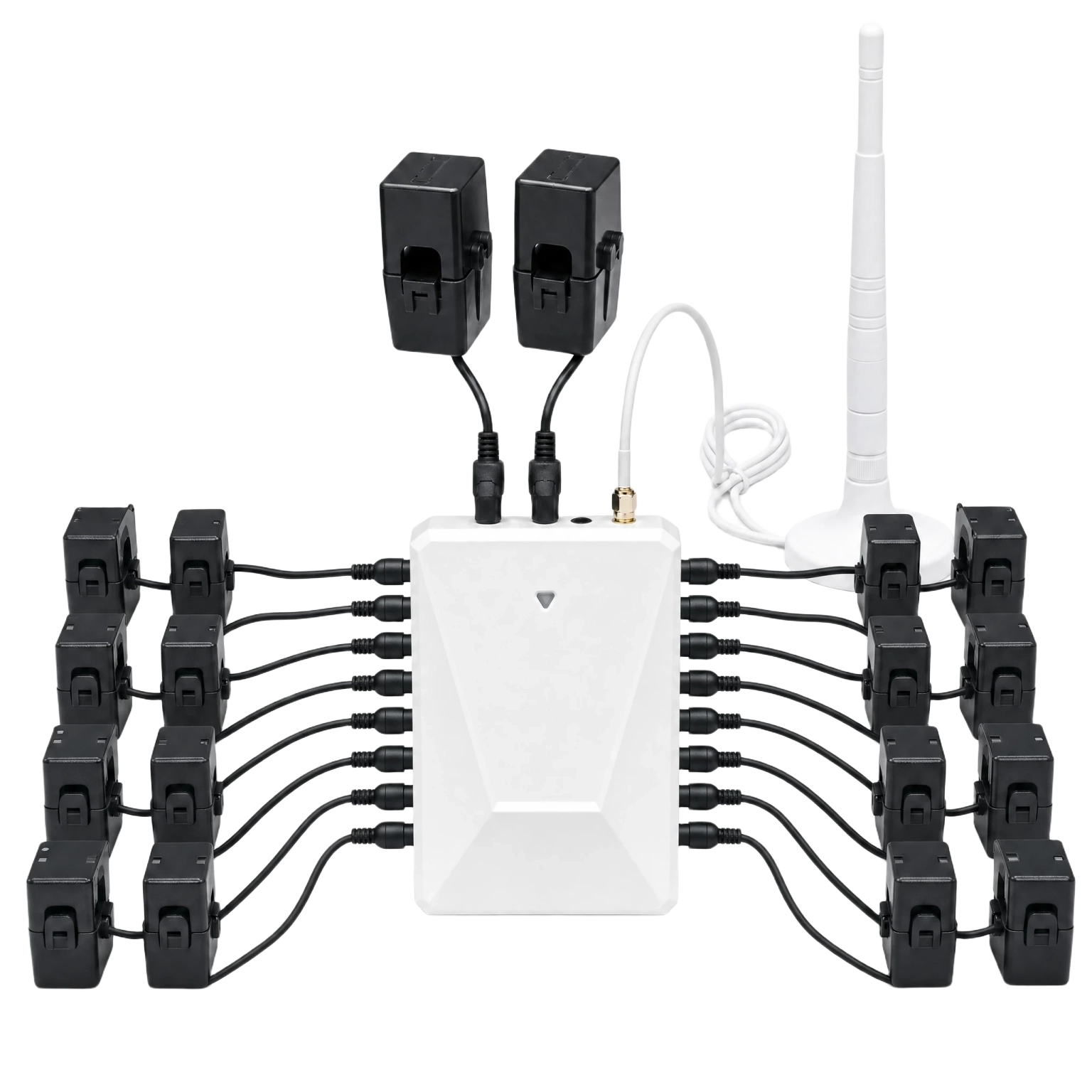
WattPanel-2X
Split-Phase Home Energy Monitor
Whole-home electricity visibility for supported 120/240V split-phase panels and selected CT bundles.
Available to order $169.00
Grus Home Energy | Electricity visibility
Compare panel, meter, and relay monitoring products by electrical context, measurement scope, and installation fit.
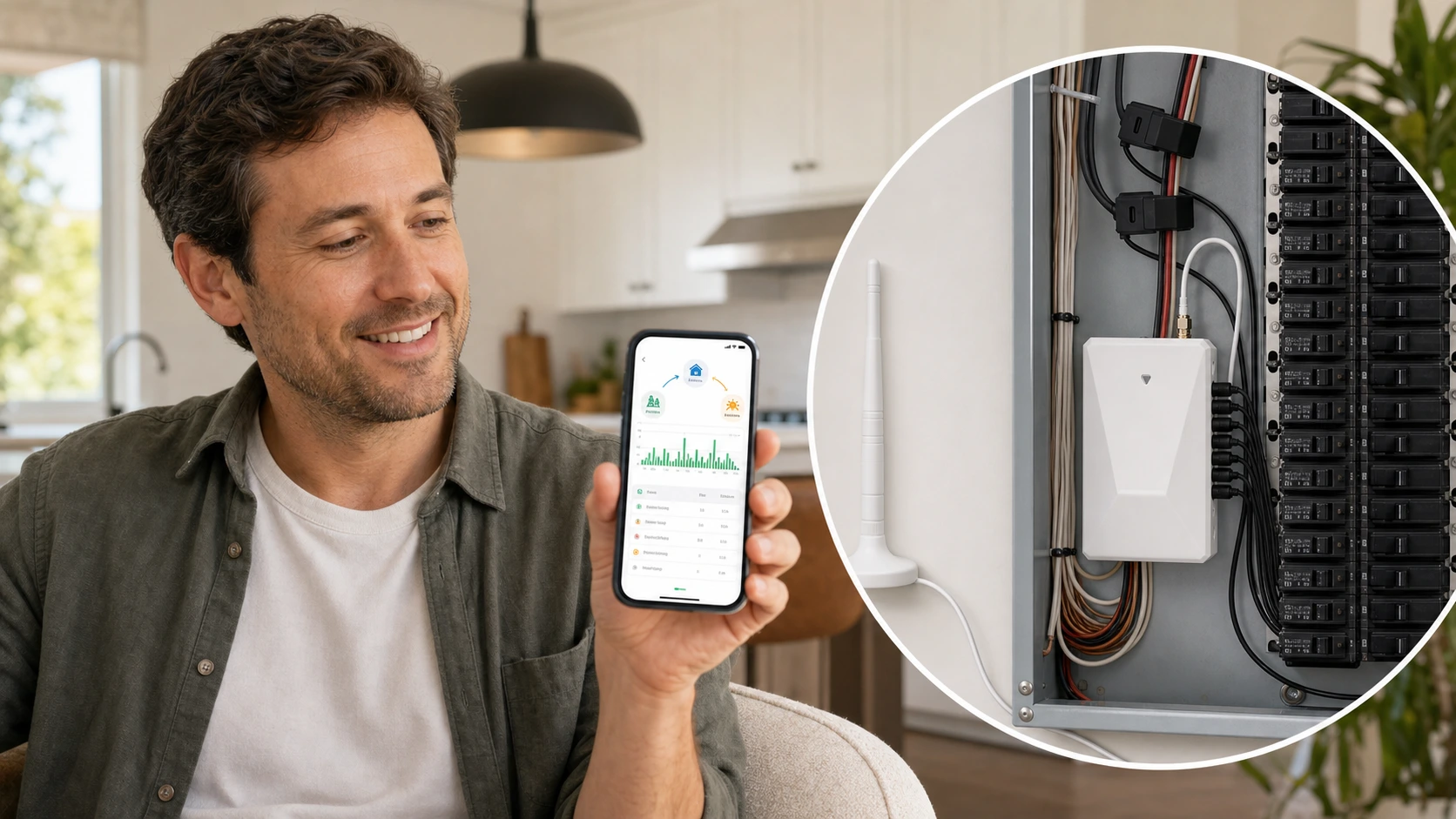
Energy monitoring range
Start with service type and monitoring scope. Each product page shows current pricing, available options, fit guidance, and the next ordering step.
WattPanel-2X
Whole-home electricity visibility for supported 120/240V split-phase panels and selected CT bundles.
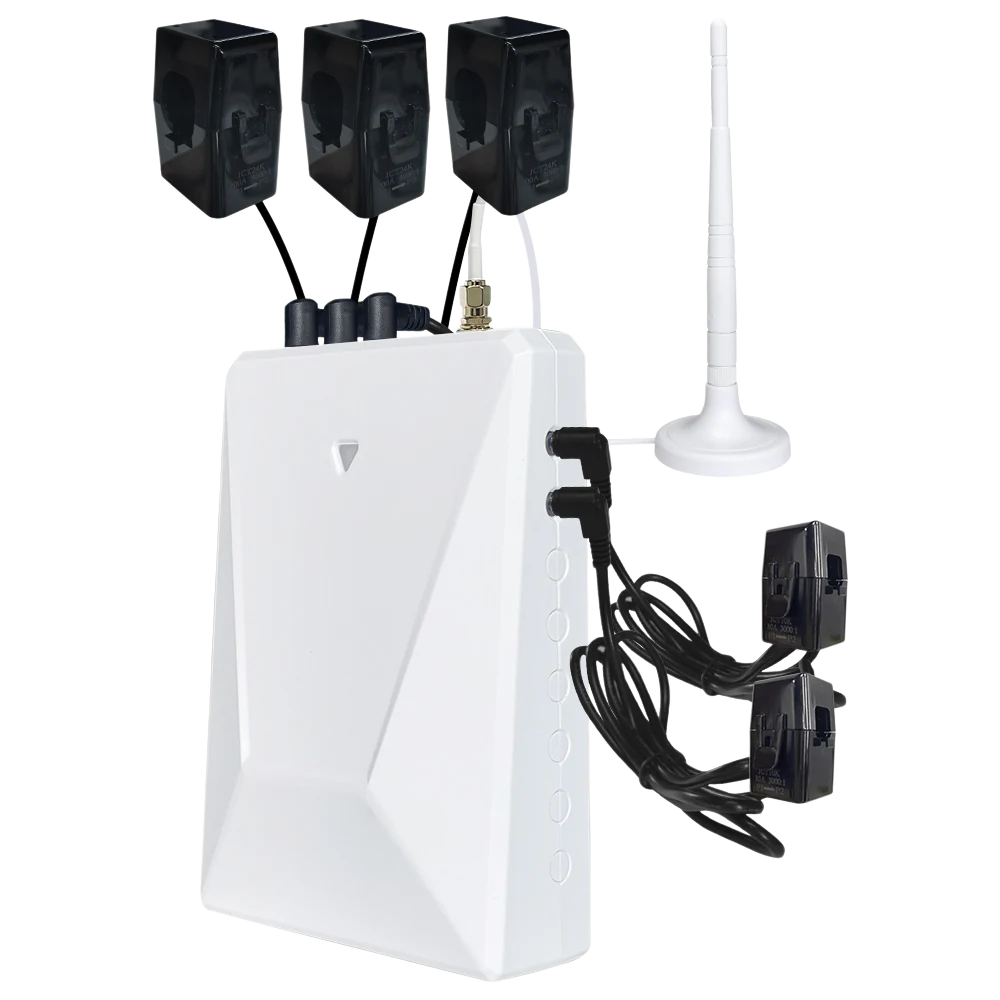
WattPanel-3X
Multi-circuit panel monitoring for three-phase service, CT scope, and app data review.
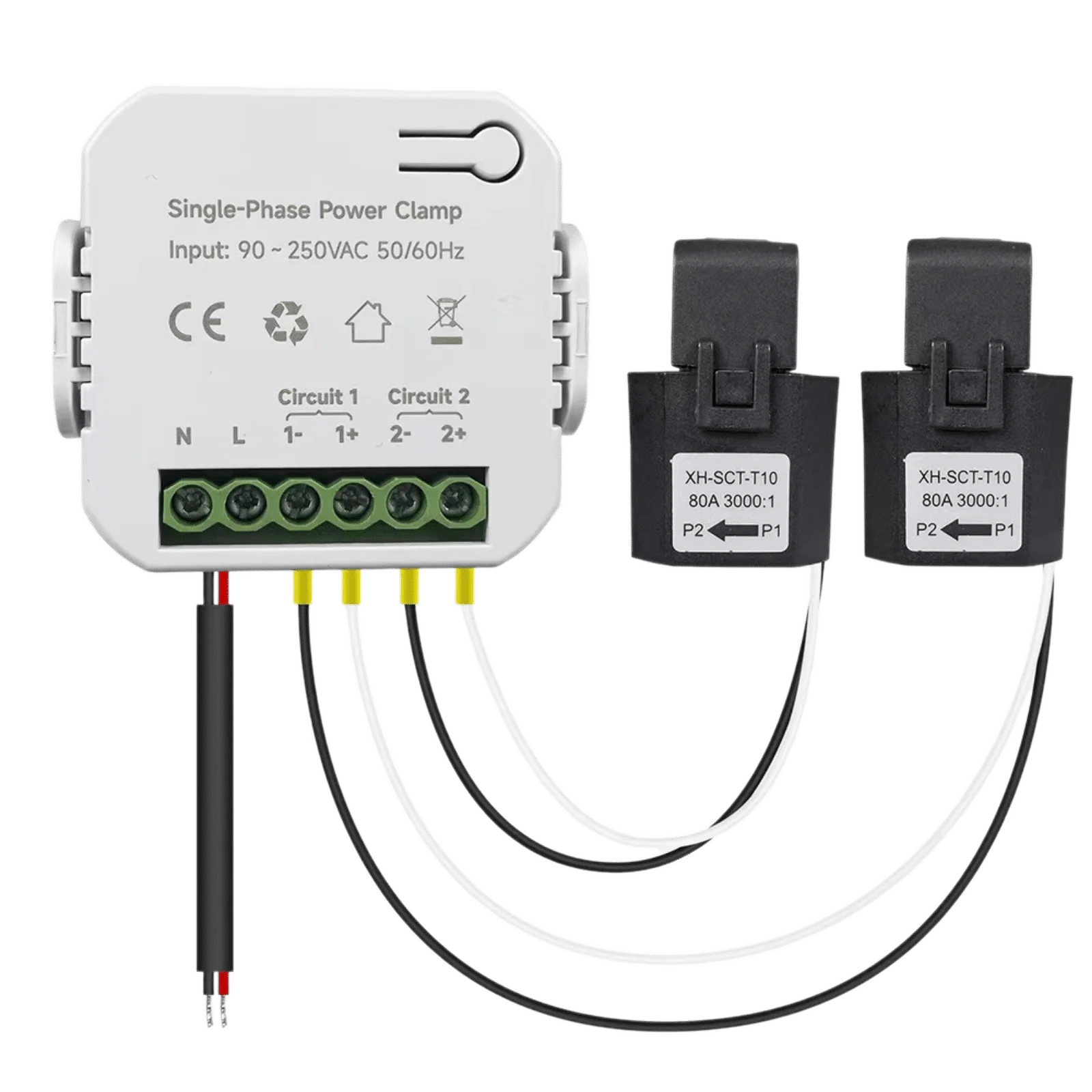
WattNet-1
Compact single-phase monitoring for energy flow visibility and installation planning.
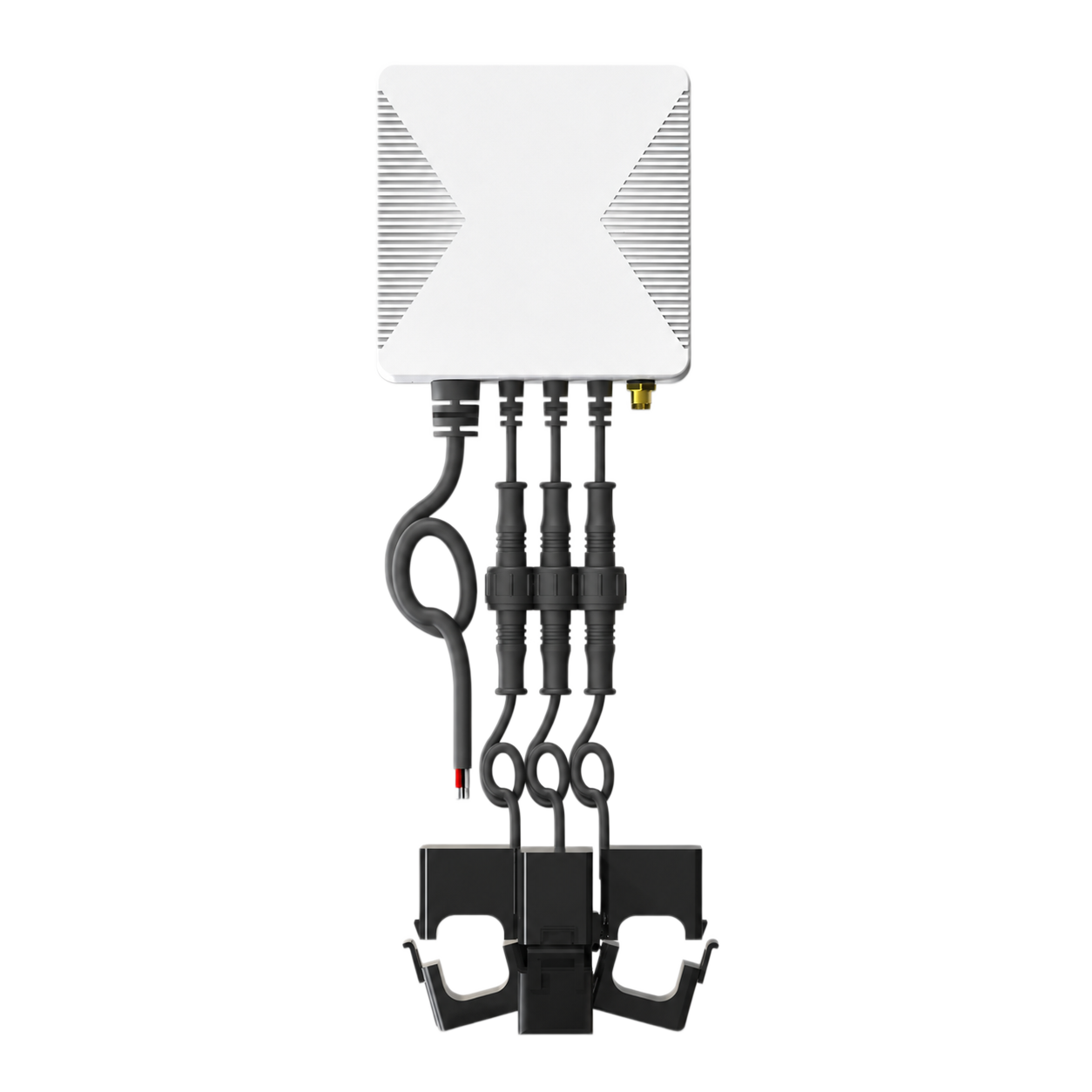
WattNet-3
Three-phase metering with CT options, phase values, and app-based energy review.
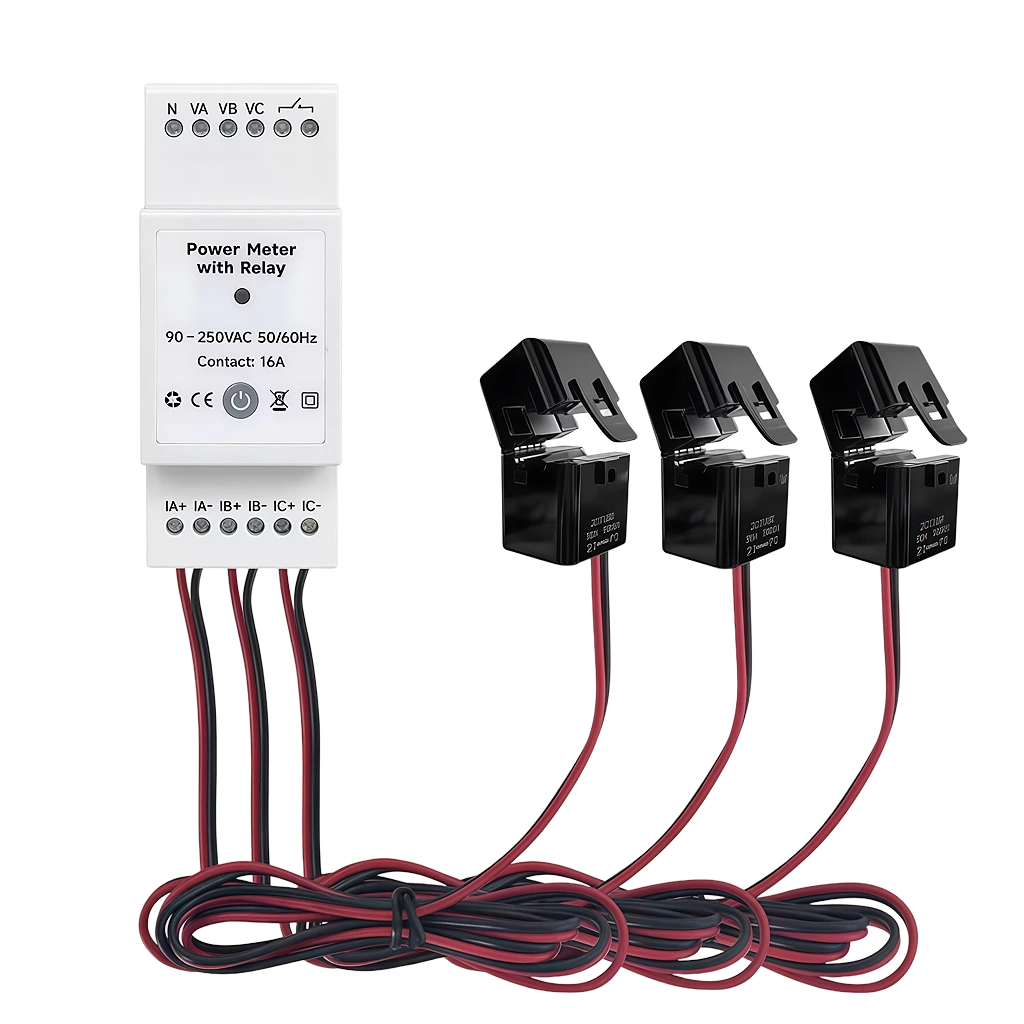
WattNet-3R
DIN-rail relay metering for panel fit, CT scope, and control-boundary review.
Product comparison
This comparison narrows the product choice. Final CT selection, electrical ratings, wiring, and installation decisions must follow the applicable product documentation.
Application paths
Product format follows the electrical context. A residential panel, three-phase panel, compact meter, and relay application do not use the same decision path.
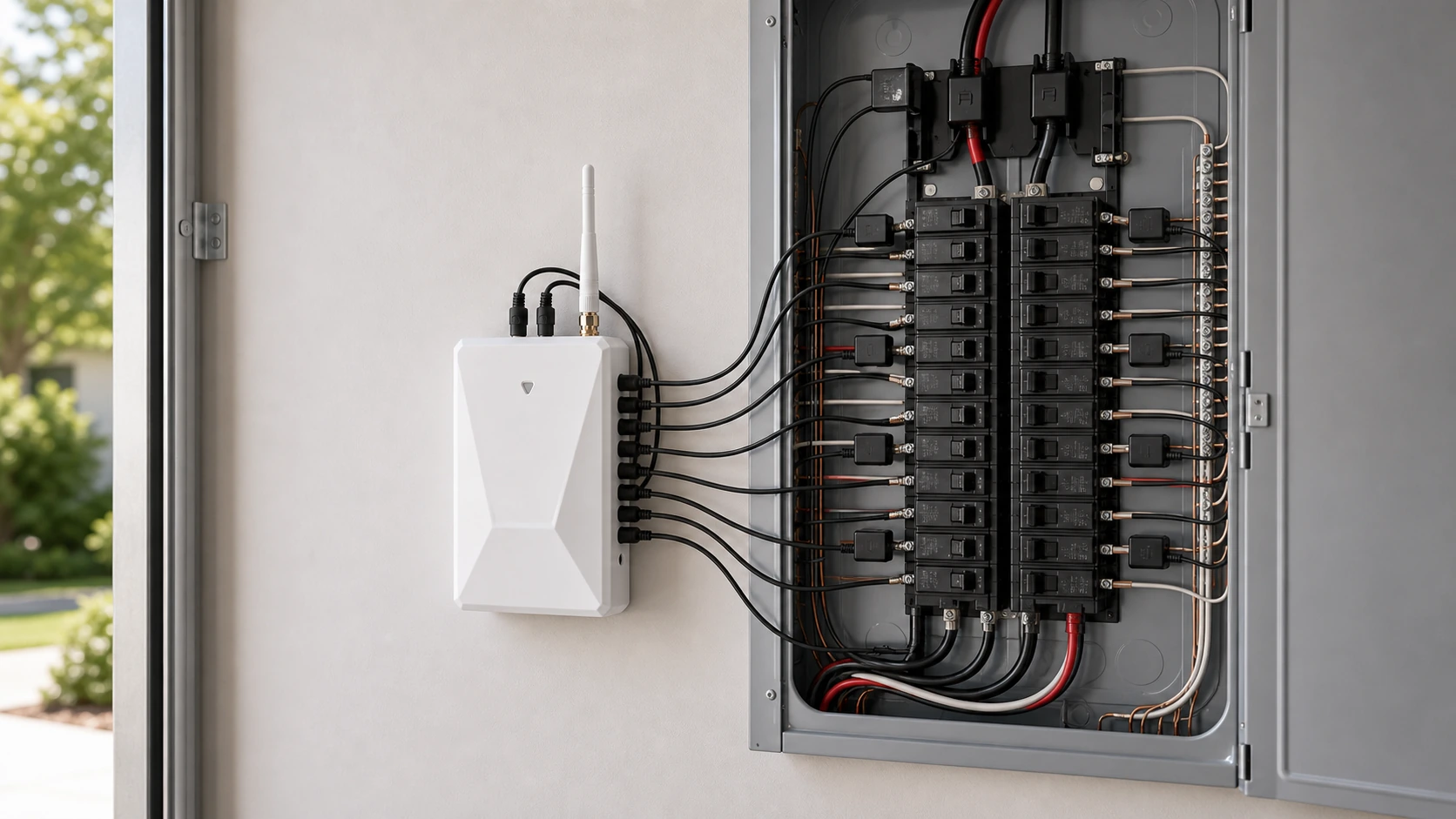
Residential panels
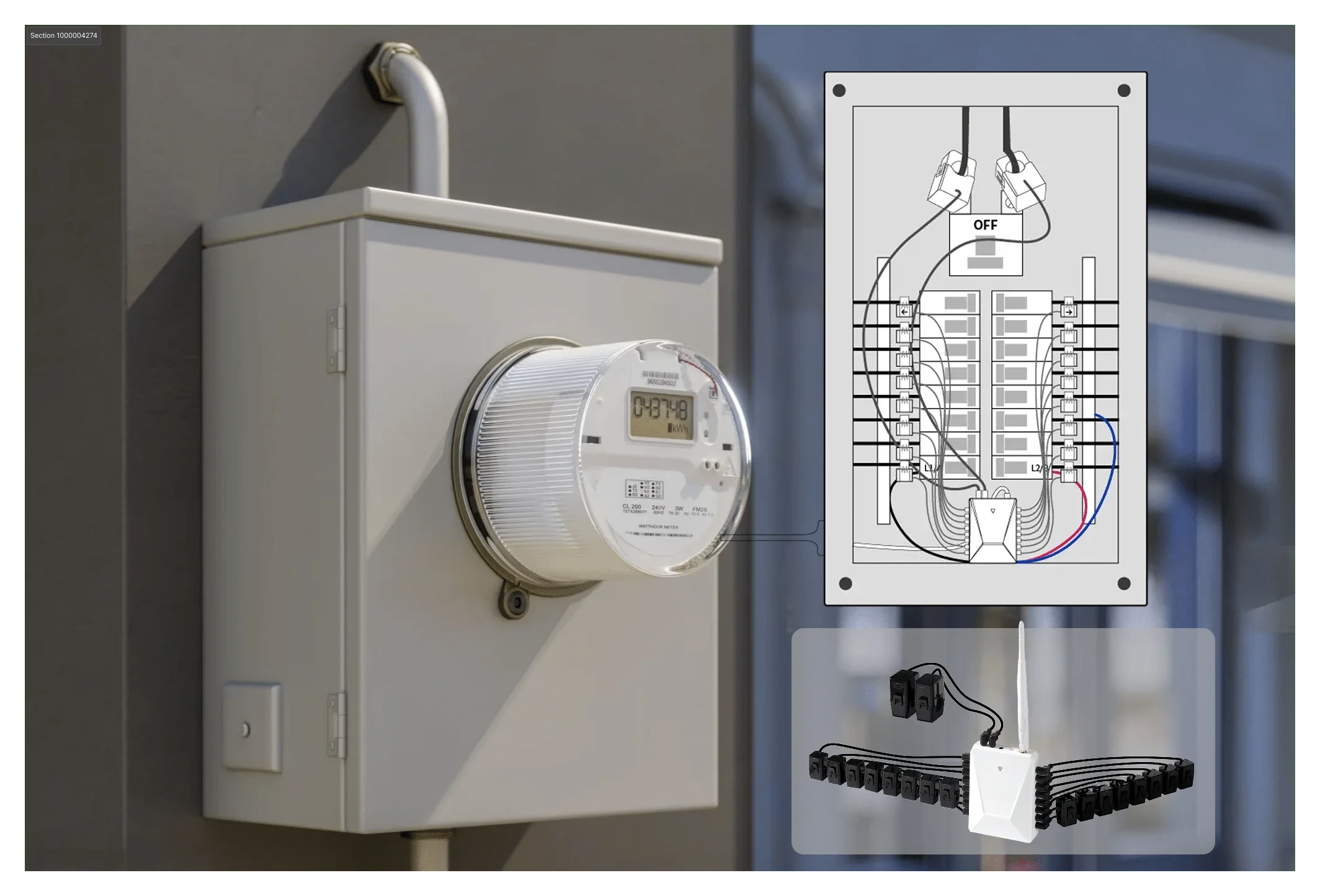
WattPanel-2X is the starting point for supported 120/240V split-phase homes when the goal is a whole-home reference plus selected-circuit visibility.
WattPanel-2X Review WattPanel-2X →
Three-phase monitoring
WattPanel-3X supports the panel and multi-circuit path. WattNet-3 provides a compact three-phase meter path. Compare the installation context before choosing.
WattPanel-3X · WattNet-3 Compare three-phase options →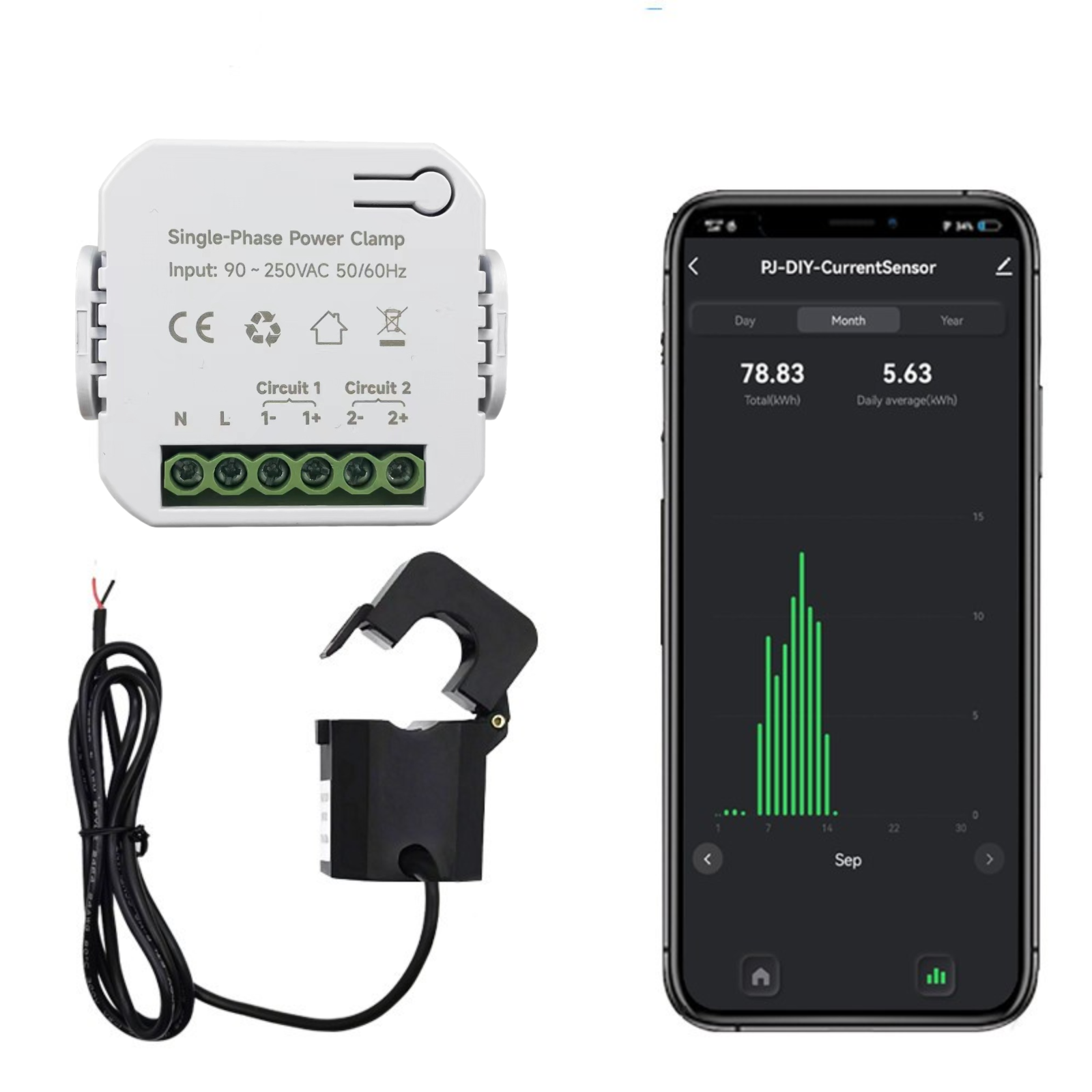
Compact and DIN-rail formats
WattNet-1 covers a compact single-phase path. WattNet-3R adds a DIN-rail relay format where load, wiring, and control responsibility require closer review.
WattNet-1 · WattNet-3R Review compact meters →Before you choose
A product can have the right app experience and still be wrong for the service, panel, conductor, CT, load, or installation location.
Confirm split-phase, single-phase, or three-phase service from reliable documentation.
Decide whether you need whole-home, selected-circuit, phase, meter, or relay information.
Review panel or DIN space, conductor size, CT range, antenna placement, and installation access.
Use final documentation and qualified guidance for wiring, load, local requirements, and safe installation.
Compatible accessories
CT clamps are accessories, not standalone energy products. Select them only after confirming the compatible monitor, conductor, current range, available space, and monitoring scope.
Review CT accessories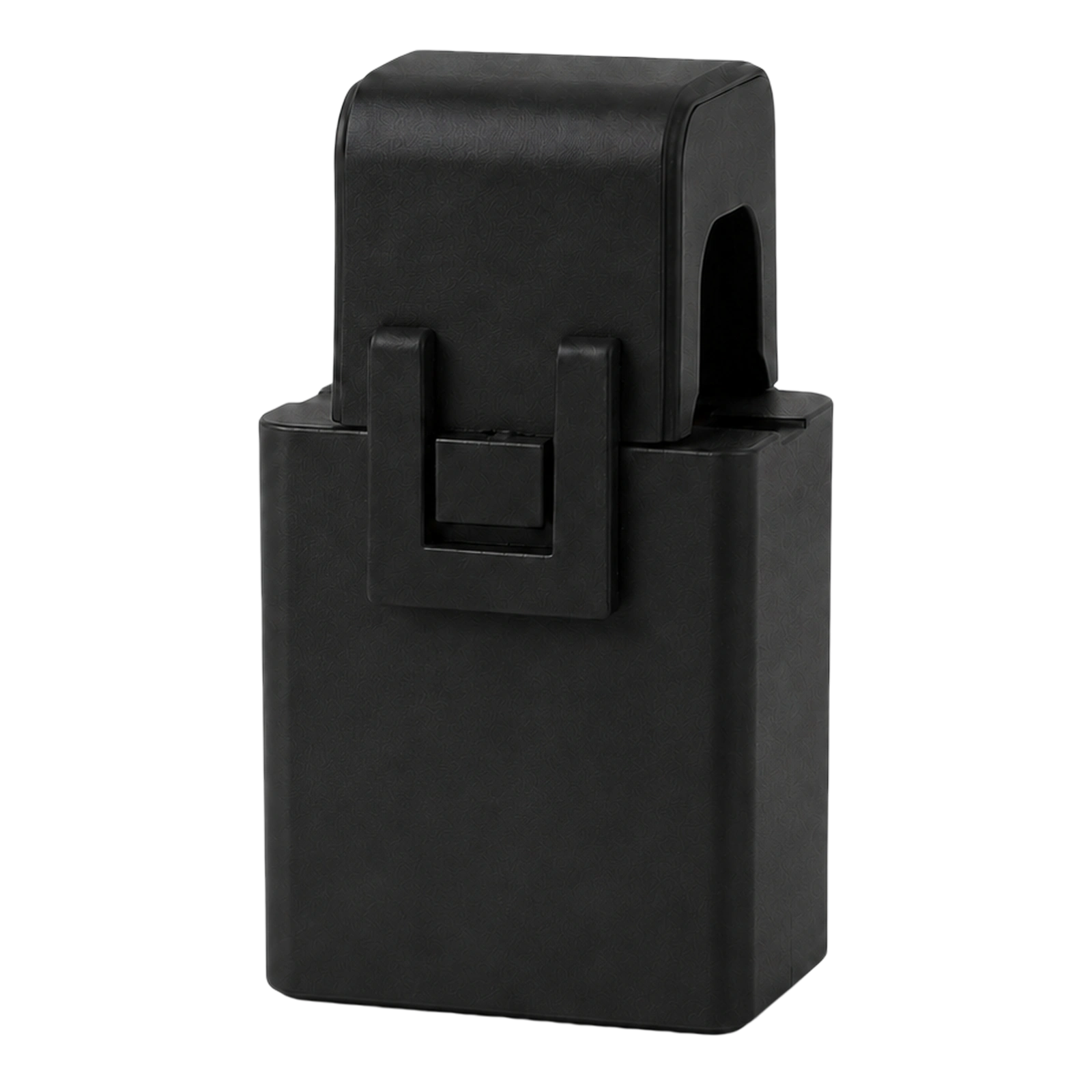
CT clamp options for matching conductor size, monitoring scope, and compatible Grus energy products.
Buying guidance
Start with WattPanel-2X when the home uses a supported 120/240V split-phase service and the goal is whole-home plus selected-circuit visibility. Confirm the service, panel, and CT scope before ordering.
Panel monitors are organized around panel-level and multi-circuit visibility. Compact meter products use a different form factor and installation context. Choose by electrical service, monitoring scope, CT fit, and installation plan rather than appearance.
No. Most products on this page are for energy visibility. WattNet-3R includes a relay path, but its load, wiring, switching purpose, and control responsibility must be reviewed before use.
No. CT selection depends on the compatible monitor, conductor, current range, available space, and intended monitoring scope. Review the selected product option and CT accessory guidance before ordering.
No. This page supports product comparison. Use the final product manual and qualified electrical guidance for installation decisions and local requirements.
Ready to compare?
Compare the product range above, or ask Grus support when the electrical context is still unclear.