
Vacation home planning
Remote Water Alerts Still Need a Local Response Plan
A vacation-home system should connect detection, supported shutoff behavior, property connectivity, and a person who can inspect the building when the owner is away.
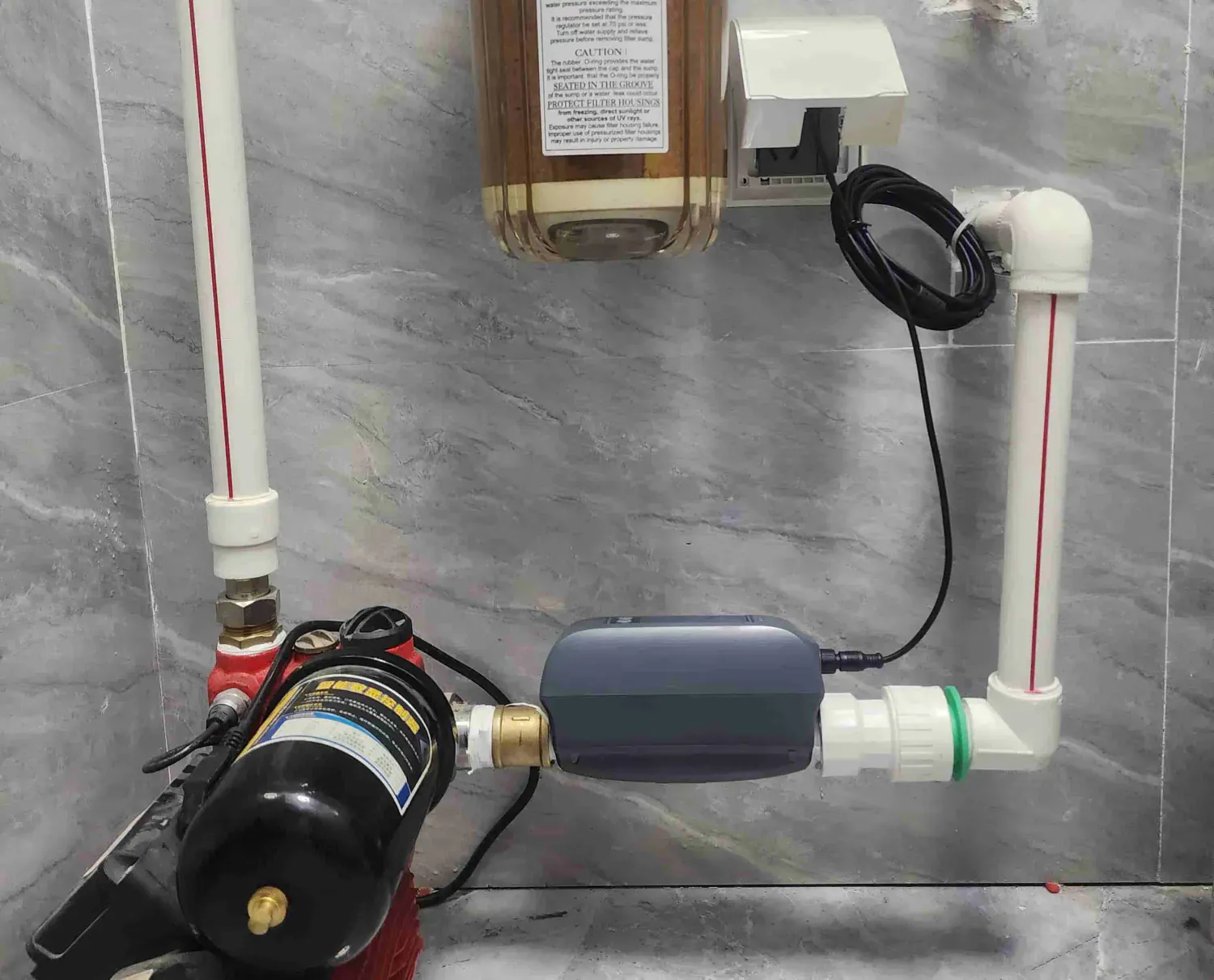
Remote visibility is useful only when someone owns the next action.
Start with the property's likely leak locations and existing main valve. Then plan sensing, a compatible shutoff path where appropriate, power and network resilience, alert recipients, local inspection, maintenance, and safe restoration. No connected device guarantees prevention or replaces property care.
Plan the property, connection, response, and return to service.
Property risk map
List the main valve, water heater, laundry, sinks, mechanical spaces, and other locations where a leak could go unnoticed.
Remote signal path
Verify power, network coverage, account access, notification permissions, and what the selected product actually reports.
Local response owner
Name a person or service that can access the property, inspect the condition, and escalate safely.
Restoration procedure
Document who can reopen water, what must be checked first, and how devices will be tested after an event.
01
Plan around water paths and absence, not just room names.
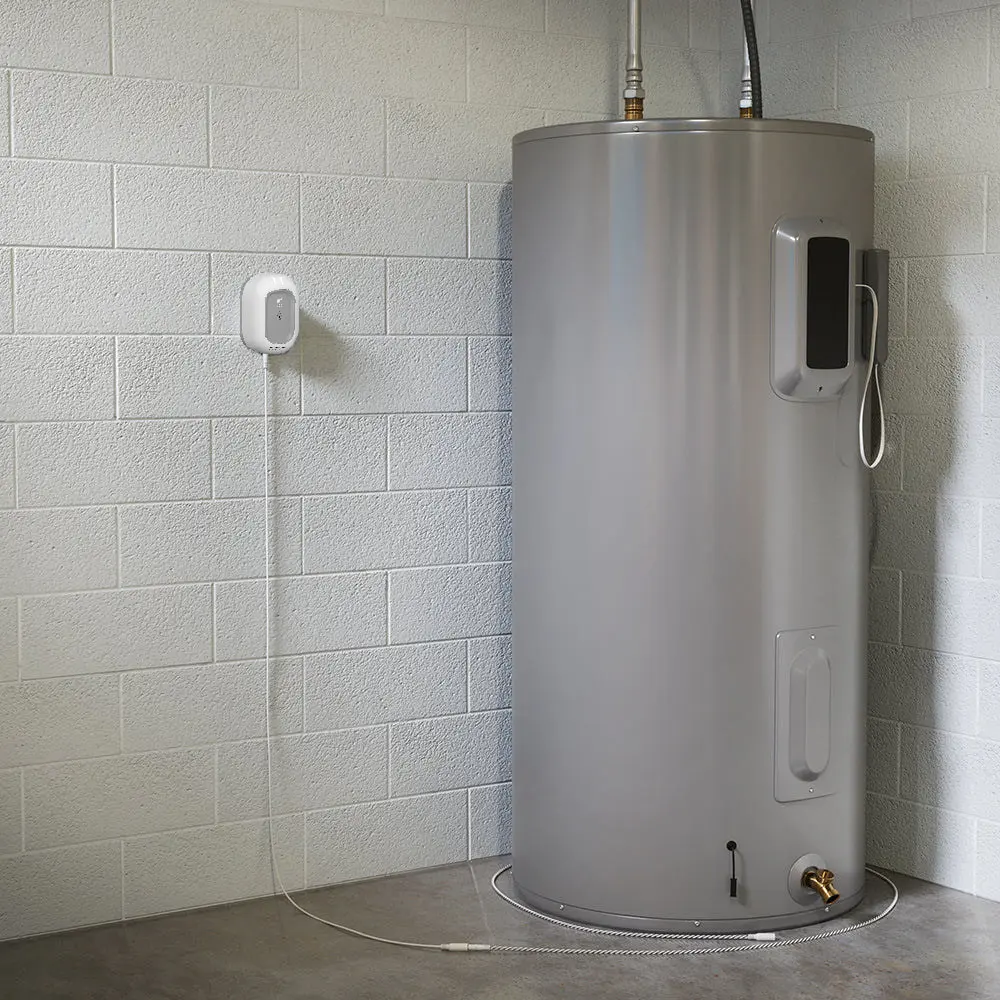
Vacation-home risk changes with occupancy, weather, seasonal shutdown, appliance condition, plumbing layout, and how quickly someone can enter the property. Walk the building with an installer or property operator and mark likely water paths before choosing sensor locations.
Include spaces that may be visually hidden or rarely visited. A detector only helps at a location it can observe and only while its power, sensing surface, connectivity, and alert path remain functional.
Supply-side context
Record the main valve, branches, water heater, pumps, filters, and exposed plumbing.
Fixture and appliance context
Review laundry, sinks, toilets, refrigerators, dishwashers, and other connected equipment.
Building context
Consider floor slope, drains, finished surfaces, freezing exposure, occupancy schedule, and access.
Response context
Estimate how long it takes an authorized person to arrive and what they can safely inspect.
02
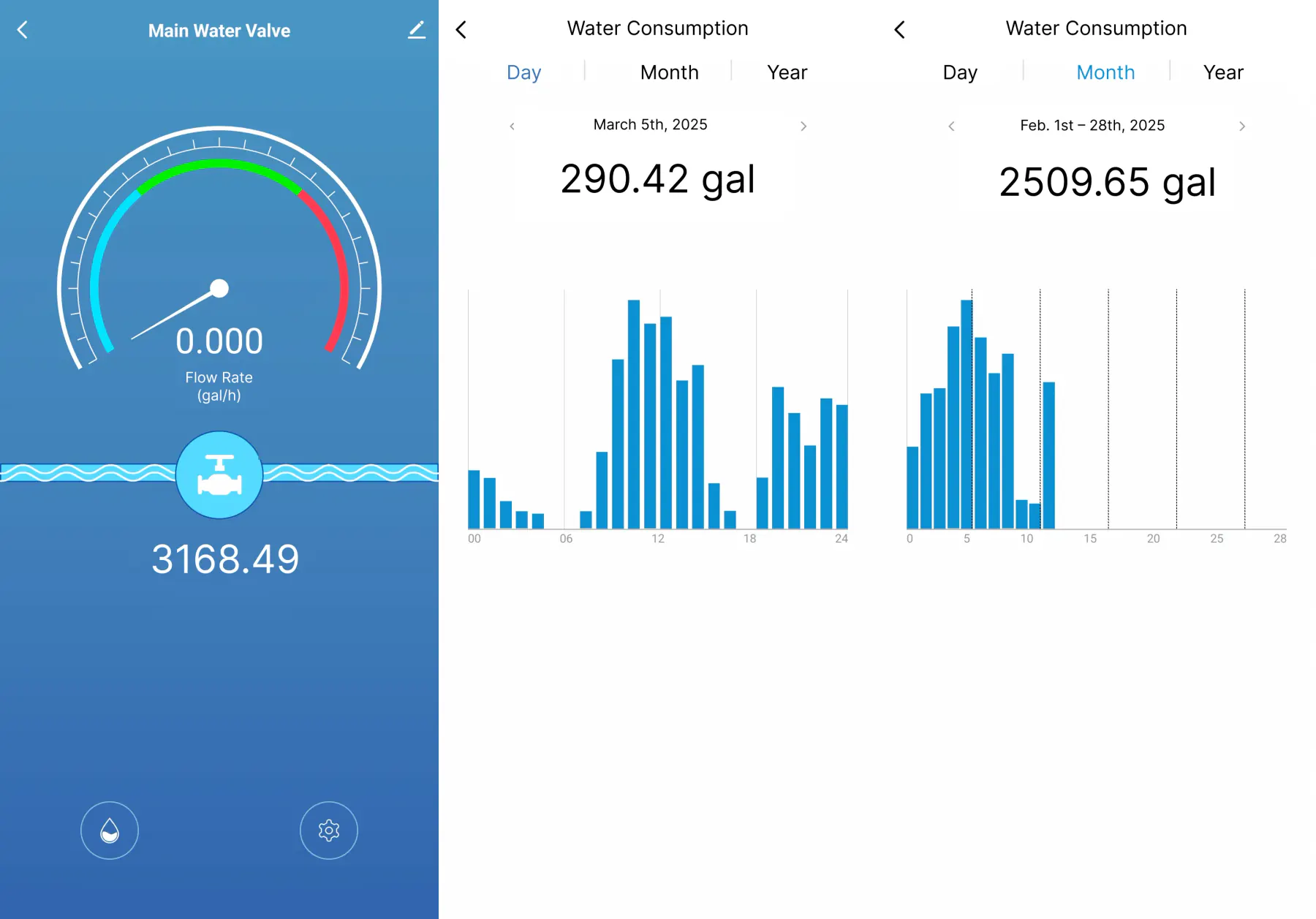
Define what the app can show and what it cannot confirm.
A current app view may help an owner review supported status, alerts, or water-use information. It cannot visually inspect the property, confirm the source or extent of water, guarantee connectivity, or decide that a building is safe to re-enter or restore.
Test the actual notification route with every intended recipient. Include account recovery and a fallback contact path in the service plan.
03
Give the responder access, authority, and a safe escalation path.
The local response owner should know how to enter the property, locate the main valve and devices, recognize unsafe conditions, contact plumbing or emergency help, document what was found, and reach the owner. Do not assume a neighbor or property manager has accepted these responsibilities.
-
Receive and acknowledge
Confirm who receives the alert and how they acknowledge ownership of the response.
-
Inspect without guessing
Check the property and follow local safety procedures; do not restore water based only on an app status.
-
Escalate the right work
Contact the appropriate plumber, property service, insurer, utility, or emergency resource for the observed condition.
-
Document and restore
Record findings, repairs, device tests, and authorization before normal water service resumes.
04
Commission and review the system before each long absence.
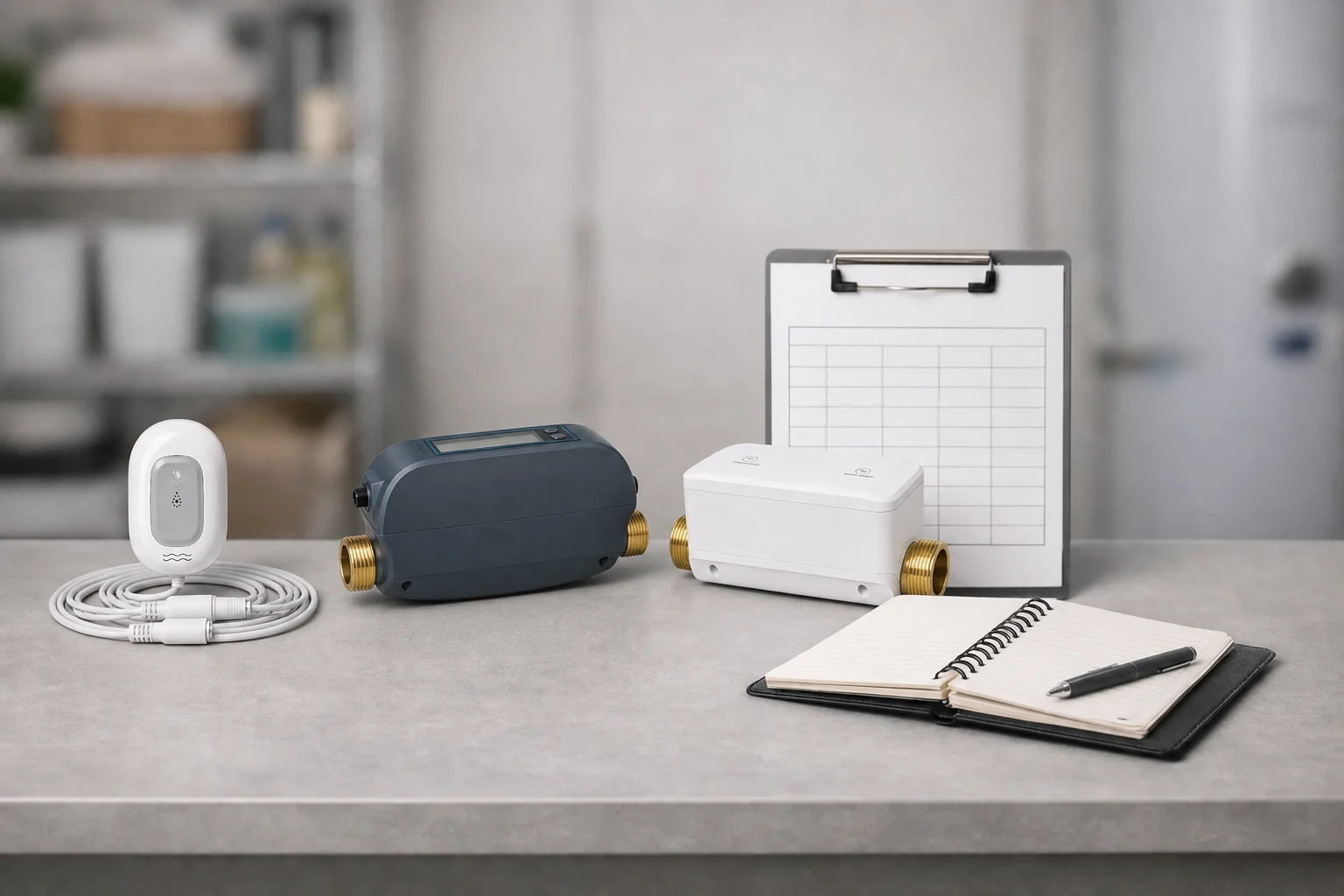
The service plan should record device locations, valve fit, power and network dependencies, supported tests, notification recipients, maintenance intervals, local contacts, seasonal plumbing procedures, and the restoration owner.
Recheck the system after network, router, account, plumbing, occupancy, or property-service changes.
05
Questions people ask before the next step
Can a smart water device protect a vacation home by itself?
No. It depends on correct fit, placement, power, connectivity, maintenance, commissioning, notification delivery, and a person who can inspect and respond locally.
Who should receive vacation-home leak alerts?
Use the selected product's supported account and notification model, then assign recipients who have accepted clear response responsibilities and property access.
Should water reopen automatically after an alert?
Do not assume that it should. Define a safe restoration procedure with the installer and property owner, including inspection, repair, testing, and authorization.
What should be checked before leaving for a season?
Review device status, sensing locations, valve operation where supported, power, network, notification recipients, local access, maintenance, and the property's seasonal plumbing procedure.
Do not leave the property with an alert path but no response owner.
Use the installer-supported planning path to connect the property, devices, local responder, and restoration procedure before the next long absence.