A thermostat showing “Heating” and a room that stays cold are two different observations. The display tells you what the control reports. It does not identify why the heater is not producing the expected warmth. Start by recording the display, the exact equipment models and which rooms are affected. Do not remove covers or test wiring to find an answer.
This guide is for a homeowner preparing a support request about electric baseboard heating. A hot-water baseboard system or a central heat pump needs a different equipment-specific investigation. If you are not sure which system you have, say so rather than following instructions for a similar-looking heater.
The header identifies an EcoNet-BH thermostat, not a diagnosed installation. Displayed values are not recommended settings or evidence of heat output.
Record the temperature and mode together
Write down the displayed room temperature, the requested temperature, the operating mode and the time. Photograph an error message or heating symbol from the normal user interface, if present. Include whether you read it at the thermostat or in an app; an old screenshot and a current wall display are not interchangeable records.
Then describe the symptom in ordinary terms. “The room remains cold and I have not noticed warmth from the heater” is more useful than “the relay has failed.” The first is an observation. The second is an electrical diagnosis that the display alone cannot establish. Do not touch an element or grille to make the report more precise.
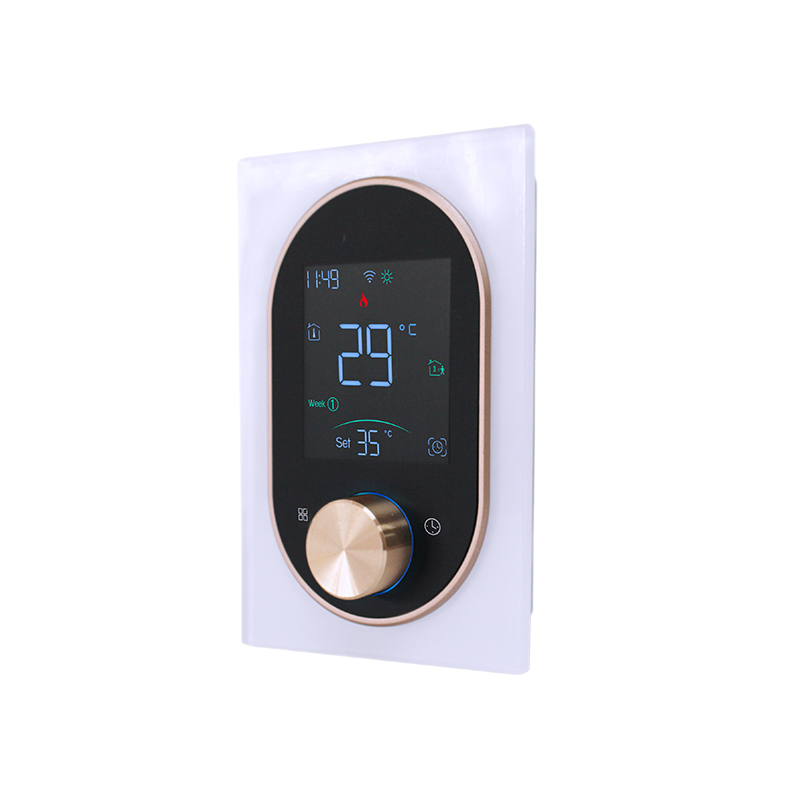
The requested temperature, the operating program and a visible heating indicator may help support understand the control state. Their exact meaning depends on the model’s instructions. Do not assume that a symbol used on another thermostat has the same meaning on yours.
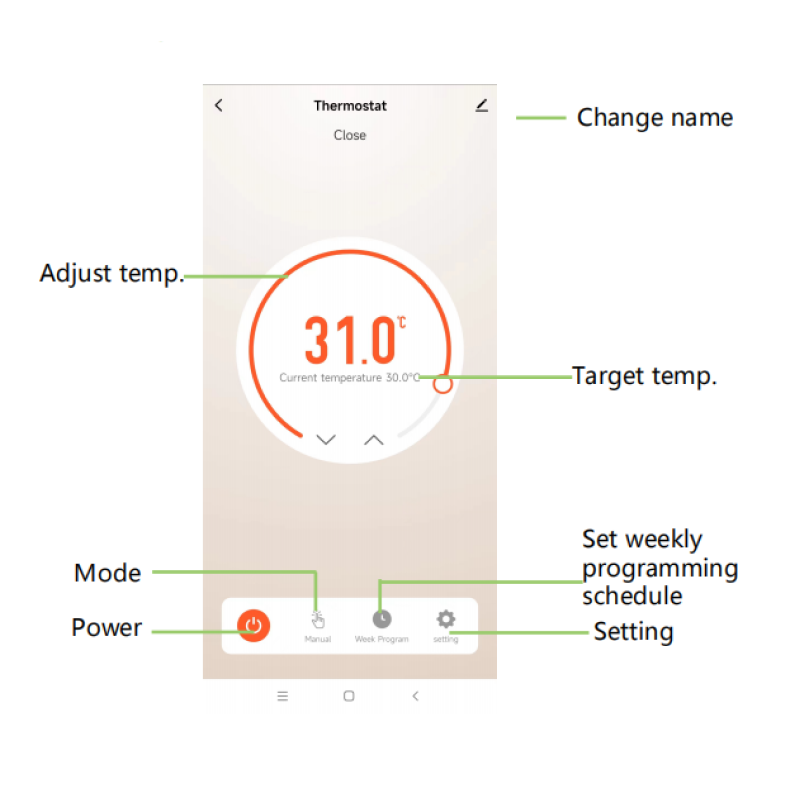
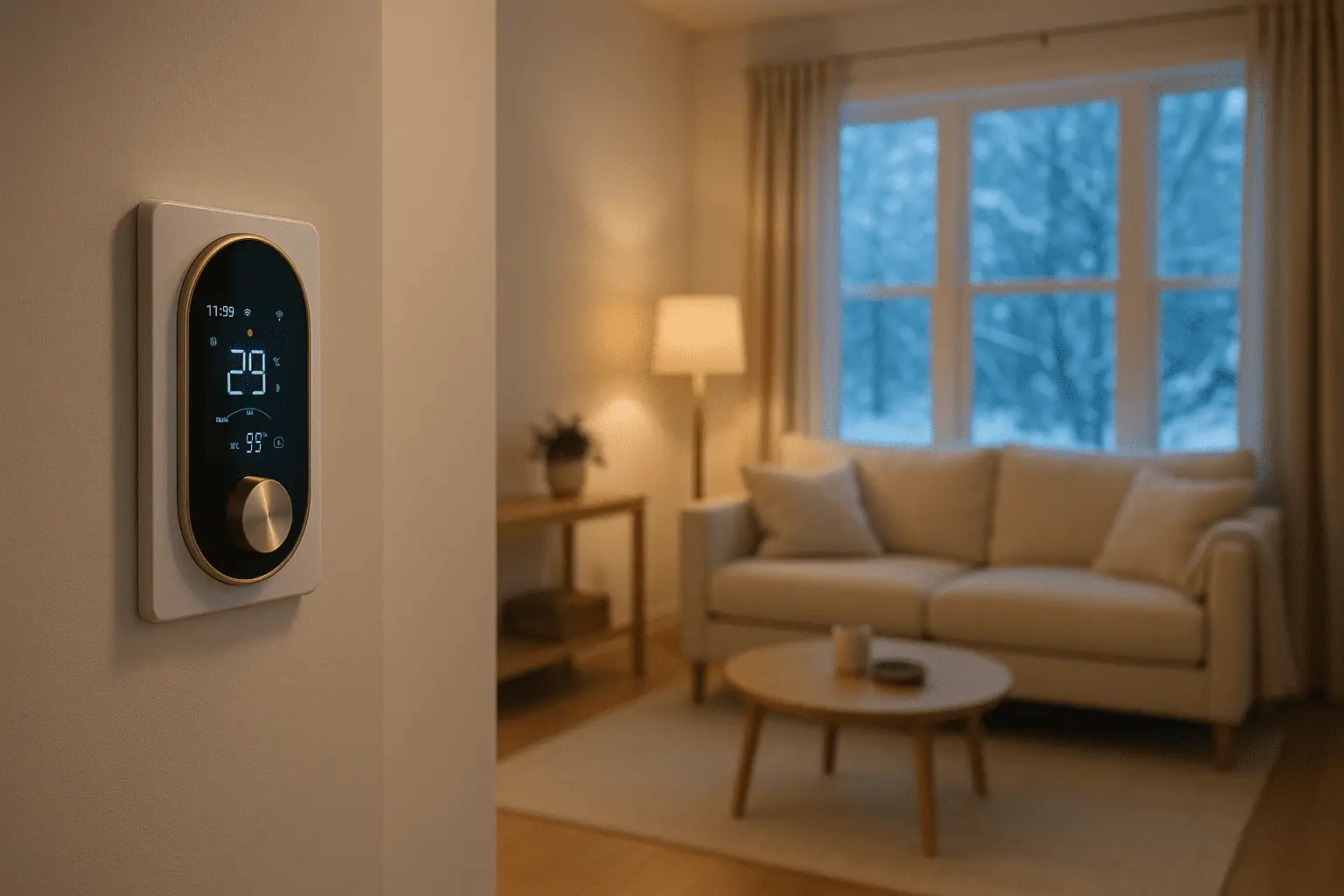
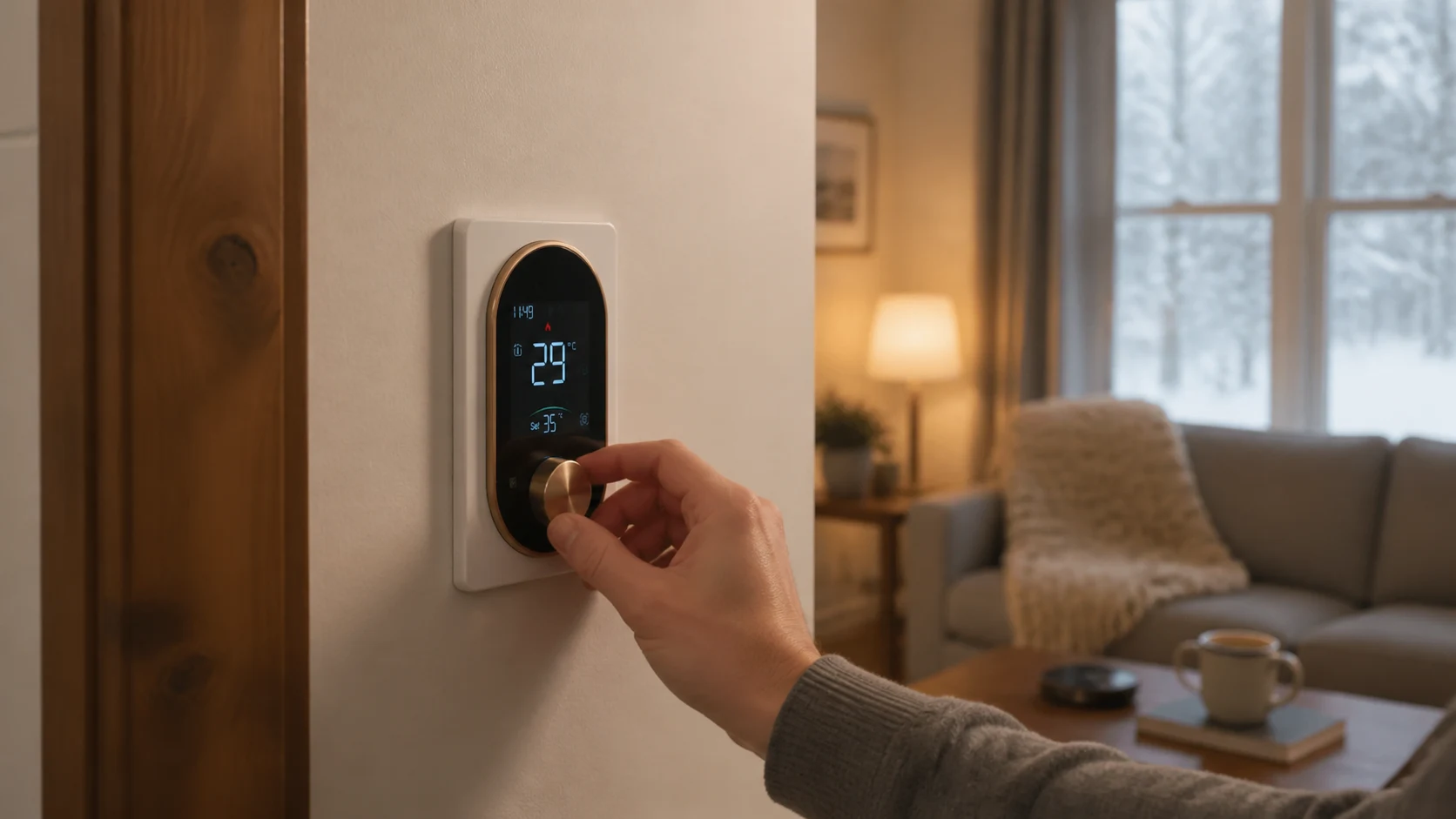
Example interface labels only. The displayed numbers are not a temperature recommendation, a live reading or proof that a heater is working.
Check the ordinary user settings without opening equipment
Look at the controls the manufacturer provides for everyday use. Is the thermostat in its intended heating mode? Is a schedule or hold active? Does the requested setting match the one you expected? Use the model’s normal instructions rather than an installer menu or an online wiring diagram.
For example, the verified EcoNet-BH manual describes manual, temporary manual, weekly programming and holiday modes. That list can help identify which program is selected. It does not establish whether a particular heater, circuit or installation is functioning correctly.
If the active schedule or hold is the confusing part, the schedule and hold guide addresses that separate question. Avoid repeatedly changing settings while trying to diagnose the equipment; a record of the original state is more useful to support.
Describe which rooms and heaters are affected
Tell support whether one baseboard, several heaters controlled together, or multiple rooms appear affected. Also note whether this is a new installation, a recent thermostat replacement, a problem after an outage, or a previously working setup that changed without an obvious reason.
These details narrow the questions a professional will need to ask. They do not prove the fault is at the thermostat, heater or electrical supply. A single cold room is not enough evidence to order a replacement control, and an illuminated thermostat does not settle every question about the heating equipment.
Do not open an electrical panel, reset a protective device repeatedly, bypass a control or remove a heater cover as part of this information-gathering step. Leave electrical supply, control-output and heater testing to a suitably qualified professional using the exact equipment documentation.
Use the manual for the exact equipment
Find the thermostat and heater model numbers in purchase records, the manuals, or labels that can be read without opening equipment. If a label is inaccessible, record the model as unknown. Do not pull a thermostat away from the wall to complete a form.
Manufacturer troubleshooting is equipment-specific. Cadet’s technical troubleshooting guidance distinguishes different symptoms and repeatedly directs readers to the relevant owner’s guide. Its wall-heater and model-specific instructions should not be copied onto a different baseboard or a Grus thermostat.
For a Grus control, use the published manual library to identify available documentation. The EcoNet-BH documentation is for a baseboard-heater thermostat; EcoNet-HP and EcoNet-TU belong to different thermostat families. A shared app or a similar display does not make them interchangeable.
Send a useful support request
You do not need an electrical diagnosis before asking for help. A compact request can contain:
- The thermostat and heater model, or which one is unknown.
- The room temperature, requested temperature, selected mode and time observed.
- The heating symbol or exact error text, if one is visible.
- Whether the observation comes from the wall control or the app.
- Which rooms or heaters appear affected.
- Whether the problem followed an installation, replacement or outage.
- What normal user setting you reviewed and whether that changed the symptom.
For example, write: “The wall display shows Heating. The room remains below the requested setting. One room is affected, and the system previously worked. I have not opened the thermostat or heater.” Add your actual model and observations; this is a sample message, not a customer case or a diagnosis.
Keep passwords, account access codes and unnecessary private household information out of screenshots. Contact Grus product support for the model/documentation question. For onsite electrical investigation, use a qualified local professional; an online form is not an emergency or installation-dispatch service.
When to stop routine checks
Do not continue this checklist if there is smoke, sparking, visible damage, a burning smell or another sign of danger. Move away from the affected equipment and obtain appropriate local emergency or professional help. Do not attempt a reset to see whether the warning returns.
Also seek prompt local assistance if safe indoor temperature cannot be maintained. Waiting for an app update or an online reply is not a substitute for a safe plan for the people in the home.
The useful outcome is a clear record and the right next step. A Heating display does not justify replacing a thermostat on its own, and a cold baseboard does not justify trying an unverified wiring fix.