When Wi-Fi goes down, a smart thermostat does not necessarily stop controlling temperature—but you also should not assume every schedule, App command, voice assistant, automation, alert, or history feature will continue. Offline behavior depends on the exact thermostat, how it is powered, where its schedule and logic run, and whether the missing link is local Wi-Fi, internet access, or the manufacturer’s cloud service.
The safest answer is model-specific: use the thermostat’s manual, certification record when relevant, and a controlled test that does not involve removing the thermostat or touching wiring. A label such as “smart” or “Wi-Fi” is not enough to predict what remains available.
This article follows a hypothetical homeowner named Jordan. Jordan is not a customer case, and the scenario does not establish offline behavior for any Grus model.
The short answer: separate local control from connected services
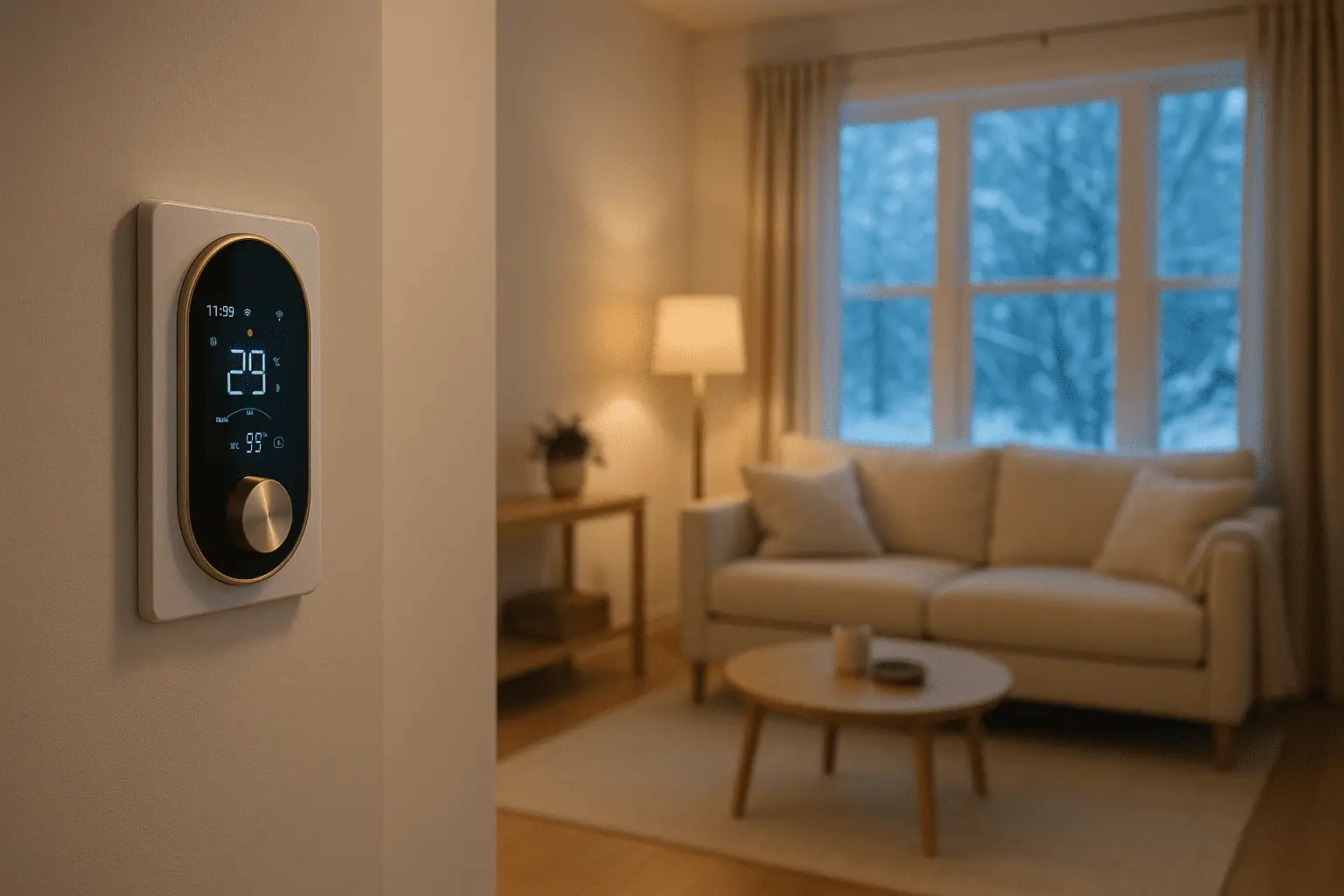
Jordan’s home internet stops working on a cold evening. The thermostat display is still on, but the phone App reports the device as offline.
Those two observations are compatible. A smart thermostat can contain a physical control device in the home while also depending on external services for remote features. ENERGY STAR describes a connected thermostat product as an in-home device plus a service outside the home. Its current smart thermostat key product criteria require ENERGY STAR certified models to work as a basic thermostat when service-provider connectivity is absent.
That requirement is useful, but its scope matters. It does not prove that every thermostat carrying a Wi-Fi label is ENERGY STAR certified, and it does not say every connected feature continues offline.
Five layers that can behave differently
Treat the thermostat as five layers instead of one all-or-nothing product.
| Layer | What it covers | What Wi-Fi loss may mean | What you must verify |
|---|---|---|---|
| Physical thermostat | Display, buttons or knob, sensing, basic temperature request | The device may remain available if it still has power, but exact behavior is model-specific | Manual, power state, supported local controls |
| Local program | Stored schedule, holds, limits, equipment-control logic | A locally stored program may continue; a cloud-calculated program may not | Where the schedule and decision logic are stored |
| Home network | Thermostat-to-router communication | App discovery, local integrations, or network status can change | Whether the feature needs only LAN access or internet access |
| Cloud service | Remote commands, account services, some automations and data processing | These functions may be unavailable during an internet or provider outage | Service dependency and outage documentation |
| External integrations | Voice assistants, utility programs, third-party automations, notifications | Commands and events can fail even if the thermostat still controls temperature | Every integration’s network, account, and cloud dependencies |
This table intentionally uses may. A feature name does not reveal where the code runs or what happens when one dependency disappears.
First identify which connection is actually down
“The thermostat is offline” can describe several different conditions:
- The thermostat has power but cannot join the home Wi-Fi network.
- It is connected to the router, but the router has no internet service.
- The internet works, but the manufacturer’s service is unavailable.
- The thermostat is online, but the phone App, account, notification permission, or third-party integration is not working.
- The thermostat display is blank or unresponsive, which is not merely a Wi-Fi problem.
Jordan checks whether other household devices can reach the internet and whether the thermostat display responds. Jordan does not remove the thermostat, open a wall box, move wires, or perform energized testing.
If the display is blank, the equipment is behaving unexpectedly, or the home cannot maintain a safe temperature, treat the problem as a power, equipment, control, or support issue—not as a routine App inconvenience.
What may still work at the wall
Some products allow a resident to change the setpoint from the thermostat itself while remote control is unavailable. Google documents this behavior for supported Nest thermostats in its official offline troubleshooting guidance: the App cannot control an offline thermostat, while the thermostat itself can still be used to set the home’s temperature.
That is a manufacturer-specific example, not a universal rule and not a Grus claim. It shows why the physical device and the App should be tested separately.
For any exact model, verify:
- whether the display and local controls remain usable;
- which heating or cooling modes remain selectable;
- whether a temporary hold can be made locally;
- whether the clock remains accurate without internet time;
- whether a stored schedule continues, pauses, or changes behavior;
- whether safety limits or equipment protections are local or service-dependent; and
- what the manual says about reconnection and data synchronization.
Behavior documented for one product cannot be carried over to a different brand or even another model in the same family.
What usually deserves a network-dependency check
Connected conveniences are the first place to expect uncertainty. Remote App control normally requires a working path from the phone to the product’s service and back to the thermostat. Voice assistants and third-party automations add more accounts and services to that path.
Check these functions individually:
- remote setpoint or mode changes;
- live device status in the App;
- push notifications and offline alerts;
- voice-assistant commands;
- geofencing or occupancy-based actions;
- weather-based or utility-program adjustments;
- shared household access;
- energy or runtime history; and
- synchronization of changes made while offline.
An App screen that shows an old temperature can be stale rather than current. A queued command can appear accepted without reaching the thermostat. An offline alert can itself depend on the cloud noticing that communication stopped. The product documentation should explain which behavior is expected; if it does not, ask before relying on it.
Use a model-specific offline decision flow
The flow keeps power, local control, and connected services separate.

The orange branches are not a request to troubleshoot wiring. They mean the issue has moved beyond a simple internet check and needs the correct equipment or product support path.
How to run a controlled outage check
Test before a real outage, during mild weather, when someone can remain onsite and when briefly interrupting the household internet will not affect medical, security, work, or other critical services. Do not cut power to the thermostat or HVAC equipment as part of this check.
- Record the exact thermostat model, firmware or App version when available, current mode, setpoint, schedule state, and time.
- Read the manufacturer’s offline and reconnection instructions.
- Confirm the thermostat and equipment are operating normally before the test.
- Briefly interrupt only the authorized network or internet path using normal router or network controls.
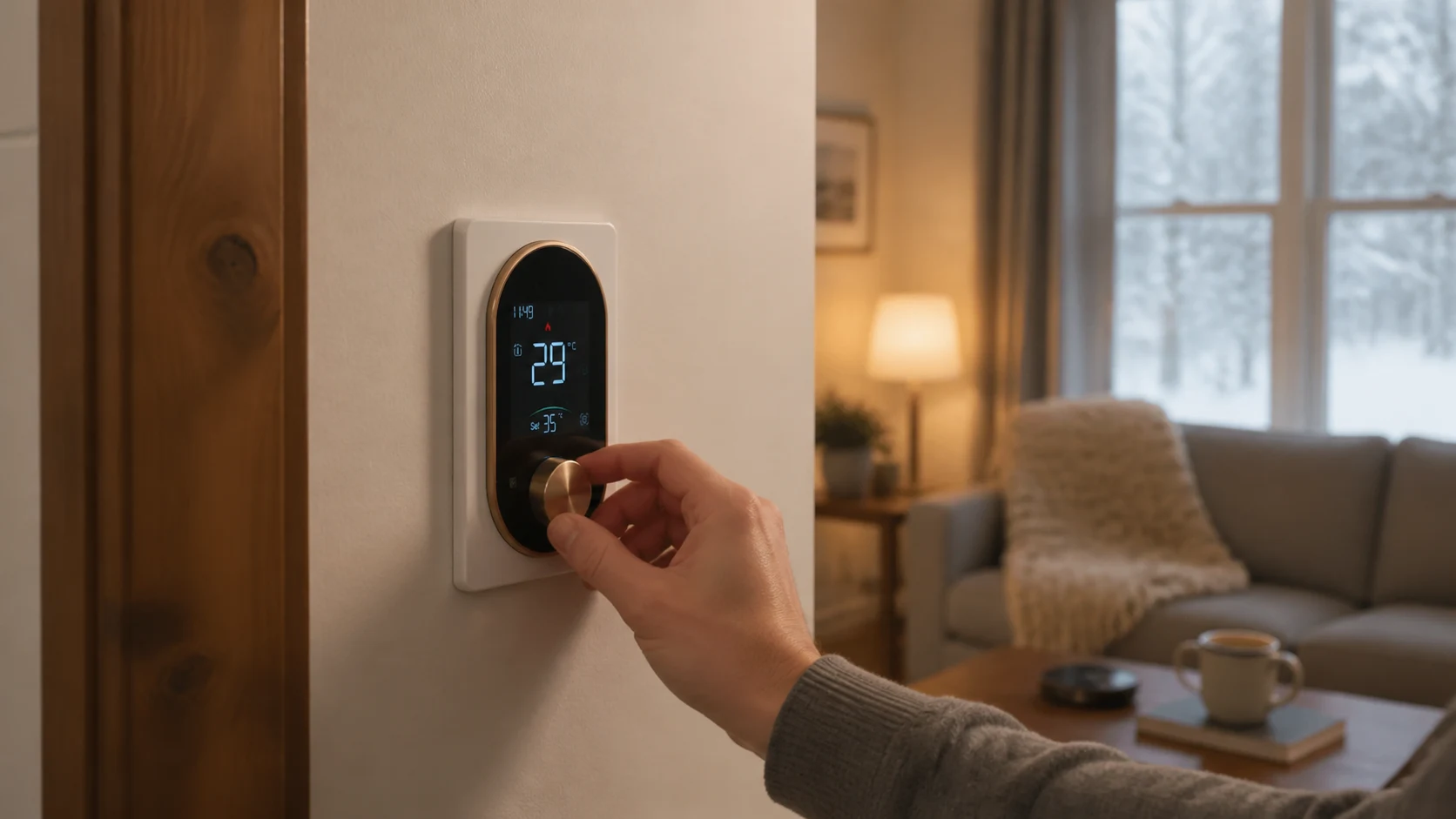
- At the thermostat, verify only the documented local actions, such as viewing the current state or making a small temporary setpoint change.
- Observe the App separately: note whether it shows offline, stale data, a failed command, or a notification.
- Restore the network path and verify reconnection, current status, schedule state, and any changes made during the test.
- Save the result with the model documentation and household response plan.
Stop if the thermostat becomes unresponsive, equipment operation is unexpected, or safe indoor temperature could be affected. A test result for one unit, firmware version, account, and network setup should not be presented as proof for every installation.
Grus product facts do not support a blanket offline promise
Current Grus product documentation confirms Wi-Fi/App setup and specific modes or schedules for several thermostat paths. For example, the EcoNet-BH manual supports manual, temporary manual, weekly programming, and holiday modes; EcoNet-HP and EcoNet-TU documentation also describes system modes and schedules alongside Smart Life App setup.
Those facts do not by themselves establish what each model does during Wi-Fi, internet, or cloud-service loss. This article therefore does not promise that a Grus thermostat will keep a schedule, accept every local command, reconnect automatically, preserve App history, or send an offline alert.
Plan for remote, rental, and cold-weather homes
Offline behavior matters most when nobody is present or when a loss of heat could have serious consequences. Remote access is useful, but it is not a complete response plan.
Before relying on a thermostat in a remote, rental, or cold-weather property, name the dependencies and owners:
- who can access the property if remote control is unavailable;
- how internet, power, and heating-equipment outages are distinguished;
- which alerts are documented and which are only assumed;
- whether another person receives notifications;
- what safe-temperature or freeze-response plan applies to the property; and
- when a qualified HVAC or electrical professional must be involved.
Do not treat a connected thermostat as an independent proof that the building is warm, the equipment is healthy, or a person will respond.
Questions to ask before buying or relying on offline behavior
- Is the exact model certified under a program that defines behavior without service connectivity?
- Which functions are performed inside the thermostat and which run in the cloud?
- Can temperature, mode, and a hold be changed at the wall?
- Is the schedule stored locally, and what happens to its clock during a long outage?
- Which App commands, alerts, history, voice features, and automations require internet or cloud service?
- What happens to changes made locally while the device is offline?
- How does the thermostat reconnect, and what should be verified afterward?
- What is the backup plan if the display is blank or the equipment does not respond as expected?
These questions are more useful than asking whether the product “works without Wi-Fi.” They reveal which specific job must continue and what evidence supports it.
Expect partial behavior, then verify the exact model
A Wi-Fi outage may remove remote services while leaving some physical thermostat functions available. It may also expose a schedule, clock, account, integration, or recovery dependency that was not obvious during normal operation. The only reliable answer comes from the exact model’s documentation and a safe, controlled test.
Separate power from connectivity, local control from cloud service, and observed behavior from assumptions. If the model, display state, App message, network condition, or expected recovery is unclear, ask Grus Support what your thermostat model requires before depending on it for a remote or high-consequence property.