Plan Measurements for the Actual System
Grid supply, solar generation, storage and EV charging can create different measurement questions. Write those questions down before choosing sensors or installation points. One product does not automatically expose every reading.
List the readings required for the actual system. An installer must establish which supported measurement points can provide them; this is not a sensor-placement diagram.
| Reading | What needs confirmation |
|---|---|
| Grid | Import and export scope |
| Solar | Supported generation measurement |
| Battery | System topology and supported measurements |
| EV | Charging circuit and measurement scope |
| Home total | Which circuits the total includes |
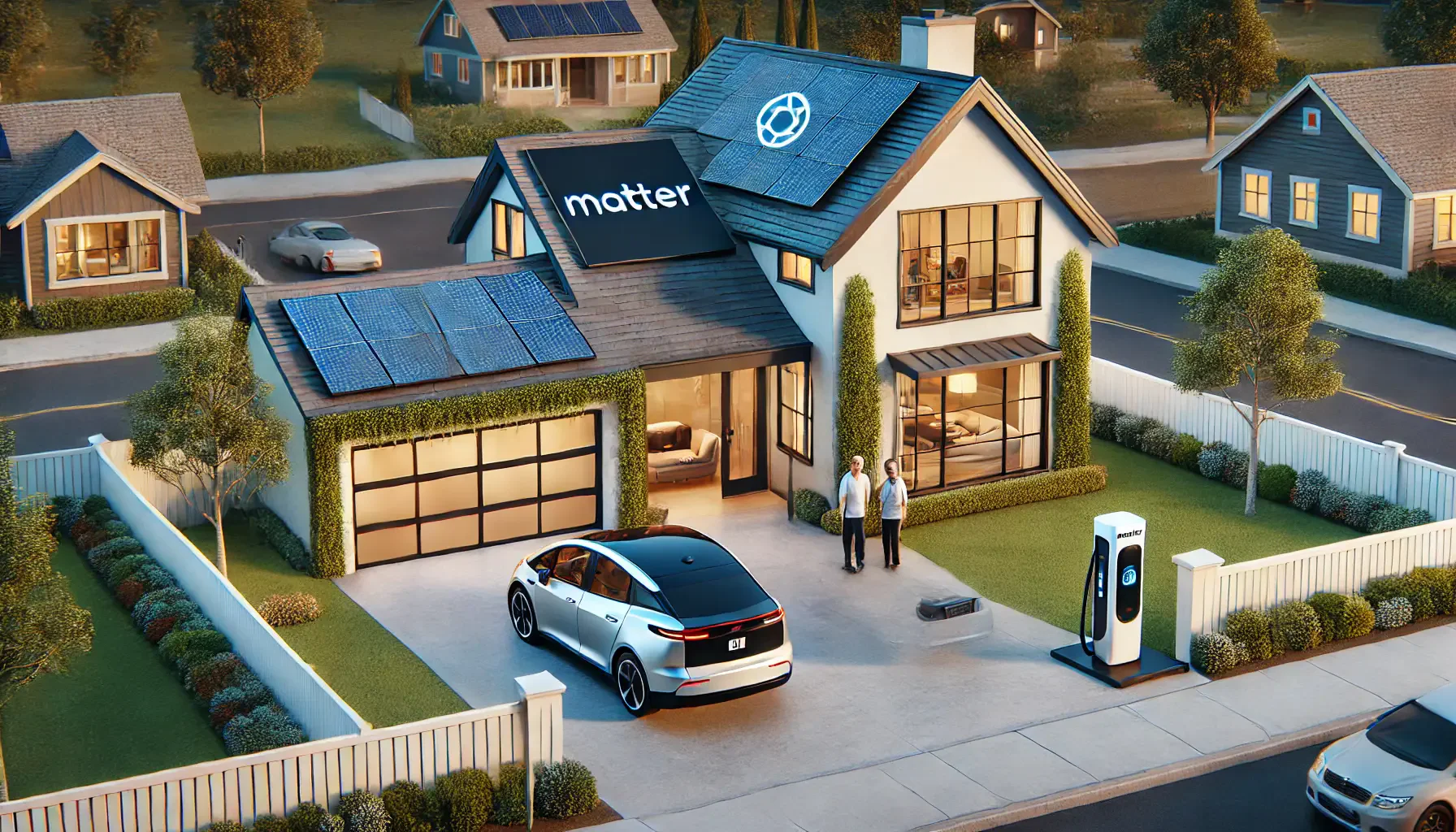
A home-energy illustration is not a wiring diagram. Battery state of charge, grid import/export and a charging circuit’s usage are different quantities. Have the installer establish the equipment and supported measurements for the actual system.
Agree the Installation Scope
For utility-meter work, contact the utility. For a private energy monitor, have a qualified installer review the service, product manual, sensor fit and measurement locations. Do not open the panel, attach sensors or alter inverter and battery wiring from a generic guide.
Ask the installer to document which circuits and sources each label represents. Confirm what cannot be measured with the selected equipment, as well as what is included. An AC monitoring example must not be treated as permission to connect to a DC circuit.
Use the measurement checklist above to define the scope. Do not assume that one monitor measures every source, storage device and load in a home.
Review Data Without Double Counting
When several readings are available, compare the same time period and units. Establish whether a displayed home total already includes the EV circuit or other individually monitored loads before adding values together.
A battery’s reported state of charge is not the same as energy measured at one connection. Use the relevant equipment documentation to interpret each value. Keep missing measurements visible as gaps rather than treating them as zero.
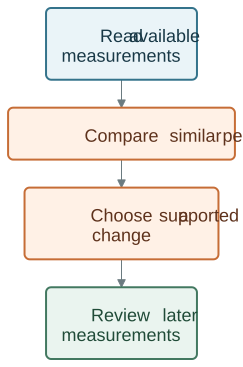
Use the available readings to compare similar periods. Make any changes through the equipment’s own supported controls and check the results separately.
Use the Equipment’s Own Controls
Energy analysis does not by itself provide permission or a supported interface to control batteries, chargers or heating equipment.
Charging schedules, storage operation and heating settings must use the actual equipment’s supported controls. A dashboard does not establish access to utility rates, an export agreement or an automatic switch to battery supply.
If you are evaluating an integration, identify the measured input, intended action, supported interface and who authorizes it. Verify those elements separately before considering an automated routine.
Choose a Monitor and Bundle for the Agreed Scope
Review the exact monitor, sensor bundle and supported measurements before ordering. Installation and connected-control requirements should be checked separately.
WattPanel-2X is a monitoring option for supported split-phase systems. Compare its current product information with the installer’s measurement plan. Do not assume that the monitor identifies every appliance or controls solar, batteries or EV charging.
After installation, keep the circuit labels, model and bundle details together. For a missing or unexpected reading, record the label, time and value and consult the installer or product support rather than moving sensors yourself.
Make One Measurable Change at a Time
Use a comparable baseline period and note weather, occupancy, equipment and tariff changes. A lower bill alone does not show which device caused it, and an energy chart does not guarantee a saving.
Review the Grus Split-Phase Electric Monitor after establishing the measurements and installation conditions you need.