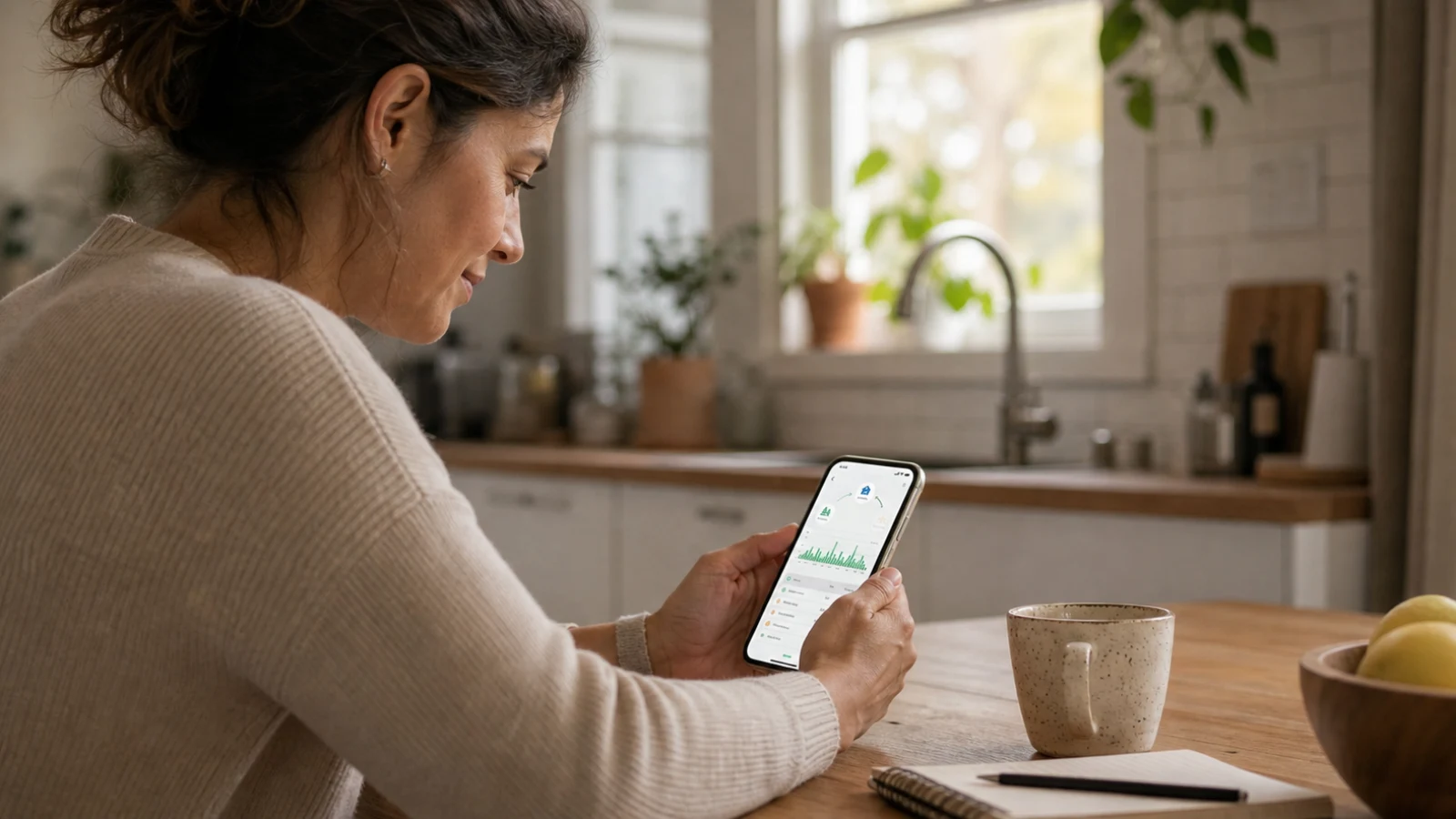
You can arrange a separate home energy monitor alongside a utility meter. That does not mean replacing the utility’s equipment or performing electrical panel work yourself. A qualified electrician should confirm the installation requirements for a panel-mounted monitor.
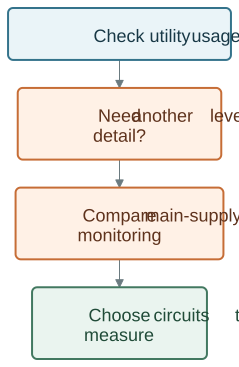
Before buying, check the usage data already available through your utility. A separate monitor is most useful when its documented coverage answers a question that the existing data cannot.
1. Why Would You Need Your Own Smart Energy Meter?
1.1 Whole-Home and Circuit Measurements
Your utility meter measures consumption for billing. The detail and reporting delay available to you depend on the utility’s service. A panel monitor can provide a separate view of the main supply and, with the appropriate sensors, selected branch circuits.
A circuit measurement is not automatic appliance identification. Several appliances may share a circuit, and unmonitored circuits do not gain individual readings simply because a monitor is installed.
1.2 Questions Worth Asking
Consider whether you need to see when total use rises, compare a monitored circuit across days, or understand a change after adjusting a schedule. Write down that question before choosing a device.
2. How a Personal Smart Meter Works
A panel monitor uses the measurement connections and sensors specified for its model. The installation and chosen bundle determine what is measured. The dashboard presents that data for you to review.
| Data source | Main purpose | Limitation to check |
|---|---|---|
| Utility meter and account | Billing and the usage history offered by the utility | Available intervals and reporting delay |
| Whole-home monitor | A separate view of the measured supply | Service compatibility and measurement boundary |
| Circuit sensors | Measurements from selected circuits | Sensor count, placement and circuit labels |
| Plug-in monitor | Measurements for a compatible connected appliance | Load rating and connection type |
Reviewing Data Before Taking Action
Compare a reading with what was happening at home. A higher figure may reflect heating, charging, cooking or a different schedule. The graph alone is not a diagnosis of an inefficient or faulty appliance.
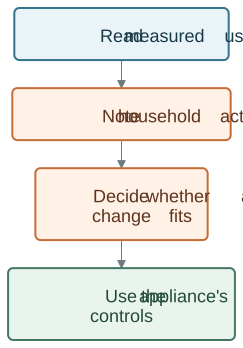
The distinction matters: seeing data and making a decision are separate actions. Confirm any notification or integration feature against the exact product’s documentation.
3. Choosing the Right Monitor
Check these details before ordering:
- The service type and voltage supported by the model.
- Main-supply and branch-circuit coverage in the selected bundle.
- CT rating, opening size and available installation space.
- The app, network requirements and history available for the model.
- Who will install it and explain the readings.
For supported 120/240V split-phase panels, compare the WattPanel-2X bundles. Do not assume that another model’s features apply to this one.
4. Planning Installation
Plug-In and Panel Monitors Have Different Requirements
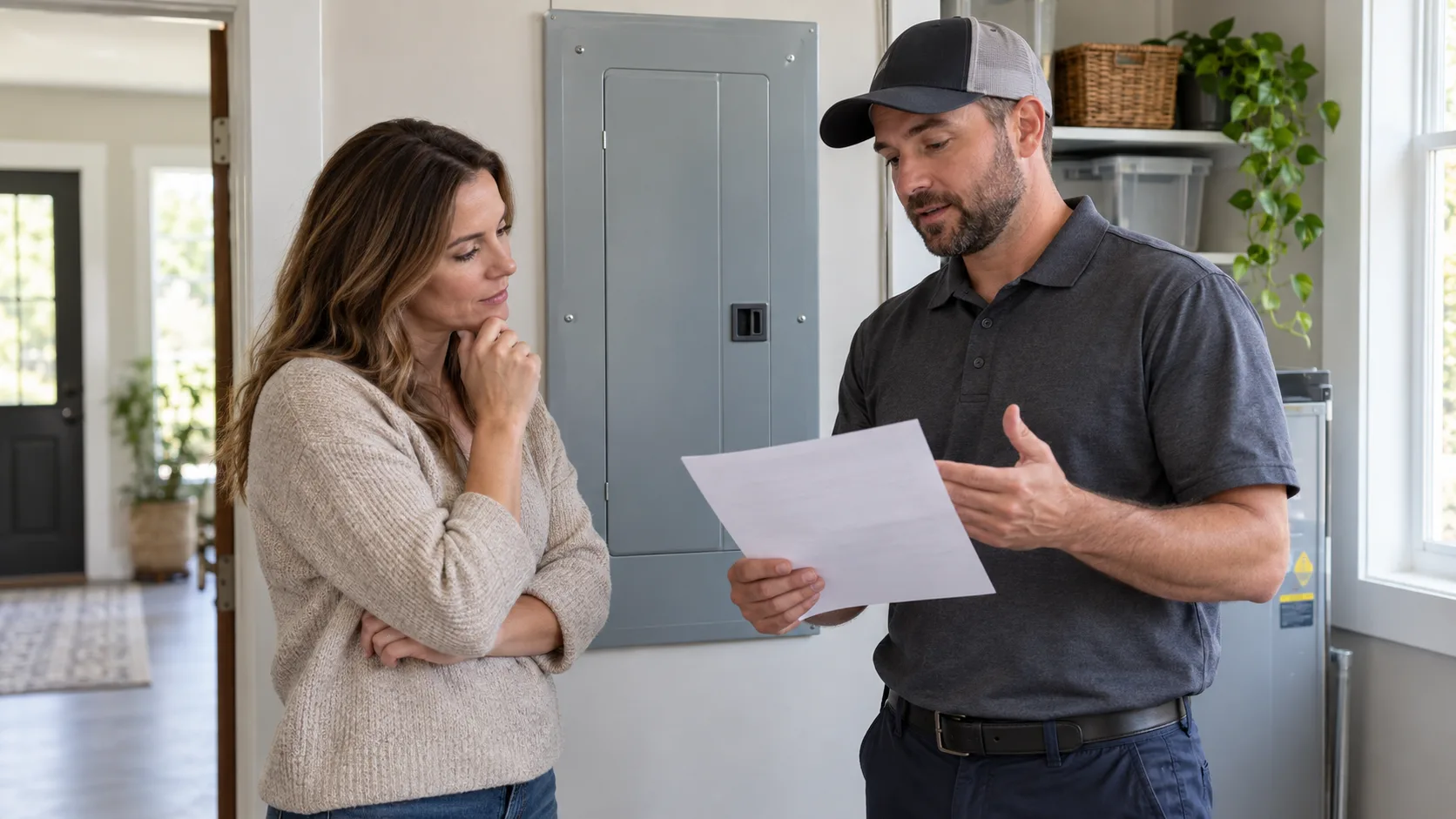
A plug-in device must be rated for the appliance connected through it and used according to its instructions. A panel monitor involves electrical equipment and belongs in a qualified electrician’s installation plan.
For panel work, follow the current model manual and applicable electrical work requirements. Safe conditions must be established and verified by qualified personnel. OSHA’s work-practice requirements explain the distinction between switching equipment off and verifying it is de-energized.
What a Professional Handover Should Cover
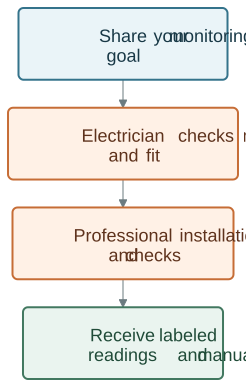
Ask which channels are mains measurements, which are branch circuits, and whether any intended loads remain outside the coverage. Keep the manual and circuit labels available when asking for support.
5. Check Integrations Separately
A Wi-Fi connection does not automatically mean that a monitor can control HVAC, lights or a charger. Confirm the supported platform, model, feature and any additional equipment before planning an integration.
Use the appliance’s own controls and instructions for ordinary schedule changes. Electrical protection and capacity decisions remain separate from monitoring.
6. Comparing Usage After a Change
Compare similar periods, recording household activity alongside the readings. Changing occupancy, weather or rates can explain a difference even when the device settings are unchanged.
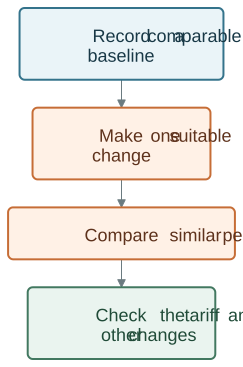
Use energy measurements and your actual bill together. Fixed charges and tariff changes can affect the amount due. Keep the change only if it suits your household and the evidence supports it.
7. Choose Coverage Before Features
The Grus Split-Phase Electric Monitor is an option for supported split-phase panels and selected CT bundles. Review coverage, fit and installation first.
For other systems, compare energy monitoring products or ask support about your requirements. The useful outcome is a measurement you understand and can act on, without assuming automatic savings or appliance control.