
Smart thermostat buying guide
Choose a Thermostat by Heating System, Not by Screen Design
Identify the heating equipment and voltage category first, then review wiring, load, required functions, app control, and installation responsibility.

The decision in one minute
A smart thermostat must match the heating system it controls. Before buying, identify whether the home uses electric baseboard, a central HVAC or heat-pump system, or radiator control; then verify voltage category, wiring, load or equipment functions, product documentation, and qualified installation requirements.
Check these four areas first.
Heating type
Baseboard, central HVAC, heat pump, and radiator systems are different product categories.
Electrical category
Line-voltage and low-voltage thermostats are not interchangeable.
System functions
Heating stages, auxiliary heat, fan, cooling, and valve control require product-specific review.
Installation owner
Use product instructions and qualified professional guidance where wiring, voltage, or load is uncertain.
01
Classify the heating system before comparing features.
Wi-Fi, scheduling, app screens, and voice control cannot correct a mismatch between the thermostat and the equipment. Start with the system category and only compare features inside the compatible path.
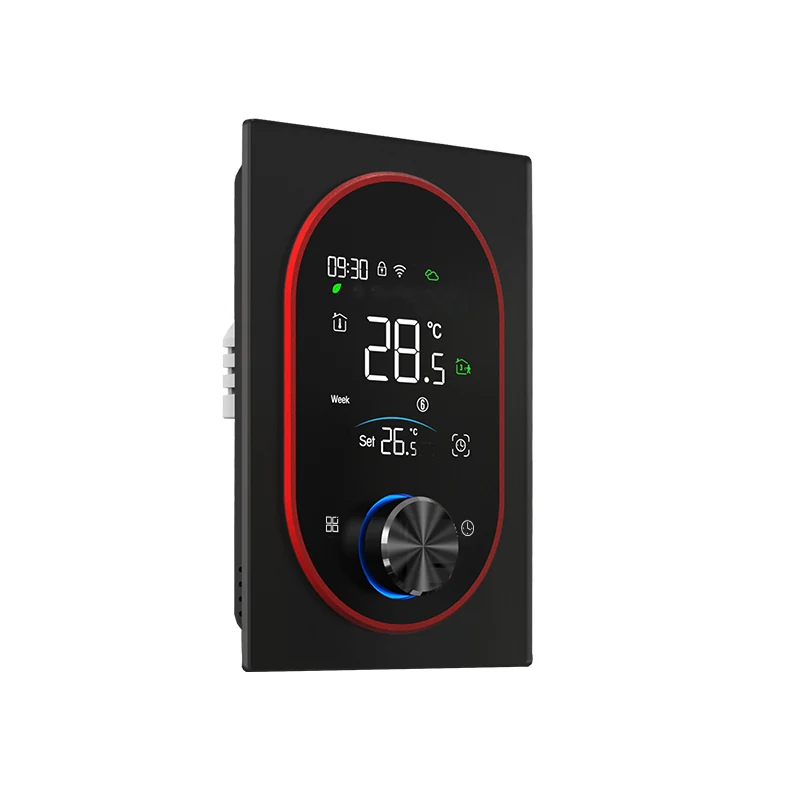
| Home context | First compatibility question | Grus path |
|---|---|---|
| Electric baseboard or other line-voltage heat | Voltage, wiring, controlled load, and documented installation | EcoNet-BH product and baseboard compatibility guides |
| Central HVAC or heat pump | Equipment type, terminals, stages, auxiliary heat, and power requirements | Heat pump compatibility and fit-review thermostat paths |
| Hydronic radiator | Valve body, adapter, mechanical fit, and room-control scope | Radiator valve fit-review path |
02
Verify the control job and the installation facts together.
The existing thermostat label and wiring context may help a qualified reviewer, but they do not replace the new product's compatibility documentation.
Equipment and control job
Identify what equipment the thermostat controls and which functions must remain available.
Voltage, wiring, and load
Use labels, manuals, and qualified review instead of inferring compatibility from wire color.
App and schedule
Confirm the current app workflow supports the household's control and scheduling needs.
Manual and policy
Review product documentation, installation responsibility, returns, and support before ordering.
03
Choose controls the household will actually maintain.
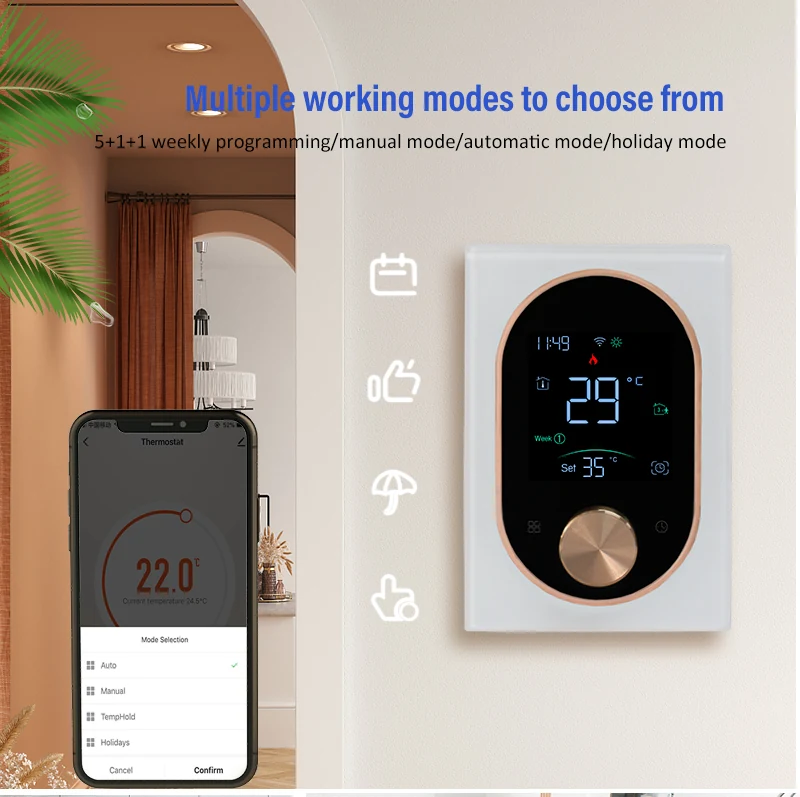
A thermostat can support manual adjustment, app control, and schedules, but the useful combination depends on household routines and the supported product experience.
Review real app screens and schedule controls rather than relying only on feature icons or generic smart-home claims.
04
Stop if the thermostat category is still uncertain.
Do not use a product selector as a substitute for identifying the system. If voltage category, controlled equipment, wiring, load, stages, or auxiliary functions remain unclear, use the compatibility and support paths before ordering.
-
Identify equipment
Record the heating or HVAC equipment and the functions currently controlled.
-
Classify the thermostat path
Separate line-voltage, low-voltage HVAC, heat-pump, and radiator-control categories.
-
Verify the candidate
Use the candidate product manual and fit guidance for wiring, load, and supported functions.
-
Confirm installation
Follow local rules and use a qualified professional when required or uncertain.
05
Questions people ask before the next step
What should I check before buying a smart thermostat?
Identify the heating system, voltage category, wiring, controlled load or equipment functions, app needs, product documentation, and installation responsibility.
Are line-voltage and low-voltage thermostats interchangeable?
No. They are different product categories and must be matched to the heating equipment and electrical system.
Can wire color confirm thermostat compatibility?
No. Use equipment labels, terminal functions, manuals, and qualified review rather than relying on wire color alone.
Should I choose a thermostat based on app features first?
No. Confirm system compatibility first, then compare the supported app, schedule, local control, and account experience.
Choose a product only after the fit questions are clear.
Open the relevant product page when the fit is clear, or contact support with the model and installation details that still need an answer.