
Heat pump compatibility
Heat Pump Thermostat Fit Depends on the Entire Control System
Equipment type, stages, auxiliary heat, terminal functions, power requirements, and installation responsibility all matter before choosing a thermostat.
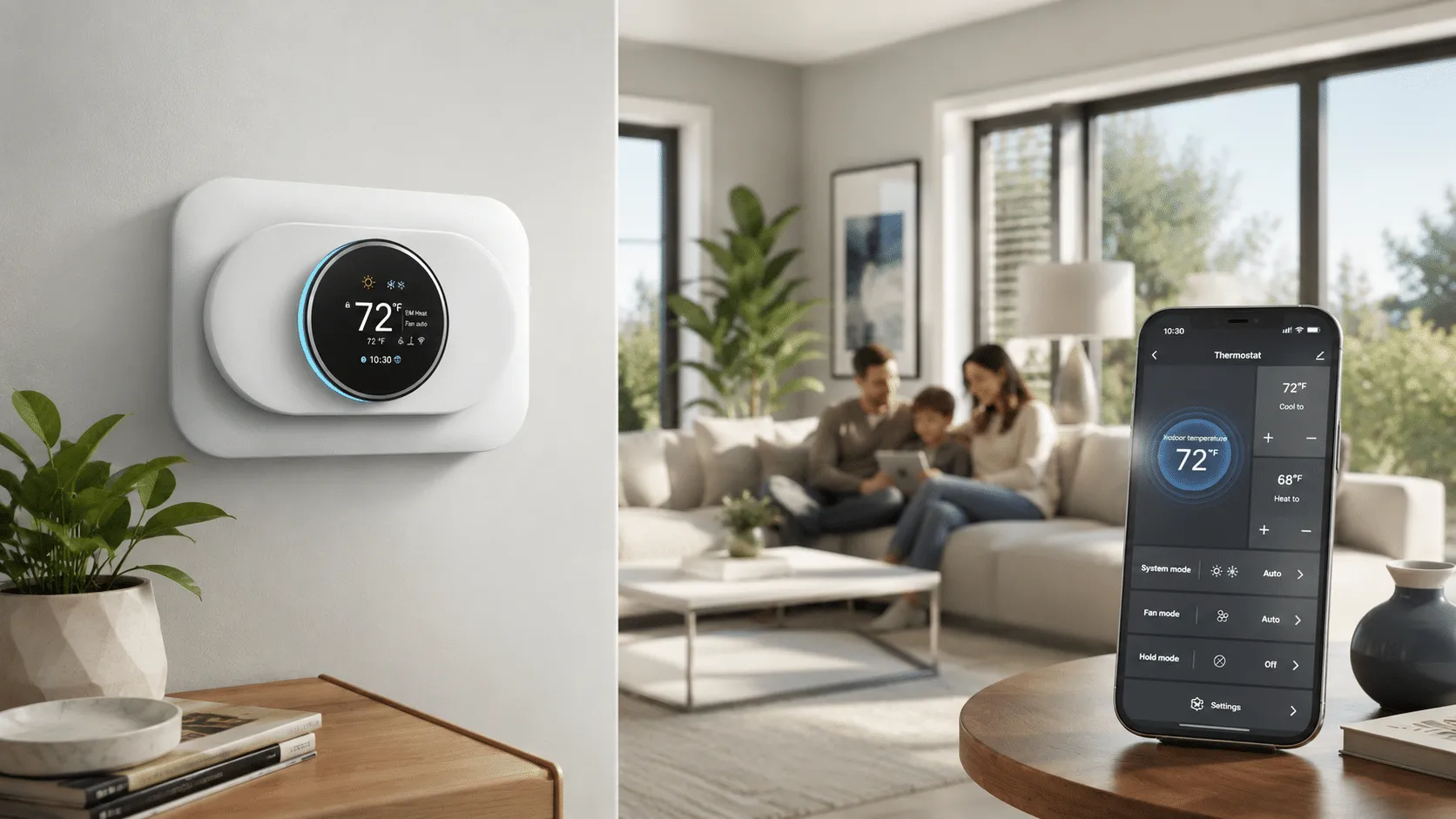
The decision in one minute
Before buying a thermostat for a heat pump, identify the indoor and outdoor equipment, heating and cooling stages, auxiliary or emergency heat, existing terminal functions, thermostat power requirements, and any accessories controlled by the thermostat. Match those facts to the candidate product documentation and use a qualified HVAC professional when the system configuration is uncertain.
Check these four areas first.
Equipment type
Identify the heat pump, indoor equipment, and any separate heating source.
Stages and auxiliary heat
Confirm how many functions the current control system must support.
Terminal functions
Use terminal labels and equipment documentation instead of wire color alone.
Power and installation
Review candidate requirements and use qualified HVAC guidance for uncertain configurations.
01
Map the controlled equipment before mapping wires.
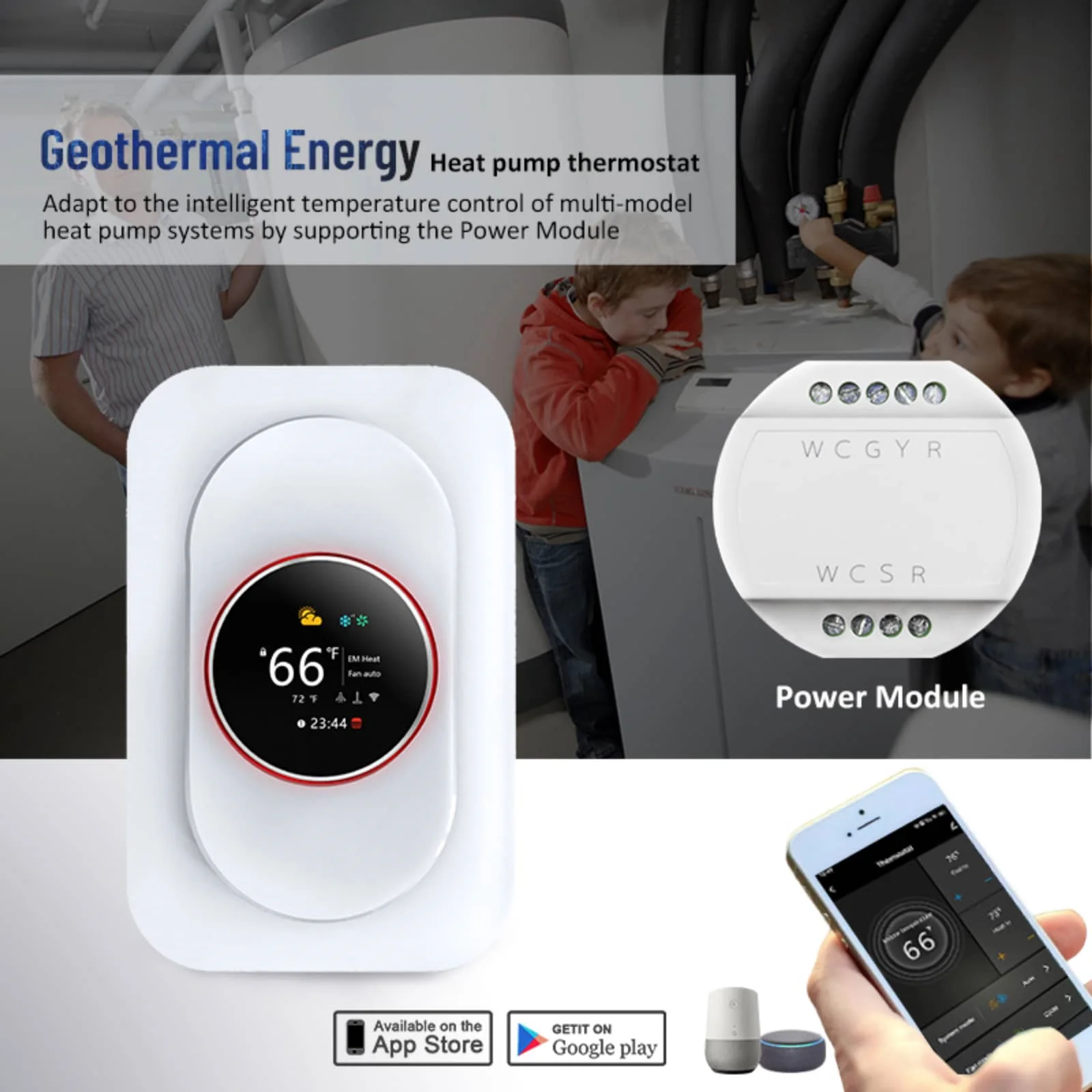
A heat-pump thermostat may coordinate outdoor equipment, an indoor air handler or furnace, heating and cooling stages, auxiliary heat, fan control, and accessories. The product must support the required functions as a complete system.
Outdoor equipment
Record the heat-pump model and the functions expected from the thermostat.
Indoor equipment
Identify the air handler, furnace, or other indoor component and its control relationship.
Backup heat
Determine whether auxiliary or emergency heat is present and how it is controlled.
Accessories
Note any humidifier, dehumidifier, ventilation, sensor, or other function tied to the current thermostat.
02
Match required functions to documented thermostat support.
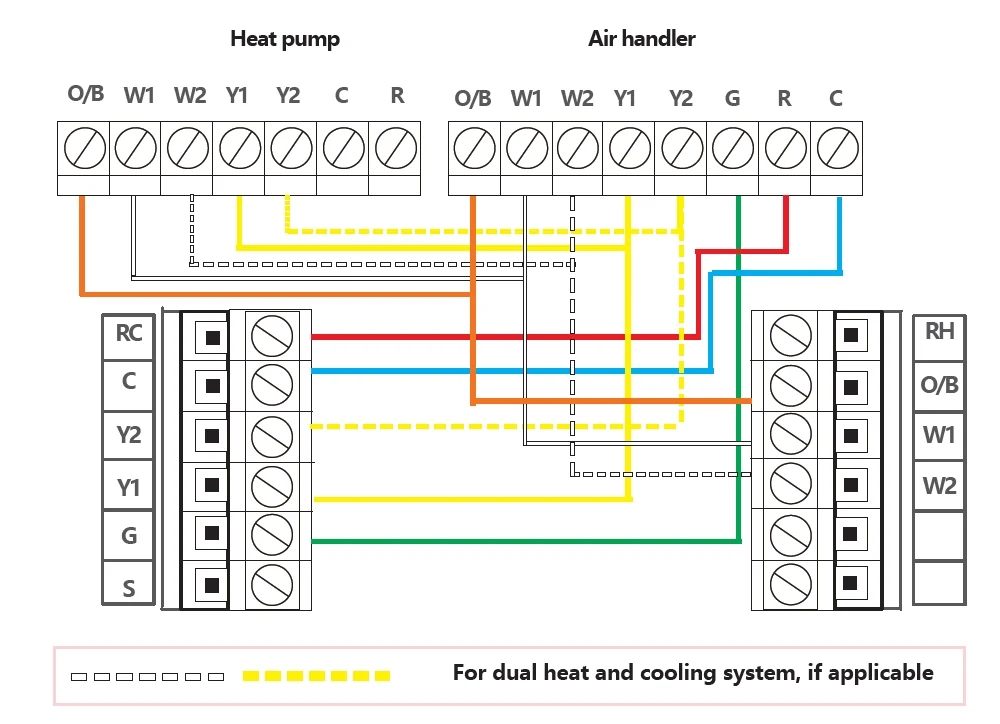
A terminal photo can support a review, but it should be interpreted with equipment documentation and the candidate thermostat manual.
| System fact | What to confirm | Why it matters |
|---|---|---|
| Equipment type | Heat pump and indoor equipment combination | Thermostat behavior depends on the complete system |
| Stages | Heating, cooling, compressor, and backup heat functions | The thermostat must support every required control function |
| Terminals | Function labels at the thermostat and equipment | Wire color is not a reliable function map |
| Power | Candidate thermostat power requirements and available control power | Connected features need the documented power arrangement |
| Installation | Manual, equipment guidance, local rules, and HVAC responsibility | Configuration errors can affect comfort and equipment operation |
03
Use a system record, product manual, and professional review together.
Build a simple equipment record before shopping. Model information, current thermostat labels, equipment documentation, and required functions provide a stronger starting point than a generic online compatibility result.
-
Record the equipment
Capture model information for the outdoor and indoor equipment without opening unsafe enclosures.
-
List required functions
Include stages, auxiliary heat, fan, cooling, and accessories currently controlled.
-
Compare documentation
Match the system record to the candidate thermostat's supported configurations and power requirements.
-
Confirm configuration
Use qualified HVAC review when equipment, terminals, stages, or setup remains uncertain.
04
Confirm system fit before comparing app controls.
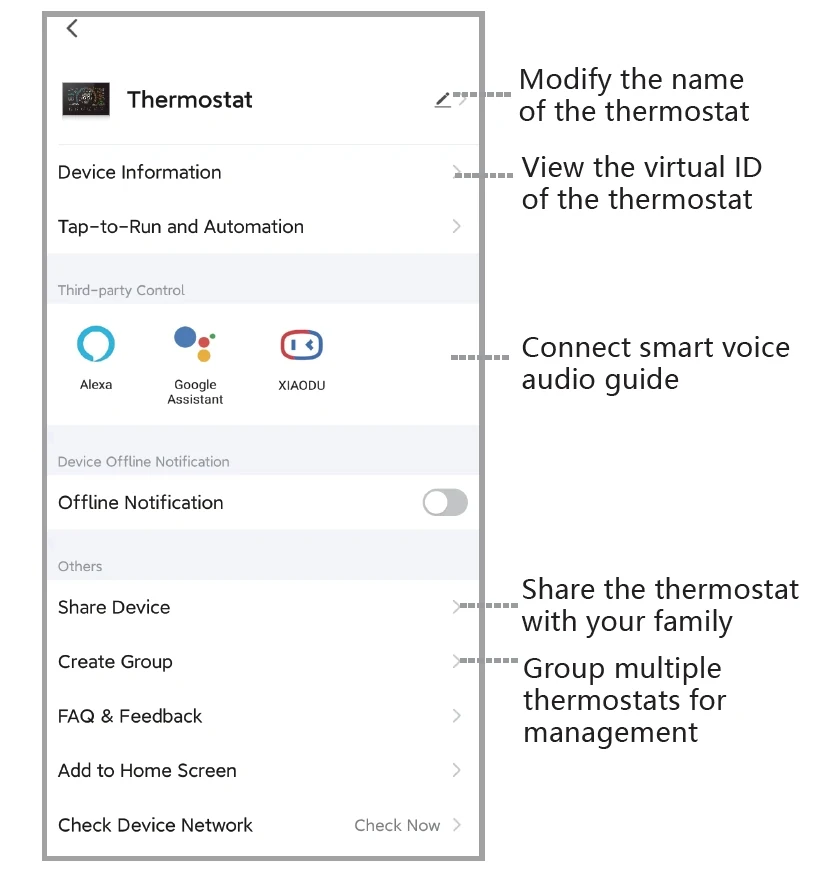
Once the system fit is credible, open the relevant product page to compare local controls, scheduling, app experience, support documents, price, and availability. Connected features should be evaluated only within a compatible HVAC configuration.
05
Questions people ask before the next step
What should I check before buying a heat pump thermostat?
Identify the indoor and outdoor equipment, stages, auxiliary heat, terminal functions, power requirements, accessories, product documentation, and installation responsibility.
Does a terminal photo prove compatibility?
No. It supports review, but equipment models, function labels, staging, power, and the candidate thermostat documentation must also align.
What is auxiliary heat compatibility?
It means the thermostat and configuration must support the backup heating functions used by the specific system. Verify this from equipment and thermostat documentation.
When should I use an HVAC professional?
Use qualified HVAC support when the equipment combination, stages, terminals, power, backup heat, accessories, or configuration is uncertain.
Choose a product only after the fit questions are clear.
Open the relevant product page when the fit is clear, or contact support with the model and installation details that still need an answer.