
AquaNet-M / AquaNet-LD | Water Component

Water Leak Sensor

Plan sensor placement, alert handling, gateway connection, and kit coverage before treating leak detection as a complete water protection setup.
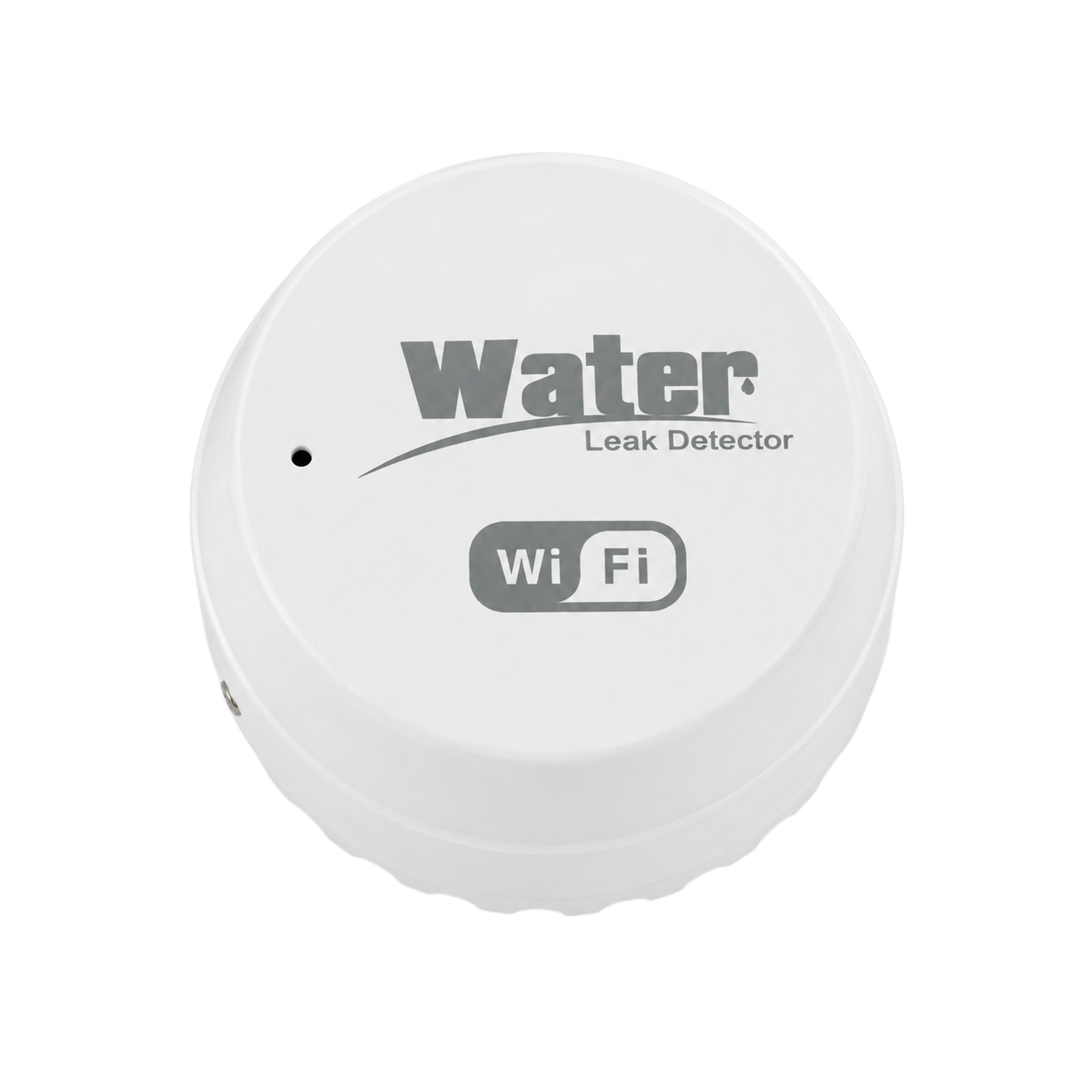
Product fit review Confirm fit before choosing the next step.

Confirm the system, installation boundary, documentation, and current commercial status before ordering.

  • Placement plan
  • Alert path
  • Fit guidance
Path Direct
Coverage Plan
Kit role Component
Checkout Available
Buying decision

Pick the sensor path in three checks.

Use these checks to decide whether to order the product, review compatibility, or ask support.

  1. 01

    Map risk areas

    Review water heater, laundry, sink, basement, appliance, and utility-room locations.

  2. 02

    Plan alert response

    Confirm gateway reach, app alerts, and who responds when water is detected.

  3. 03

    Connect to kit scope

    Use the starter kit path when shutoff action or broader coverage is part of the plan.
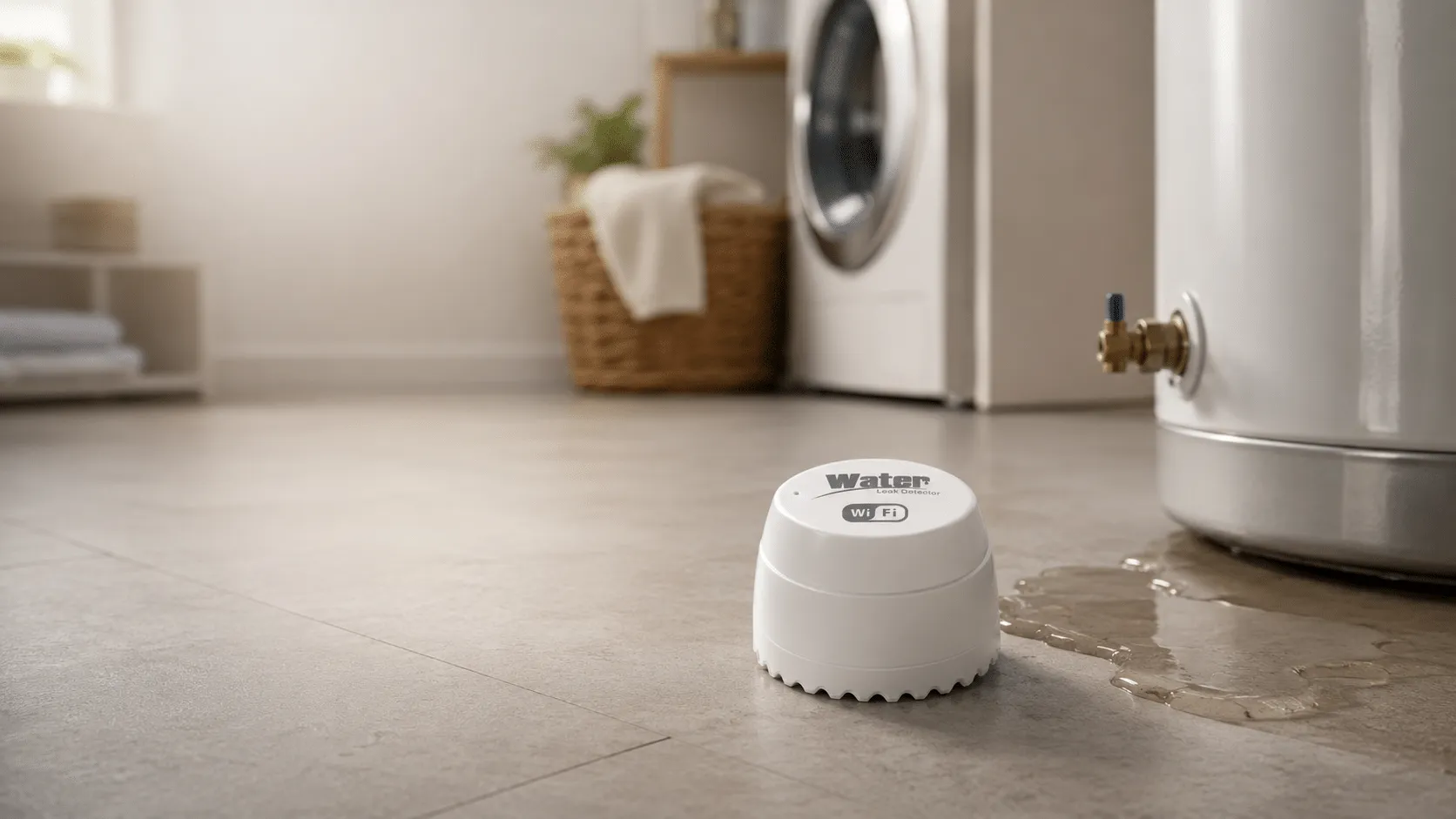
AquaNet-M water leak sensor product scene
Built for reviewed water setups

Coverage starts with where water is most likely to appear.

More sensors do not automatically mean better protection. The placement plan should reflect risk points, access, flooring, maintenance, and response ownership.

Primary locations
Water heater, laundry, sink, basement, appliance, and utility areas.
Alert path
App notification and response ownership should be planned before purchase.
Kit relationship
Pairs with gateway, app alerts, and compatible shutoff planning.
Boundary
A sensor alone does not prevent every water damage scenario.

A sensor helps detect water presence; it is not the whole protection system.

Sensor placement should be planned around realistic risk areas and the way alerts will be handled.

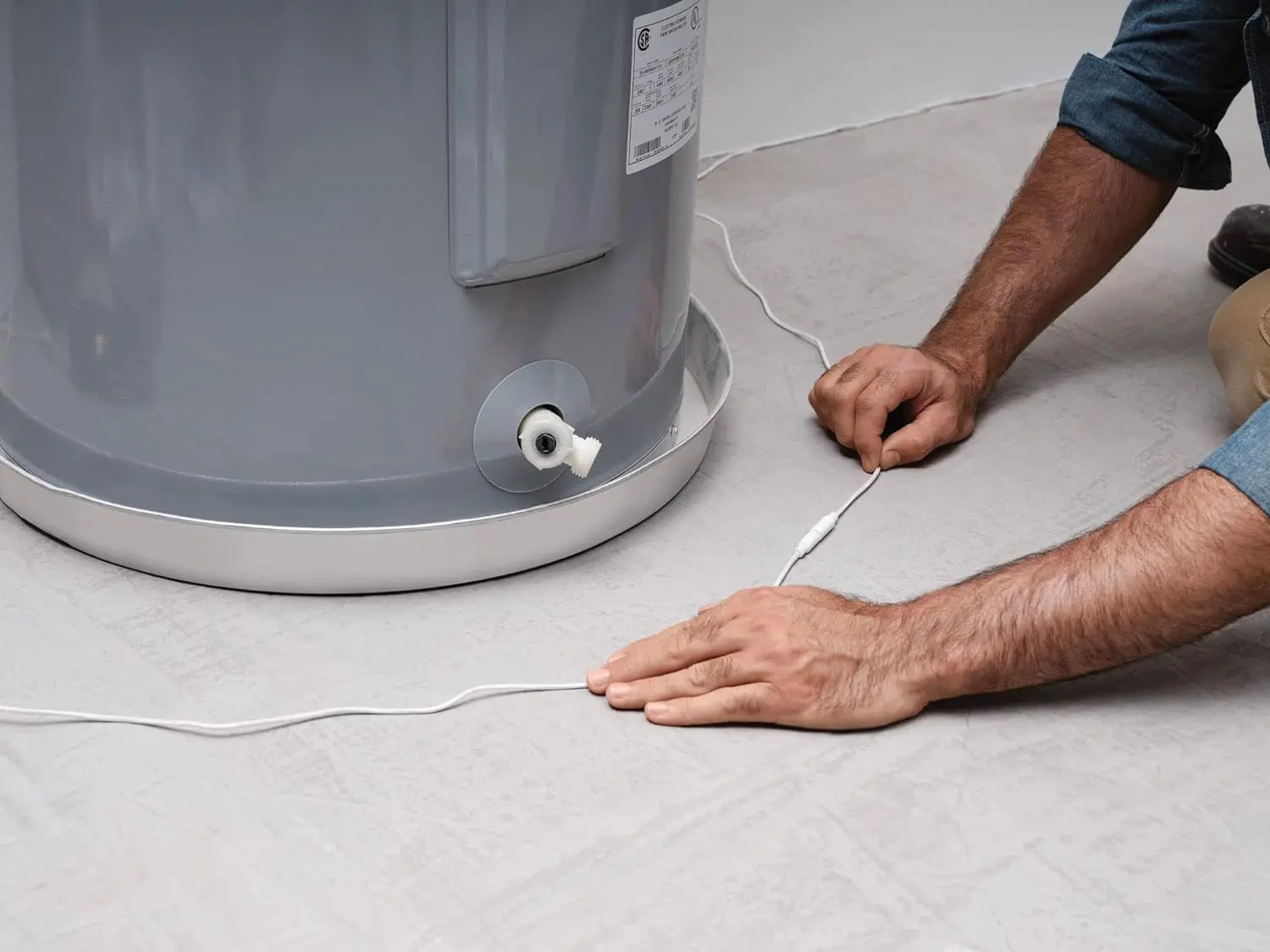
High-risk areas Review water heater, laundry, sink cabinet, basement, appliance, and utility-room locations.
Alert handling Confirm who receives app alerts and what should happen when a sensor detects water.
Shutoff pairing If automatic shutoff is part of the plan, review the compatible valve actuator and gateway path.
Product evidence

Review hardware, setup, and use context separately.

Each visual answers a different question. None of them replaces the exact manual or a qualified fit review.

AquaNet-LD water leak detector fit check visual
Step 01

Place near risk

Start with water heaters and other reviewed risk points.
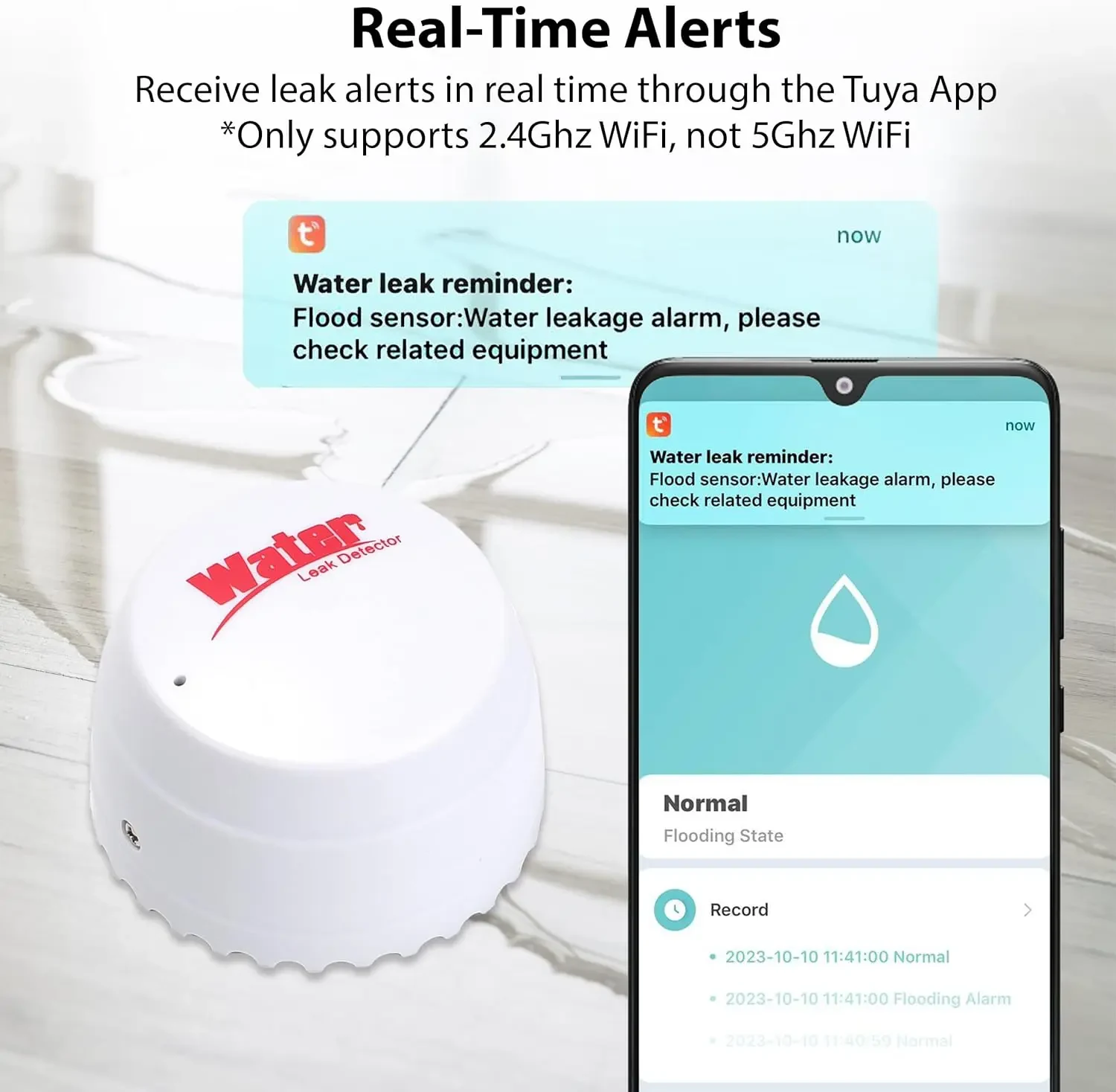
AquaNet-M water leak sensor app screen
App insight

Use alerts to support response planning.

Alert screens help explain what the customer may see, but detection still depends on placement and response ownership.
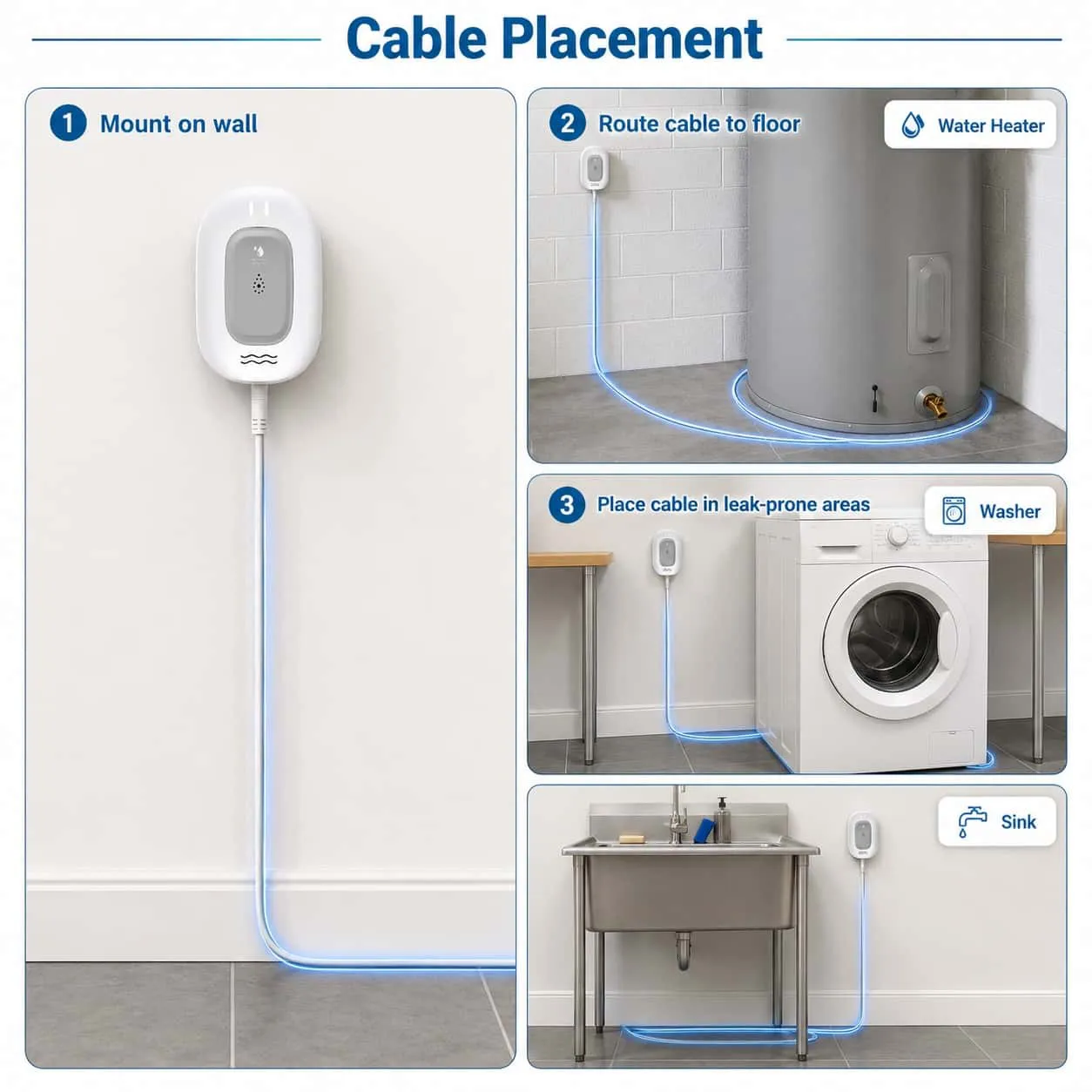
AquaNet-LD water leak detector fit check visual
Real-use context

Coverage starts with real water-risk locations.

A sensor page needs placement scenes, alert visuals, and kit context so detection is not mistaken for complete protection.
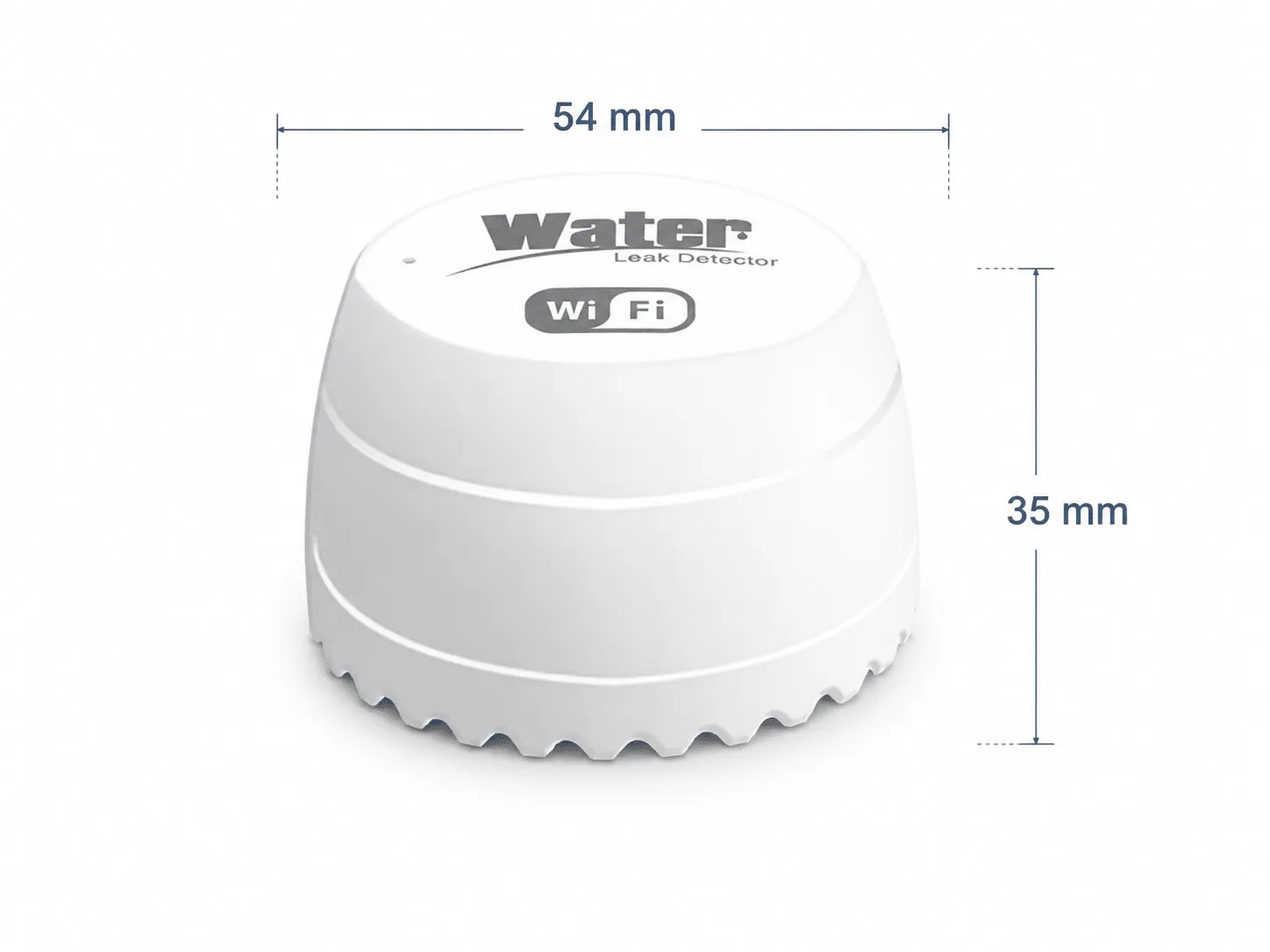
AquaNet-M water leak sensor compatibility detail
Compatibility review

Place sensors where detection and response can both work.

A leak sensor path should be reviewed when sensor location, gateway reach, alert recipients, maintenance access, or shutoff pairing is unclear.

  • Water heater, laundry, sink, appliance, basement, and utility-room placement review.
  • Gateway and app alert path for the intended location.
  • Sensor access for maintenance and placement adjustment.
  • Response owner for alerts when nobody is home.
Component scope
Product path
Water leak sensor for reviewed water protection setups
Best next step
Partner review before order planning
Kit relationship
Pairs with gateway, app alerts, and compatible shutoff planning
Not a substitute for
Local inspection, maintenance, or a complete shutoff system by itself
Review points
Primary locations
Water heater, laundry, sink, basement, appliance, and utility areas
Alert path
App notification and response ownership should be planned before purchase
Support path
Contact product support when fit is unclear
Buying questions

Resolve the blocking question before moving forward.

Use compatibility guidance for known checks and support when the product, installation, or responsibility boundary remains unclear.

Where should water leak sensors be placed?

Common review areas include water heaters, laundry rooms, sink cabinets, basements, appliance areas, and utility rooms. The right placement depends on the home and response plan.

Can a leak sensor shut off water by itself?

No. A sensor helps detect water presence and support alerts. Shutoff action requires a compatible broader setup such as a valve actuator, gateway, app path, and response plan.

How many sensors do I need?

Sensor count should follow the number of practical risk points and how alerts will be handled. Do not assume every area needs the same coverage.
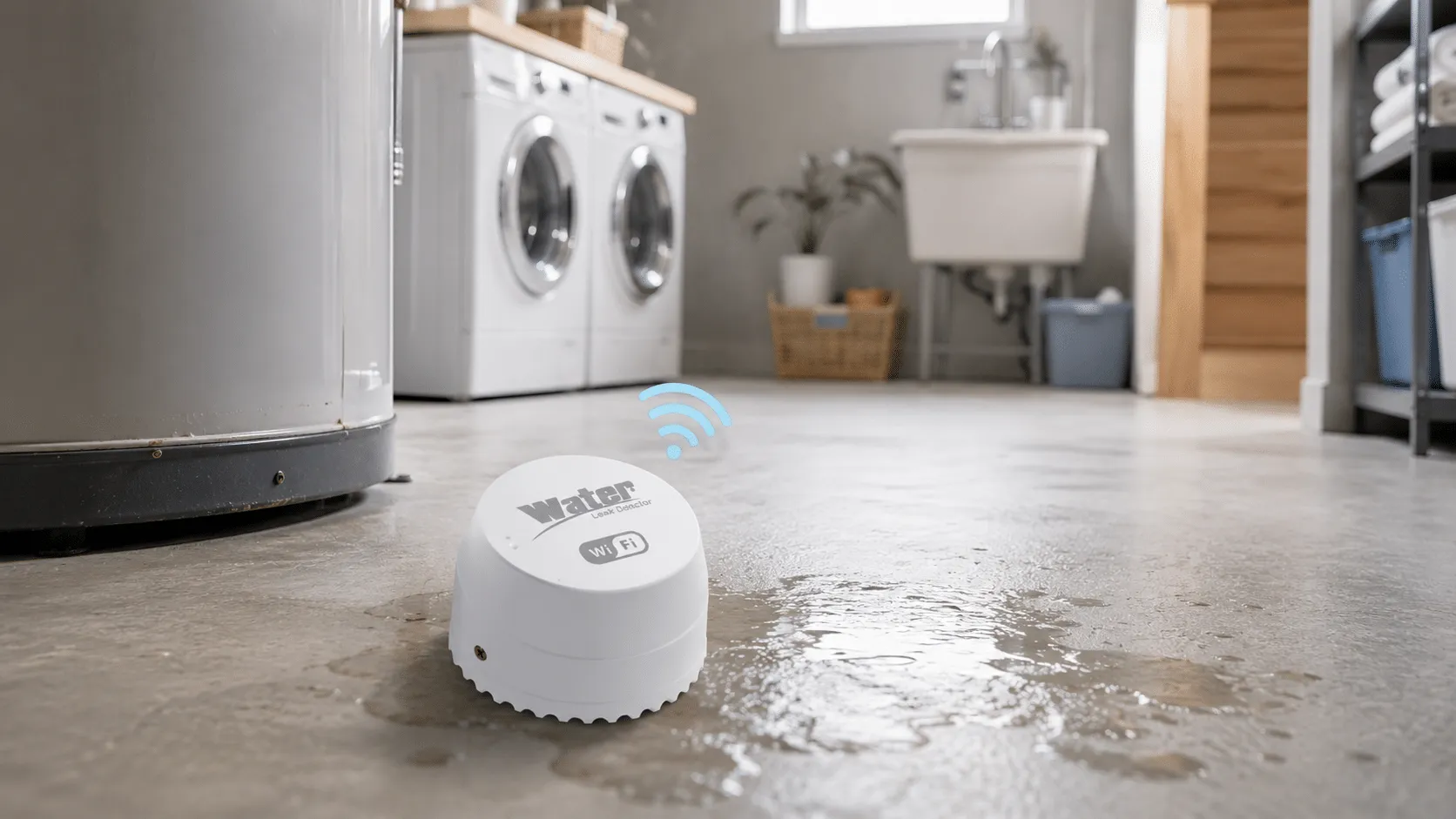
AquaNet-M water leak sensor product scene
Next step

Move forward only after the fit path is clear.

Confirm the physical fit and selected Shopify variant before adding this component to cart. Use support when installation conditions remain unclear.

Map placement Start with water-risk areas and maintenance access.
Plan kit role Connect the component to sensors, gateway, app alerts, and response ownership.
Choose the variant Use the live Shopify selector, then add the confirmed component to cart.