Your home energy monitor and utility bill can both be correct without showing the same number. The useful comparison is kWh against kWh over the same start and end dates—not a live kW reading against the amount due. Differences can come from the measurement point, billing-period boundaries, data intervals, missing monitor data, estimated utility readings, and charges that are not energy consumption.
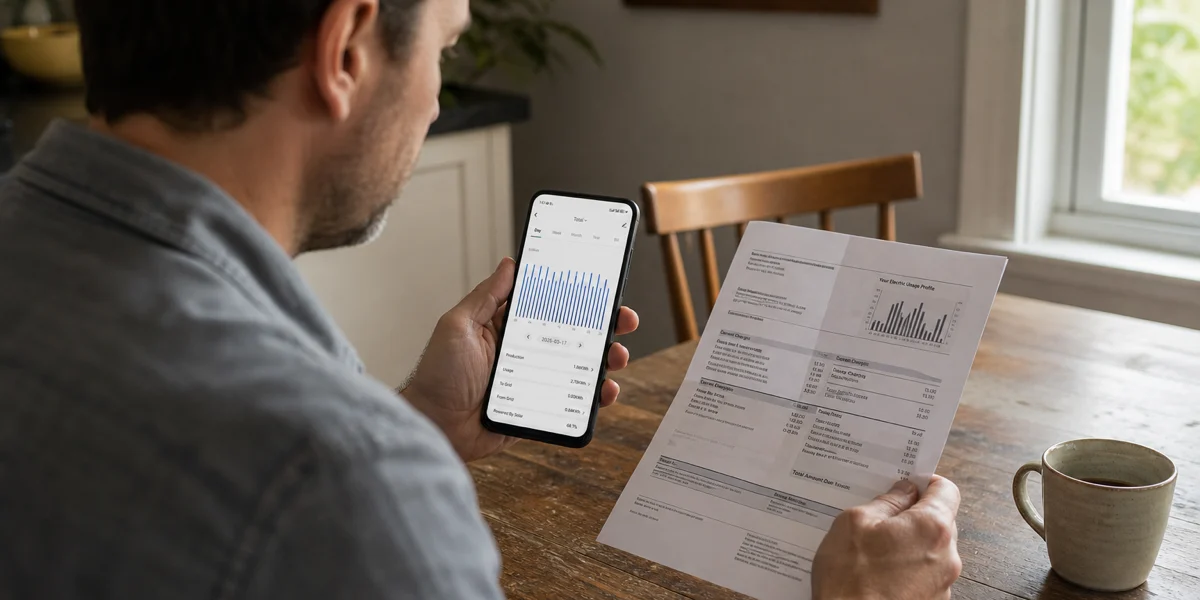
Follow one household through the comparison. Maya opens her monitor on August 1 and sees a July total of 742 kWh. Her utility statement shows 781 kWh and a dollar amount that appears much farther apart. Before treating the difference as a fault, she needs to align what each number measures.
The short answer: the two systems have different jobs
A home energy monitor is designed to make household electricity patterns visible. Depending on the setup, it may show real-time power, accumulated energy, selected circuits, or charts for a chosen period. The utility meter is the source the utility uses for billing under its own meter-reading and rate processes.
The U.S. Energy Information Administration distinguishes power from energy: watts and kilowatts describe the rate of electricity use at a moment, while watt-hours and kilowatt-hours describe energy used over time. Its guide to measuring electricity also explains that utilities use meters to measure customer electricity use.
That leads to the first rule:
| Do compare | Do not compare |
|---|---|
| Monitor kWh for a defined period vs. utility kWh for the same period | A real-time kW reading vs. a monthly kWh total |
| Complete days with the same time-zone boundary | A partial day vs. a completed billing period |
| Energy totals before looking at cost | Monitor kWh directly against the full dollar amount |
| Documented monitor coverage vs. the utility meter’s billing interval | A selected circuit total vs. whole-property utility consumption |
If the units or dates do not match, the comparison cannot yet tell Maya whether there is a meaningful discrepancy.
Start by aligning the billing period
Utility billing periods rarely follow a neat calendar month. The EIA’s residential terminology defines a billing period as the time between bills and notes that consumption is usually calculated from the meter reading at the start date to the reading at the end date. It also notes that consumption may sometimes be estimated. See the EIA Residential Energy Consumption Survey terminology for those definitions.
Maya’s statement runs from June 27 through July 29, but the 742 kWh monitor screen covers July 1 through July 31. Those ranges include different days. She should not subtract the two totals and label the result “monitor error.” Instead, she should use the monitor’s custom date range—if her documented setup provides one—or total the complete daily records that fall inside the utility period.
Check four details before comparing:
- Start and end dates. Use the meter-reading dates printed on the statement, not the bill issue date or payment due date.
- Time zone and day cutoff. A dashboard may close a day at local midnight, while another data source can use a different interval boundary.
- Complete data. Exclude an in-progress day and note any periods when the monitor was offline or not recording.
- Reading type. If the utility statement marks the reading as estimated, a later bill may include an adjustment based on an actual reading.
This process does not guarantee an exact match. It creates a fair comparison boundary.
Compare kWh before comparing dollars
The amount due is not a second measurement of electricity. It is the result of applying the utility’s rate and billing rules to metered usage, then adding or subtracting other bill items. A U.S. Department of Energy guide to understanding a utility bill describes energy use in kWh and explains that billing can also involve rate-schedule-specific factors.
Residential bills vary by utility and location, but the practical reading order is consistent:
- Find the billed kWh and meter-reading dates.
- Identify whether the reading is actual or estimated when the statement provides that status.
- Separate the energy or usage charge from fixed charges, taxes, credits, adjustments, and other line items.
- Treat time-of-use periods, tiers, net-metering entries, or other rate features only according to the utility’s own statement and documentation.
Suppose Maya aligns the dates and finds 768 kWh in the monitor and 781 kWh on the utility statement. That 13 kWh difference is the energy comparison. A larger-looking difference between a monitor estimate and the dollar amount is not a percentage accuracy test because the bill can include items the monitor does not calculate.
This article does not interpret a particular tariff or decide whether a charge is valid. Billing questions belong with the utility named on the statement.
Check whether the measurement boundaries are the same
Two systems can cover different electrical boundaries. The utility meter generally measures electricity at the service point used for billing. A home monitor measures only what its approved configuration and measurement location cover. A selected-circuit view is narrower still.
Before comparing totals, Maya checks that she is viewing the whole-home energy total rather than a circuit, device label, solar-only view, or import/export subset. She also confirms that the property does not have another service, detached building, separate meter, or energy source outside the monitor’s documented coverage.
The correct boundary depends on the actual installation and product documentation. Do not open an electrical panel, move sensors, change wiring, or attempt calibration to investigate a mismatch. Those actions are outside this guide. Use visible dashboard settings and the approved manual; ask qualified support or an electrical professional when the physical measurement boundary is unclear.

Look for data gaps and timing differences
An energy chart is built from recorded intervals. A connectivity interruption, device restart, configuration change, clock change, or incomplete history can leave a gap. A dashboard may also aggregate many short intervals into hourly or daily totals, while utility data may use a different interval and cutoff.
Maya reviews the chart rather than assuming every day is complete. A blank span, a day that starts late, or a total that stops growing while the home is occupied is a reason to mark the period as incomplete. It is not proof that the utility meter overcounted or the monitor undercounted.
Timing can create a small apparent shift even when the total energy is similar. For example, a load that runs across midnight may fall into different daily buckets if two systems use different boundaries. Daylight-saving transitions can also make one local day longer or shorter than 24 hours. For a monthly comparison, align the full period first and avoid drawing a conclusion from one hourly bar.
If you need a refresher on the units, How to Read Home Energy Monitor Data explains why kW is a rate and kWh is accumulated energy.
Use a repeatable comparison worksheet
Maya can make the next comparison reproducible without touching electrical equipment:
- Save the utility statement and write down its meter start date, end date, billed kWh, and reading type.
- Open the monitor’s whole-home energy view and choose the same dates.
- Confirm that the monitor range contains only completed days and note any visible gaps.
- Record the monitor kWh without rounding it to match the statement.
- Calculate the difference: utility kWh minus monitor kWh.
- Calculate a percentage only for tracking, using the utility kWh as the stated comparison denominator; do not label it device accuracy.
- Repeat the method for another complete billing period before treating a one-period result as a stable pattern.
- Keep cost analysis separate and use the utility’s published rate information for questions about charges.
The purpose of the worksheet is evidence, not a pass/fail verdict. It gives the utility or product support team the dates, units, screenshots, and gap notes needed to understand the question.
When to contact the utility, product support, or an electrician
Contact the utility when the question concerns the billed meter reading, an estimated reading, the billing period, rate application, taxes, credits, or adjustments. Have the statement and meter-reading dates ready.
Contact product support when the visible dashboard has missing history, unexpected time boundaries, account synchronization questions, or uncertainty about which documented view represents whole-home energy. Share screenshots and the exact app date range, but do not share account numbers or other private billing information unless the official support process requires it.
Contact a qualified electrical professional if there are safety symptoms such as heat, burning odor, arcing, repeated breaker trips, damaged equipment, or another physical concern. A numerical mismatch alone is not an instruction to open a panel or change sensor placement.
A mismatch is a question to structure, not a fault to assume
Maya’s comparison becomes useful only after she aligns the dates, compares kWh with kWh, confirms complete monitor coverage, and separates energy from billing charges. The remaining difference may be worth documenting, but neither an exact match nor a particular percentage should be promised without controlled measurement evidence.
For device-specific screens, date ranges, and approved setup boundaries, find the Grus manual for your setup. Keep the utility statement as the billing source and use the monitor as a tool for household energy visibility.