Before choosing a monitor for a garage or another building, decide whether you need one total for the space or separate readings for selected loads. Those are different questions. A garage total can help you compare its electricity use over time. Separate circuit readings may be useful when you want to distinguish several loads, but they require a measurement plan that identifies what each channel includes.
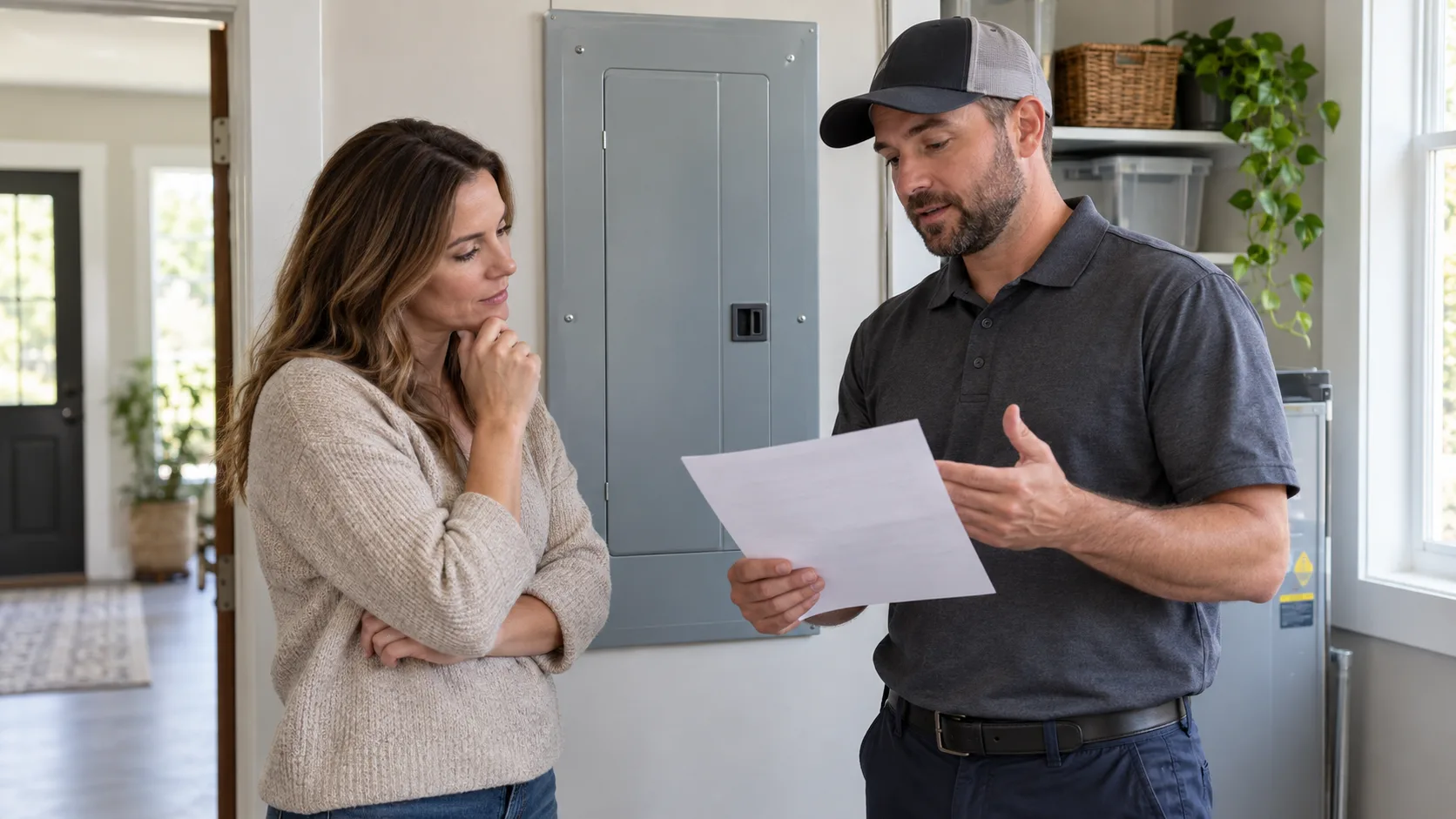
The building name does not identify the electrical arrangement. Tell the qualified electrician which building or area you want to understand and ask them to confirm the supply and circuits serving it. Do not open a panel, move a current transformer, or attempt to identify conductors yourself for this article.
Write the question before you write a shopping list. For example, “I want to compare the garage total before and after a schedule change” needs a different view from “I want to see whether two separately supplied loads operate at the same time.” A monitor provides measurements from its configured channels; a channel name alone does not establish what it measures.
| Your question | Information to request | What the answer does not establish |
|---|---|---|
| How much electricity does the garage use as a whole? | A documented measurement boundary covering the intended area | A separate reading for every appliance inside it |
| Which of two selected loads has the longer operating pattern? | Clearly labeled measurements for the loads or circuits being compared | That all other garage loads are included |
| Can I read the monitor from the house? | The exact product’s connection requirements and the proposed installation location | A guaranteed Wi-Fi range between buildings |
If you cannot name a decision the extra detail would change, begin with the narrower question. More measurements are useful only when their scope and labels make the result easier to interpret.
An area total is not an appliance breakdown
If a proposed channel covers several loads together, its reading is their combined measurement scope. It does not, by itself, identify each appliance. Before relying on the result, ask the installer to explain what is inside the measured boundary and what is outside it.
Use a simple record with the proposed channel name, the area or circuit covered, the question it should answer, and any excluded load. Keep this record with the product and installation documentation. A label such as “Garage” is convenient, but it becomes misleading if it actually covers only one selected circuit.
If separate load detail is the goal, specify the loads you need to distinguish. Do not assume that choosing a monitor with more channel inputs means every desired circuit can be measured in the particular installation or that all the required sensors are included in the selected order.
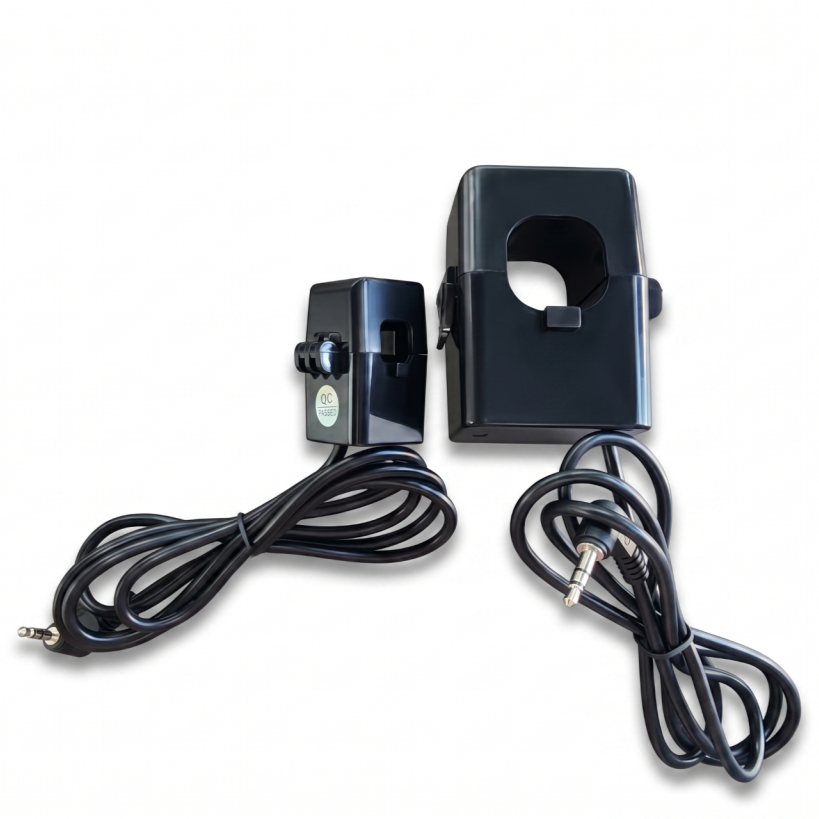
Accessory identification only. Confirm the sensors included with the selected order.
Match the electrical system rather than the room name
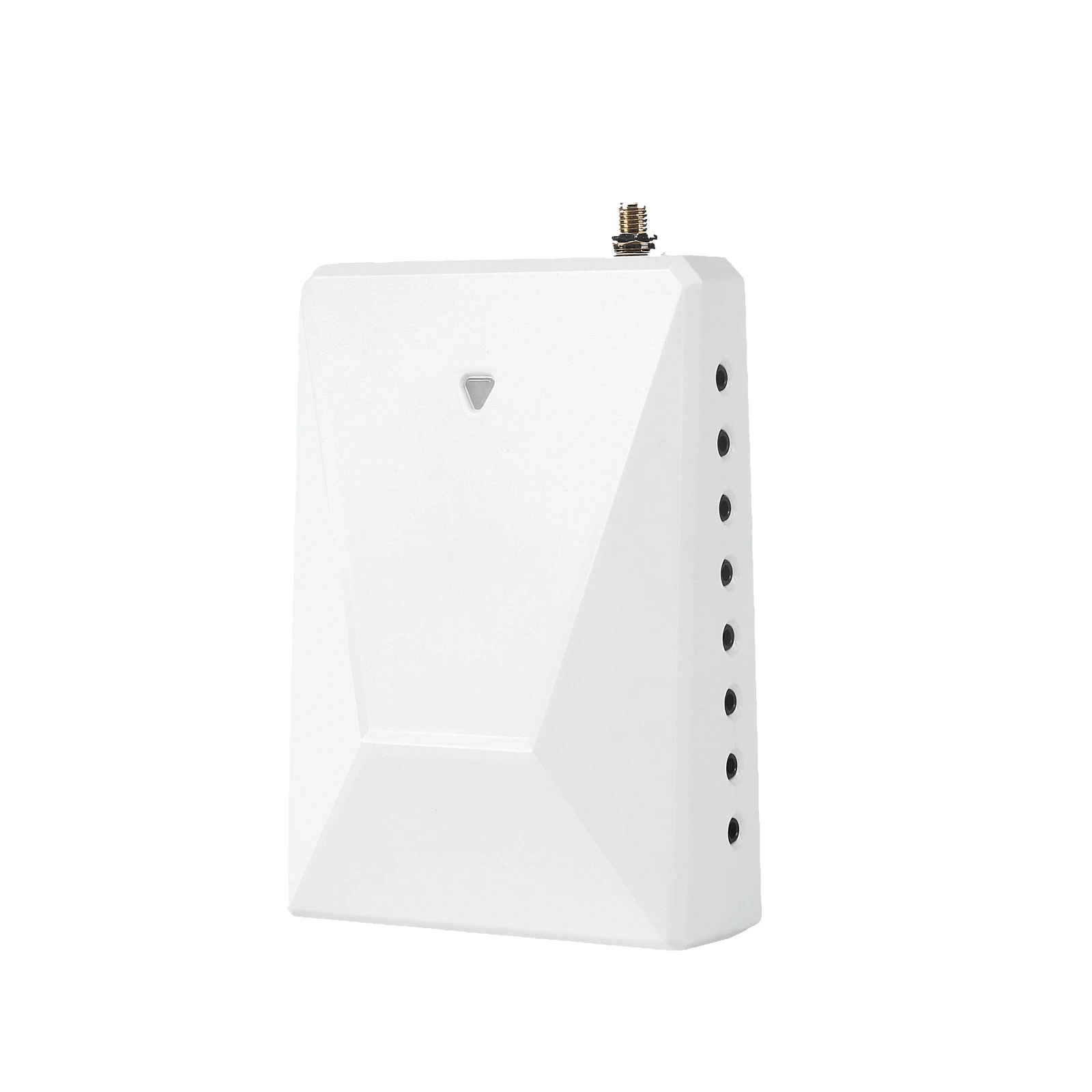
Grus distinguishes WattPanel-2X with two main CTs from WattPanel-3X with three main CTs. Both have documented support for whole-home monitoring and up to 16 individual circuits using 50A sub CTs. The number is a supported channel limit, not an assurance that a particular garage installation is compatible or that a package contains sixteen sensors.
An electrician must match the exact product documentation to the electrical service, conductors, intended measurement scope and available installation space. Choosing the three-main-CT model is not a universal answer for every commercial site; choosing the two-main-CT model is not approval for every residential panel.
If the equipment or site information is incomplete, keep the product choice open. A photo of a closed exterior label or an existing installation record can help start a support discussion, but an online conversation does not replace the qualified onsite decision.
Treat the network as a separate question
The documented WattPanel connection is 2.4GHz Wi-Fi; 5GHz Wi-Fi is not supported. A router’s presence somewhere in the house does not prove that the intended installation location has a usable connection. Detached-building distance and the actual installation location need their own review.
Before ordering, ask how the proposed monitor location will obtain the required connection. The building description alone cannot establish Wi-Fi range, remote-CT cable reach, offline recording or a second monitor’s behavior. These details need the exact model’s documentation and a site-specific answer.
Make the readings understandable after installation
Ask the installer to document the configured measurement scope and channel labels during handover. When you compare periods, keep the duration, the measured boundary and any known operating change clear. A change in a garage reading is a reason to examine the recorded conditions, not proof of a defective appliance or a particular amount of avoidable cost.
The monitoring products discussed here are not presented as revenue-grade billing meters. Their readings are not a basis for a tenant-billing recommendation, a savings guarantee or an automatic diagnosis of a high bill.
Write a measurement brief before ordering
Here is an example of a useful request: “I want a garage total so I can compare its use over similar periods. I also want to know whether a separately measured workshop circuit would answer a question that the total cannot.” This is a planning example, not a description of a customer’s installation or savings.
Give the installer the area name, the loads you want to distinguish, the comparison you intend to make, the records already available and the proposed connection location. Leave the electrical configuration and installation decision to the qualified professional. Ask for a written explanation of the final measurement scope, so the label in the app means the same thing to everyone using it.
For a handover record, a useful sentence is: “This channel includes ___ and excludes ___; compare it over ___; contact ___ if the scope or labeling is unclear.” Filling in those blanks does not require an invented estimate of future savings. It requires an agreed description of what was actually measured.
Take one clear question to the installer or product team
Prepare an area or load list, the information already available about the electrical service, the reason you need a total or separate readings, and the proposed network arrangement. Ask the qualified installer to identify what must be checked onsite. Product support can address the matching product documentation and unresolved model questions.
For broader product selection, start with the home energy monitoring solution. If the exact model or documentation remains unclear, use product support. Neither route is permission to work inside a panel.
Product documentation
The product details discussed here are limited to the WattPanel-2X product information, WattPanel-3X product information and WattPanel-2X quick start guide. For the separate question of home-wide totals versus selected circuits, see whole-home and circuit-level monitoring.