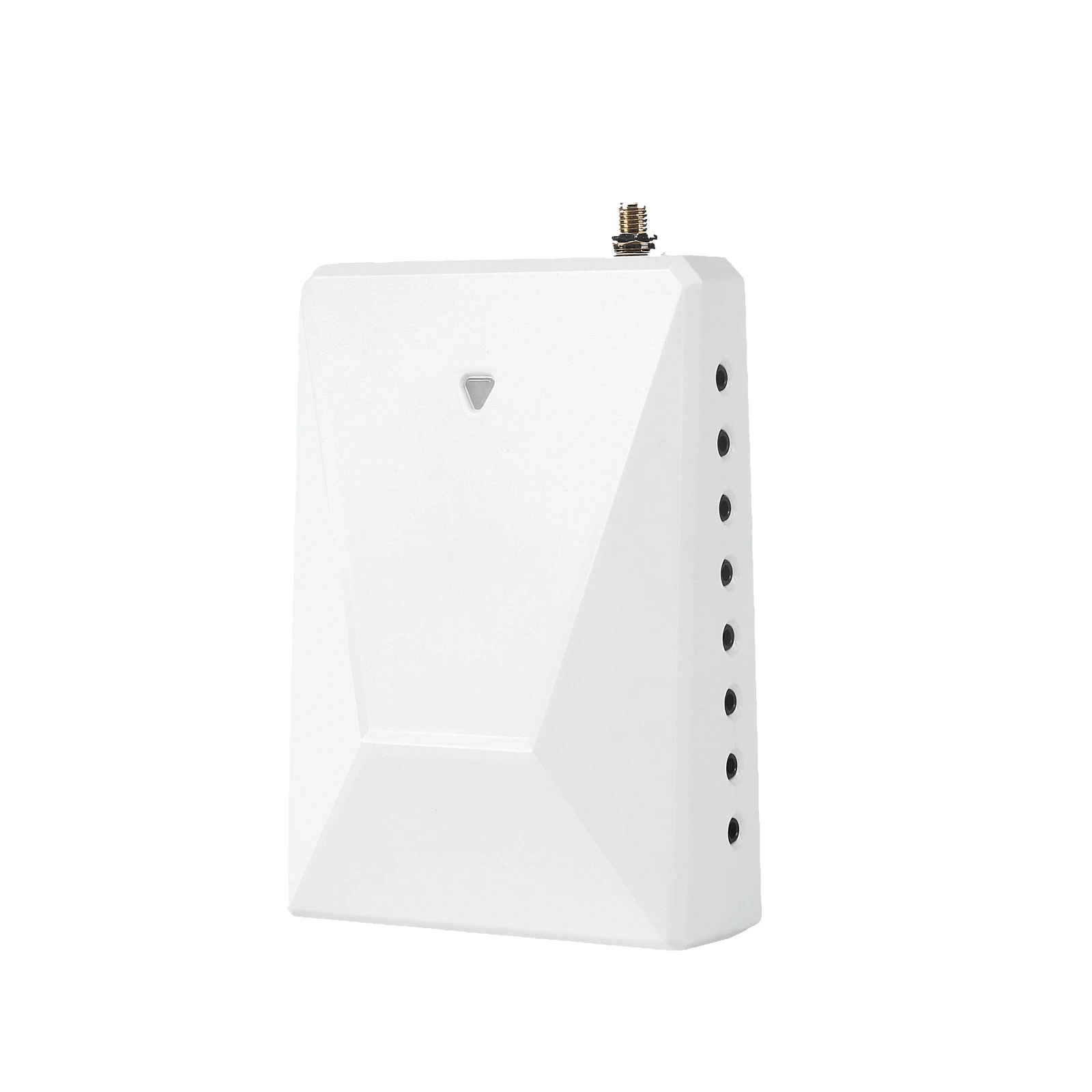
There is no single CT-clamp count that fits every home. Start with the view you want: whole-home use, particular circuits, or a separately defined solar, EV, or subpanel flow. Then match that measurement plan to your electrical service, the monitor’s approved channels, and compatible sensors. A product kit’s included clamp count is a starting configuration, not a promise that every requested view is covered.
The image above is an illustrative planning scene, not a photo of a Grus installation. A qualified electrical professional should review the actual equipment and service before anyone selects or installs CTs.
First decide what you want the monitor to show
The most useful question is not “How many clamps are in the box?” It is “Which electrical boundary should this reading represent?” Whole-home visibility can answer whether total household use is rising or falling. Selected-circuit visibility can help you compare the contribution of a known load with that total. Solar and EV questions can require a separate measurement boundary, depending on the system design and the monitor’s documented capabilities.
| Desired view | Planning question | Do not assume |
|---|---|---|
| Whole-home trend | What is the approved main-service measurement scope for this monitor and home? | Every service has the same conductor arrangement or CT count. |
| Selected circuits | Which specific circuits need their own verified channel? | One breaker label always equals one supported CT channel. |
| Subpanel | Is the subpanel total or individual downstream circuits the useful view? | Adding subpanel data automatically makes all totals additive. |
| Solar | Does the selected product and configuration document the desired production, import, or export view? | A main-service reading alone identifies solar generation. |
| EV charging | Is whole-home change enough, or is a separate EV circuit view needed? | Every EV setup is a single, separately measurable branch. |
This table is a question list for a fit review, not an installation diagram. It deliberately avoids assigning CTs to conductors or telling anyone to open a panel.
What does “one CT” actually measure?
A current transformer (CT) is a sensor for current at a particular measurement point. As Fluke explains in its clamp-meter guidance, a clamp around more than one conductor can combine or cancel currents; the reading does not simply become a useful total for whichever cable or circuit name is nearby. The sensor type, aperture, range, orientation, and monitor input must also match the manufacturer’s documentation.
This is why counting panels, breakers, or appliances from a photograph is not a reliable way to order sensors. The right count depends on the actual service layout and the specific quantity you are trying to observe. The professional doing the fit review needs the monitor model and approved sensor list, not a universal “one clamp per device” rule.
For an example of a documented kit boundary, the approved Grus WattPanel-2X product information describes two main CTs for its supported split-phase whole-home configuration and optional sub-circuit monitoring with compatible additional CTs. That is a fact about that product configuration—not a count to copy to three-phase service, another Grus model, or every home. Check the current model-specific documentation and accessory compatibility before treating any add-on as supported.
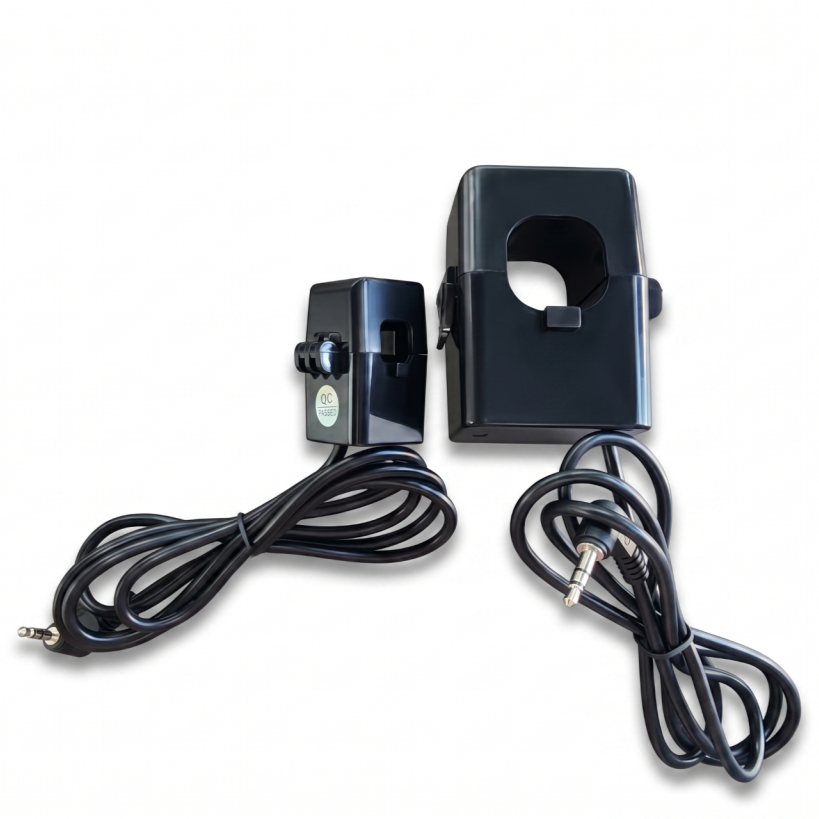
Actual Grus CT accessory imagery is shown for product identification only; the photo does not indicate where or how to install a sensor.
Whole-home first, then add only the views you need
If your main question is “When does my home use the most electricity?”, a documented whole-home configuration may be enough. It provides a useful trend without automatically identifying every appliance. For more on what those readings mean, read how to interpret home energy monitor data.
If your question is “How much does this known circuit contribute?”, ask whether the monitor supports a dedicated, compatible channel for that circuit. List the few decisions that would change if you had the extra data. That keeps the plan focused and avoids buying sensors for labels you will never review. A selected-circuit reading is narrower than a whole-home reading; summing two views without knowing whether one is contained in the other may double-count energy.
A subpanel creates a similar choice. You may care about its aggregate load, or only a particular downstream circuit. Those are different measurement questions. A professional should map which readings are independent and which overlap before the dashboard is configured or totals are compared.
Solar and EV charging need a defined measurement boundary
Solar power changes the direction and source of energy flow. Depending on what is measured, a household may want to distinguish site use, grid import, grid export, or solar generation. One whole-home number does not necessarily separate those quantities. The Grus split-phase energy monitoring guide explains the product context; the actual solar setup still needs model-specific fit review.
The same restraint applies to EV charging. A whole-home graph may show a change while a vehicle charges, but that pattern alone does not prove a precise EV energy total. If a dedicated EV view matters, specify the question and let the product documentation and a qualified professional determine whether a separate supported measurement channel is appropriate. A charger nameplate or generic online diagram cannot establish the right clamp count for your home.
For either use case, ask for an explicit map of what each dashboard value represents. Is a displayed number a main-service total, an independent branch, or a component already included in another total? That distinction matters more than the number of sensors advertised on a product card.
A safe checklist before choosing CT accessories
You can prepare for a fit review without touching electrical equipment:
- Write down the decision you want the data to support: whole-home trend, named circuit, subpanel, solar flow, or EV charging.
- Record the exact monitor model and its official manual or approved product page.
- List only the loads or energy flows that need their own view; mark unclear labels as unknown.
- Ask the seller or installer to confirm compatible CT types, available channels, and the applicable service configuration.
- Ask the qualified electrical professional to confirm the physical measurement plan, safety requirements, and any overlap between readings.
Do not open a panel, move a sensor, clamp a conductor, or change wiring based on this article. OSHA’s electrical work-practice standard describes qualified-person requirements and safe work practices for electrical equipment; local rules and the actual installation may impose additional requirements. The article is for choosing a monitoring goal, not performing electrical work.
Choose coverage, not a magic number
Begin with the smallest documented setup that answers your actual question, then consider separate compatible channels only when a distinct view is useful. For the Grus WattPanel-2X example, the approved split-phase kit starts with two main CTs and has documented optional sub-circuit capacity, but that does not override a site-specific fit review. The correct final count is the result of the electrical plan and product compatibility check—not a generic number from a blog post.
Explore Grus energy monitoring options to compare available monitors and prepare the right questions about CT accessories.