Choose a monitor for the electrical supply and the readings you need. The number of rooms, size of the bill or presence of an EV does not establish which device is compatible.
Compare the Product Roles
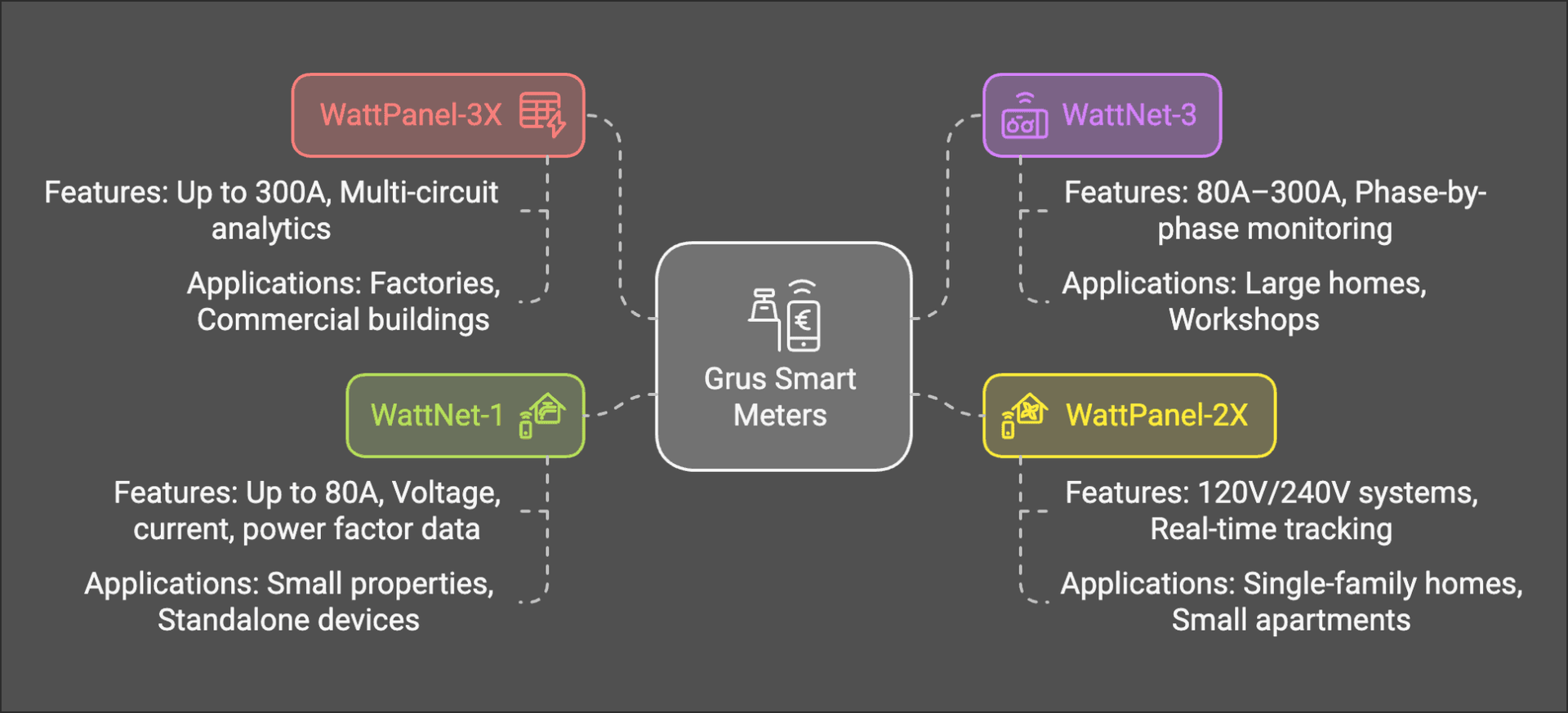
- WattNet-1 is the single-phase meter option. Check the exact supply and load requirements.
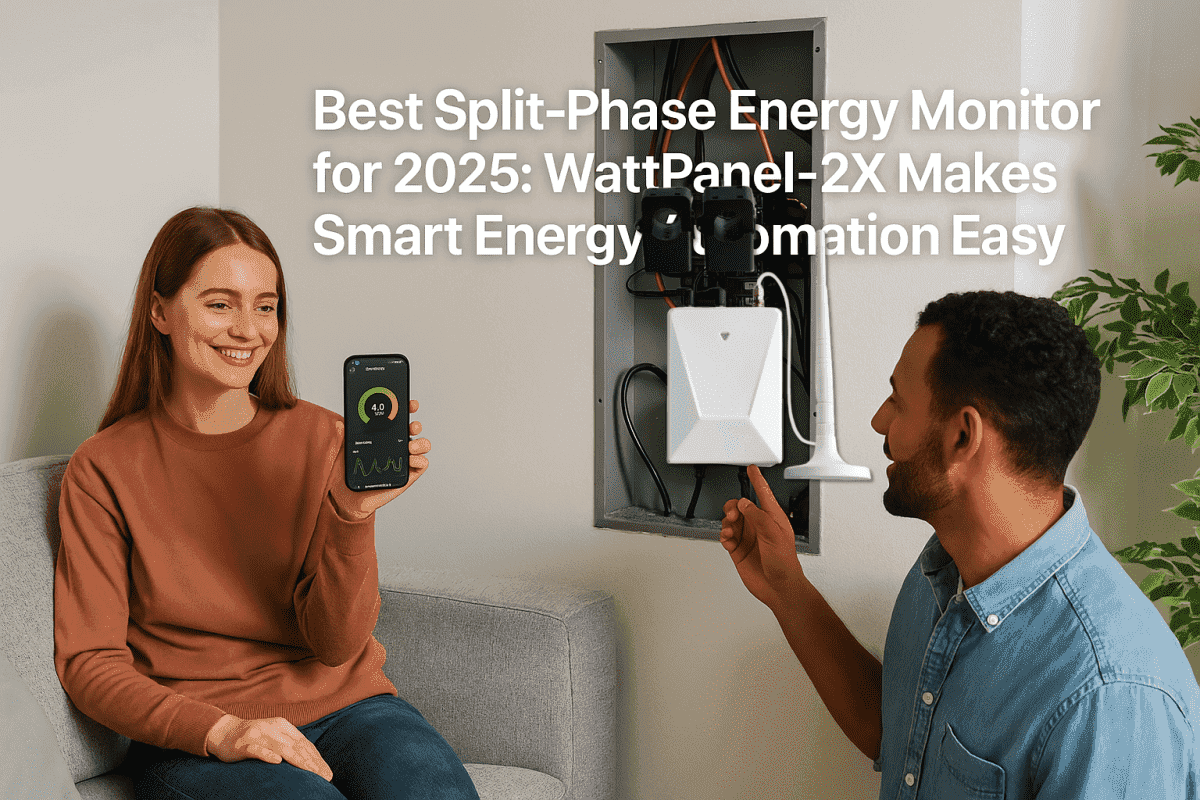
- WattPanel-2X provides monitoring for supported 120/240V split-phase systems.
- WattNet-3 is a three-phase monitoring option.
- WattPanel-3X combines three-phase and branch-circuit monitoring within the selected bundle’s scope.
These are starting points for comparison, not an installation recommendation. Check the current product page for the sensor bundle, channel count and documented limits. A sensor rating is not a substitute for checking its opening, conductor fit and intended application.
Establish Compatibility Before Comparing Features
Choose monitoring equipment by the documented supply, measurement scope and supported sensors, not by the size of the home alone.
| Check | What to establish |
|---|---|
| Supply | Documented service type and voltage |
| Coverage | Whole-home totals or selected circuits |
| Sensors | Supported CT rating, opening and channel count |
| Installation | Panel space and the exact model manual |
Multi-circuit describes the coverage of measurements; it is not another electrical phase arrangement. A larger house is not automatically three-phase, and a three-phase product is not a higher-capacity substitute for a split-phase product.
Choose the Coverage That Answers Your Question
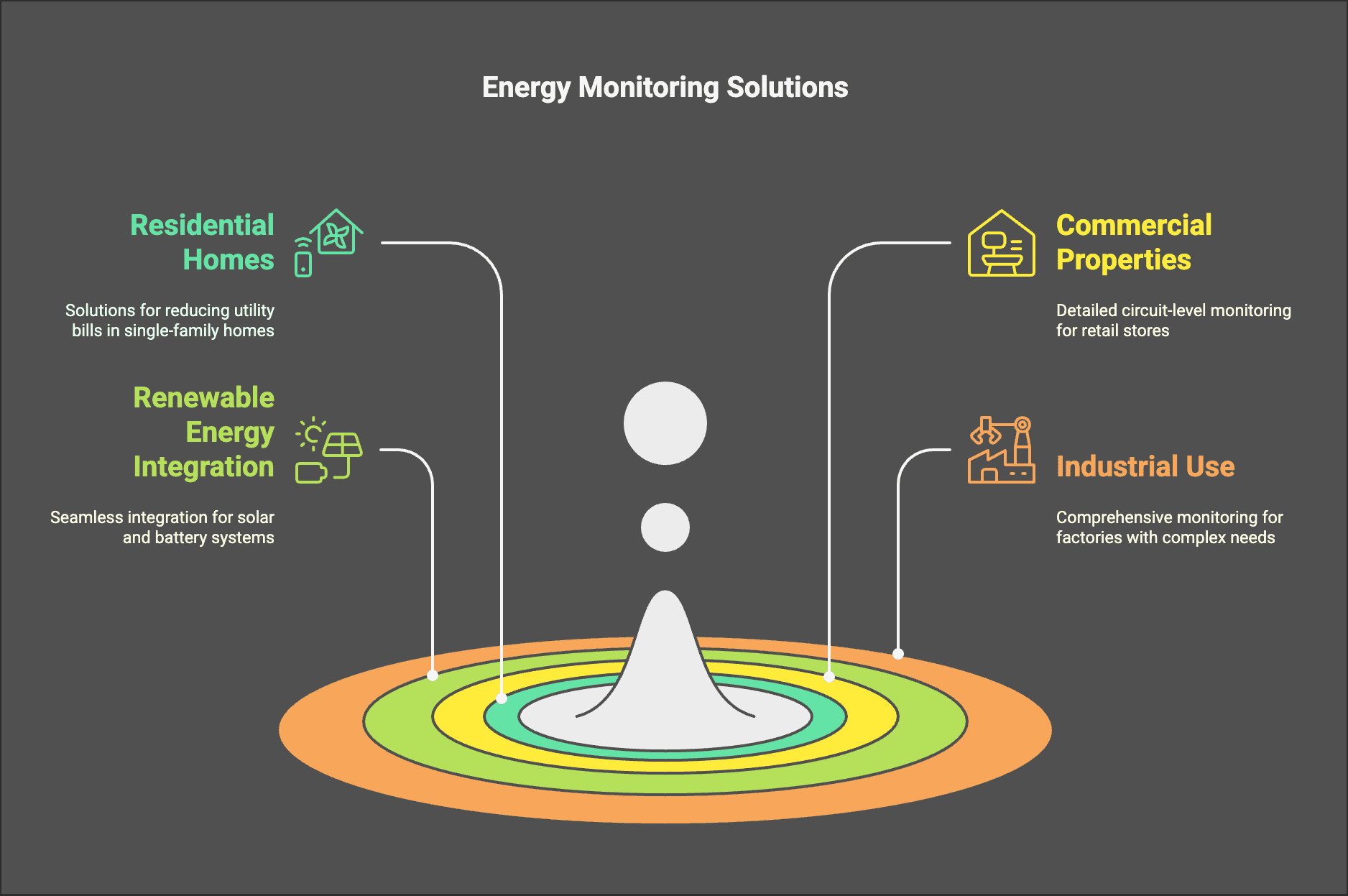
For a high bill, begin with the utility’s billing period and usage history. If you need more detail, decide whether a whole-home total is sufficient or whether particular branch circuits need separate measurements.
For a workshop or shared property, identify the circuits to be distinguished. Record the intended labels so that a reading can later be traced to a known measurement point.
For solar or storage, describe the actual system to the installer. Confirm which generation, import, export or load readings are supported; monitoring does not itself provide battery control or establish utility billing credits.
Budget for the Whole Installation
Use current product-page prices rather than an old comparison table. Include the required sensors, accessories and installation work when comparing options. Ask the installer to identify work that is outside the device purchase.
Do not treat a claimed percentage saving as payback evidence. The value of monitoring depends on the decisions it helps you make and the changes you can actually carry out. Compare later readings over similar periods and account for changes in tariffs, weather and household activity.
Plan Installation and Data Access
For work on a utility meter, contact the utility. For a private panel monitor, arrange qualified installation using the exact model manual. The installation planning guide explains what to prepare without instructing you to remove a meter or work inside a panel.
If you need an API or third-party integration, ask about the exact model, available measurements, access conditions and supported interface. Do not assume every Grus product offers the same integration.
Before Ordering
Confirm the supply, measurement coverage, sensor fit, installation scope and required data access. Keep a copy of the product and bundle you selected so that installation and later support refer to the same equipment.
Explore home energy monitoring for the overall approach, then use the linked product pages to choose a compatible model.