
Agree on installation and support responsibilities
Name the people responsible for site assessment, product setup, homeowner handover and follow-up. A connected device does not replace qualified installation or an emergency response plan.
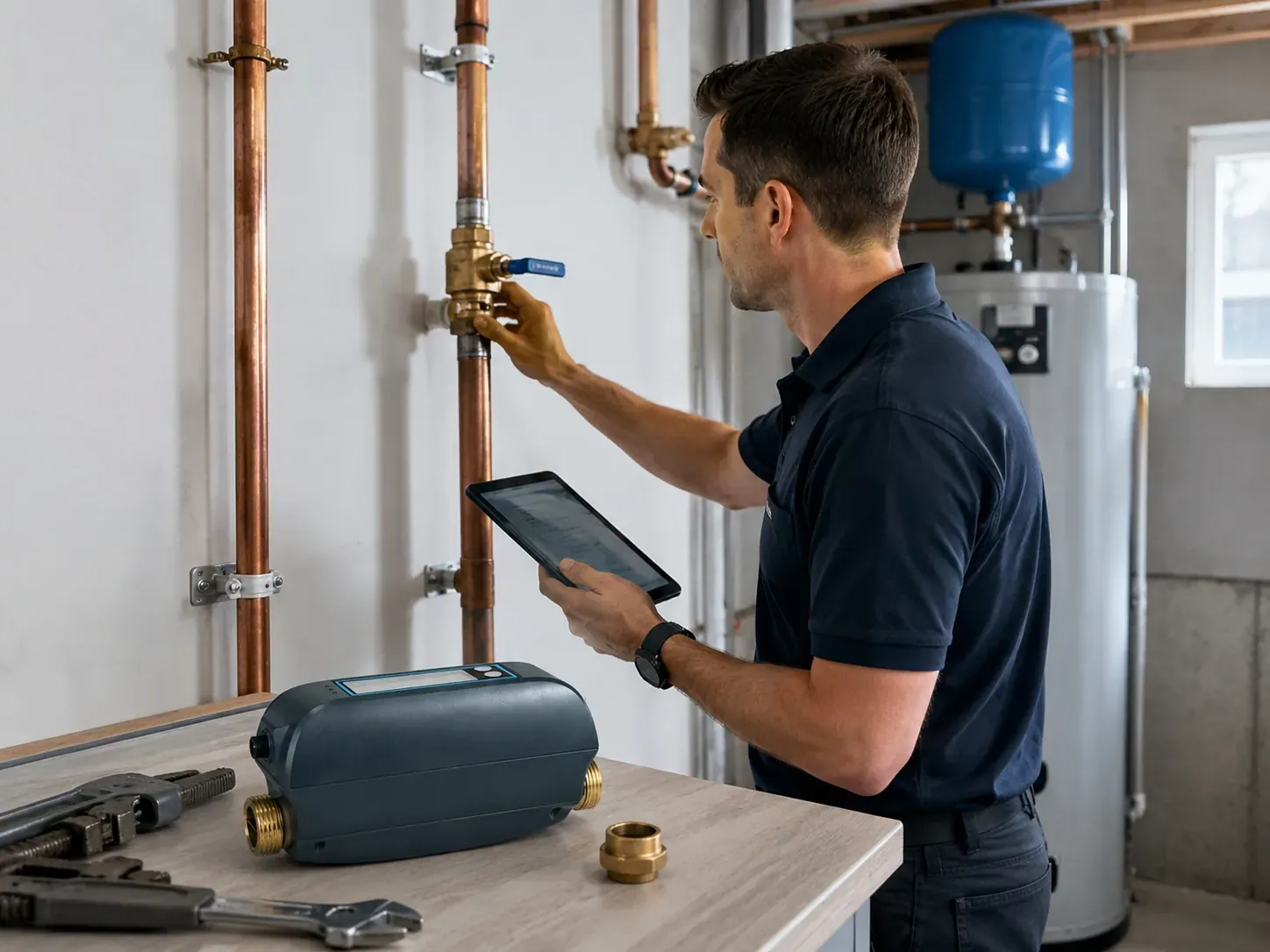
Installation illustration, not a service endorsement.
Know who owns each part.
Use these roles to agree on the project before a customer quote. Local service work and product support are separate responsibilities.
| Stage | Local service business | Grus product support | Homeowner |
|---|---|---|---|
| Before selection | Assess the site, required qualifications and customer needs. | Answer product and documentation questions for the selected model. | Explain the intended use and arrange access for assessment. |
| Installation | Arrange qualified work, local compliance and on-site checks. | Clarify product requirements; remote support does not replace site approval. | Agree on the local work and service terms before installation. |
| Homeowner handover | Explain setup, limitations, contacts and the agreed response plan. | Provide product information through the support channel. | Understand who receives alerts and how to request local help. |
| Follow-up | Define who handles return visits, network changes and on-site faults. | Handle product questions under the applicable order and support terms. | Keep order records and report changes or problems to the agreed contact. |
Agree on the people, scope and charges in writing. This checklist is not a contract, a workmanship warranty or a promise of local Grus service.
Five things to hand over.
The homeowner needs more than a device and an app. Make the limits and support contacts clear.
Find product documentation- Product and order record
Record the selected model, included items, order reference and relevant documentation.
- Installation record
The qualified installer documents the location, work performed and required checks.
- Setup and access
Agree who owns the account and receives alerts. Do not share credentials in a general inquiry.
- Limitations and response
Explain confirmed behavior and the plan for power, network or equipment problems. Do not promise uninterrupted protection.
- Support and return arrangements
Identify local and product contacts, service charges and applicable order terms.
When something needs attention.
A site or plumbing problem
Contact the appropriate local professional. An online product inquiry is not emergency assistance or a dispatch service.
A product question
Have the model, order and a clear description of the issue ready. Keep customer credentials and private details out of the message.
Contact product supportA return or service charge
Check the product order and the separate local service agreement before promising replacement, labor or reimbursement.
Read returns and warranty guidanceQuestions before you begin
Who is responsible for local installation?
The customer and local service business must arrange qualified professionals and any required permissions. Grus does not provide local plumbing dispatch through this program.
What if an alert is missed or the device is offline?
The installer and homeowner need a response plan that does not rely on an assumed device behavior. Confirm product-specific limitations before installation and use the appropriate local emergency service when there is an immediate hazard.
Who pays for a return visit or a replacement?
On-site charges, product returns and warranty obligations are different matters. Confirm the local service agreement and the applicable product order and policies; do not assume free labor or an extended warranty.
Can this checklist replace the manual?
No. It helps assign responsibilities, but it is not a plumbing procedure, a model-specific manual or an approval for a particular installation.
Start with one clear project.
Tell us what the home needs and who will handle installation and ongoing support. Product selection and business terms follow that discussion.
Discuss a project