
Benefits Depend on the Thermostat and System
A connected thermostat can make supported heating or cooling settings easier to manage. The useful benefits depend on compatibility, the features actually available and how the household uses them. Smart does not automatically mean self-learning or lower bills.
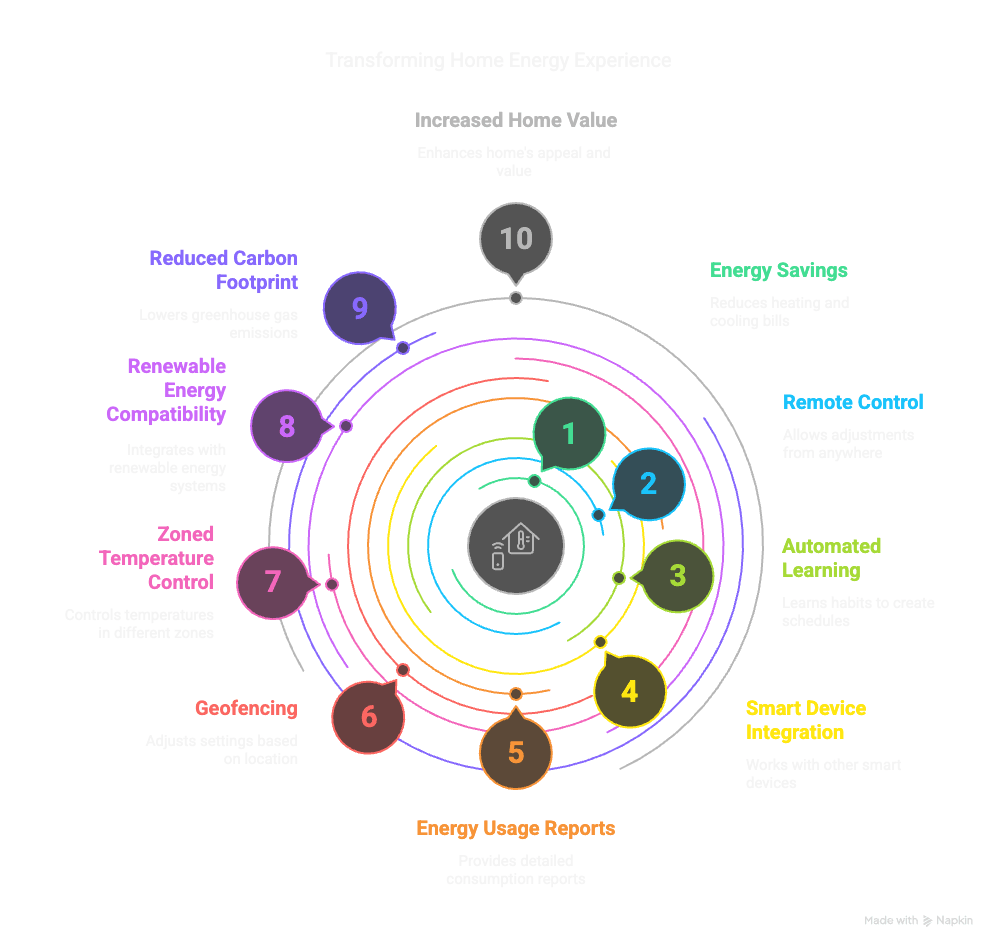
Ten Capabilities Worth Evaluating
- Local adjustment: Check whether everyday controls are clear for the people using the space.
- Remote access: Review the required app, account and network before relying on access away from home.
- Scheduling: Use the documented schedule functions to reflect actual household needs.
- Temporary changes: Understand how an override interacts with the next scheduled setting.
- Shared access: Check who can change settings and how account access is managed.
- Available history: Distinguish temperature, runtime estimates and measured electricity.
- Zone management: Confirm the installed system’s actual zone controls; an app alone does not create zones.
- Integrations: Verify the exact platform and command rather than assuming every smart-home service works.
- Routine review: Use observed comfort and readings to decide whether a setting should change.
- Maintenance records: Keep the model and installation details available when seeking help.
These are comparison questions, not features included with every thermostat. Check whether the exact model supports automatic learning, geofencing or weather response before choosing it for those functions.
Keep Energy Readings Separate From Heating Commands
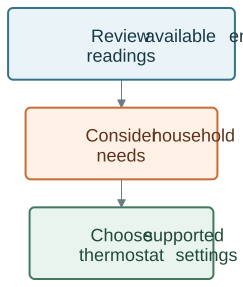
Review available energy readings and household needs. Choose any heating or cooling changes through the thermostat’s own supported controls.
WattPanel-2X provides supported electricity measurements. It does not establish that a thermostat receives solar readings or automatically pre-cools the home. Review any proposed connection as a separate integration.
When comparing periods, account for weather, occupancy, tariffs and other equipment changes. Do not treat a fixed percentage saving, resale premium or immediate payback as a guaranteed thermostat benefit.
Choose the Heating Path First
Identify whether the system uses electric baseboards, a heat pump, another heating/cooling control arrangement or a radiator valve. Then have the exact wiring, supply, load and control requirements checked.
The EcoNet family includes different product roles. Choose the model designed for your heating system; the family name alone does not establish compatibility. Use current product information for available features and prices.
Plan Installation and Setup
Have a qualified installer use the exact product and heating-system manuals. Do not remove a thermostat or identify terminals from this general overview.
After installation, review local controls, supported schedules, account access and the documented behavior during network loss. Keep the installation record and manual with the model details.
Make a Useful First Comparison
Choose one supported setting to evaluate, record the relevant period and observe comfort as well as electricity use. A dashboard can help you investigate; it does not replace the equipment’s instructions or professional fault diagnosis.
Explore Grus heating-control options to find the appropriate product role before comparing smart features.