Check the Exact Thermostat and Account Connection
Before linking a baseboard thermostat through Smart Life and SmartThings, confirm that the exact model and account integration are supported. A device appearing in one app does not establish that it will expose the same controls in another.
For EcoNet-BH, review the current model instructions first. Do not use this article as a wiring guide or assume that every Smart Life thermostat supports the same connection.
Review the App Connection Before Authorizing It
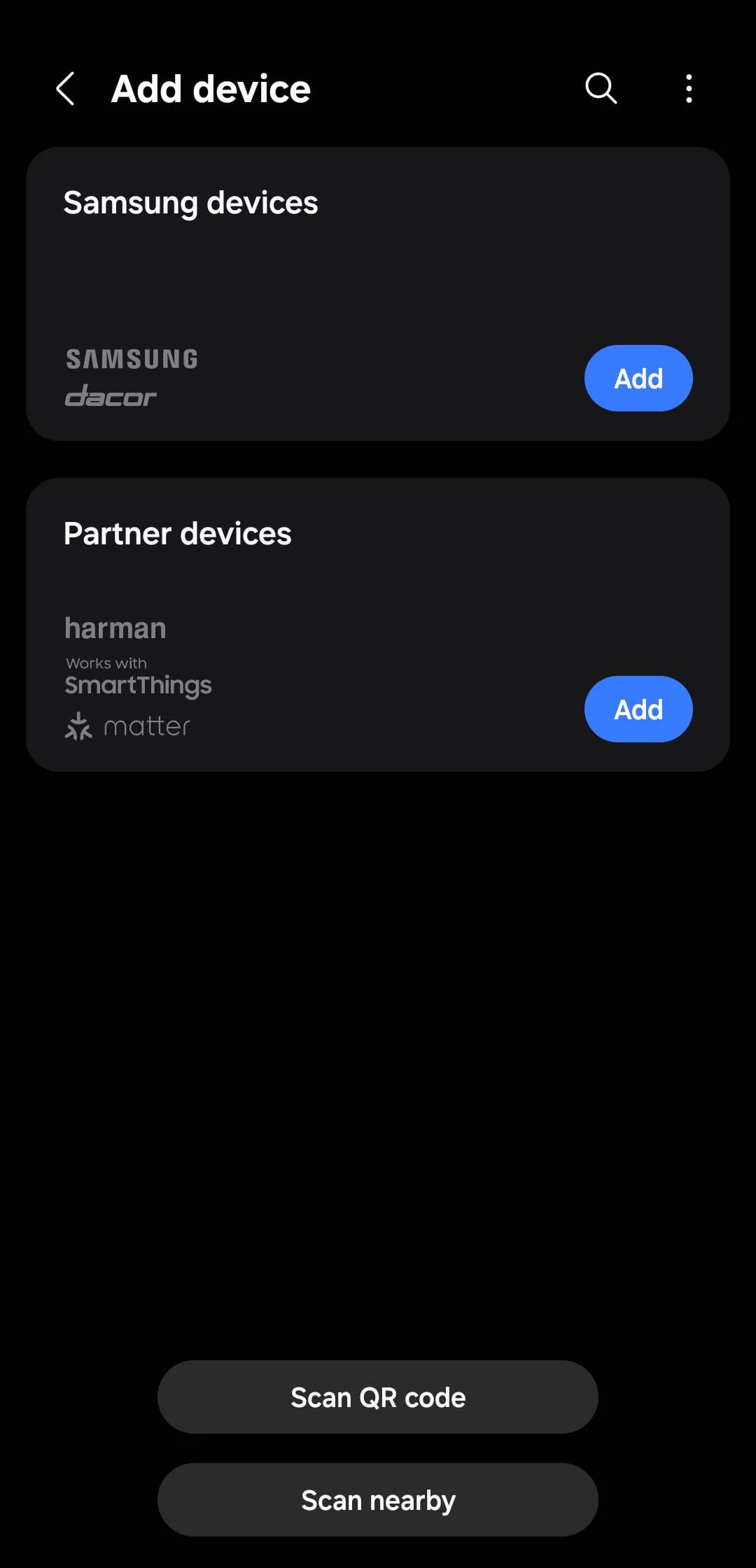
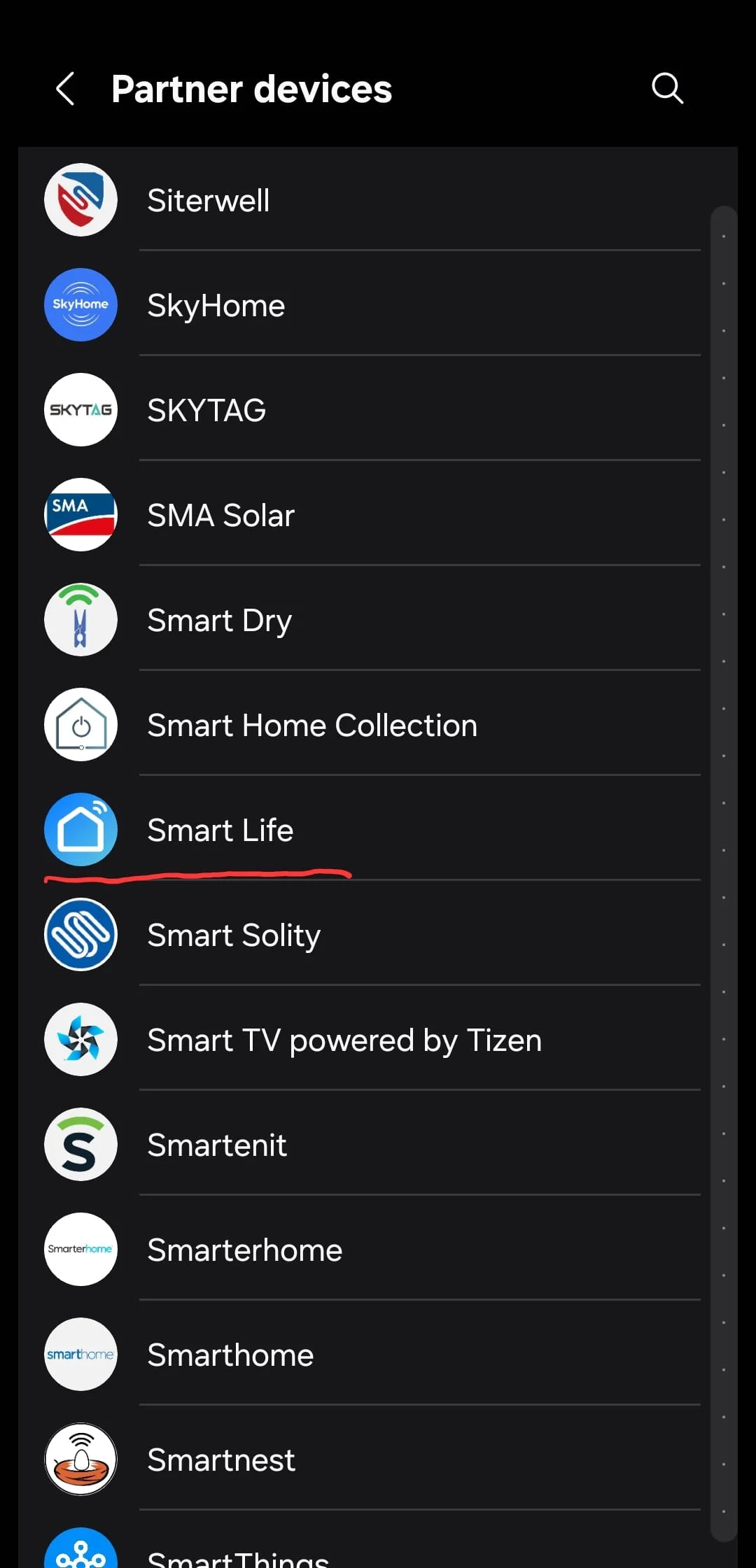
Use the current app’s available partner connections and the product instructions to establish whether the required service is offered for your account. Interface labels, region availability and supported device types can differ.
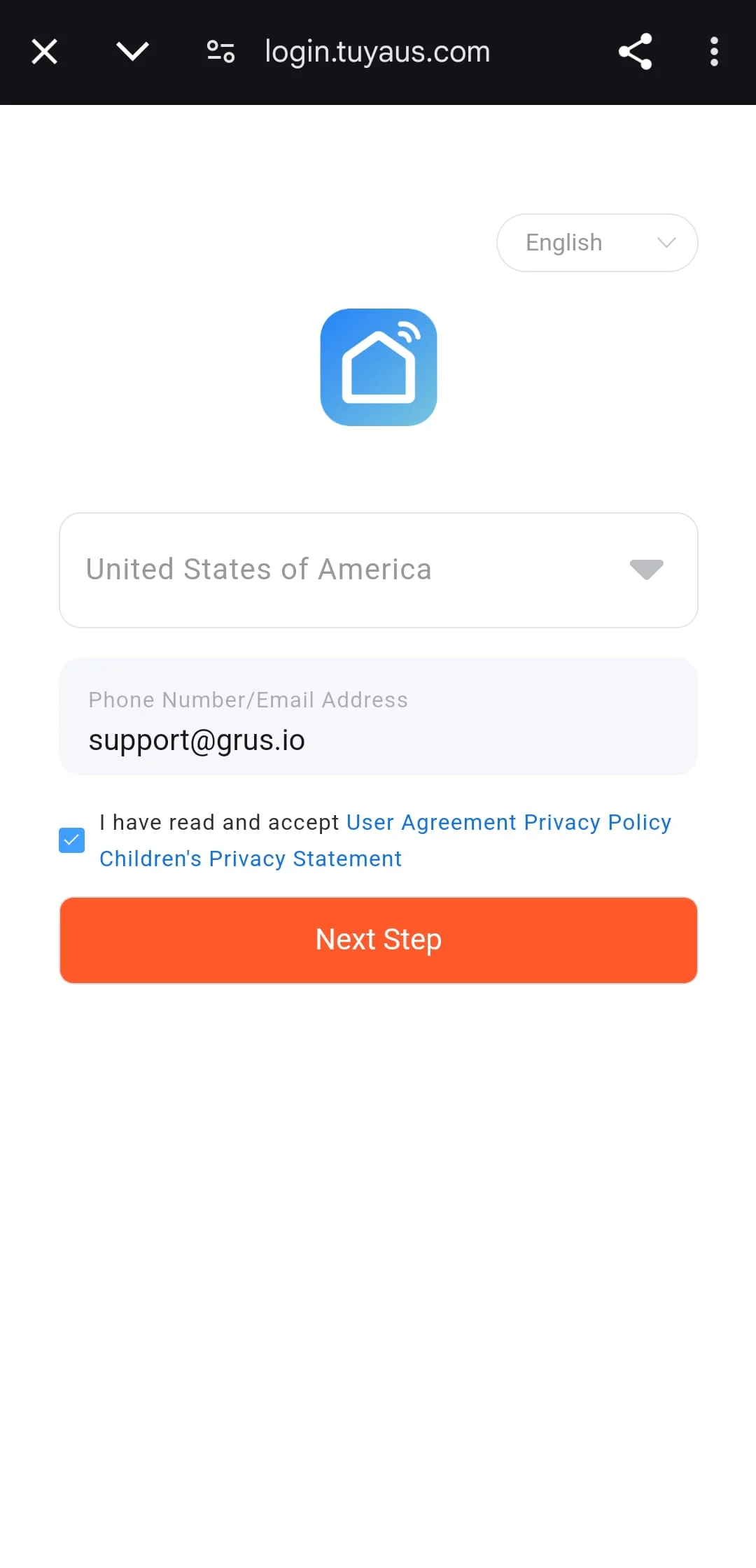
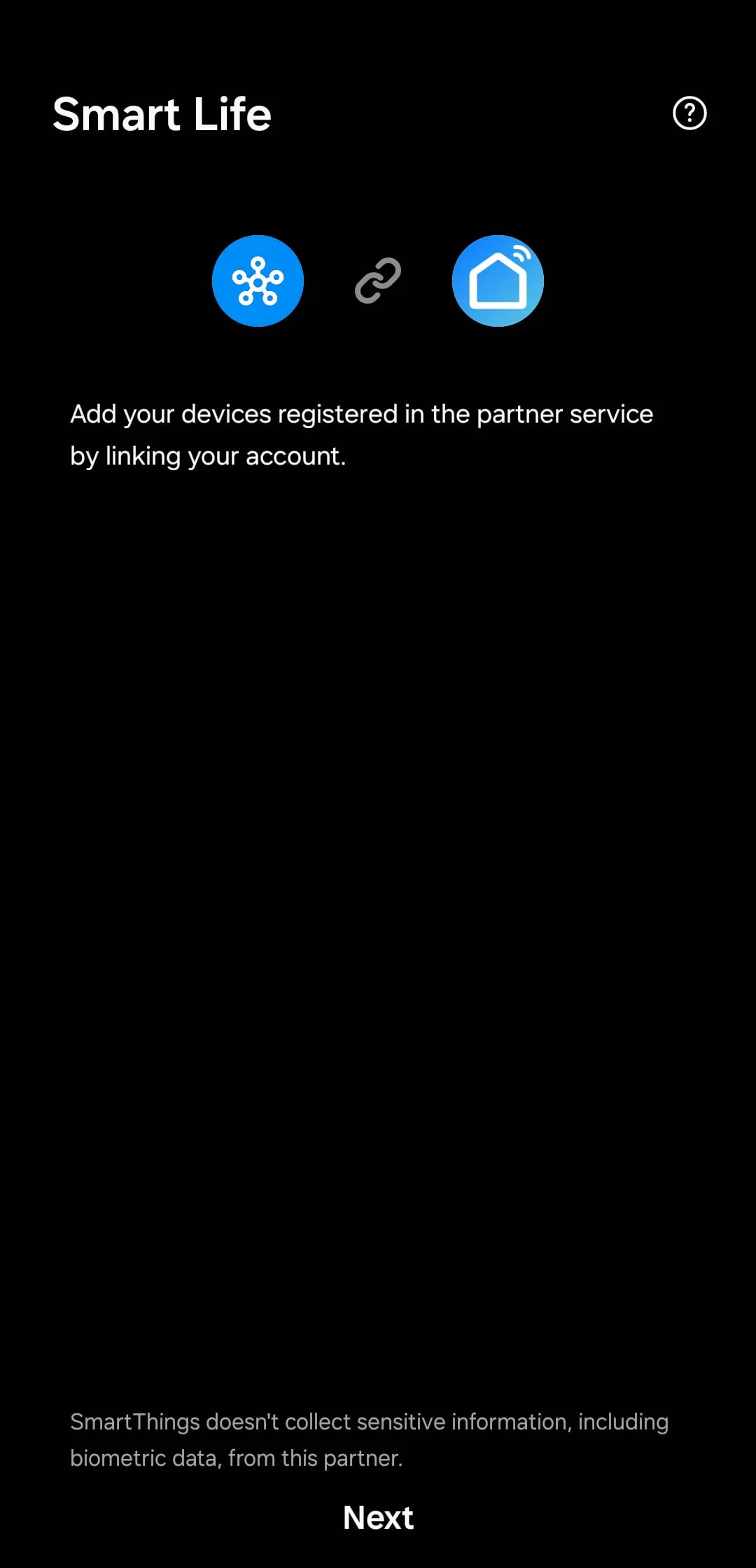
Review which account is being linked and what access is requested. Grant access only to the intended service. Do not repeatedly relink unrelated accounts or share passwords with another person to troubleshoot.
Confirm the Device and Its Available Controls
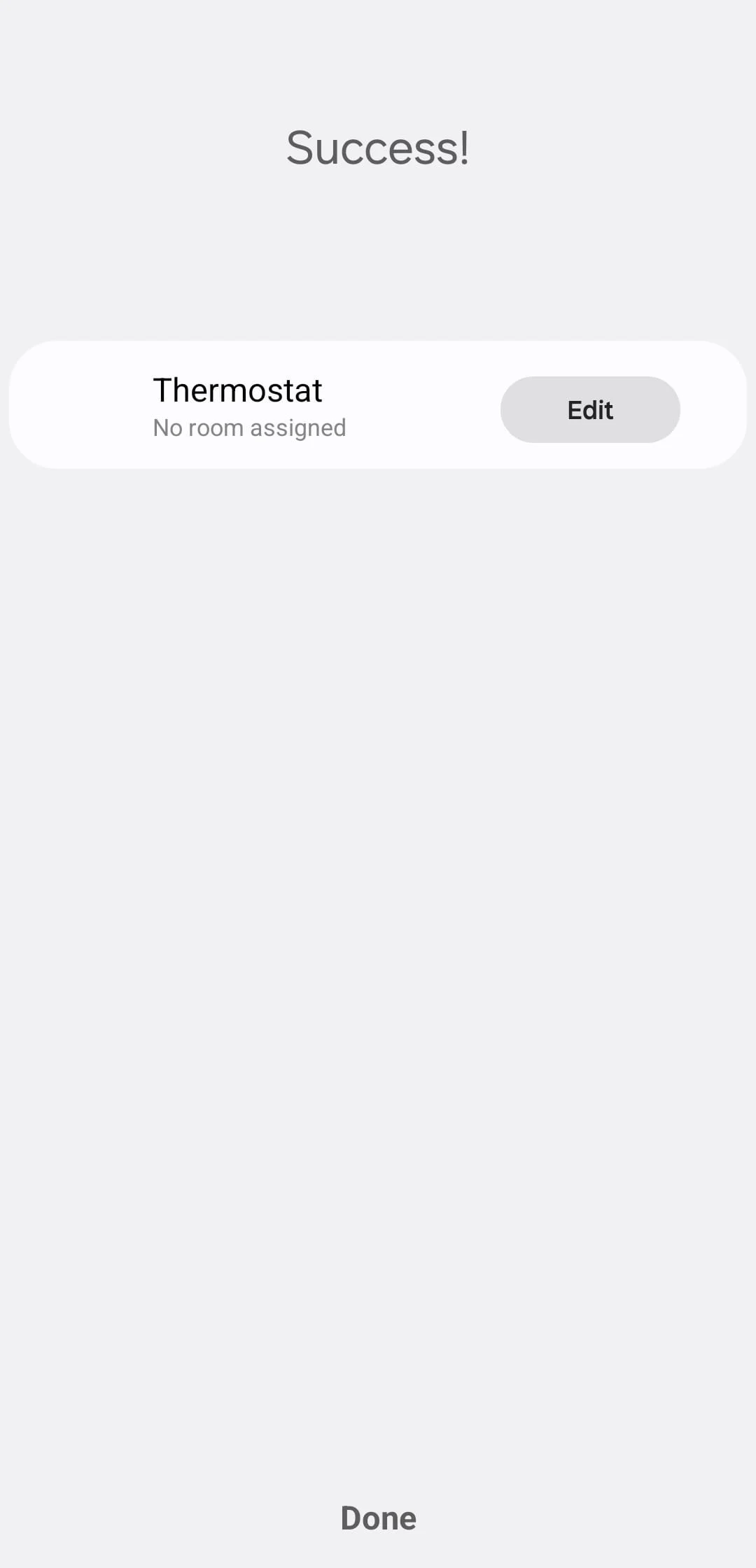
If the thermostat is listed, check its model, name and available settings. The account-link result alone is not proof of complete thermostat control. A temperature display, setpoint command and mode change are separate functions.
Use the exact product’s documented procedure to review a supported command and its actual response. If the expected control is missing, record the model, app version and visible error and consult the integration or product support.
Plan a Schedule, Not a Universal Setpoint
This is a planning example, not a recommended temperature schedule. Use settings appropriate for the heating system and household.
| Period | Plan to review |
|---|---|
| Morning | Required comfort period |
| Away | Household and system needs |
| Evening | Expected return and occupancy |
| Night | Comfort and system requirements |
A scheduled temperature and an OFF command are not interchangeable. Choose settings suitable for the heating system and people using the property. Do not copy fixed times and temperatures without considering those conditions.
Verify a Routine Before Depending on It
Check the model, account connection and supported actions in the current app. Confirm the actual response before using a location-based routine.
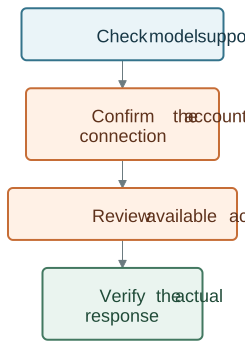
A phone’s location is not necessarily the same as the household’s occupancy. Review shared users, permissions and the behavior when location or network information is unavailable. Keep a suitable way to adjust heating without relying on a location trigger.
Do not assume a leaving-home routine can turn a particular thermostat off or that an arrival routine will restore the previous state. Confirm the actions actually exposed by the integration.
Check Voice Commands Separately
Voice control depends on the exact product and integration. Check which commands are supported rather than assuming every thermostat action is available.
| Check | Evidence needed |
|---|---|
| Product | Exact model |
| Connection | Supported account or platform link |
| Command | Action shown in the current integration |
| Result | Observed thermostat response |
A linked voice service may expose only some functions. Review the supported device and command before depending on it for a heating change. Use clear device names, especially when more than one room has a thermostat.
Troubleshoot Without Changing Wiring
Record whether the problem concerns account linking, a missing device, an unavailable command or a command that did not take effect. Confirm the device’s status in its own supported app and consult the relevant instructions.
Do not alter thermostat wiring or bypass account permissions to solve a platform issue. If an integration is unavailable for the exact product, use the product’s supported controls.
Review EcoNet-BH for its current capabilities and installation requirements.