Review the Installed Heat Pump First
Summer cooling costs depend on the equipment, building, weather, tariff and household routine. Begin with the heat pump’s operating instructions and current maintenance condition rather than a universal thermostat setting.
Do not replace or rewire the control because an article calls a product smart. Have a qualified installer verify the exact heat-pump interface and the proposed thermostat.
Compare the Controls You Actually Need
Compare features against the model documentation and the needs of the installed heat pump. A feature name is not a guarantee of lower operating cost.
| Feature | Check |
|---|---|
| Scheduling | Settings supported for the system |
| Remote control | Supported app and connection |
| Occupancy or location | Actual sensor or integration support |
| Energy-based control | Documented input and control path |
Scheduling, remote access, occupancy response and predictive control are different capabilities. Check each feature against the exact product documentation. Do not assume a thermostat measures electricity or includes an adapter for every wiring arrangement.
The heating-control overview distinguishes Grus product roles. A baseboard thermostat is not a cooling control for an arbitrary ductless system.
Plan Settings Around the Household
Use the equipment’s supported controls and settings appropriate to the people using the space. Consider humidity and comfort as well as electricity use. Do not copy fixed away temperatures or assume a location trigger represents everyone in the home.
Review how schedule changes and temporary overrides interact. Avoid repeatedly changing several settings at once if you want to understand the result.
Keep Maintenance Separate From Automation
Follow the equipment manufacturer’s filter, cleaning and service instructions. Arrange qualified HVAC service for issues outside the user-maintenance scope. Do not assume a generic monthly interval applies to every installation.
Record unexpected behavior and relevant conditions for the service provider. A consumption change is not a diagnosis of a particular failed component.
Compare Usage and Tariff Information
Compare available usage data with your tariff. Use the heat pump’s supported controls; do not assume an energy monitor automatically schedules it.
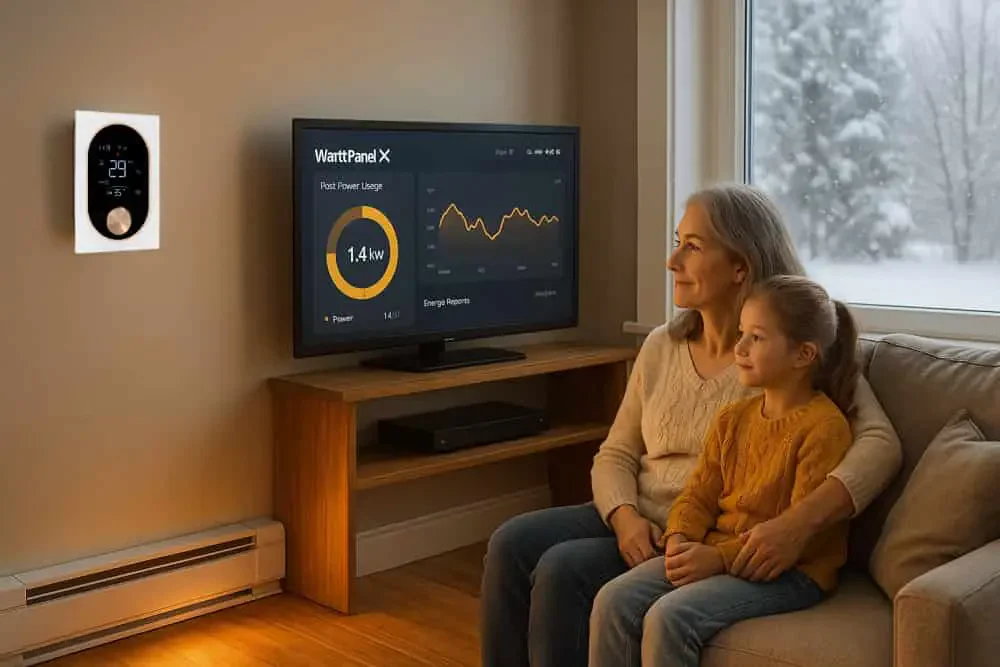
A WattPanel-2X monitor can provide supported circuit measurements. It does not automatically schedule the heat pump, operate storage or obtain a utility’s tariff data.
Use the actual tariff rather than assuming midday or another fixed time is off-peak. If solar is present, distinguish generation measurements, household consumption and any export arrangement.
Check Programs and Integrations Before Relying on Them
Ask the utility or program administrator which devices, accounts and terms are eligible for any demand-response or incentive program. Owning a particular thermostat brand does not by itself qualify you for a payment.
For a sensor or platform integration, identify the supported input, action and manual override. A concept diagram is not evidence of a tested automatic energy-control system.
Measure a Change Honestly
Compare consistent periods and note weather, occupancy, tariff and equipment differences. Track comfort alongside usage. Do not attribute a whole bill change to a thermostat or rely on an unsupported customer saving.
Explore Grus heating-control options once the installed system and the functions you need are clear.