Two Products, Two Different Jobs
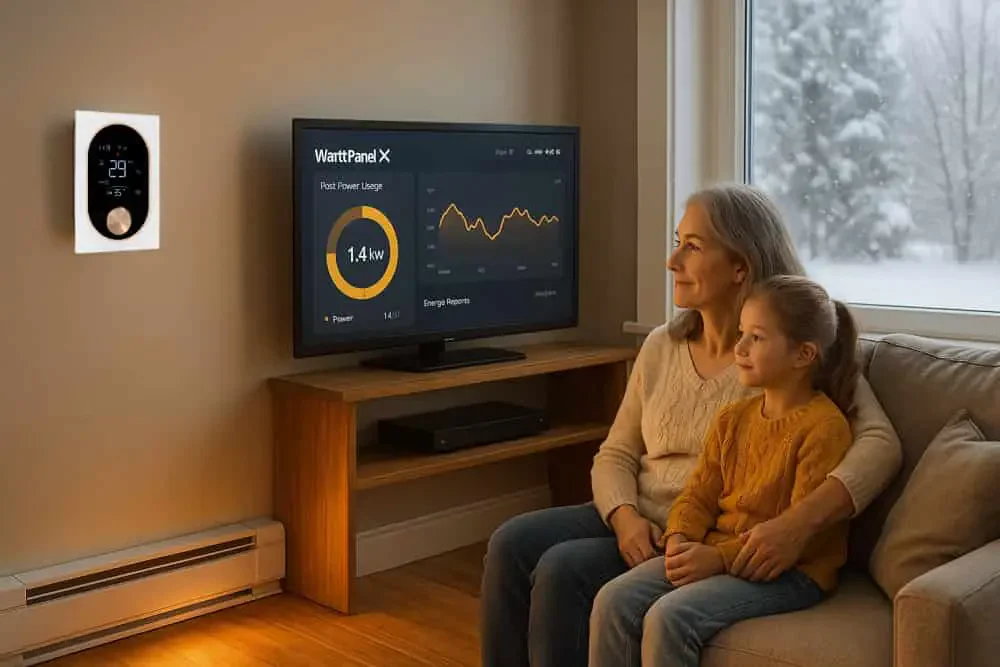
EcoNet-BH controls compatible electric baseboard heating. WattPanel-2X measures electricity within its supported supply and sensor scope. Buying both does not establish a closed-loop automation.
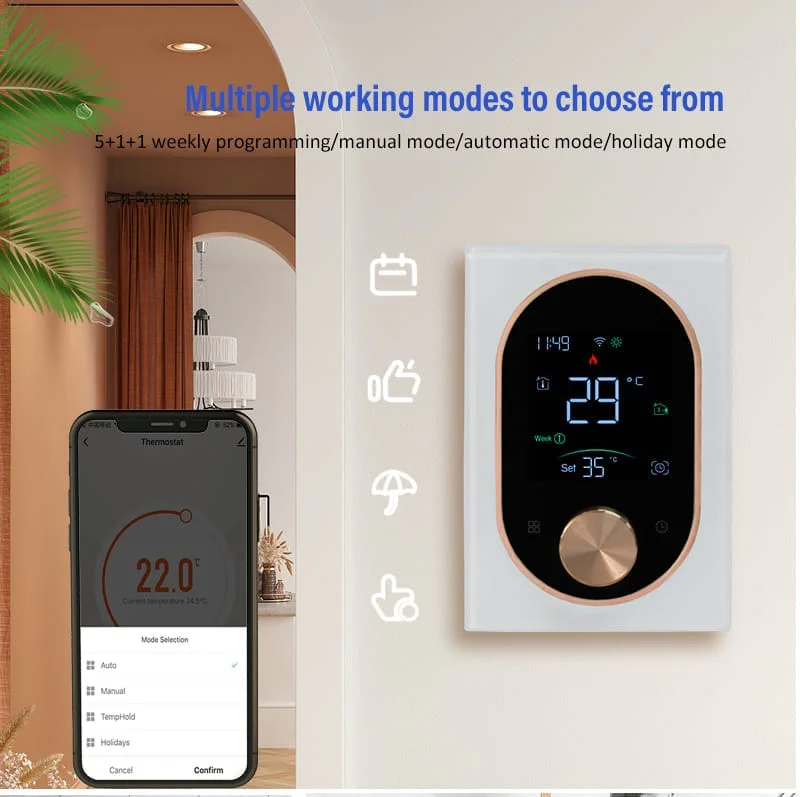
A compatible thermostat controls heating; an energy monitor provides readings within its measurement scope. These roles do not imply an automatic connection between the products.
| Device | Role to verify |
|---|---|
| EcoNet-BH | Control for compatible baseboard heating |
| WattPanel-2X | Supported circuit measurements |
| User | Review readings and choose settings |
Confirm the Heating and Monitoring Fits Separately
For the thermostat, check the heating type, wiring, supply and connected load against the exact manual. For the monitor, check the service, sensor fit, channel count and circuits included in the bundle.
A heating circuit may contain more than one heater. Ask the installer to explain what its reading includes rather than assuming it represents a particular room or appliance.
Review a Heating Routine
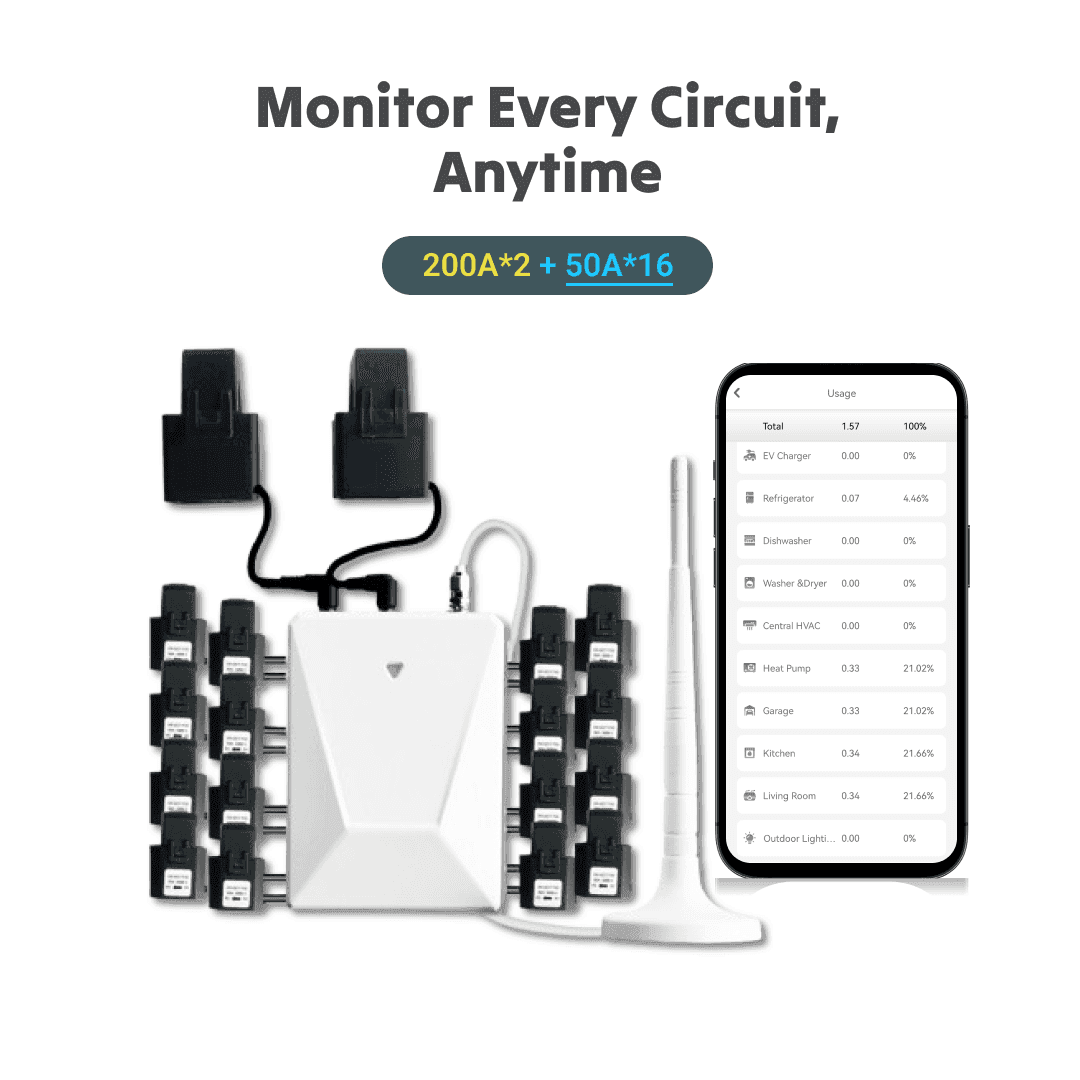
Review the monitored heating circuit and the thermostat’s settings separately. Compare later readings under similar conditions; the monitor does not establish a saving by itself.
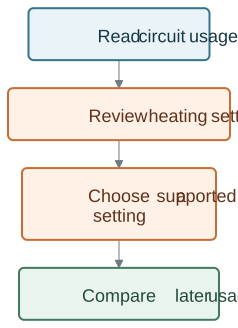
Record the settings you actually use and the periods when the space is occupied. Where the thermostat supports a suitable schedule, choose it through that product’s own controls. Review comfort as well as usage before changing another setting.
The monitor does not supply power through the thermostat, choose a temperature or establish an automatic cloud connection between the two products.
Make the Comparison Meaningful
A before-and-after comparison needs recorded data and comparable conditions. Do not treat an illustrative curve as a measured product result.
| Record | Why it matters |
|---|---|
| Dates and duration | Use comparable periods |
| Measured circuits | Keep the measurement scope consistent |
| Weather and occupancy | Explain changing conditions |
| Settings changed | Record what was changed |
| Usage and tariff | Separate energy use from cost |
Use the same measurement scope and comparable dates. Note changes in weather, occupancy and tariff alongside any schedule change. If those conditions differ, report the difference rather than attributing the entire change to the products.
There is no fixed kWh or percentage saving promised here. A recorded comparison is more useful than an illustrative before-and-after curve or an unsupported household testimonial.
Plan Qualified Installation
Have the installer follow each device’s manual and establish the correct installation independently. Do not open a panel, attach CT sensors or change thermostat wiring from a combined product illustration.
Keep the exact model and bundle details, circuit labels and installation record. If a reading or control behaves unexpectedly, record the circumstances and consult the appropriate installer or product support.
Check Integrations as a Separate Feature
Use each product’s supported controls and documentation. Shared branding does not establish a tested automatic control link.
Shared branding does not establish adaptive learning, a tariff feed, automatic fault diagnosis or a guaranteed savings routine. Identify the supported input and command before relying on any integration.
Review the Smart Thermostat Heating Guide for the different heating paths, or compare the linked product pages for their individual requirements.