
Pre-sales help
Product interest, compatibility question and buying stage.
Choose the support path that fits your question: pre-sales, product documents, policy help, or partner inquiry.
Grus support can help route product and pre-sales questions, but it is not an emergency or local installation service.
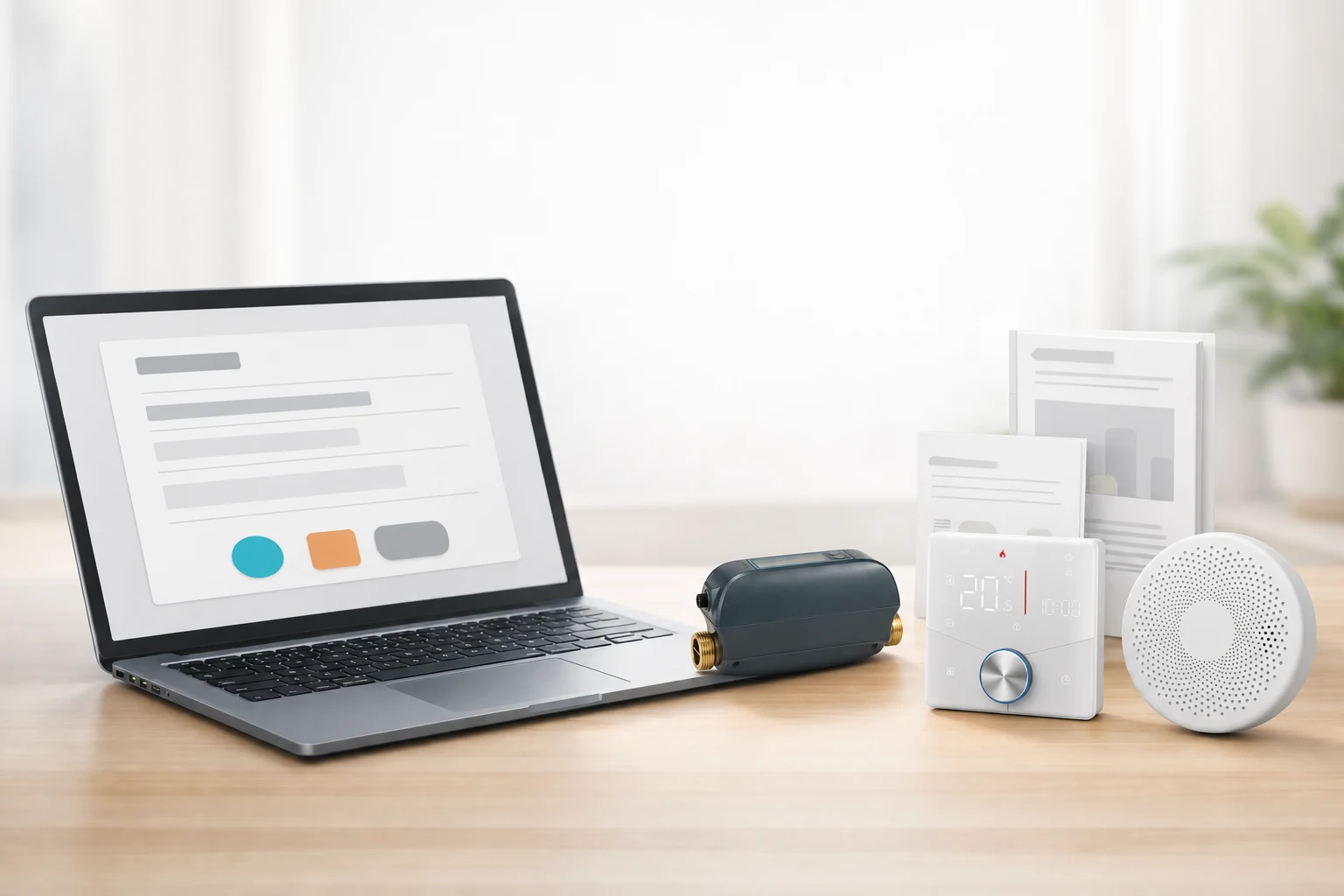
Support is most useful when the visitor knows whether the issue is pre-sales, documents, policy or partner inquiry.
Use this for product selection and compatibility questions before ordering.
Start request DocumentsUse manuals when the question is a file, version or document status.
View manuals PartnerUse the shared partner inquiry for installer-supported water projects.
For installersChoose product questions, manuals, policies, or partner inquiries before sharing details so the request has the right context.
Complete the support details below. If online submission is unavailable, you can open a pre-addressed email and send it from your email app.
The fastest path is usually to identify the product line first, then choose whether the blocker is compatibility, a missing manual, a policy question, or a partner-supported project.
Product interest, compatibility question and buying stage.
Manual/spec request, product name and context.
Shipping, returns or warranty topic and order details if available.
The support request should include the product, question type, purchase stage and any safe documentation already reviewed.
Do not send unsafe wiring details or personal information that is not needed for the request.
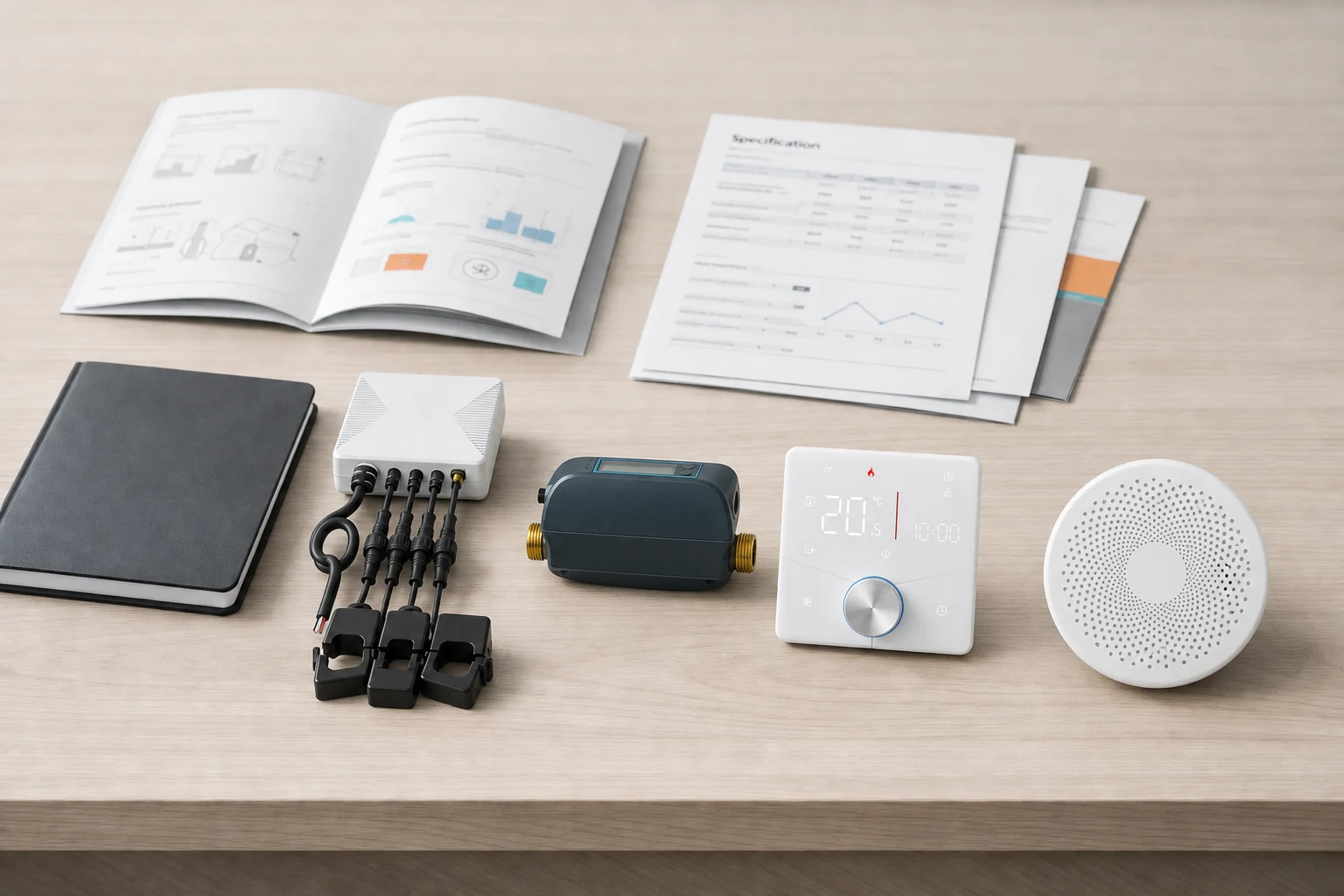
Grus support can help with product questions, but it is not an emergency water, electrical, or heating service.
Grus pages do not replace a qualified professional, local code review, emergency service, or final product documentation.
When the question involves electrical, plumbing, heating, gas, or other local service work, use product documentation and qualified local services for the field decision.
Complete the requested information below. The form will confirm whether your request was submitted online or prepared as an email.

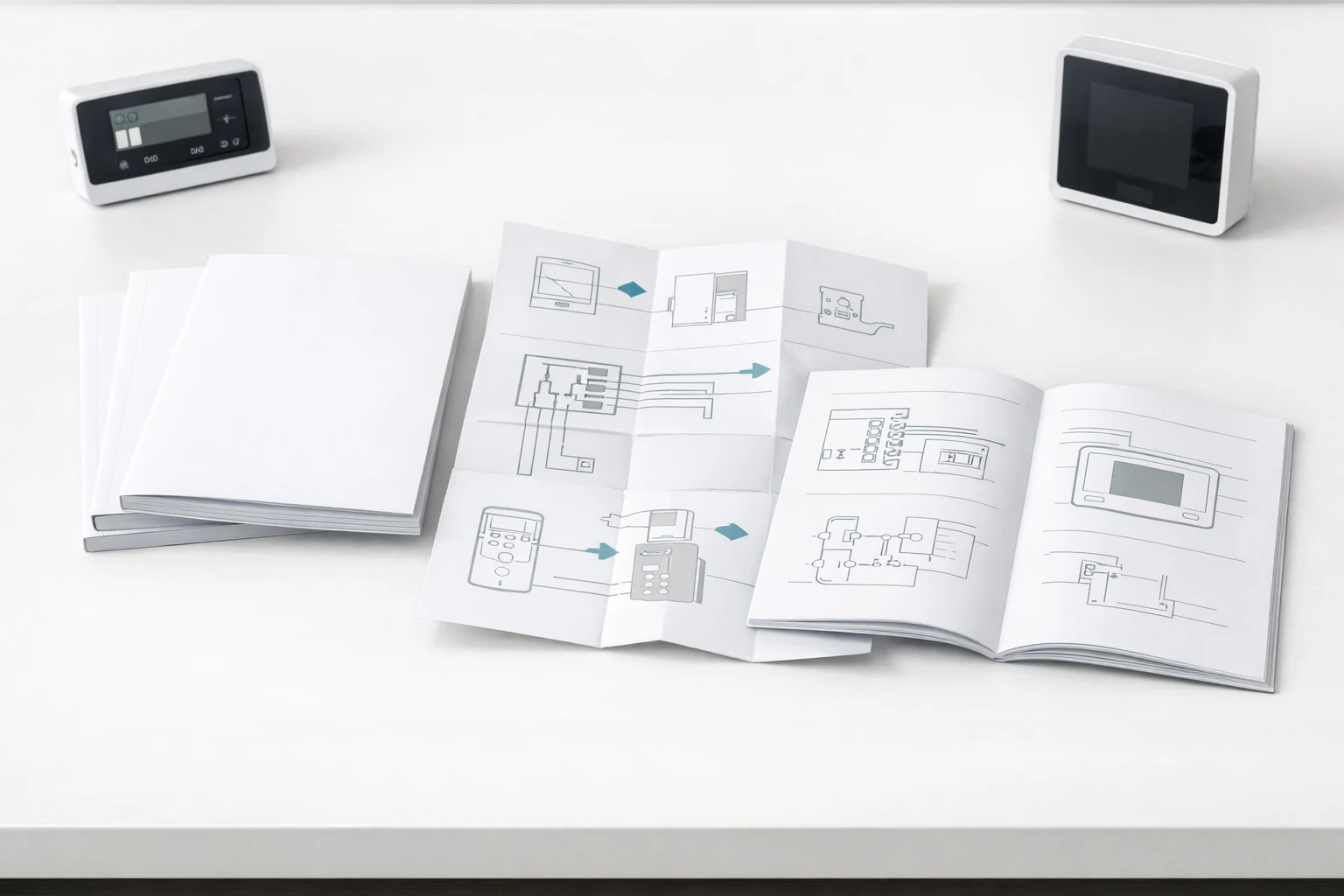
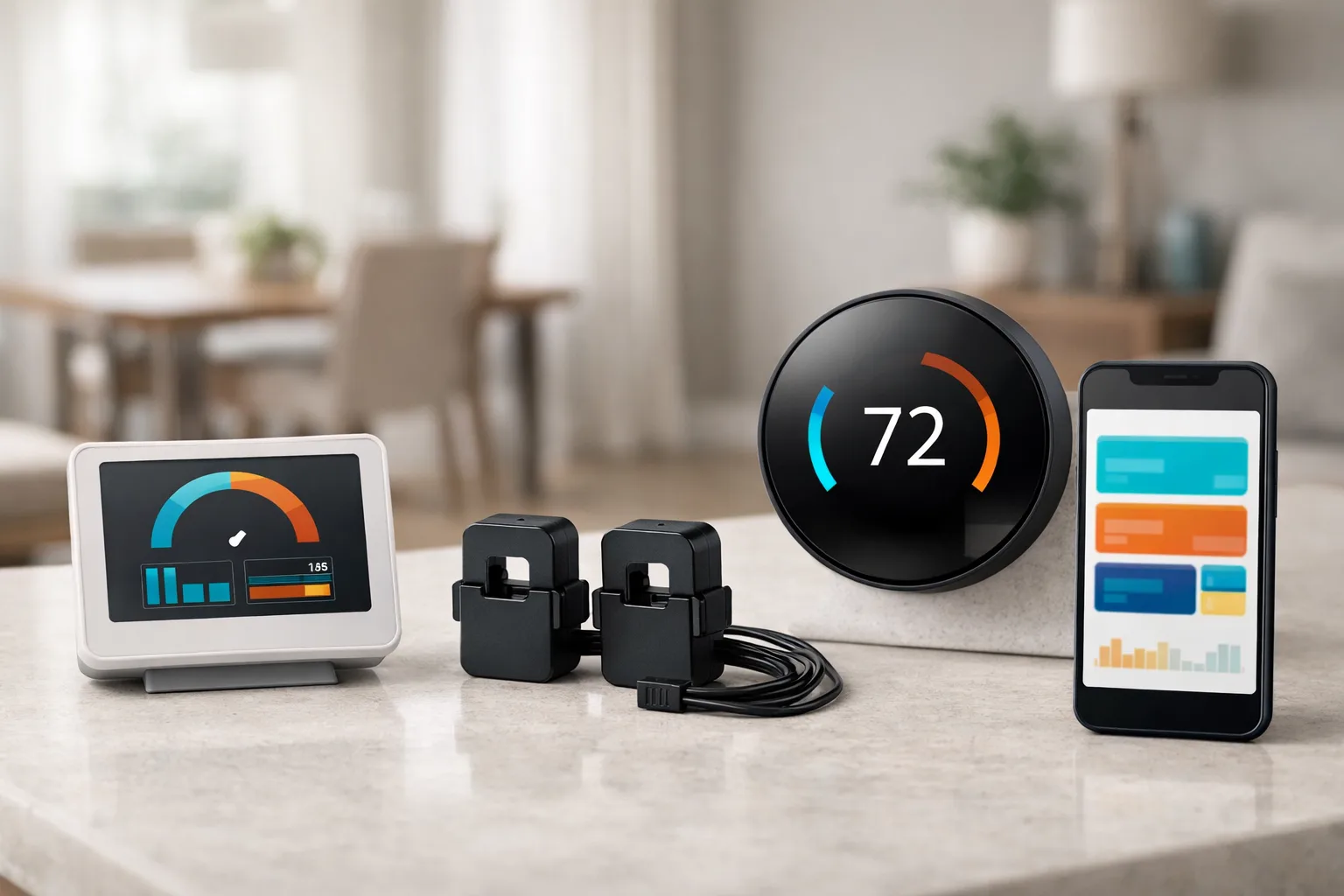
Support can route product questions, pre-sales fit questions, document requests and policy questions.
No. Urgent water, electrical or heating issues should go to qualified local services.
Include product line, question type, purchase stage and order details only when relevant.
Installer or reseller inquiries should use the partner kit path.
Start with manuals for documents, support for product questions, and the partner path for installer-supported water projects.