
Match coverage to the question
Whole-home data shows total demand. Add circuit CTs to compare selected loads such as HVAC or appliances; up to 16 channels are supported, but the bundle determines included sensors.
Find where electricity use changes. Choose the main CT layout and circuit coverage that match your panel.
WattPanel monitors electricity consumed and produced, with whole-home data and up to 16 individual circuit channels. Start with WattPanel-2X for the 120/240V split-phase buying path, or review WattPanel-3X when your installation needs three main CTs. A qualified electrical professional must confirm the actual service and panel fit.
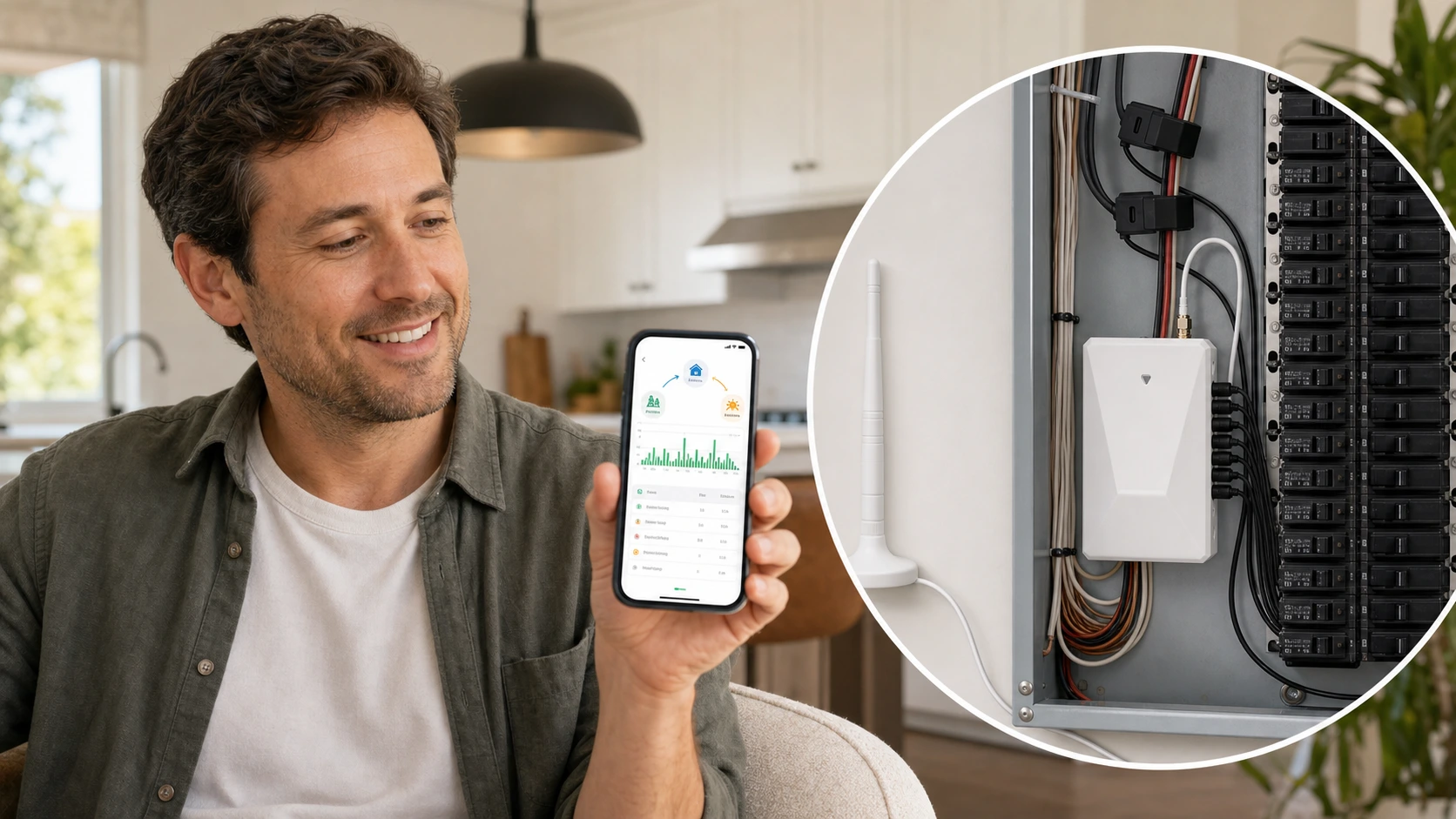
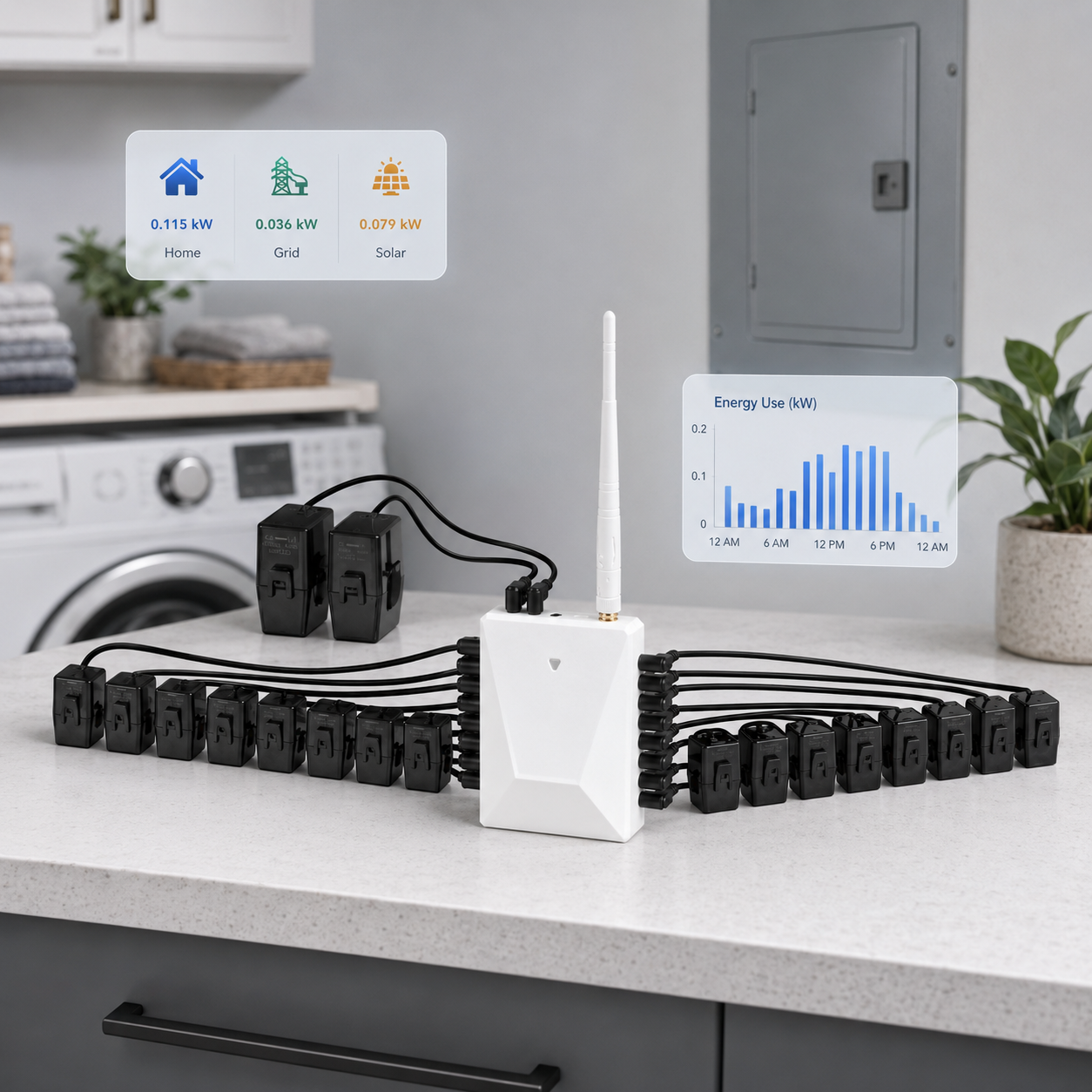
Monitoring turns panel data into a view of household demand. It can reveal changes worth investigating without promising a fixed savings result.
Whole-home data shows total demand. Add circuit CTs to compare selected loads such as HVAC or appliances; up to 16 channels are supported, but the bundle determines included sensors.
Review historical consumption and production data in the connected app. Compare similar periods before deciding which load or usage habit needs investigation.
Use the pattern to guide a load or schedule review. Monitoring does not guarantee savings and is not a billing-meter substitute. Panel work belongs to qualified electrical personnel.
Both models support whole-home monitoring and up to 16 individual circuits. Main CT layout is a buying distinction, not proof of universal service compatibility. The selected bundle determines which CTs are included.
Review the 120/240V split-phase monitor and choose mains-only, 8-circuit, or 16-circuit coverage from the available bundles. Confirm CT size and panel space before ordering.
Review the three-main-CT model, individual circuit coverage, and DIN-rail mounting. Have the service arrangement checked against its manual; three CTs do not mean every three-phase connection is supported.
Compare monitoring goals, sensor scope, panel questions, and support needs before ordering.
Check service context and panel assumptions before treating a product image as proof of fit.
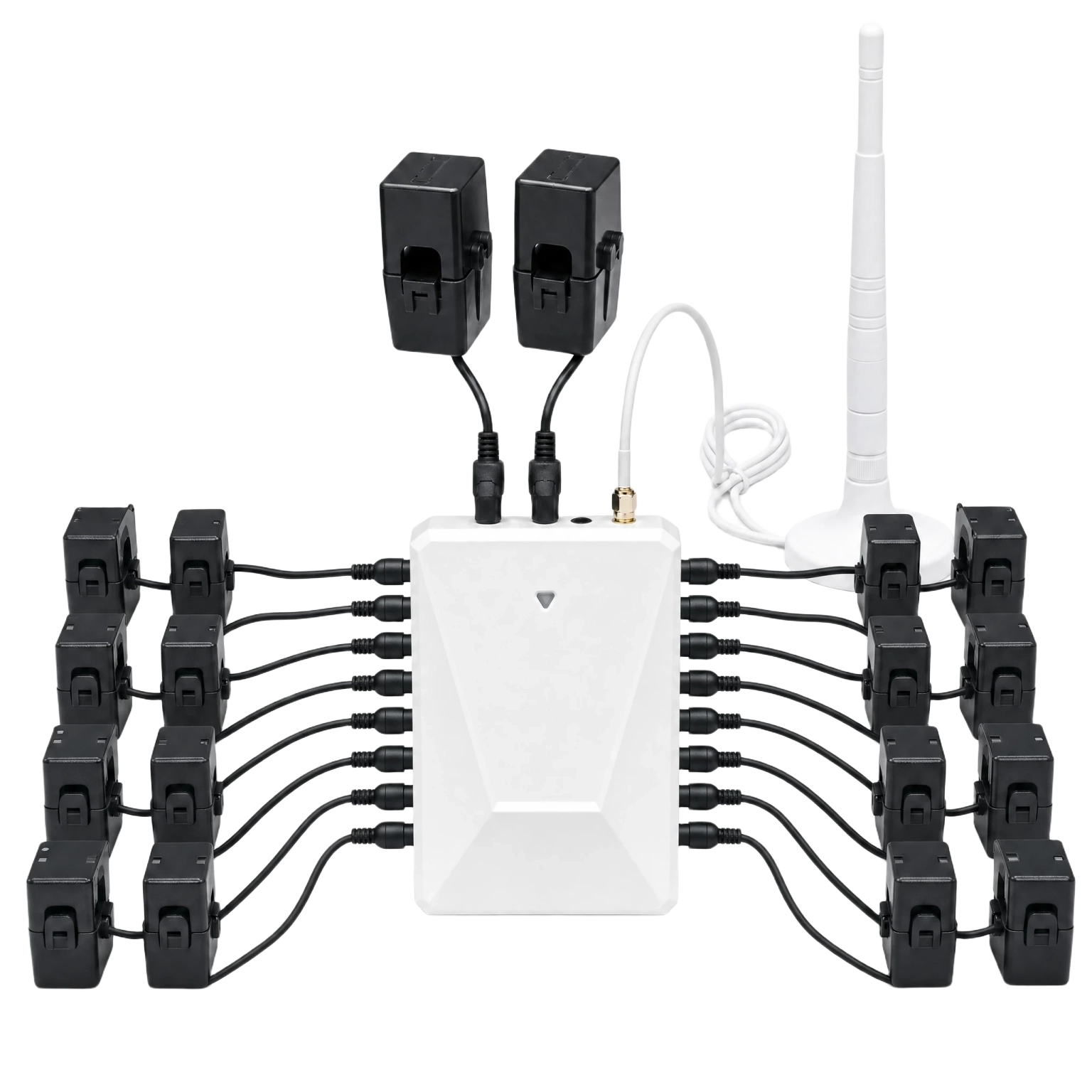
Before ordering, confirm the electrical service context, available panel space, required sensors, and who should handle installation. Product images explain the system; they are not wiring instructions.
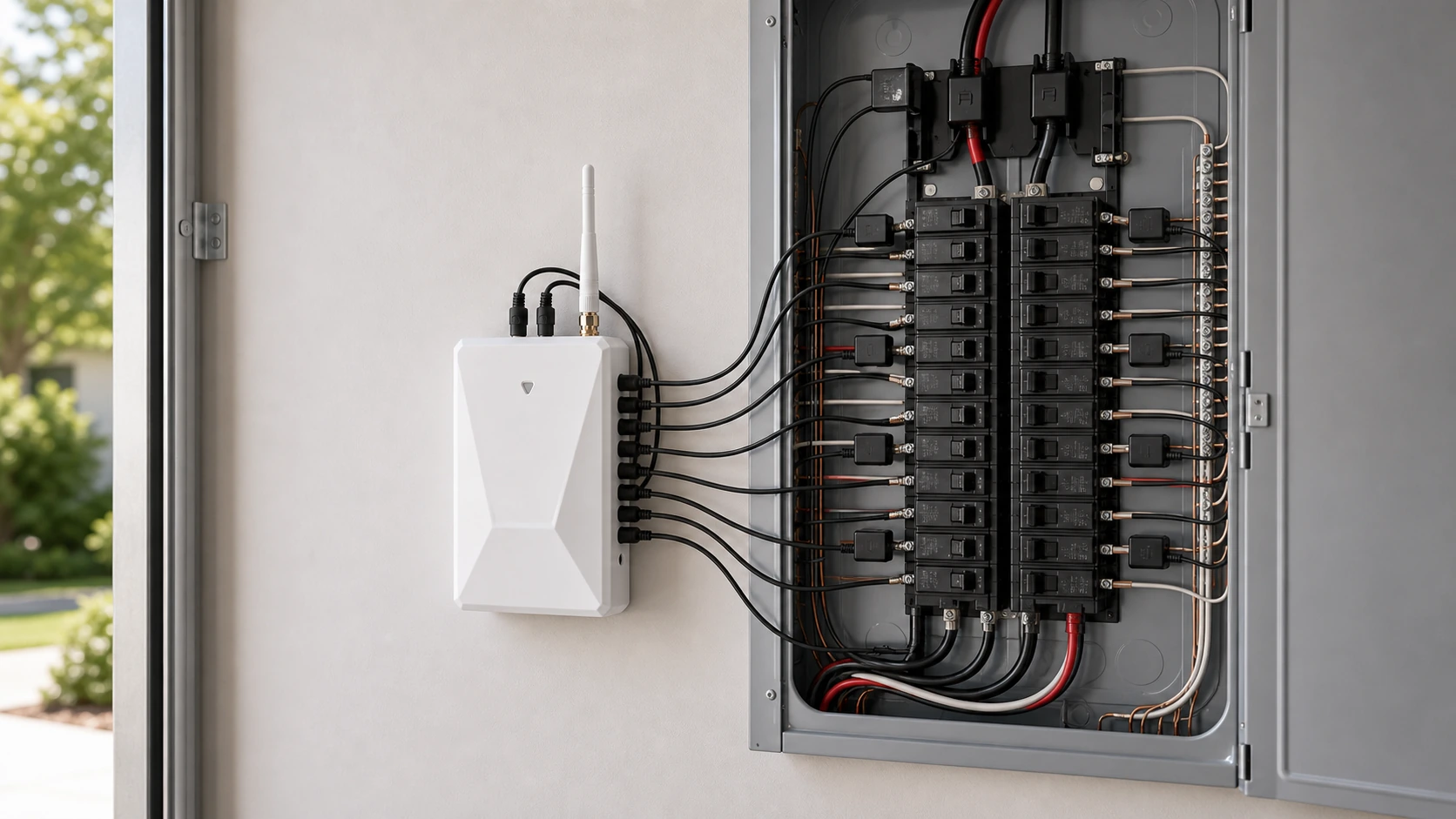
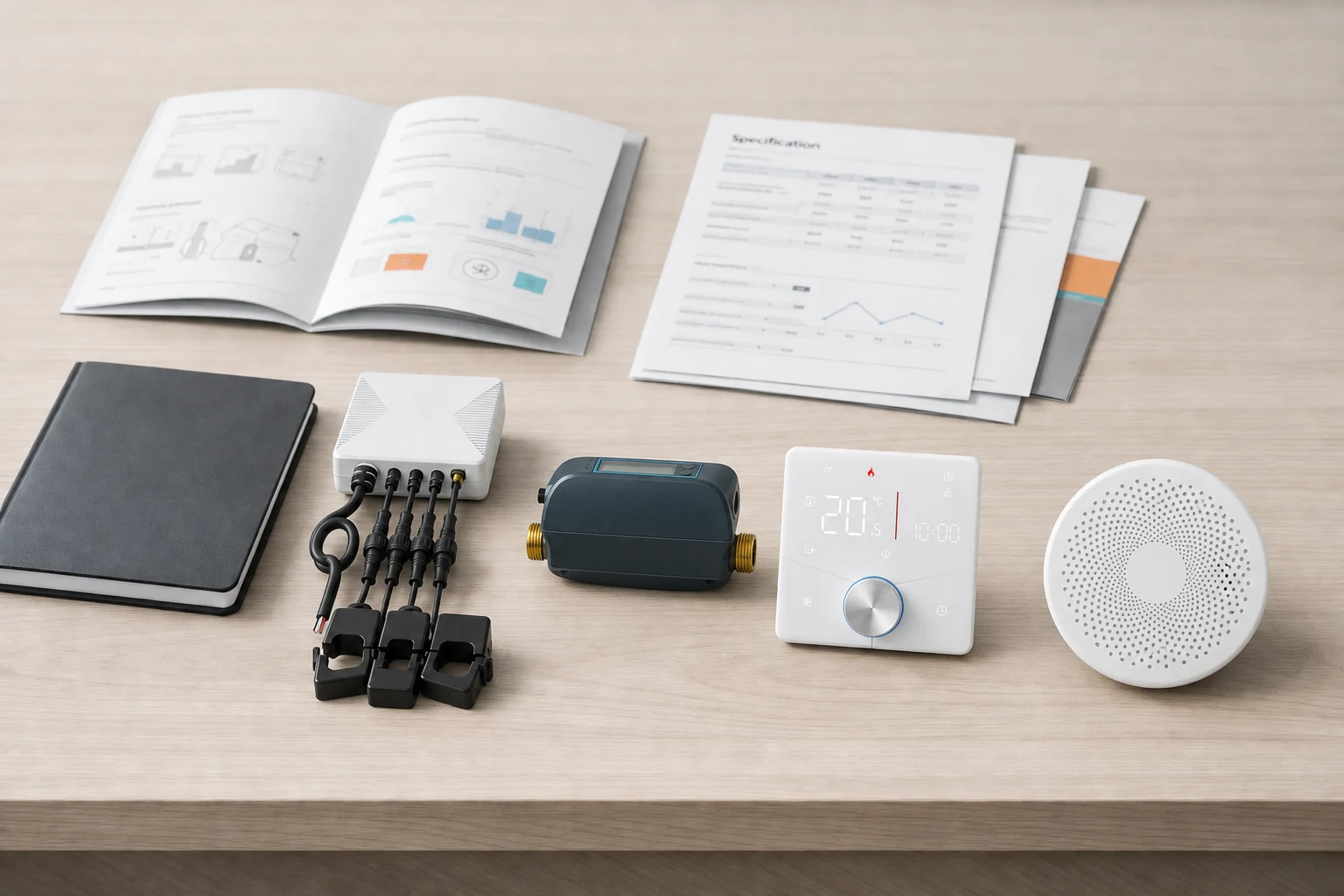
Use the product page for hardware details, the buying guides for electrical context, and manuals for source information. Ask support when those sources do not resolve the home-specific question.
It can help homeowners see usage patterns and review when electricity demand changes, but it does not guarantee lower bills.
No. This page explains the buying path and compatibility questions. Electrical work may require a qualified professional and local code review.
WattPanel-2X has two main CTs; WattPanel-3X has three and supports DIN-rail mounting. Both monitor consumption and production and support up to 16 individual circuit channels. Choose from the model's available bundles and have electrical service compatibility verified rather than assuming the models are interchangeable.
Use the electrical guides first, then contact support if product documentation does not resolve the question.
Use 2X for the split-phase buying path, or review 3X for three main CTs. If the service arrangement or panel fit is unresolved, ask support before ordering and share the selected model and the question your electrician needs answered.