
Integration verification
Verify Home Assistant and Local Control Before You Buy
App control, local control, and Home Assistant integration are different claims. Confirm each one against current documentation for the exact product and model.
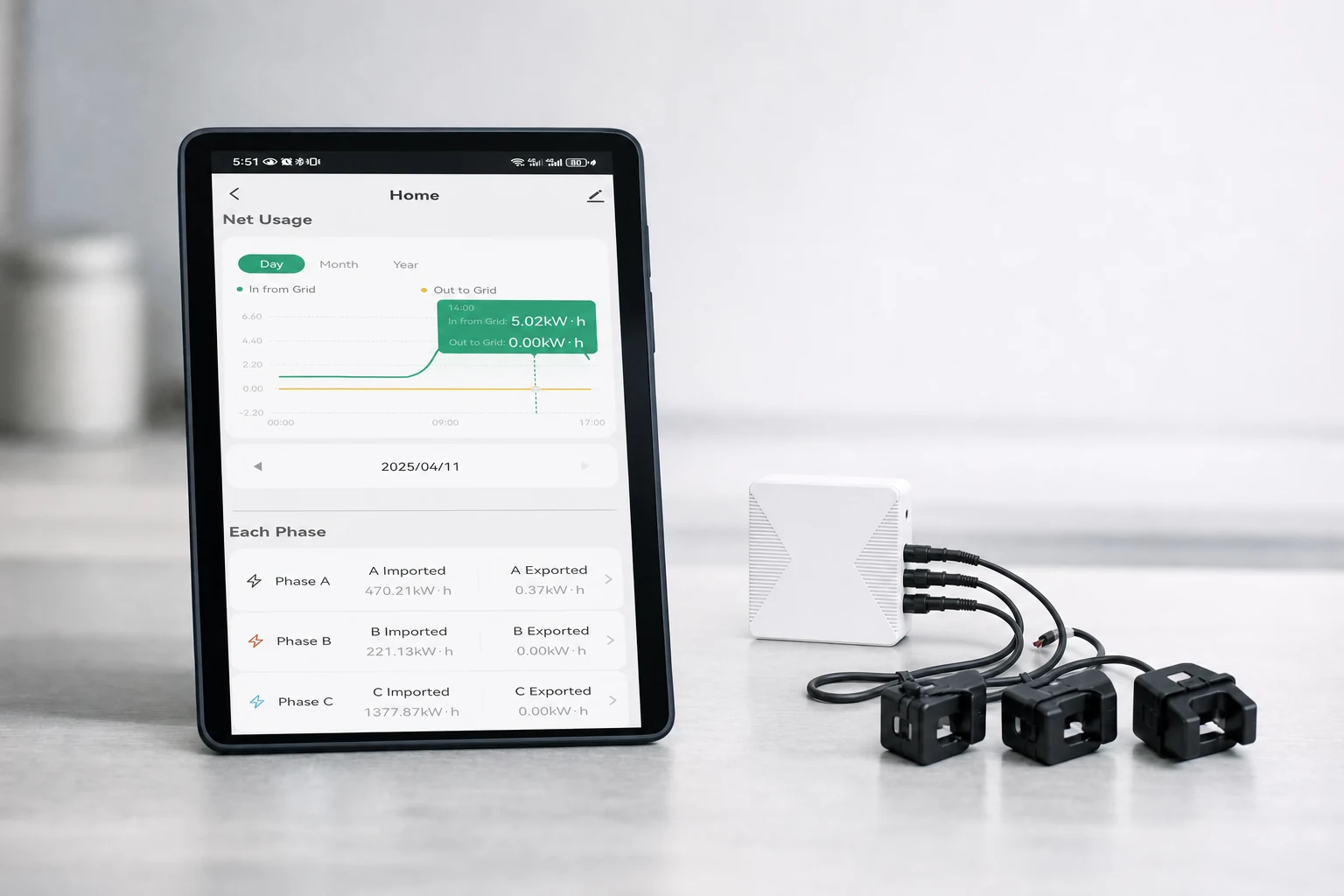
No Grus integration claim is established by this guide.
This page does not confirm Home Assistant, Matter, Zigbee, MQTT, offline control, or local-LAN support for any Grus product. Use the exact model manual, official integration documentation, firmware scope, and a repeatable test plan before treating any integration as supported.
Require evidence for these four integration layers.
Exact product scope
Match the full product model, hardware revision, firmware, region, app, and account requirements.
Integration path
Identify whether the documented path is official, third-party, cloud-mediated, local LAN, bridge-based, or unsupported.
Entity and command scope
List which readings, states, controls, events, and configuration functions are actually exposed.
Dependency and failure behavior
Test what happens when internet, cloud service, gateway, account token, network, or Home Assistant is unavailable.
01
Do not use app control, integration, and local control as synonyms.
A product can have a vendor app without a Home Assistant integration. A Home Assistant integration can depend on a cloud account. A device can communicate locally while setup or authentication still depends on an external service.
Write the desired behavior as a testable requirement rather than a broad label such as 'works locally.'
| Claim | Evidence needed | Question to test |
|---|---|---|
| Vendor app control | Exact model and app documentation | Which states and commands are available through the supported app? |
| Home Assistant integration | Official integration page or explicit current vendor documentation | Does the exact model appear, and who maintains the integration? |
| Local LAN control | Documented local transport and authentication path | Can supported commands run without the vendor cloud? |
| Offline operation | Documented device behavior and a controlled outage test | Which core functions continue when internet, cloud, or controller is unavailable? |
| Protocol support | Exact-model documentation for Matter, Zigbee, MQTT, or another named protocol | Is the protocol native, bridged, partial, or absent? |
02
Start with current documentation for the exact model.
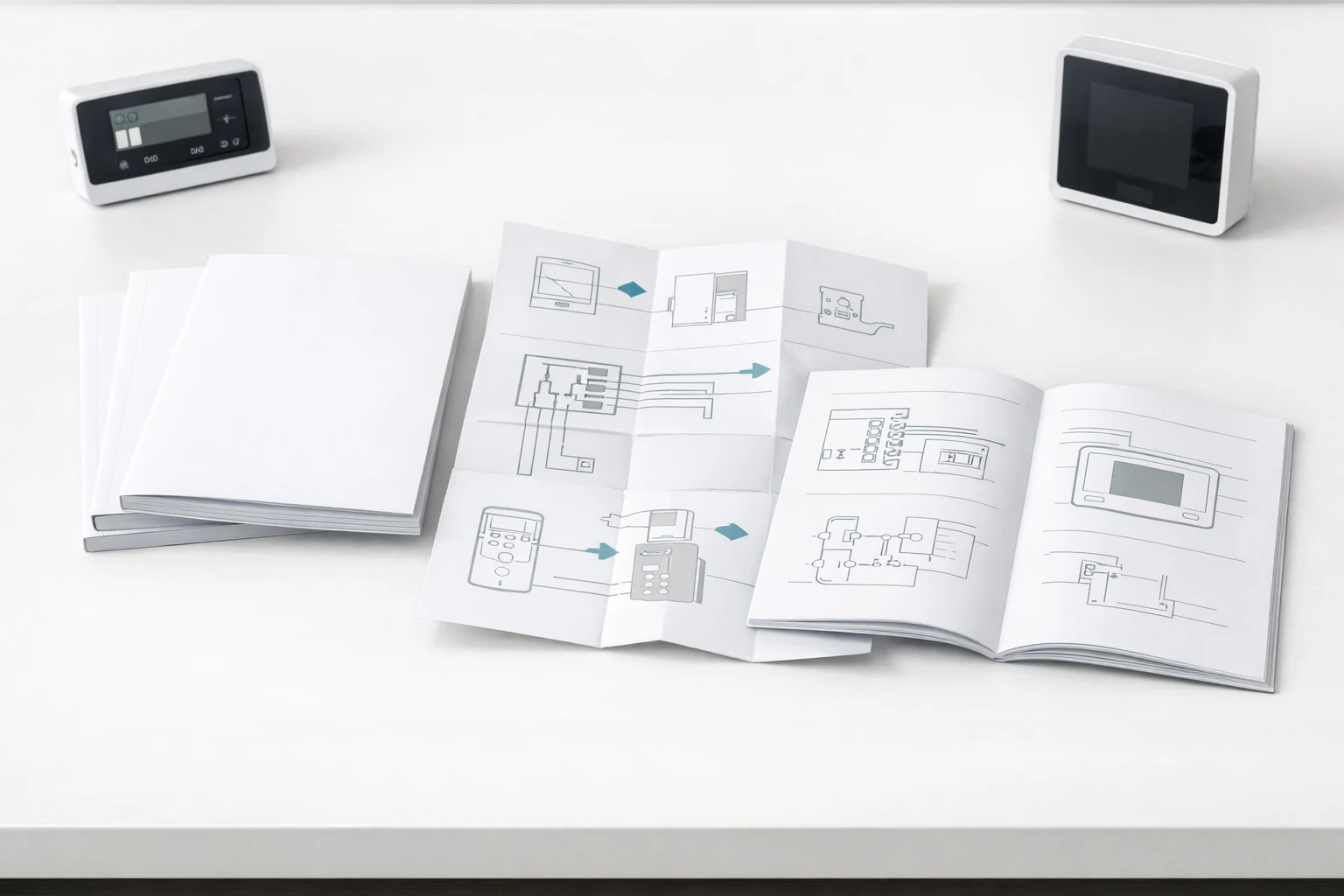
Use the exact model manual, release notes, support statement, and official integration documentation. Community reports can reveal questions, but they may describe another model, firmware, region, custom component, or unsupported workaround.
-
Identify the exact device
Record model, hardware revision, firmware, region, and the current app or account context.
-
Find the named integration
Confirm whether documentation describes a supported integration, protocol, bridge, API, or no integration at all.
-
Check maintenance status
Review current ownership, release compatibility, known limitations, and deprecation notices.
-
Save the evidence
Keep the source URL, document version, access date, and assumptions with the buying decision.
03
Test the specific entities, commands, and outages that matter.
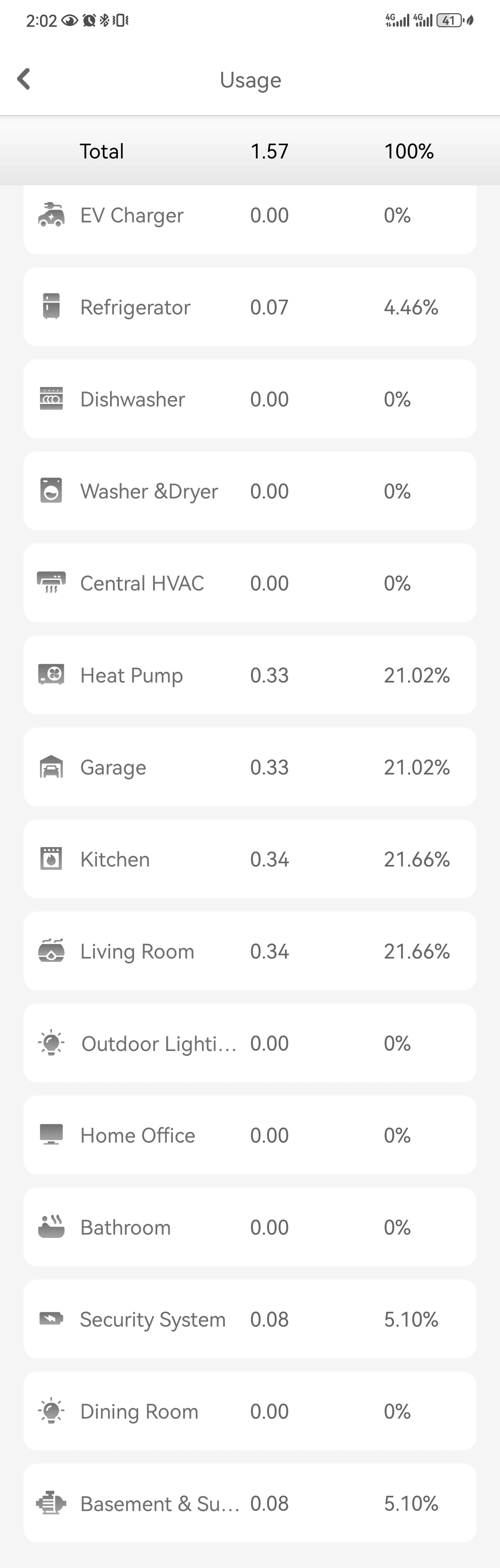
A successful device discovery does not prove complete support. Build a matrix for the readings, controls, state updates, automation triggers, command acknowledgements, account dependencies, and recovery behavior required by the household.
Read path
Verify each required measurement or status, its units, refresh behavior, and stale-state handling.
Control path
Verify each permitted command, acknowledgement, resulting device state, and safety boundary.
Automation path
Verify events, triggers, delays, duplicate events, restart behavior, and unavailable states.
Failure path
Disconnect one dependency at a time and record local device behavior, visibility, recovery, and fallback.
04
Send support a precise integration question.
Include the exact product and model, firmware if known, region, required platform, desired read and control functions, local or cloud requirement, and the evidence already reviewed. Avoid asking only whether a device is 'smart-home compatible.'
05
Questions people ask before the next step
Does this guide confirm that Grus products work with Home Assistant?
No. It does not confirm Home Assistant support for any Grus product. Verify the exact model against its product manual and official integration documentation.
Does a mobile app mean the device supports local control?
No. The app may depend on a vendor cloud, account, gateway, or internet connection. The communication and authentication path must be documented and tested.
Does Matter, Zigbee, or MQTT support apply to Grus products?
This guide makes no such claim. Require current exact-model documentation before treating any named protocol as supported.
What is the minimum useful integration test?
Test the required read and control functions, state updates, automation events, dependency outages, restart behavior, fallback, and recovery for the exact model and software versions.
Treat every integration requirement as a versioned, testable contract.
Review the exact model documentation first, then ask support for any missing protocol, entity, dependency, or failure-behavior evidence.