Choose a thermostat by the equipment it needs to control, not by its screen or a “smart” label. Start with the equipment model and its documentation, then ask which replacement control is supported. A familiar-looking thermostat is not evidence of a compatible replacement.
This guide keeps seven category names used in our earlier overview. They describe different control contexts, not seven interchangeable products or a complete classification of every system. The questions below help you prepare a replacement discussion; they are not wiring instructions or an installation approval.
Seven categories, seven starting questions
| Category | Start the discussion with | What the label alone cannot answer |
|---|---|---|
| Underfloor heating thermostat | Which floor-heating equipment and existing sensors does this control need to work with? | Whether a particular replacement supports that arrangement |
| Heat pump thermostat | What is the heat-pump equipment model, and which control functions does its documentation require? | Whether a similar display supports the same equipment |
| Electric heating thermostat | Which heater and control models are listed in the existing records? | The replacement’s permitted load or connection requirements |
| Central air-conditioning thermostat | Which equipment and, where relevant, existing zone controls are involved? | Whether one thermostat can replace the complete control arrangement |
| Water heater thermostat | Which water-heating appliance and manufacturer-specified control are involved? | Whether a room-temperature thermostat is an appropriate substitute |
| Solar water-heater controller | Which controller, sensors and solar hot-water equipment are specified together? | Whether a generic smart thermostat can replace that controller |
| Fresh-air or ventilation control | What does the equipment manufacturer call the control, and what task must it perform? | Whether it controls ventilation, temperature or another function in this particular system |
If you cannot identify the equipment from records you already have, ask the equipment supplier or a qualified professional for help. Do not open electrical equipment or alter wiring to gather information for this guide.
Separate product appearance from compatibility
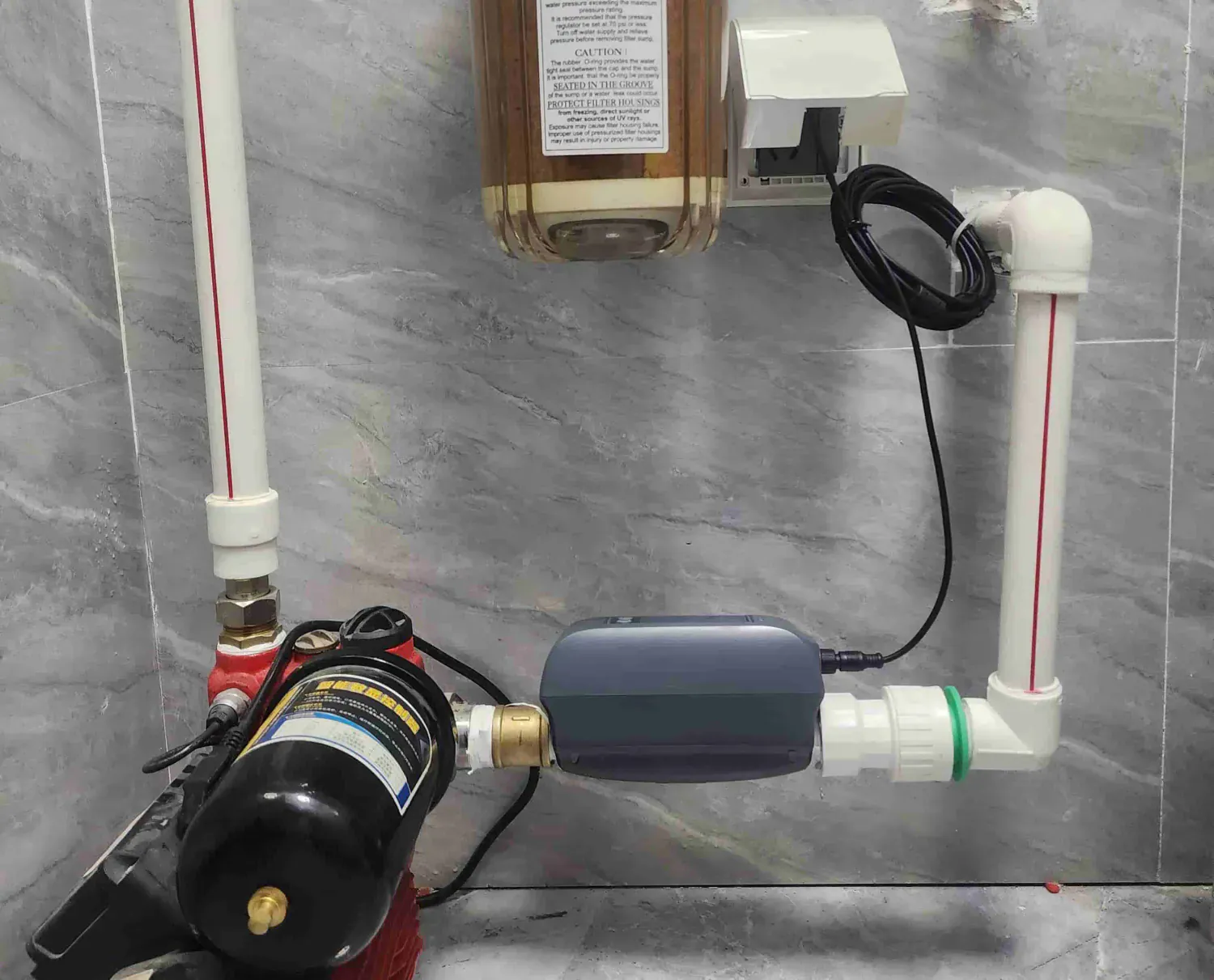
A product photograph can help identify the model you are discussing. It cannot establish the electrical requirements, supported equipment, installation method or functions available in your particular setup.

For a heat-pump replacement discussion, use the heat-pump compatibility guide. If your records identify electric baseboard heating, use the baseboard compatibility guide. These guides help organize questions; they do not approve an installation.
Installation documents and regional requirements
The category name is not a wiring specification. Ask the equipment provider or qualified installer which model-specific documents apply to the proposed replacement. A general wire-count table cannot resolve that decision.
Likewise, a country name or a logo in a photograph does not establish approval for a particular model and location. Request the documents applicable to the exact product; this overview does not provide a regional certification table or a compliance decision.
Ask what “smart” means for the exact model
Before choosing a connected control, ask for the documentation behind each feature that matters to you:
- Can this model use a schedule you set, and where are its limits explained?
- Which remote functions are supported, and what power, account or network conditions do they require?
- Is a named voice platform or other integration documented for this model and configuration?
- Is an energy-related display a measured quantity, an estimate or a feature that this model does not provide?
- What functions, if any, are documented as available when a required connection is unavailable?
Consider each question separately. A screen image does not prove remote access. An app connection does not prove a particular integration. A scheduling option does not establish automatic learning, a fixed reduction in energy use or a payback period.
Energy use and payback: separate the question from a promise
Ask what evidence supports an energy-saving claim before using it in a purchase decision. A model-specific result would need its source, comparison conditions and limits; a percentage without that context is not evidence of what will happen in your home.
This overview does not establish a percentage reduction, a household saving or a payback period. Treat a schedule, a remote-control option and a measured energy result as separate questions, not interchangeable benefits of the word “smart.”
What to send with a replacement question
Use records and safely accessible information you already have. A useful inquiry includes the equipment model, existing thermostat model, available manuals and the specific question you need answered. State which function you want to retain or add, rather than asking only whether the replacement is “smart.”
The qualified installer or equipment provider should resolve the equipment and installation requirements for the actual site. This article does not supply terminal assignments, wire counts, connection diagrams, test procedures or compliance approval.
Make the next decision specific
If you are comparing Grus controls, browse the current thermostat range, then read the documentation and boundaries for the exact model. This article does not establish a Grus product for every category listed above.
If a model-specific detail is unresolved, contact Product Help with the relevant records and your question. Do not include sensitive access information. Resolve that question before relying on a feature or committing to a replacement.