Quick answer: Can a natural gas detector send app alerts?
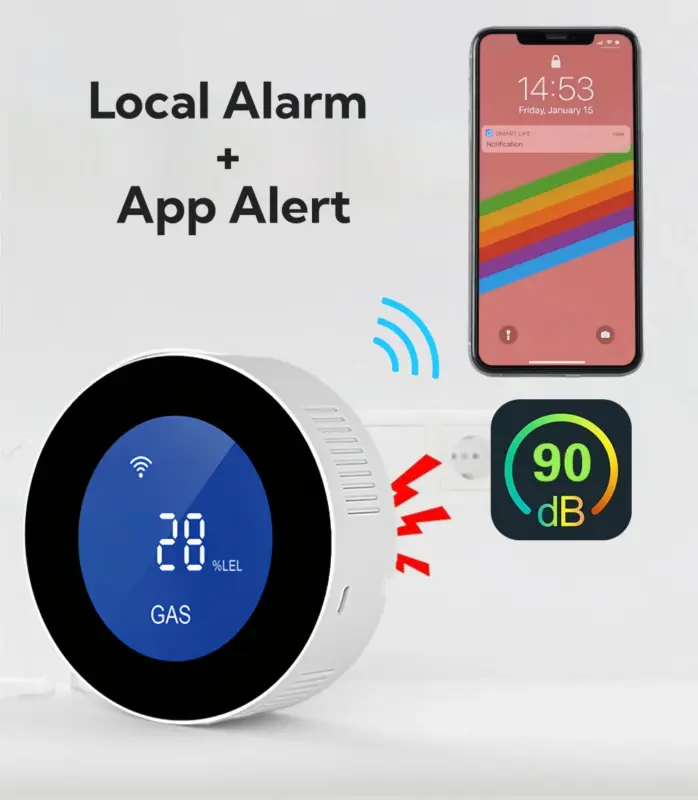
Yes — a WiFi natural gas detector can send real-time alerts to your phone when gas is detected.
But it is important to understand the boundaries:
• It depends on a working WiFi connection to send remote notifications.
• It still relies on a loud local alarm for on-site warning.
• It does not replace a carbon monoxide or smoke detector.
If you are currently smelling gas, do not rely on app explanations. Follow this safety checklist immediately:
→Gas smell safety guide (step-by-step)
This article focuses on what happens before and after an alert — so you can decide whether remote notification is worth it for your home.
What you actually get when an alert happens
Many buyers imagine “remote monitoring,” but the real question is: what does that look like in practice?
- On your phone
When gas concentration reaches the alarm threshold:
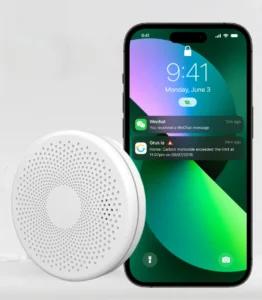
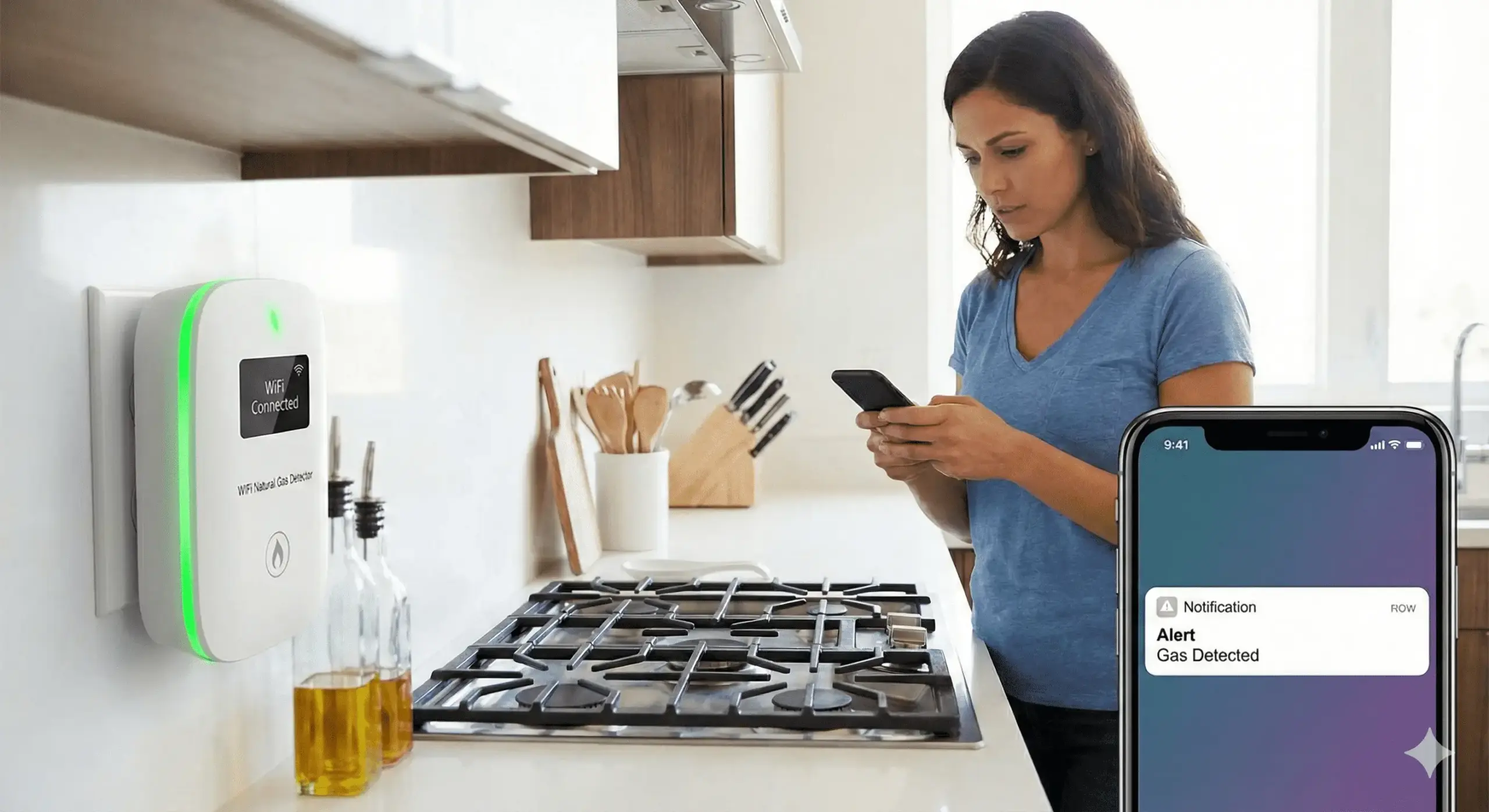
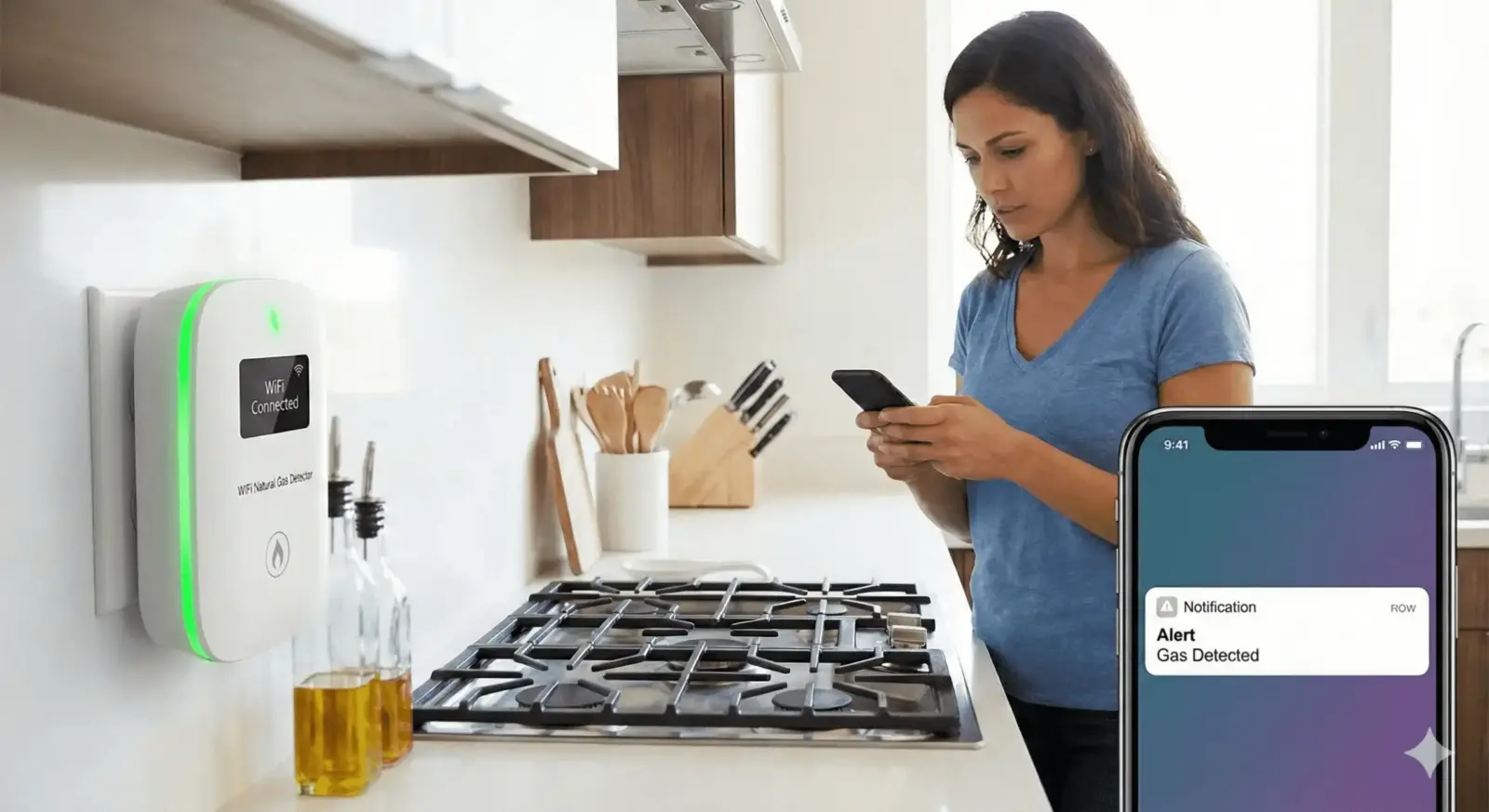
• You receive a push notification on your lock screen.
• Opening the app displays a clear alarm page.
• The device status changes to alert mode inside the app.
This works whether you are upstairs, at work, or traveling — as long as your phone has internet access.
- Inside the home
At the same time, the detector emits a loud local alarm.
This is critical. Remote alerts are helpful, but the on-site alarm ensures anyone physically present can hear the warning immediately.
- After the alarm
You should:
• Avoid switching electrical devices on or off
• Open windows if safe to do so
• Leave the area if the smell is strong
• Contact your gas provider or emergency services if needed
This article does not replace emergency guidance. For step-by-step actions, see:
→What to do if you smell gas in your house
If you want to see how a WiFi-enabled model combines app alerts and a loud local alarm, you can review:
→GasNet-S4: app alerts + loud local alarm
Family notifications: how multiple people get alerts
A common concern is: “Will everyone in my household receive the alert?”
The answer depends on device sharing configuration.
How it works (general process):
- One person installs and connects the detector to WiFi.
- Inside the app, the device is shared with other user accounts.
- Each invited user accepts the device share.
- Each user enables push notification permissions.
Once completed, all shared accounts can receive alarm notifications simultaneously.
Common reasons alerts fail:
• Push notifications are disabled in phone settings.
• The device was not properly shared.
• Users are logged into different, unlinked accounts.
• WiFi connection was interrupted.
Before assuming a device is unreliable, verify these configuration steps.
If you are considering a model designed for app alerts and multi-user sharing, review:
→See the GasNet-S4 WiFi gas detector
Real-life scenarios where app alerts matter
Remote alerts are not about convenience. They address specific risk scenarios.
- When no one is home
Gas leaks do not wait for occupants.
If you are at work or traveling, an app alert allows you to:
• Call a neighbor
• Contact a property manager
• Notify emergency services
- Elderly parents living alone
Adult children can receive alerts on their own phones.
This adds a second layer of monitoring without being physically present.
- Rental properties or secondary homes
For landlords or part-time residents, remote alerts provide visibility without daily visits.
The combination of loud local alarm + remote notification reduces delayed response risk.
Limitations and reliability notes (don’t skip)
WiFi dependency
Remote alerts require:
• Stable home internet
• Powered router
• Detector connected to network
If WiFi is down, the app alert will not be delivered.
However, the local alarm remains the primary on-site warning.
Power source
Plug-in detectors rely on continuous power. If power is interrupted, remote functions may be unavailable.
Not a replacement for other detectors
A natural gas detector is not the same as:
• Carbon monoxide (CO) detector
• Smoke detector
• Propane detector (unless explicitly specified by the product)
Each device monitors different hazards. Always verify the sensing capability before purchasing.
How to choose: a simple 3-point checklist
You likely need a WiFi natural gas detector if:
- You want more than one person notified.
- Your home is frequently unoccupied.
- You prefer both a loud local alarm and remote visibility.
If your priority is only on-site sound, a basic plug-in alarm may be sufficient.
If remote alerts and multi-phone notifications are important, review product details carefully:
→Check GasNet-S4 features and pricing
FAQ
Can it alert more than one phone?
Yes, if the device supports account sharing and each user enables notifications.
Does the alert work outside the home?
Yes. As long as your phone has internet access, you can receive alerts remotely.
What if WiFi goes down?
Remote alerts will not be delivered, but the local alarm will still sound.
Is this the same as a CO detector?
No. Natural gas detectors and carbon monoxide detectors monitor different gases. They are not interchangeable.
✔ Need multi-user notifications ✔ Often away from home ✔ Want local alarm + remote alerts
GasNet-S4 WiFi Natural Gas Detector →